No Data

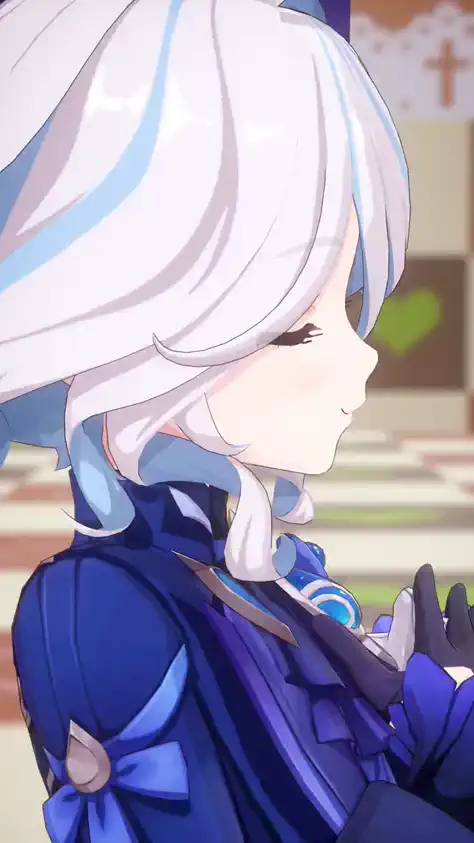
Actions and shots are perfectly preserved,Replace only specific elements。
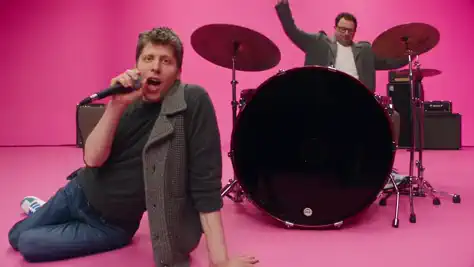
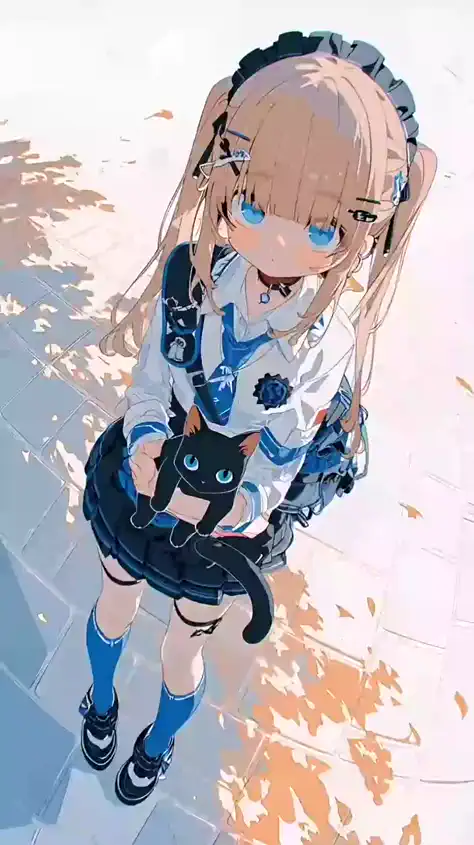
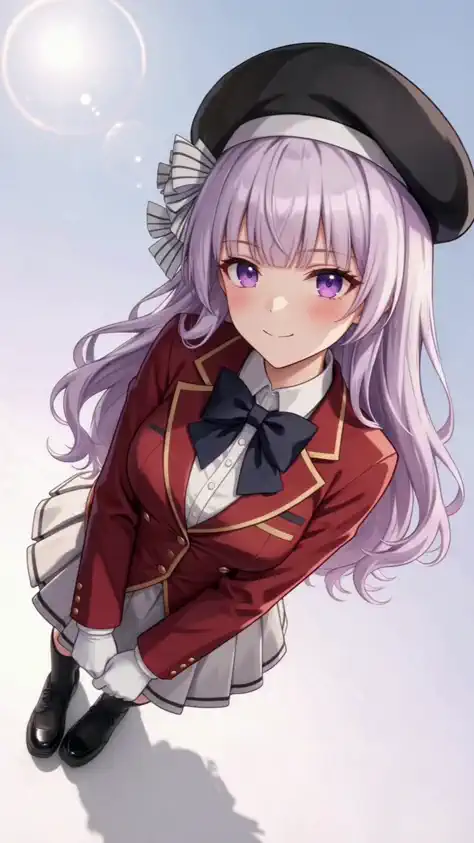
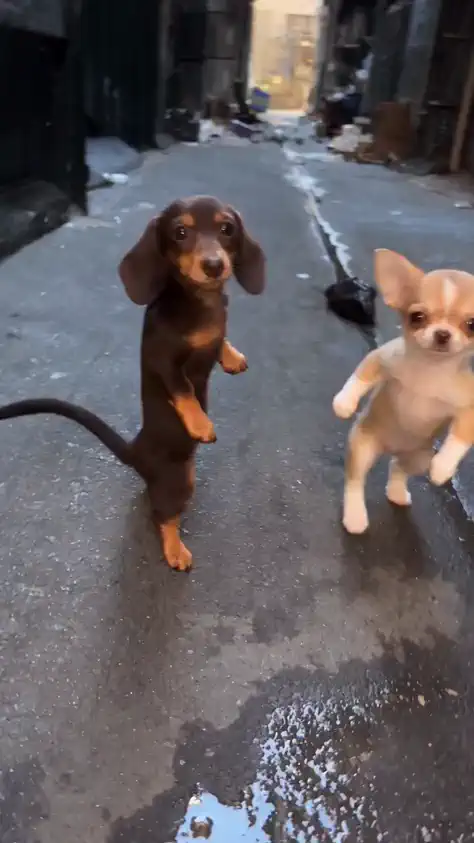
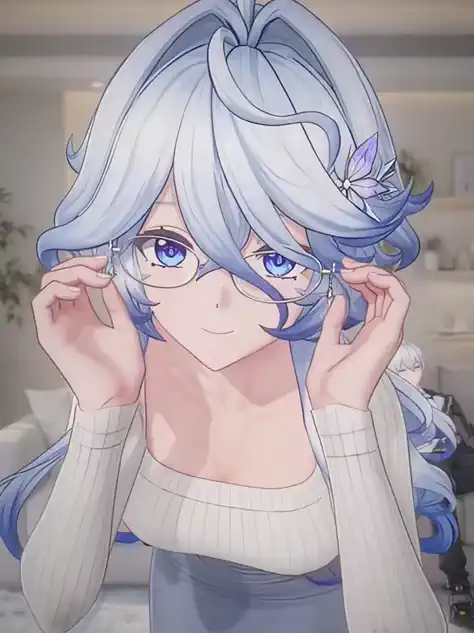
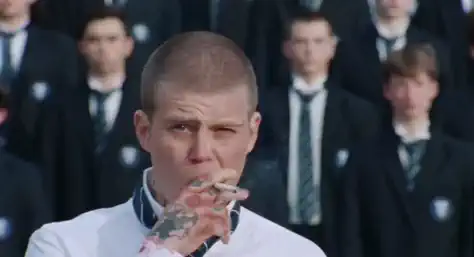
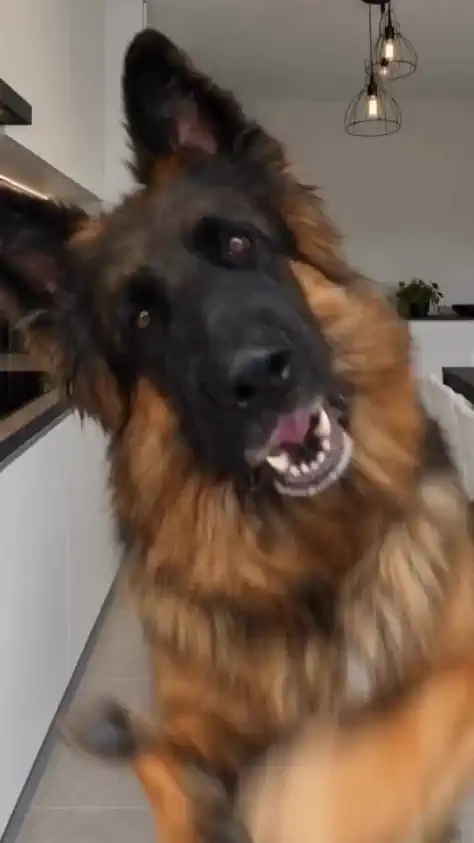
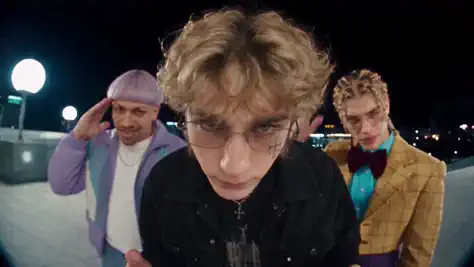
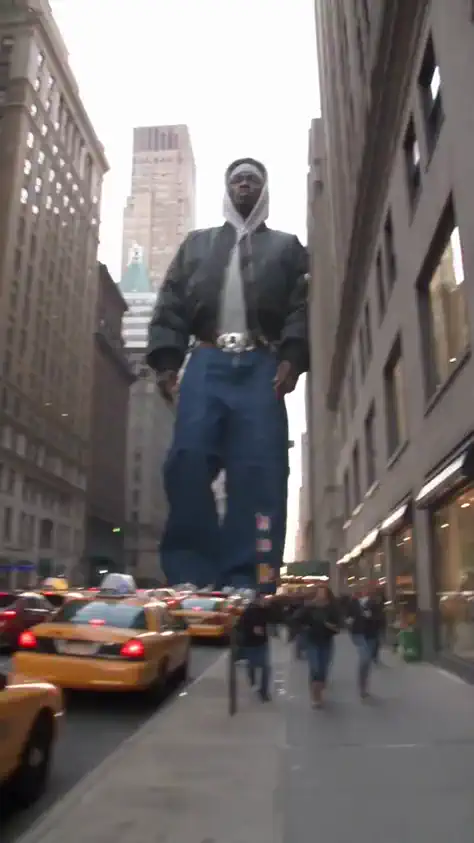
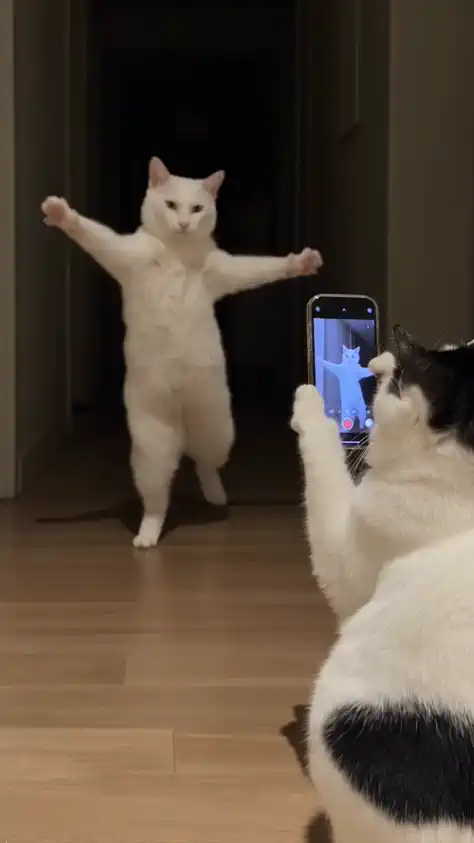
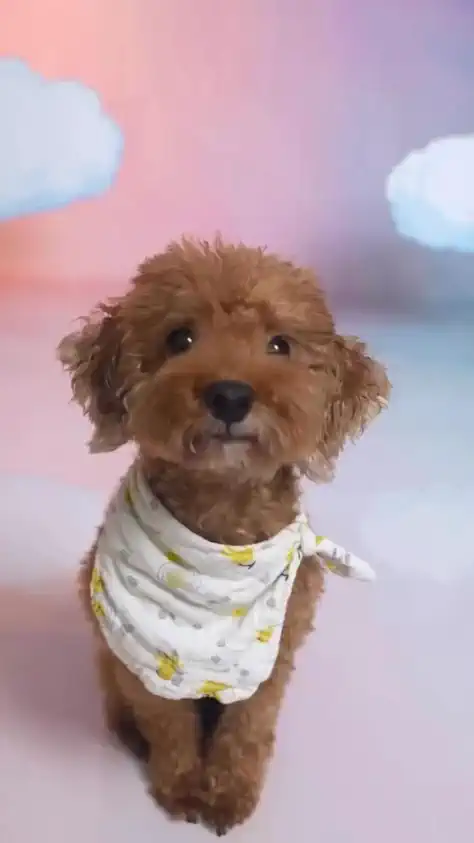
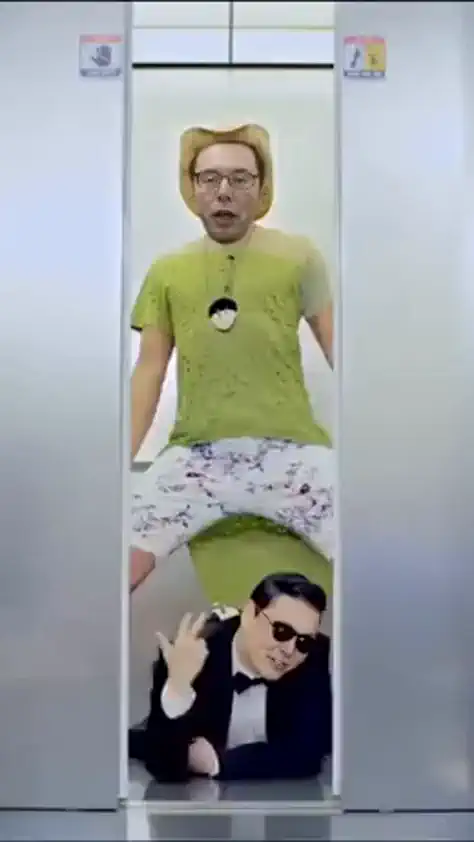
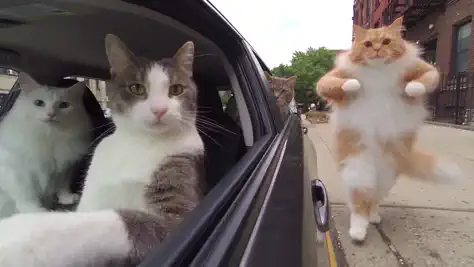
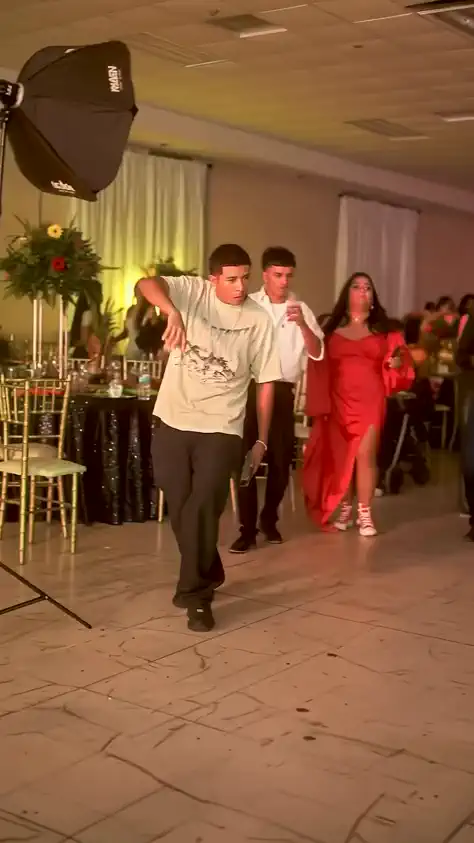
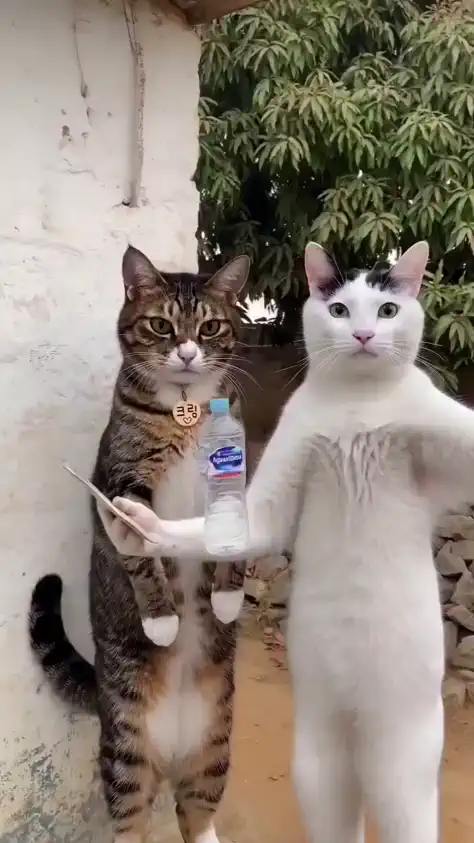
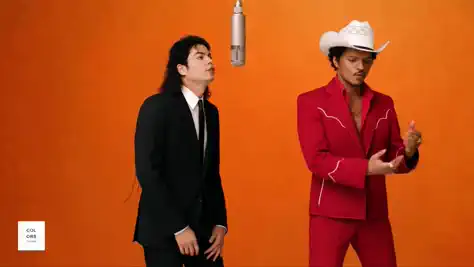
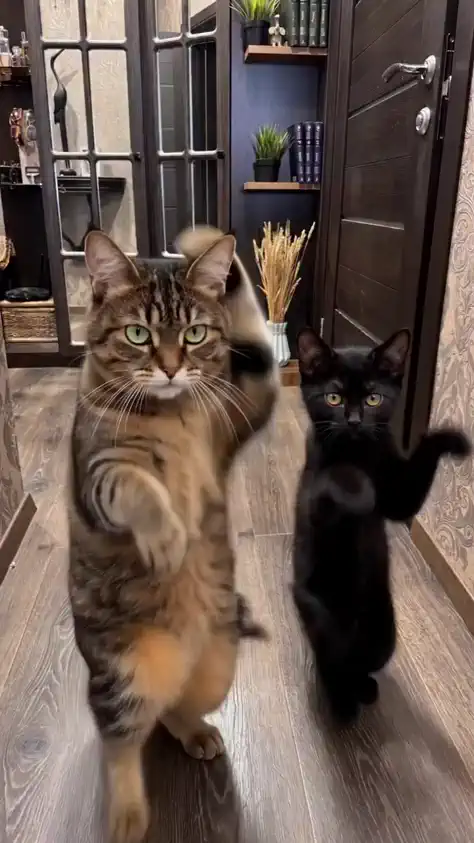
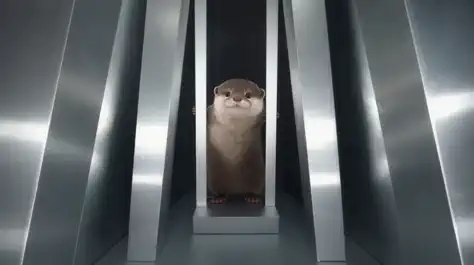
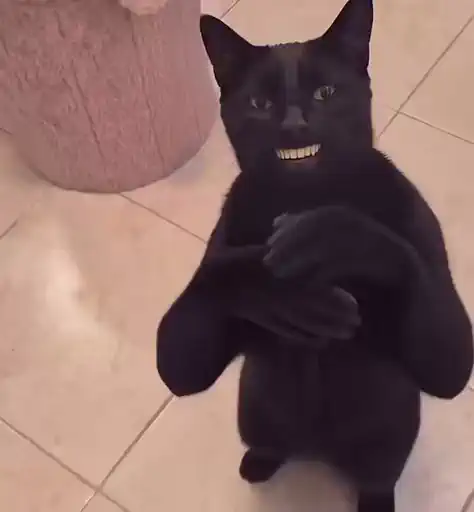
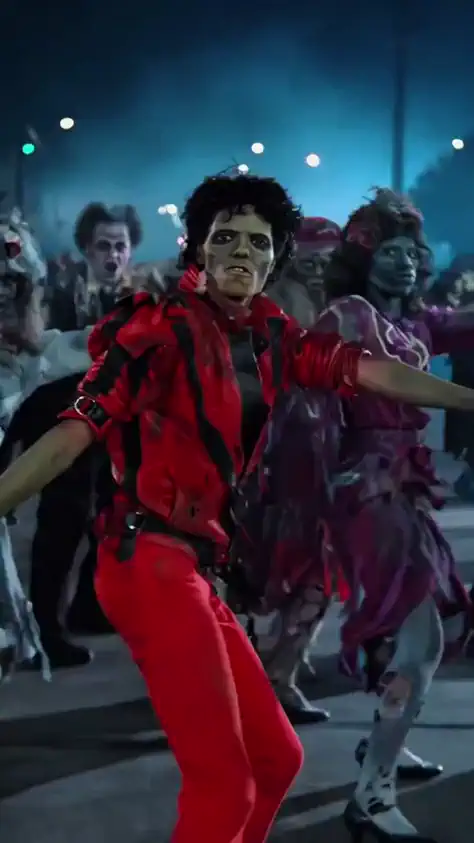
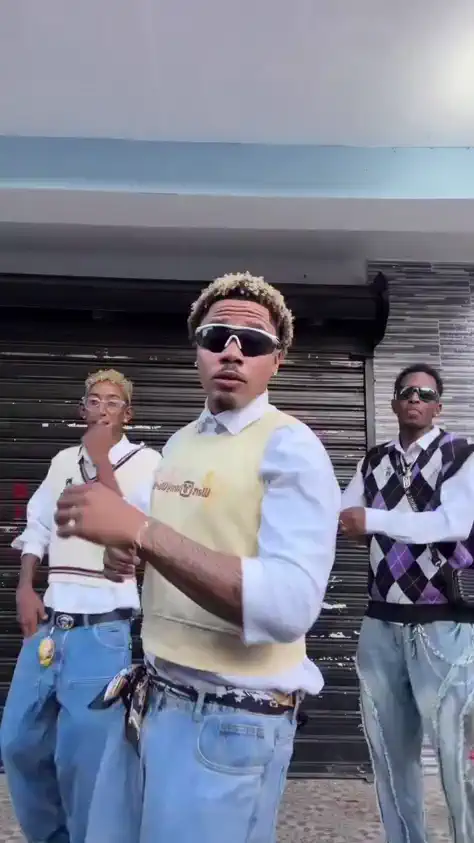
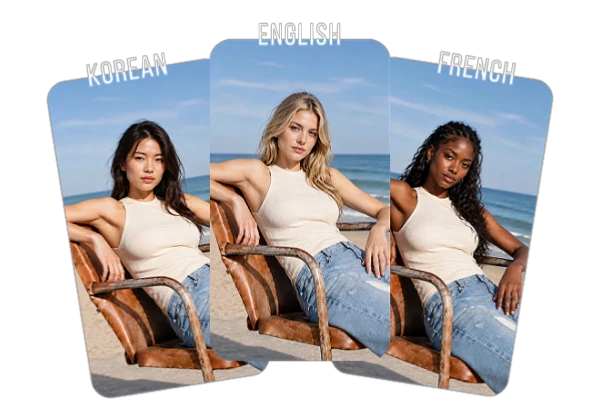
Create custom characters without complex prompts. Shape facial features, ethnicity, outfits, and aesthetic details through visual references, giving you more control over character appearance and consistency across videos.
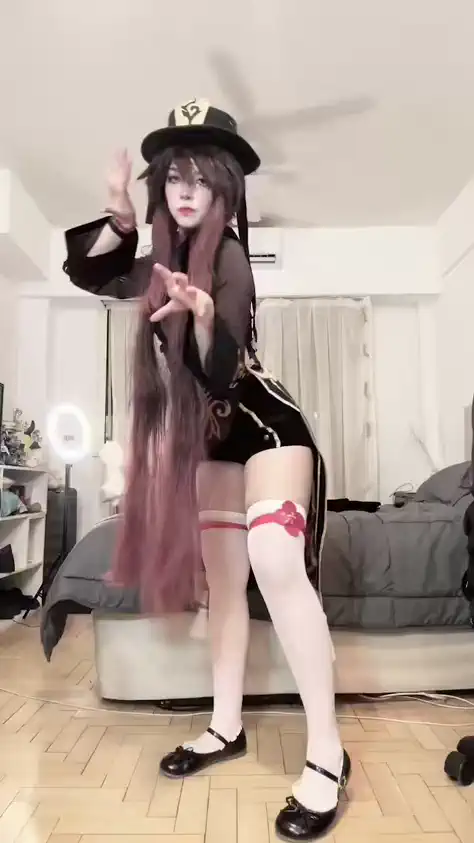
Motion Transfer uses an existing video as the movement reference for a new character or visual scene. The original performance, camera movement, and timing guide the transformation, helping you create a new visual version without filming the action again. When you want to apply motion from a separate performance clip, AI motion control covers that.
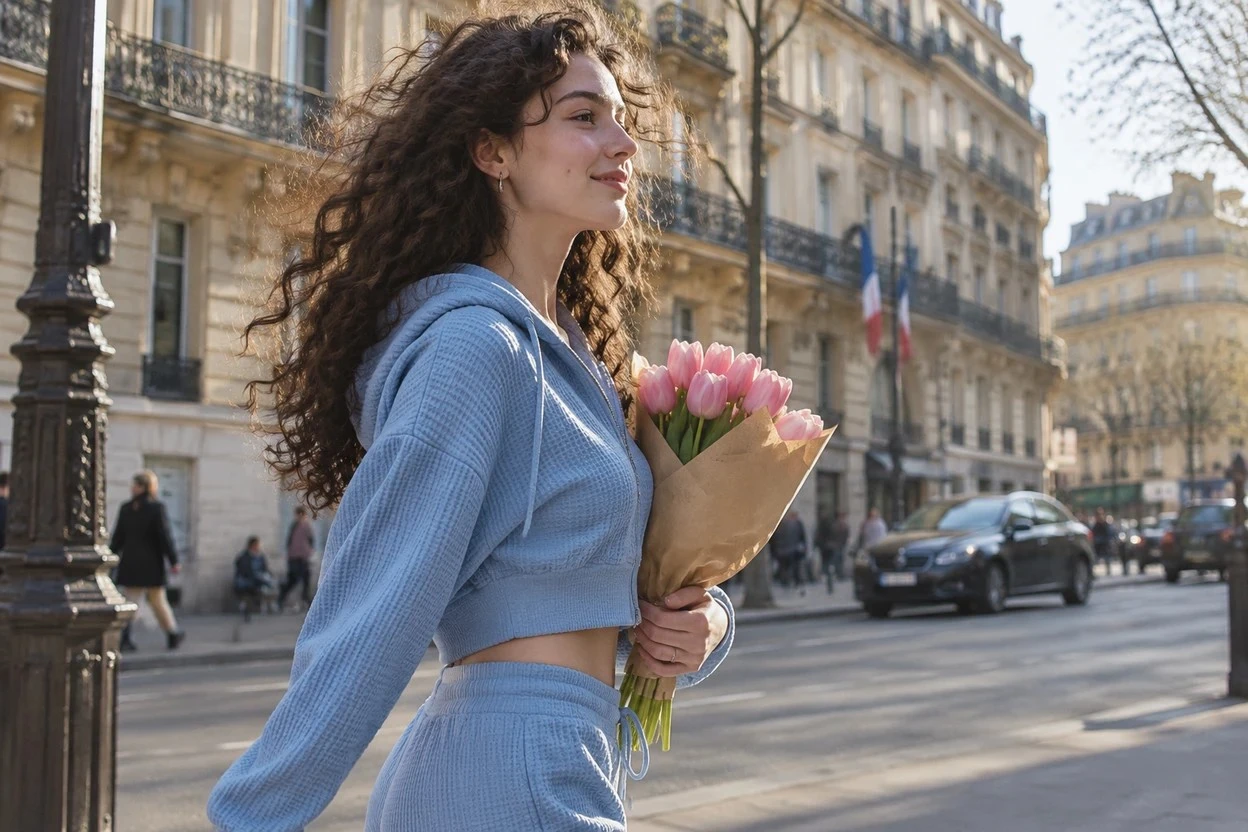
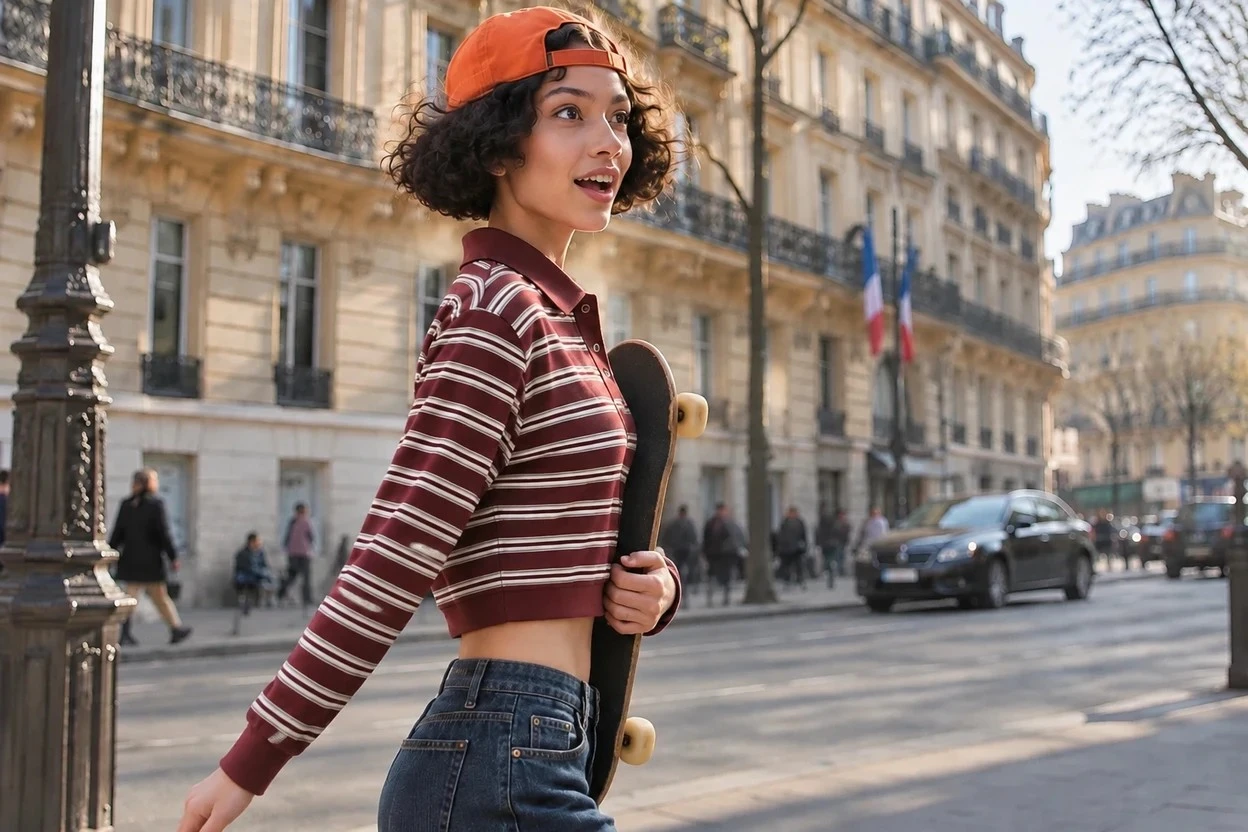
Create a character with AI Influencer tool, then bring that character into different video scenes with Genjutsu AI. Reuse character references to maintain consistent facial features, style, and visual identity across clips, making it easier to build a recognizable AI influencer for your content.
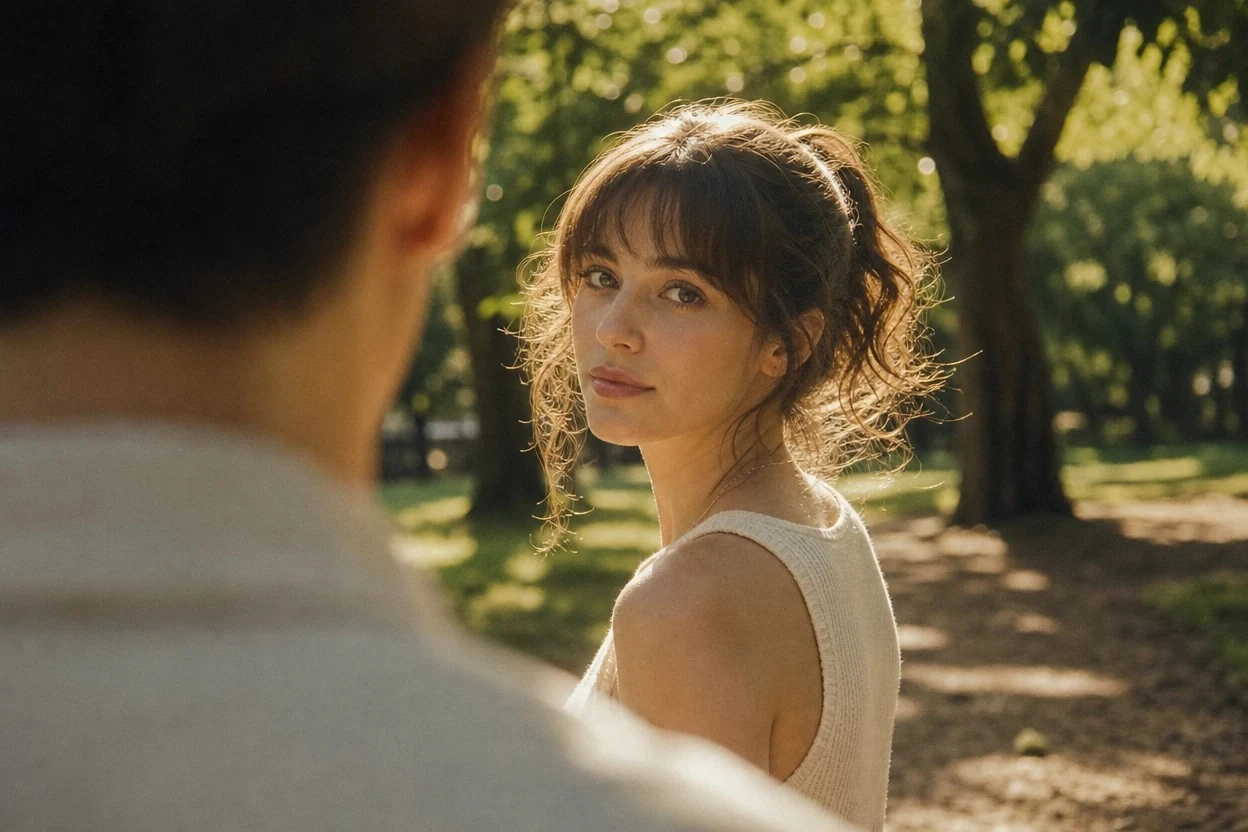
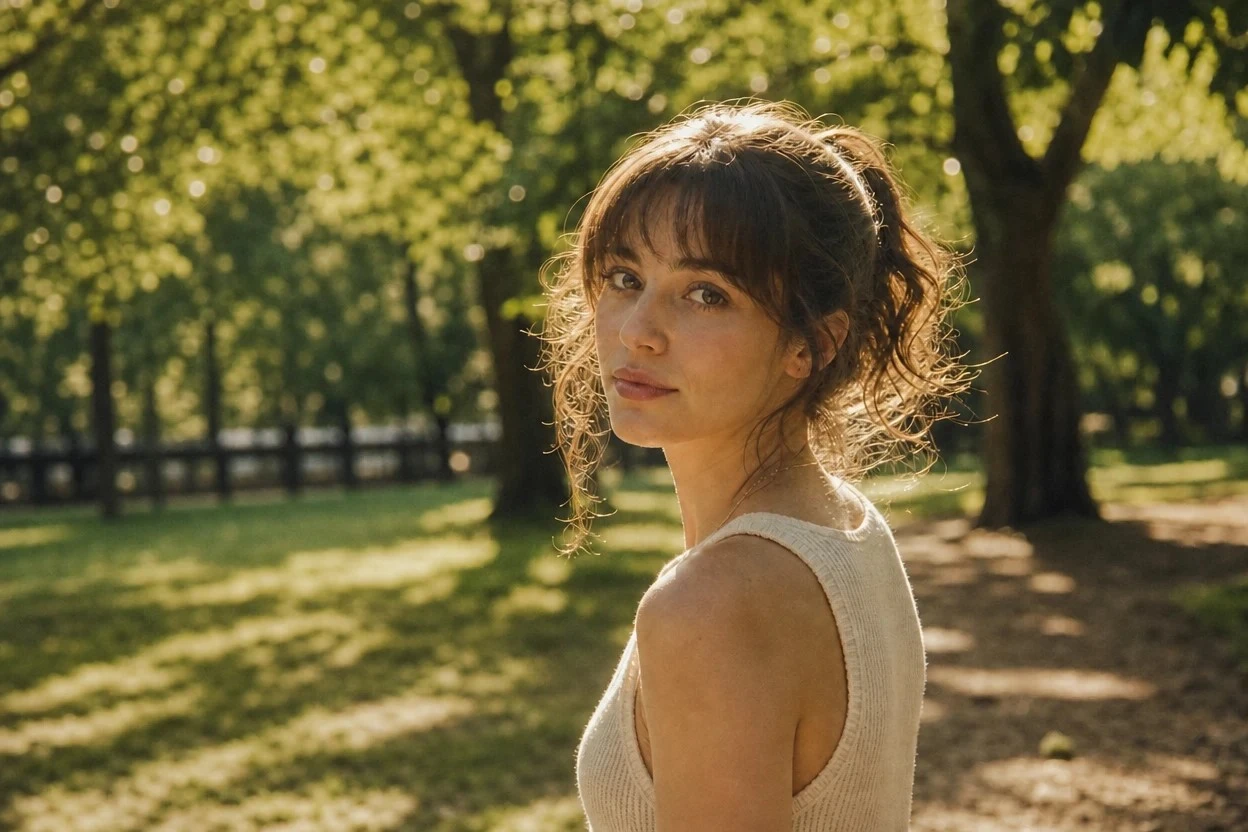
Object Swap lets you replace a selected element in an existing video, such as a product, outfit, prop, or character. Use visual references and a prompt to guide the replacement while keeping the surrounding shot as close to the original as possible. The result reads Higgsfield-Genjutsu-AI like.
Discover how creators, marketers, and designers transform existing footage into new characters, product visuals, and video concepts with Genjutsu AI.
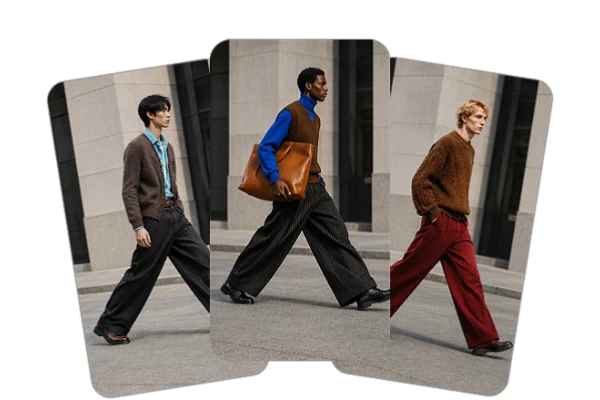
Fashion and Apparel
Start with a runway or model clip, then explore outfit variations for a fashion concept. A single source video can help you test different looks before planning additional shoots.
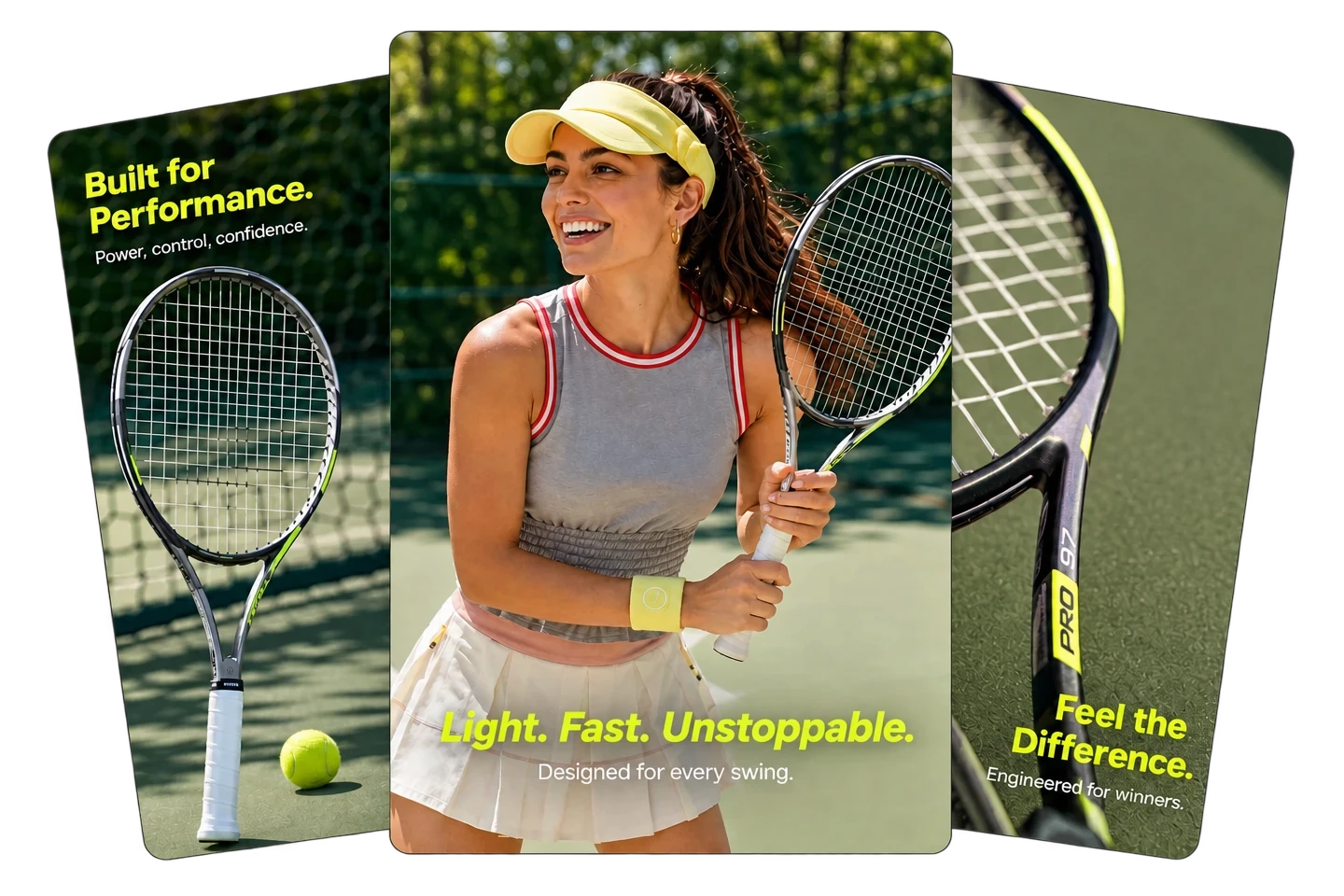
E-commerce and Product Ads
Use a product-in-hand clip as the starting point and test how another product reference fits the shot. Review shape, label, and brand details carefully before using the result in a campaign.
Influencer, KOL, and UGC Ads
Create variations from a creator or UGC clip by changing a product, outfit, or setting. This can support creative testing, while each output should be reviewed for visual consistency and accuracy.

Full Creative Control
Shape every detail of your characters, from facial features and style to mood, setting, and visual identity.

Prompt Box Optional
Use a prompt to clarify the change, or start with a preset or reference-led setup when available.

Reusable Setups
Return to saved tags or templates, if available in your workspace, instead of rebuilding a setup from scratch.

History Keeps Every Run
Earlier renders stay listed beside the panel for comparison or a rerun.
Choose the Mode
Pick Motion Transfer to rebuild the performer, or Object Swap to replace one element inside the frame.
Add Your References
Upload a source clip with one reference image, or choose a ready-made video and make it your own.
Generate and Refine
Render the result, then describe one change in a prompt when the output drifts from the source.













What is Higgsfield Genjutsu AI?

Does Genjutsu AI preserve the original motion and camera work?
The source video guides the movement and camera work during transformation. Results can vary with the footage, references, and settings, so review the generated clip rather than assuming every detail will remain unchanged.
Can I use a video recorded on my phone?
Phone footage can be a starting point if it is supported by the upload requirements. For a clearer result, use a clip with a visible subject, steady enough framing, and minimal obstruction.
Can I reuse a previous setup?
If saved tags, templates, or generation history are available in your workspace, use them to revisit a setup or compare earlier outputs. Available options may depend on the current interface.
How can I get better results?
Start with footage where the main subject is easy to see. Use clear reference images, describe the change you want, and review the output for details such as edges, movement, text, and product features.
Can I use Genjutsu AI videos for commercial projects?
Yes, you can publish what you generate across organic and paid channels, subject to SeaArt AI's terms of use and the commercial license attached to your plan. Keep the rights to the source footage, reference images, likenesses, products, and logos before a generated video goes into advertising.
Create custom avatars, upload existing footage, and add character references to transform your videos. Preserve the original motion and camera work while swapping identities and styles to create content for a global audience.