No Data

Alibaba's Comparative Generation Foundational Image Generation and Editing Model That Highly Practical, Information-Dense Visuals with Complex Layouts, Precise Multidisciplinary Text, and Authentic Details in a single pass.
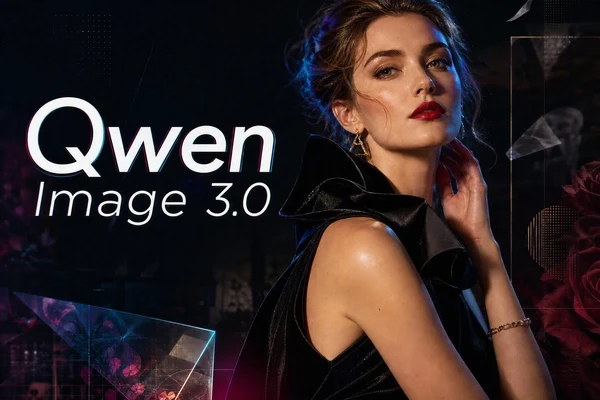
Turn detailed prompts and reference images into readable layouts, infographics, UI concepts, and polished visuals with Qwen Image 3.0.
Qwen Image 3.0 and Qwen Image 3.0 Pro are now available on SeaArt AI. Explore the examples below to see how they turn detailed ideas, visual references, and creative direction into polished images.


Create With Ease
Choose Qwen Image 3.0 or 3.0 Pro and follow a clear, intuitive workflow without downloading model files or configuring a local setup.

Refine Ideas More Easily
Review a result, adjust your prompt or reference, and create another version in the same workspace.

Start with Free Credits
Use SeaArt as a free AI art generator with available credits, then visit Reward and Lucky Box for more ways to keep creating.

Create Across Your Devices
Access the same cloud workspace on desktop or mobile, so you can save ideas and continue refining them wherever you are.
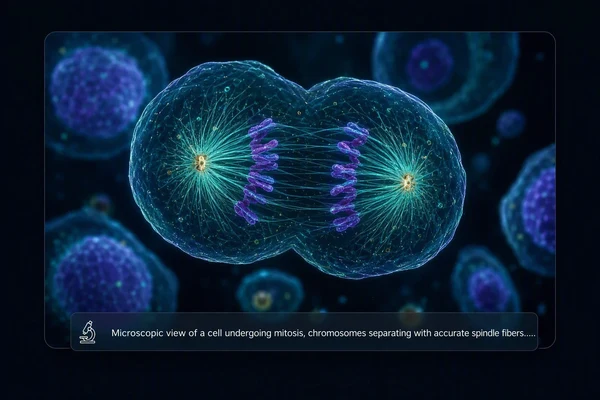
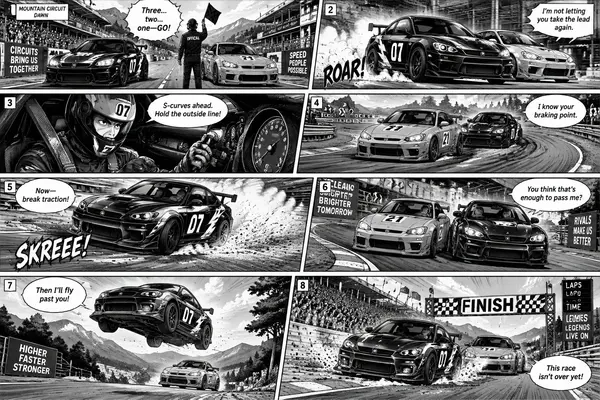
Compared with Qwen Image 2.0, Qwen Image 3.0 understands longer, more complete prompts and draws on broader real-world knowledge. Describe the subject, setting, relationships, mood, and visual direction in one request, and it can turn those connected details into a more coherent image without making you break every idea into short, separate instructions.
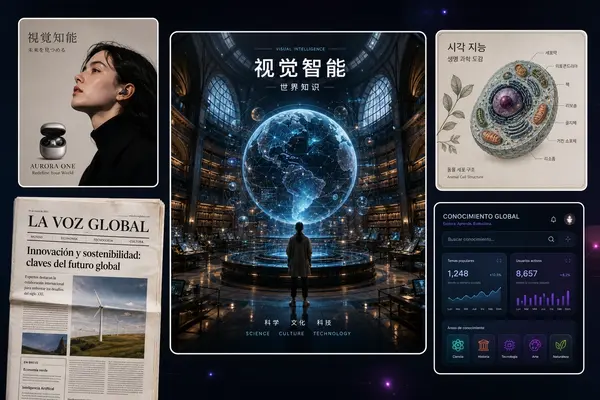
Qwen 3.0 handles text-heavy visuals with clearer wording and a more organized composition. It can place text in multiple languages while keeping headings, labels, and supporting details easy to follow across posters, infographics, product sheets, and UI concepts.
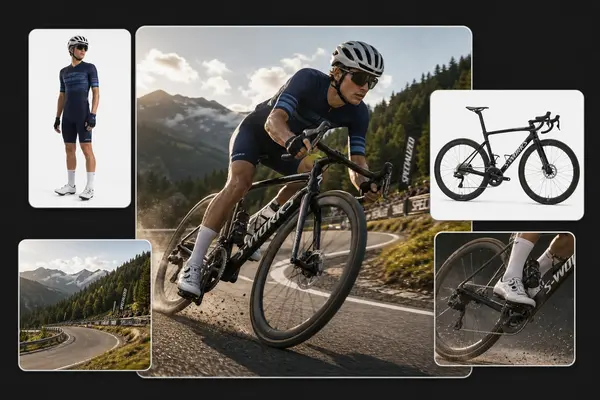
Bring a product shot, character, or visual direction into the workflow, then explain what should stay and what should change. The updated model gives you more reliable control when testing a new setting, wardrobe, material, or graphic treatment, while keeping the original subject and creative direction recognizable in the next version.
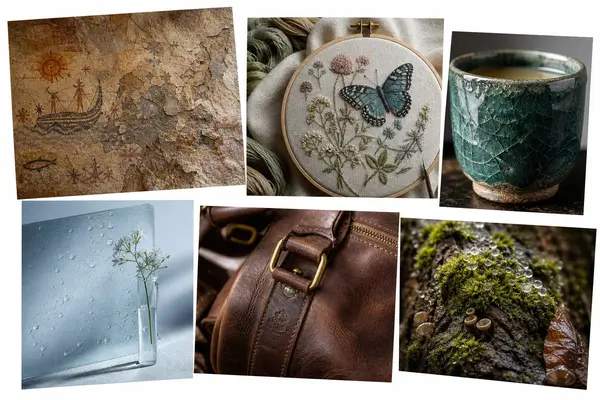
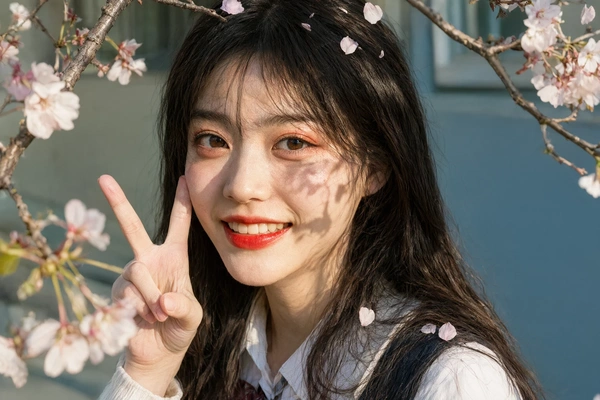
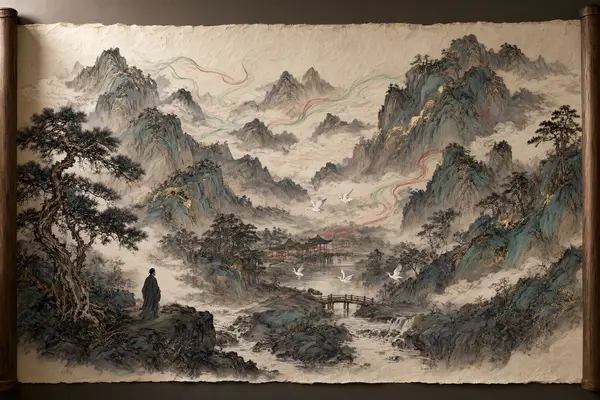
Finish concepts with more convincing texture and material detail. Qwen-Image-3.0 renders hair, skin, fabric, paper, and product surfaces with a more refined look, helping portraits, still lifes, and commercial visuals feel closer to a finished creative draft.
Bring prompts and reference images together with Qwen-Image-3.0, then create and refine a visual on SeaArt AI.
Describe Your Idea
Write your scene, layout, style, and key text, or upload a reference image to guide the direction.
Choose Your Settings
Select the aspect ratio, number of images, and other settings that match your intended use.
Generate and Refine
Generate an image, review the text and details, then adjust your prompt and create another version when needed.
Switch between top models to get the style and quality you want.













What is Qwen Image 3.0?

What improvements does Qwen Image 3.0 introduce?
Compared with Qwen Image 2.0, Qwen Image 3.0 follows longer, fuller briefs and handles denser information more naturally. It improves complex layouts, multilingual text, reference-based editing, and fine material details, making detailed creative directions easier to turn into coherent images.
How does Qwen-Image-3.0 compare with Seedream 5.0 Pro?
Qwen-Image-3.0 and Seedream 5.0 Pro are both image generation and editing models. Qwen Image 3.0 leans toward long prompts, structured layouts, readable multilingual text, and information-rich visuals, while Seedream 5.0 Pro may suit creators who prioritize polished aesthetics and refinement.
Can I use Qwen-Image-3.0 for free?
Yes. This AI image model is available on SeaArt AI, where you can use free credits to try Qwen 3.0 and explore its image generation and editing features.


