50M
+Creator

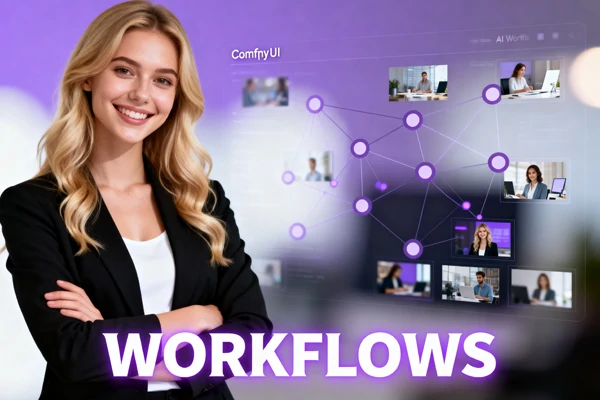
Making creation simpler with node-based workflows and AI agents - from a single prompt to a finished clip.


50M+ Creators on SeaArt
Over 50 million creators use SeaArt to generate images, videos, and workflows - one of the largest AI creative communities available today.

All Tools Under One Login
Image editing, video creation, and canvas-based workflows all live under one SeaArt account.


Reusable Workflow Templates
Save any completed run as a template and reuse it with different inputs on the next project. Share the same configuration across a team without anyone rebuilding from scratch.

Runs Entirely in Your Browser
Open SeaArt Flow in any browser and get started immediately. No GPU required, no local software - all model processing happens in the cloud.
The workspace is a blank grid where you place AI tools as visual blocks and draw lines between them. Link a prompt block to a video generation block, then route its output to a sharpening block - the chain runs in that order with one click. Branching works the same way: split any output line into two paths and both directions fire from the same trigger. The canvas is the entire interface - drop blocks, draw connections, click Run.
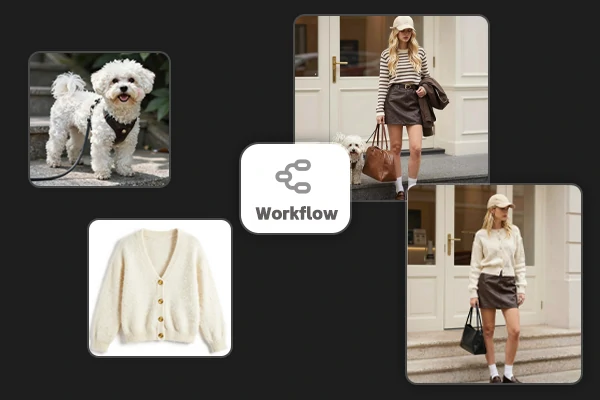
The pipeline accepts a text prompt, an uploaded image, or a reference video as its starting point. If you prefer not to set up inputs yourself, describe what you want in one sentence - the agent identifies the right input type and runs the full pipeline from there. You bring the source material; the pipeline delivers the clip.
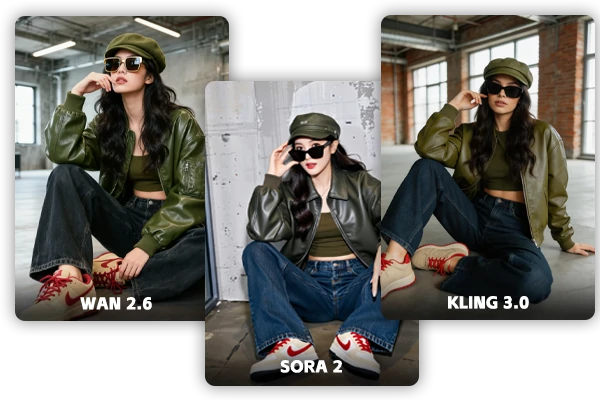
Fork the same prompt to Kling 3.0 and Wan 2.6 simultaneously inside one workflow run. Both models generate in the same session - you see both results when they finish. Compare motion quality, pacing, and visual sharpness side by side, then keep the version that fits and drop the other branch.
Build your first AI video workflow in minutes - no installs, no code, no GPU required. Open the canvas, connect your nodes, and run. Your finished clip is one click away.
Open the Flow Canvas
Visit SeaArt Flow and select a blank canvas or choose from available video workflow templates.
Connect Your Nodes
Drag text, image, video, and audio nodes onto the canvas, then draw connections between them in sequence.
Run and Download
Click Run - the workflow executes each node automatically and delivers your finished video for download.

What is an AI video workflow?

Do I need any technical experience to use SeaArt Flow?
None at all - right-clicking anywhere on the canvas opens a node menu with a brief description of each node type, so you can see what it does before adding it.
Can the agent handle the entire pipeline without my help?
Yes - give it a brief description and it plans the stages, runs each step, and delivers the finished result automatically. You can also open the chat dialog inside the canvas to ask about specific nodes or model capabilities and get workflow-building advice in real time.
What generation options are available in SeaArt Flow?
SeaArt Flow covers video, image, and audio generation. Video nodes include Kling V2.6 and Wan 2.6 for text-to-video and image-to-video, plus Kling V2.6's action control mode for motion transfer using a video reference. Image nodes include Seedream 4.0, 4.5, and 5.0 lite with text-to-image and image-to-image support. Audio nodes handle text-to-music, text-to-speech, and sound effect generation. New models are added on a rolling basis.
Can SeaArt Flow generate music, voiceover, and sound effects?
Yes - the audio node runs in three modes. Text-to-music uses MiniMax music-2.5 (standard, HD, or lossless quality) or mureka-7.5 (up to 3 outputs per run), with reference song, reference vocal, and reference melody support. Text-to-speech uses Eleven Multilingual v2, Eleven Flash v2.5, or MiniMax speech models with controls for voice, speed, stability, and style. Sound effect generation takes a style prompt and outputs audio with adjustable duration and loop settings. All audio outputs route directly into downstream nodes.
Is the workflow builder free to use?
Free users on SeaArt AI get 130 Stamina daily, which covers multiple workflow runs. Premium plans unlock higher Stamina limits and faster processing for larger projects.