Details
Related Works
...View More
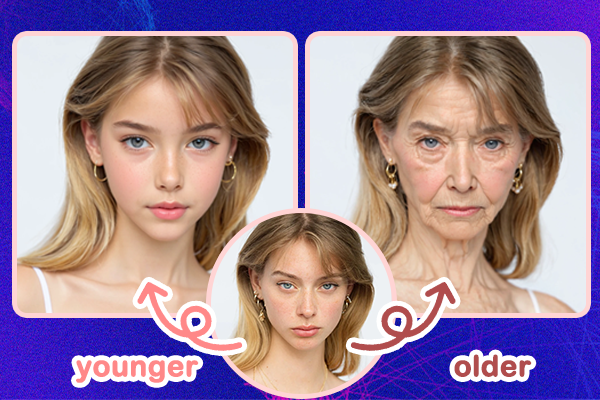
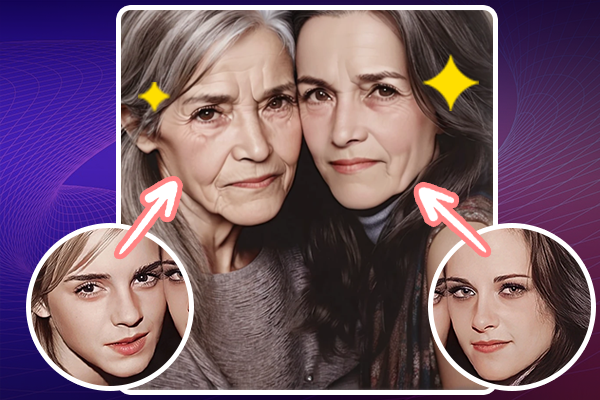
Instructions: Default keywords for aging (100 years old 1:2, old man, wrinkled face, gray hair). Keywords for getting younger (2-year-old, cute kid, boy, no beard). Remember to switch gendered terms accordingly. The first parameter intensity defaults to 2; if you want to change to a child, set it to -2. Weight: This controls similarity; for older or younger effects, you can lower this value to make changes more pronounced. End: As this value decreases, the degree of aging or rejuvenation increases.
Hot
Latest
more

No data available
Related Works
Post My Work