
Details
Related Works
#Popular
#Unique Experience
#long video
#Video Generation
#WorldCup
...View More
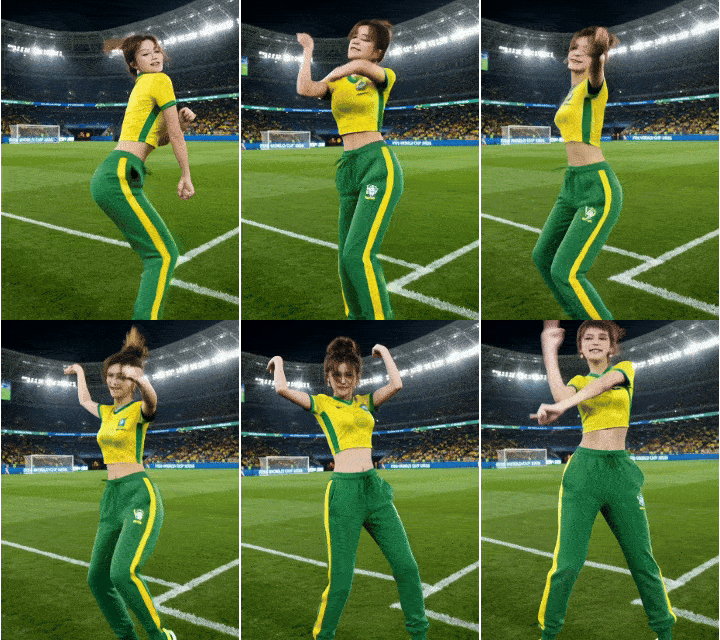
Upload a character image, enter a World Cup national team name, and turn into a dancing soccer cheerleader
Rating & Review
--/5
Not enough ratings or reviews received yet
Hot
Latest
more

No data available
Related Works
Post My Work
Log in to view all works
Log In Now
Explore Related





Download SeaArt App
Continue your AI creation journey on mobile devices
Create a Fan-Made AI World Cup Dance Video
Turn Any Portrait into a World Cup Dance Moment
Use the AI World Cup dance generator to make yourself, a friend, or a favorite fan portrait perform a Dai Dai-inspired move. After uploading an image, you can enter the national team you support, such as Brazil, France, Argentina, or another. The result can dress the person in a matching cheerleader-style outfit and turn the portrait into a dance celebration video.
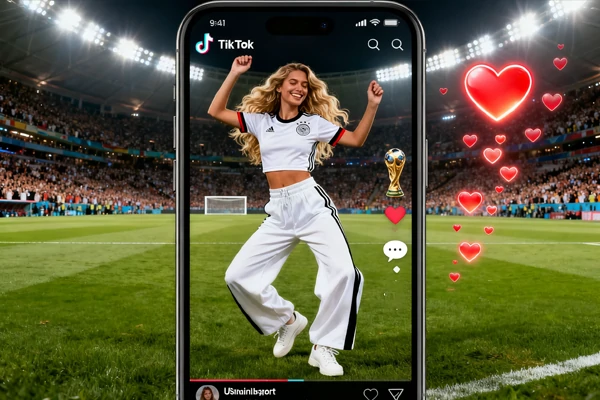
Share a Fun Dance Clip with Friends
Make a playful fan video for group chats, watch-party invites, creator posts, and match-day reactions. The dance effect gives your portrait a lively celebration mood, so the final clip feels ready for jokes, countdowns, and tournament banter. If you want to make more viral social dance shorts beyond this trend, try motion control for more action-based video ideas.
Why Fans Use This AI Dai Dai Dance Generator


One-Photo Dance Creation
Start with a clear portrait and let AI turn the person into a moving dance video without recording a new clip.

Viral World Cup Energy
Recreate the playful football dance trend with party motion, upbeat rhythm, and fan-made celebration style.



Built for Fast Sharing
Make a short dance clip that fits TikTok, Reels, Shorts, fan chats, and match-day reaction posts.

Easy Browser Workflow
Create through SeaArt AI in your browser, with no dance skills, camera setup, or video editing timeline.
How to Create an AI World Cup Dance Online
Upload a Portrait
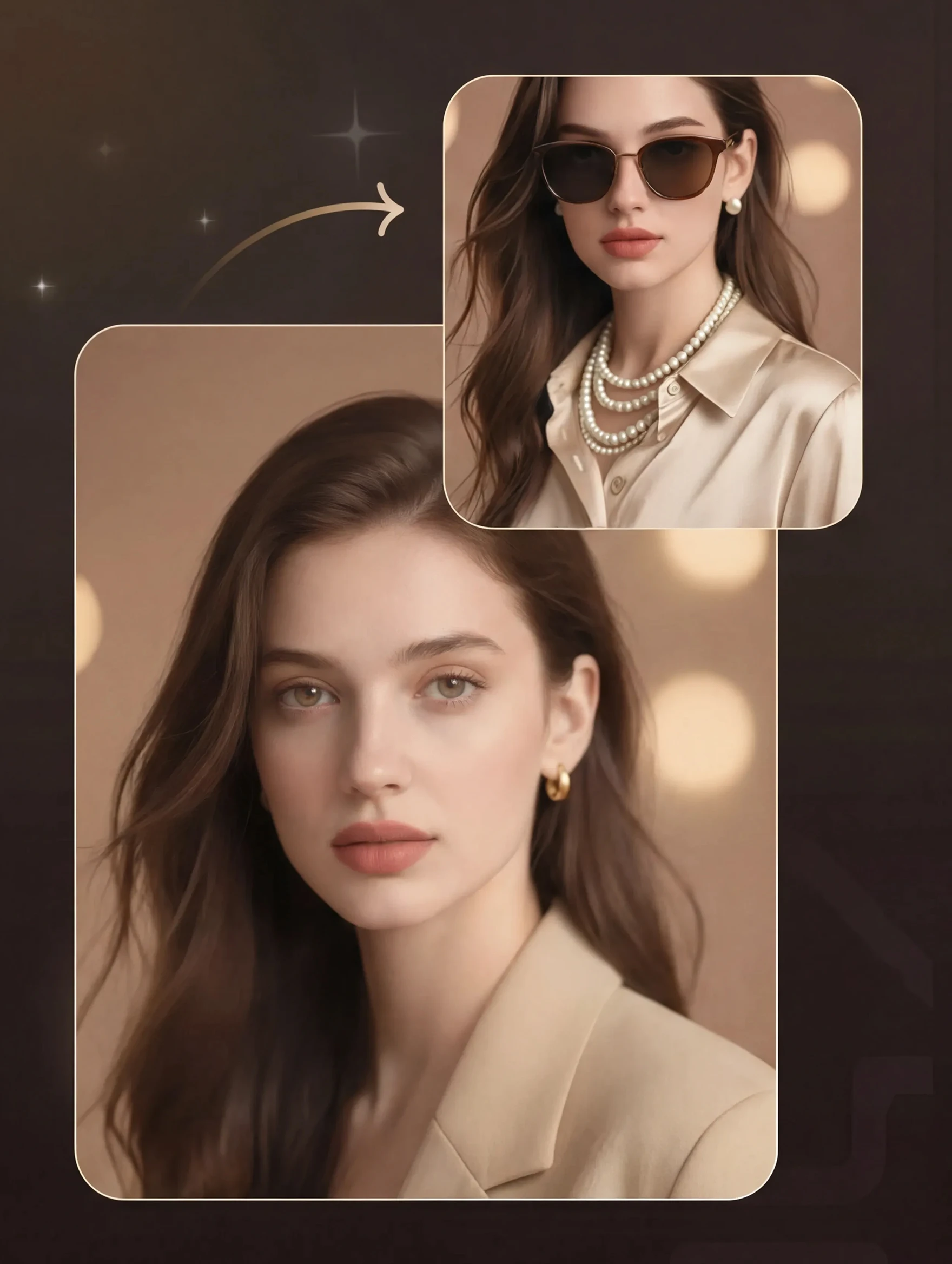
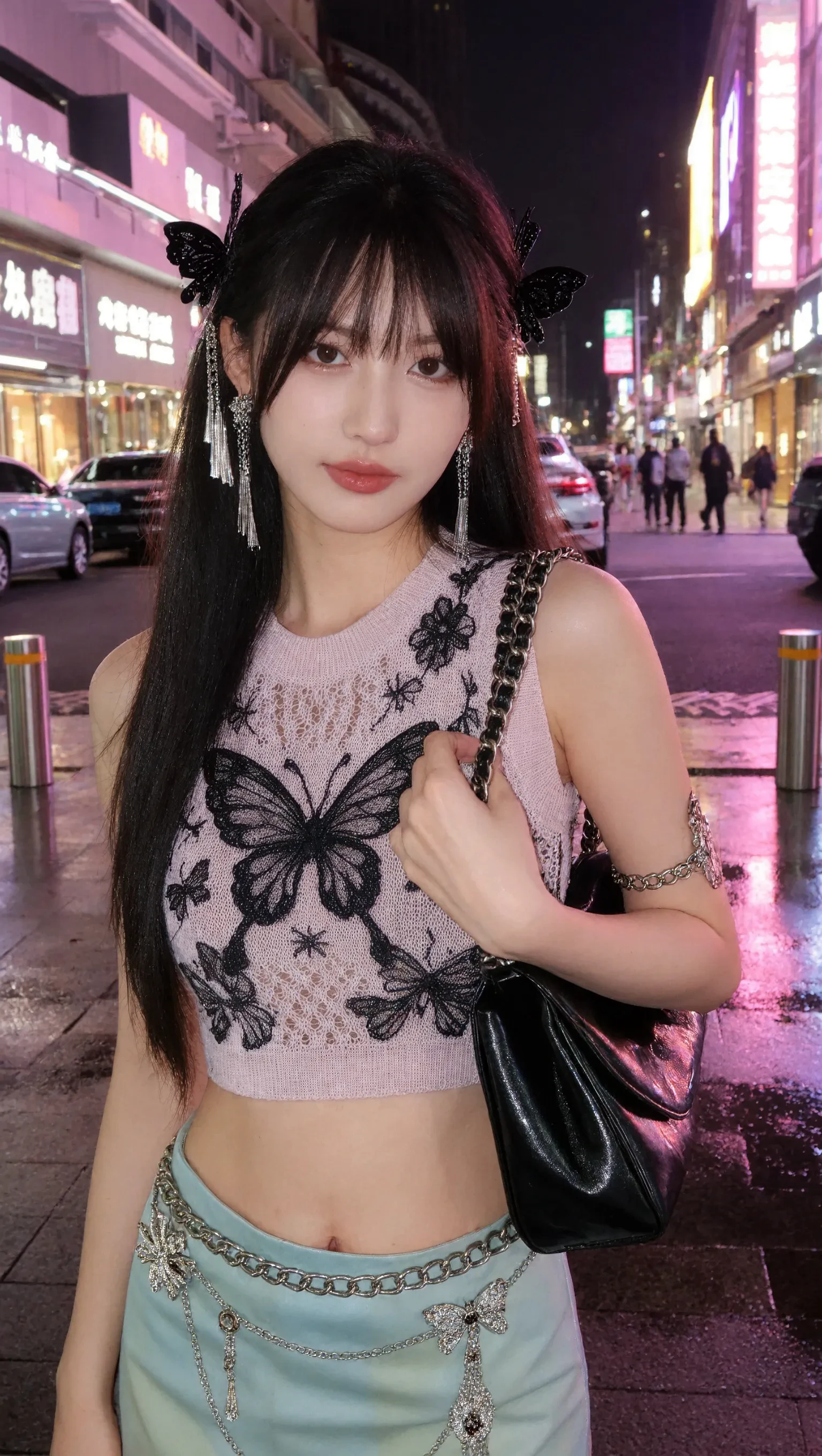
Choose a clear human portrait with one main subject and enough visible upper body for better motion.
Generate the Dance
Enter the team you support, then let the tool apply the viral Dai Dai-inspired movement.
Preview and Share
Check the final clip, save your favorite version, and share it as a fan edit or social post.

What is Dai Dai Shakira?
Dai Dai is Shakira and Burna Boy's FIFA World Cup 2026 song. Its upbeat Afrobeats, dance-pop, and reggaetón energy has inspired dance clips, fan edits, memes, and short social videos.

Can I use this AI dance tool for free?
New users can try it for free. Creating Dai Dai dance videos uses stamina or credits, and SeaArt gives everyone daily stamina. You can also earn more credits through the event center.
What kind of photo works best?
Use a clear portrait with one visible person, good lighting, and a face that is not covered. A photo with some upper-body space usually gives the model more room to create natural dance movement.
Can I use another person's photo?
Only use portraits you own or have permission to edit. This matters especially for friends, creators, public figures, and athletes. Keep the result respectful, avoid impersonation, and follow the platform's content rules.
Is my uploaded portrait private?
Your portrait is used to create the dance video inside SeaArt's workflow. You can fully delete your content from servers at any time, and nothing is shared publicly unless you choose to publish it yourself.