







50M
+Creator

Not enough ratings or reviews received yet


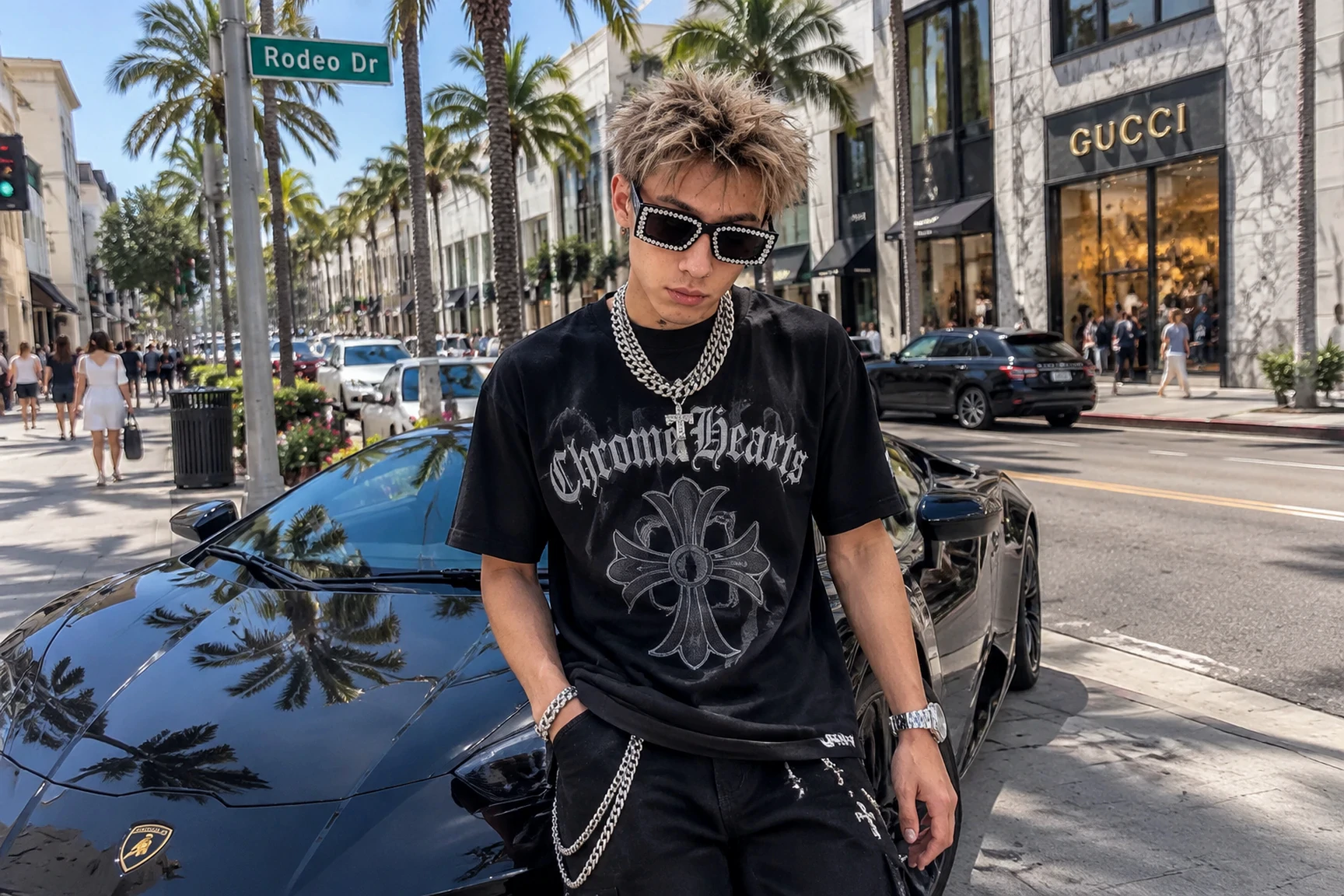
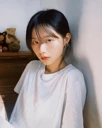
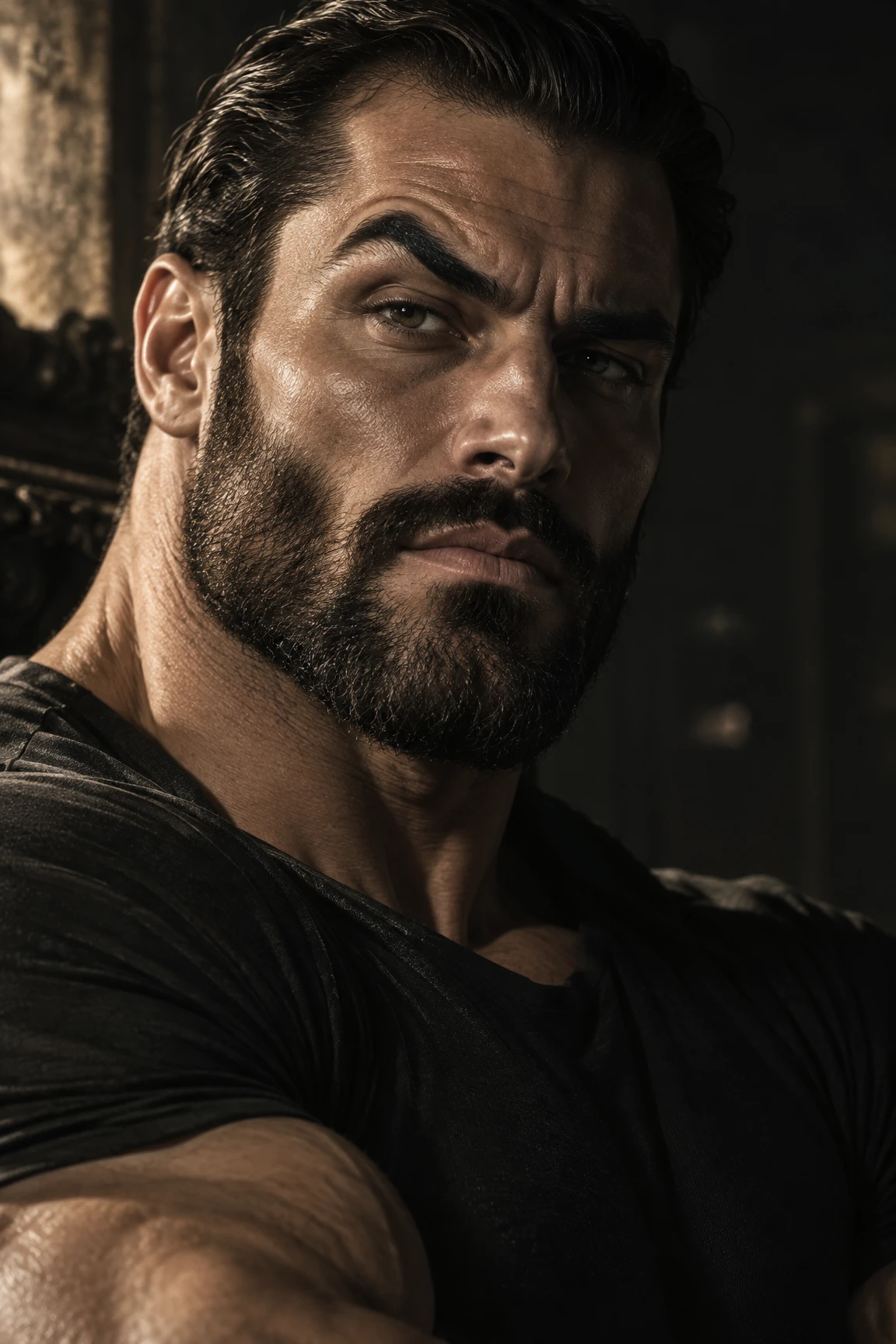
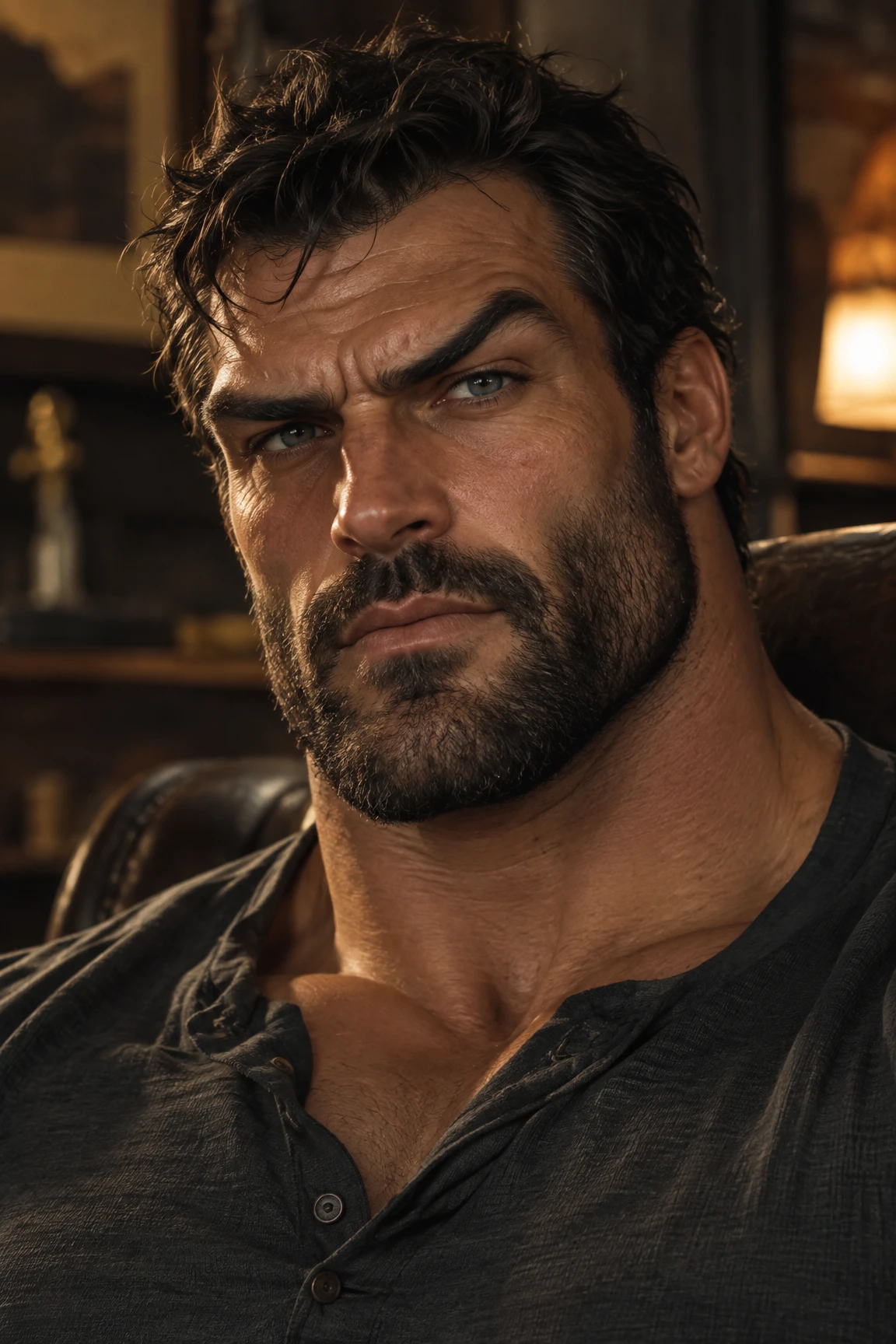
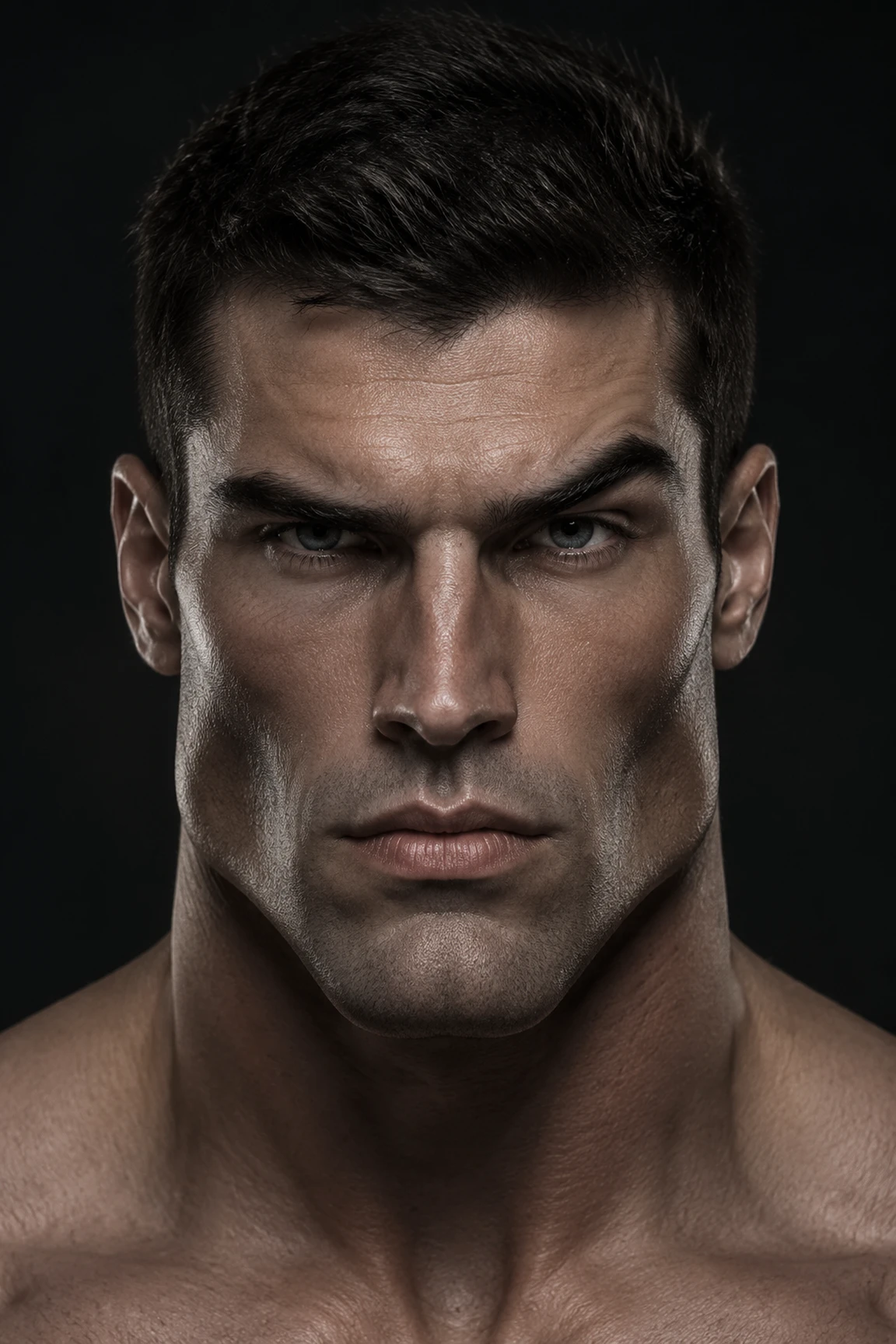
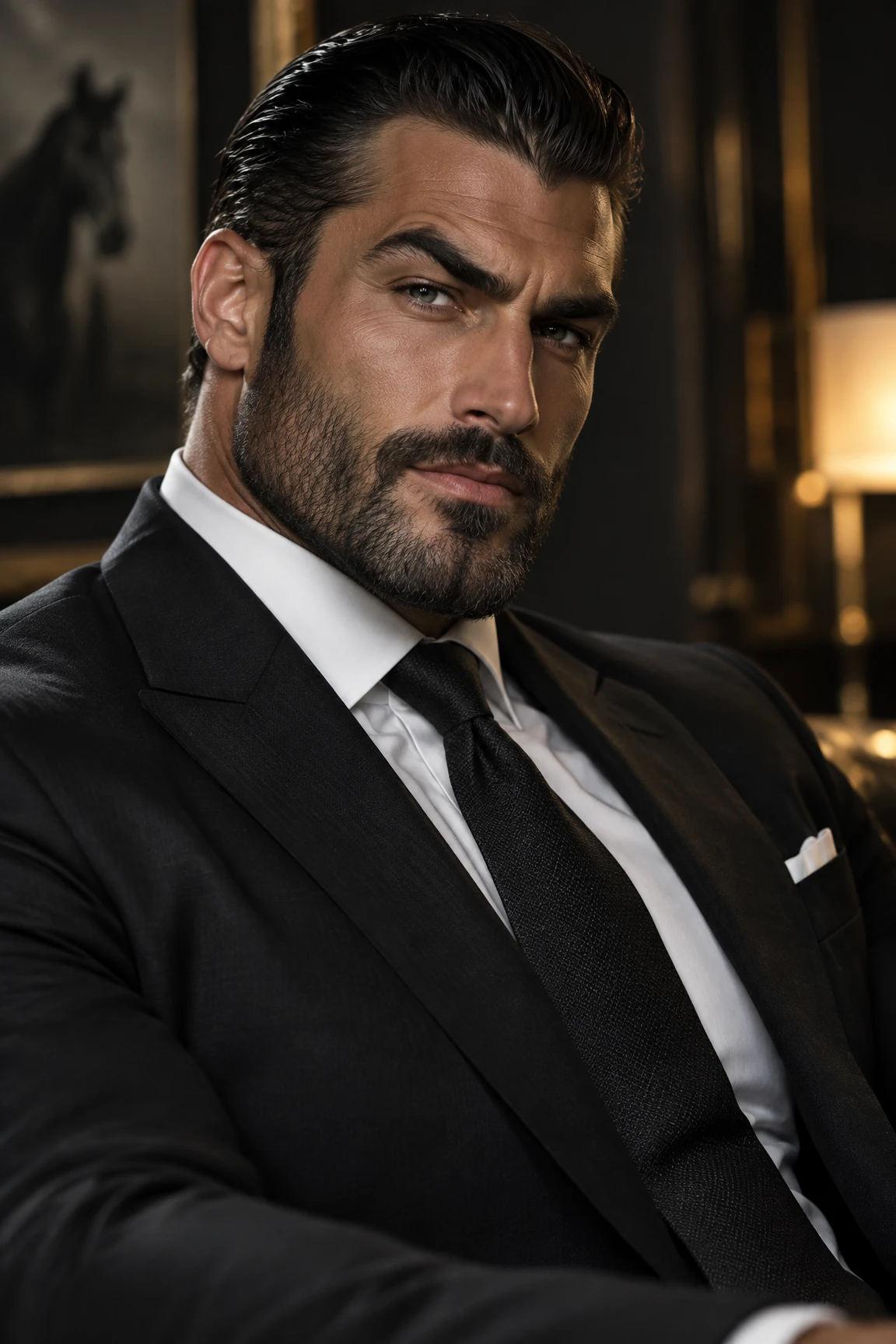
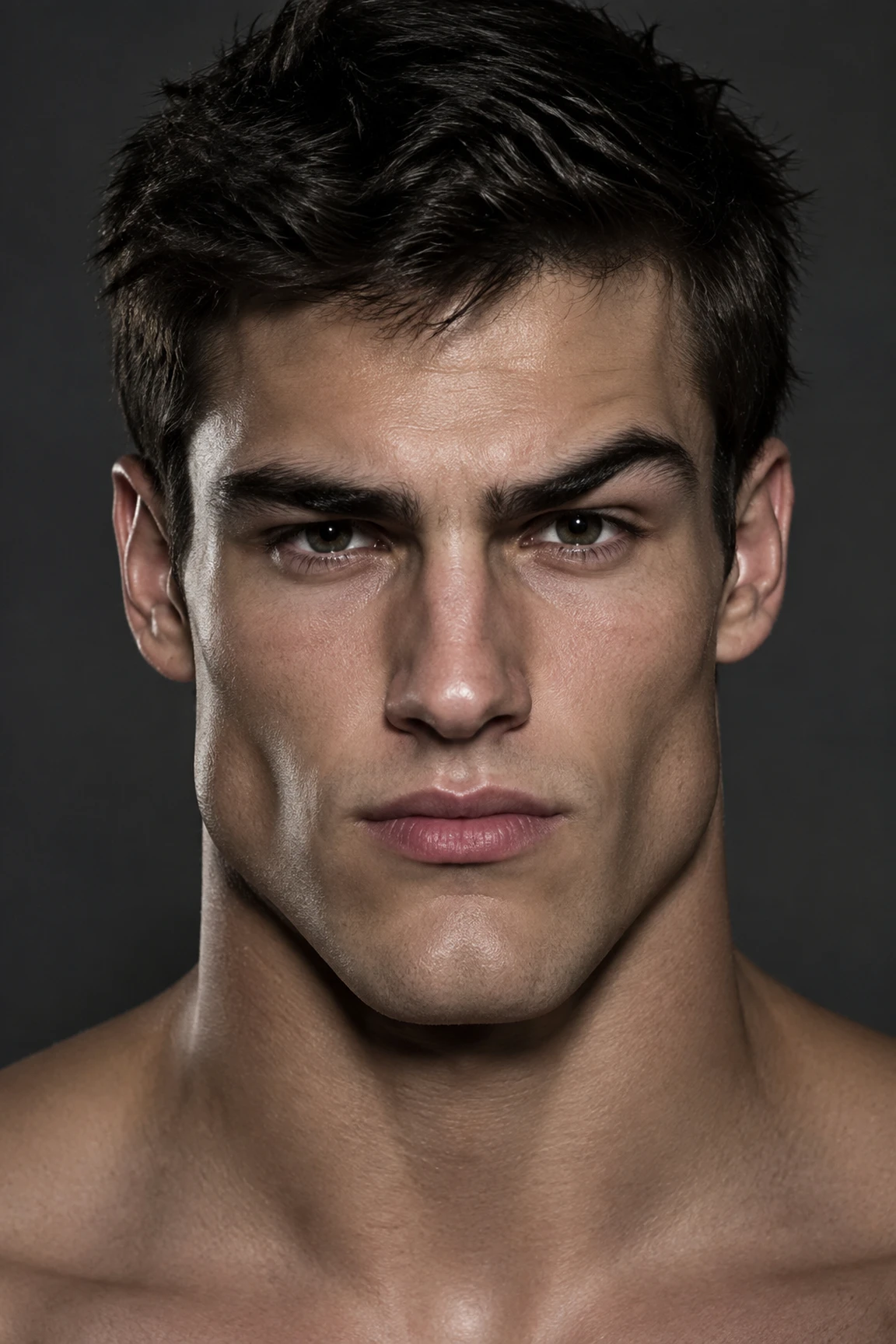
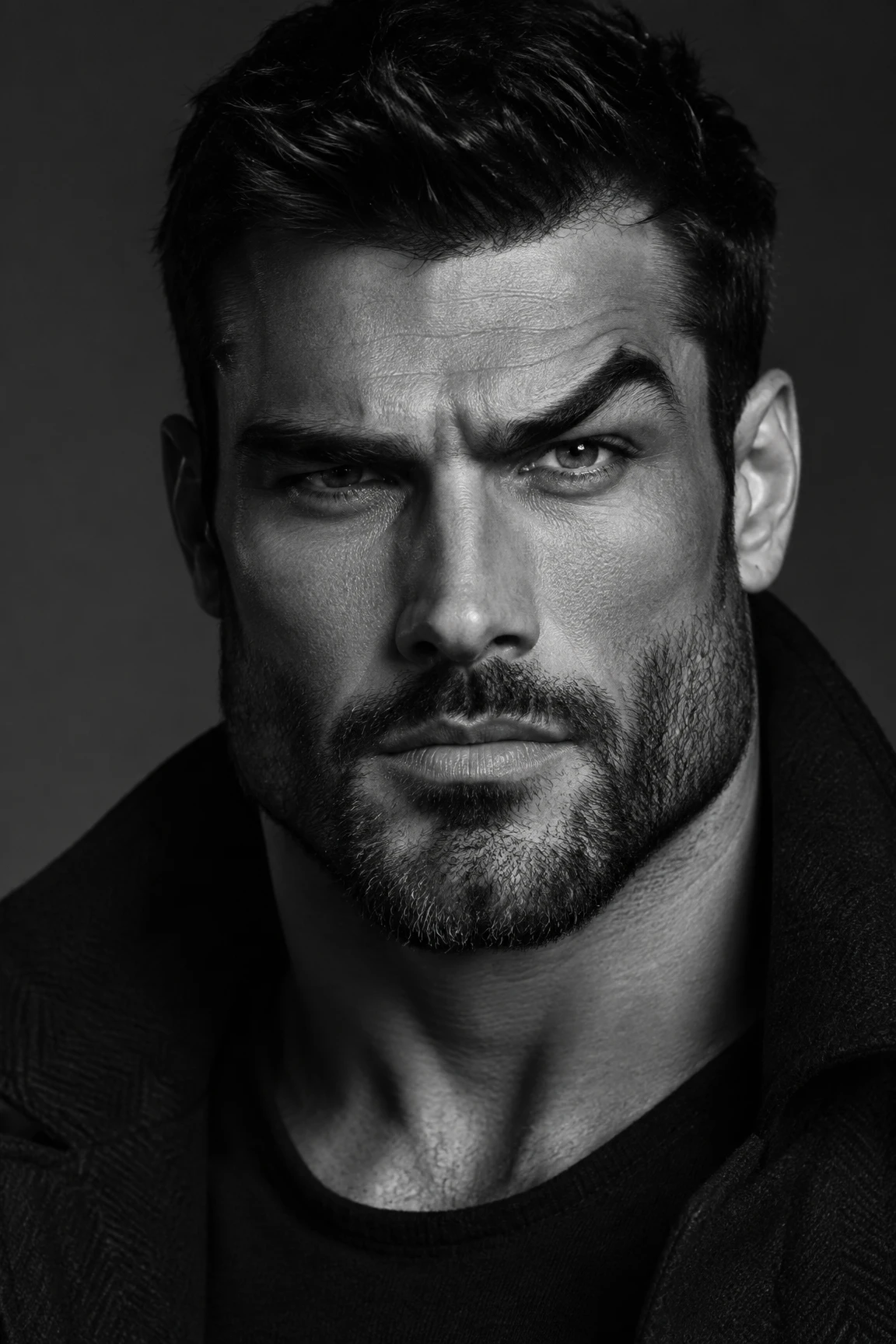
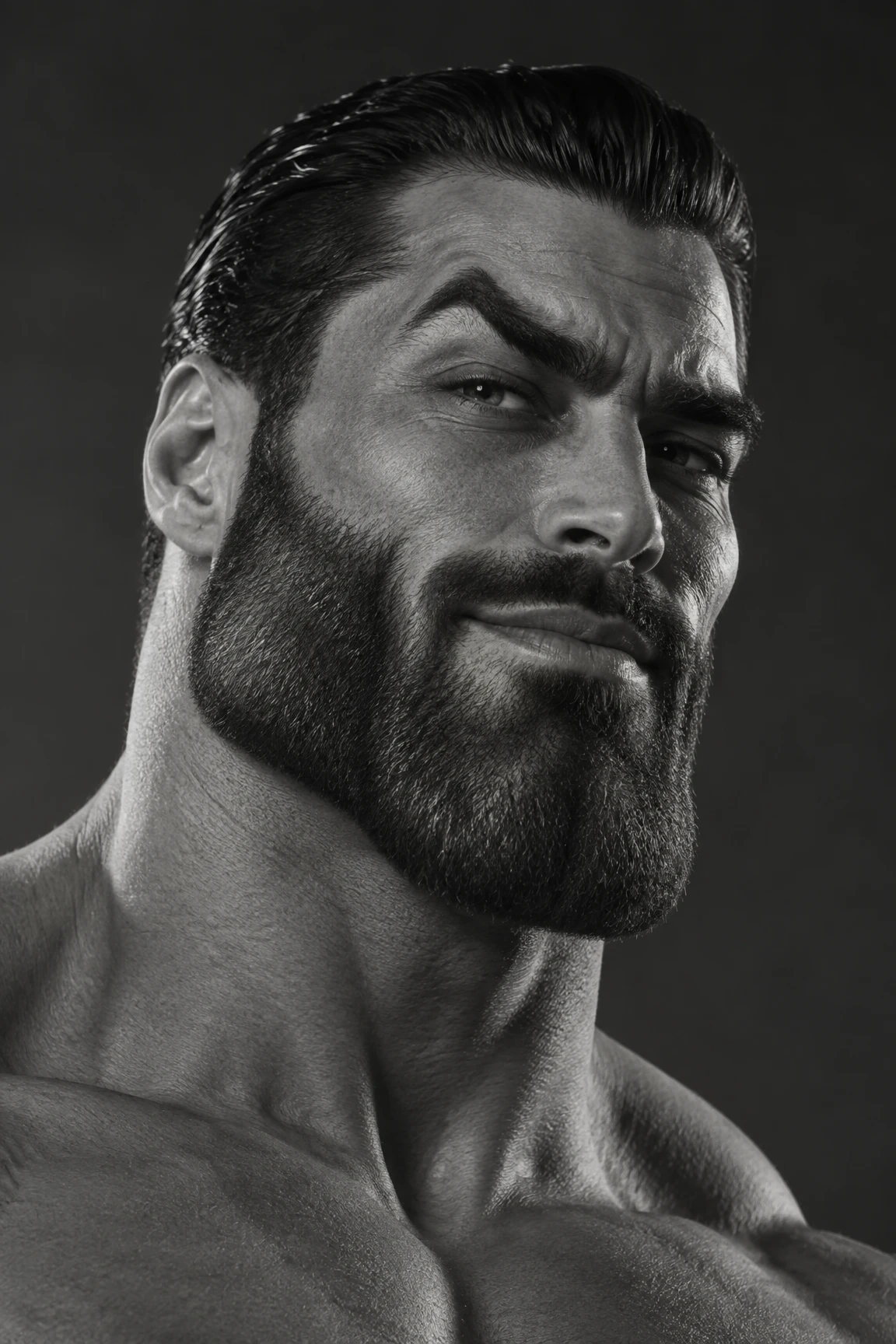
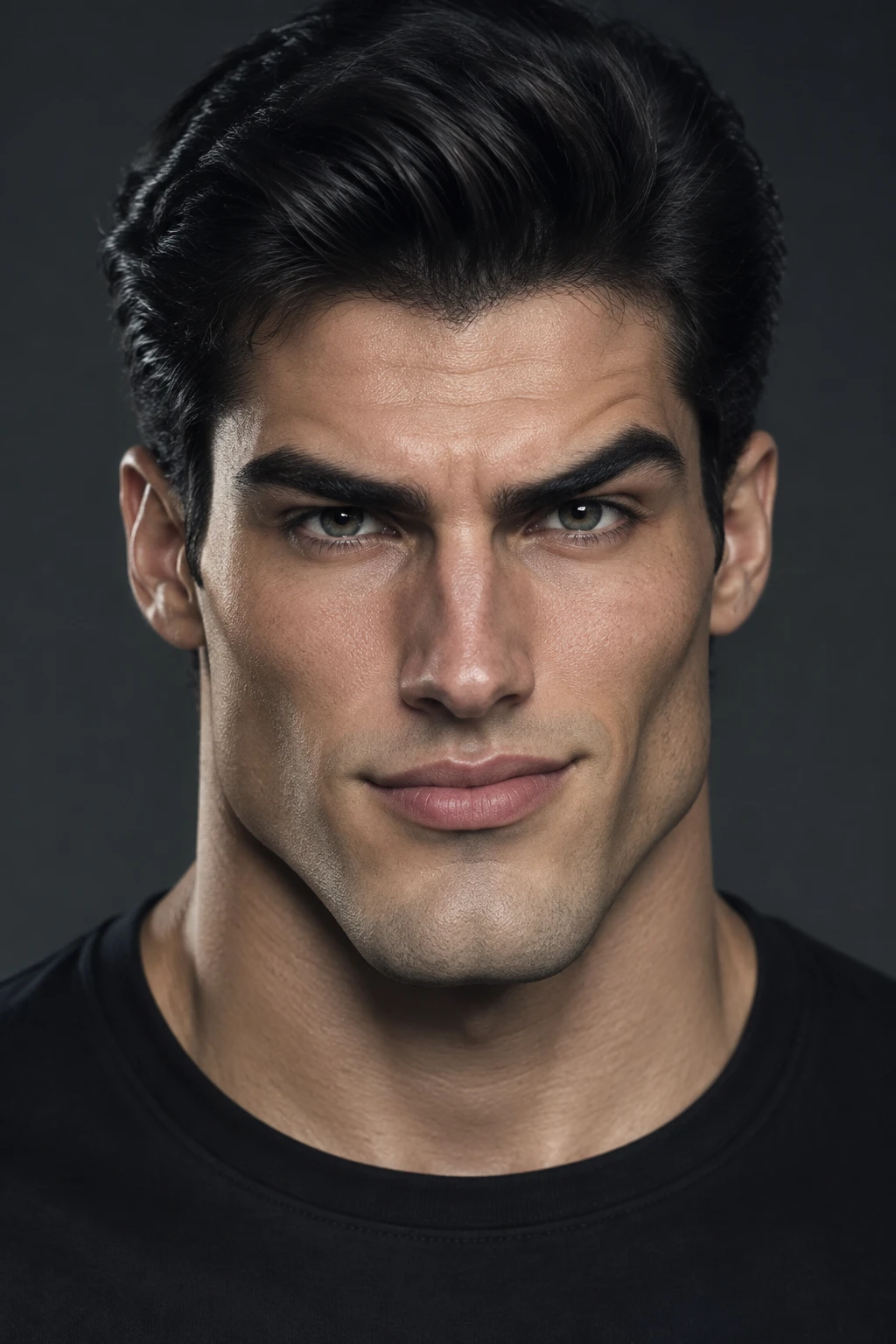
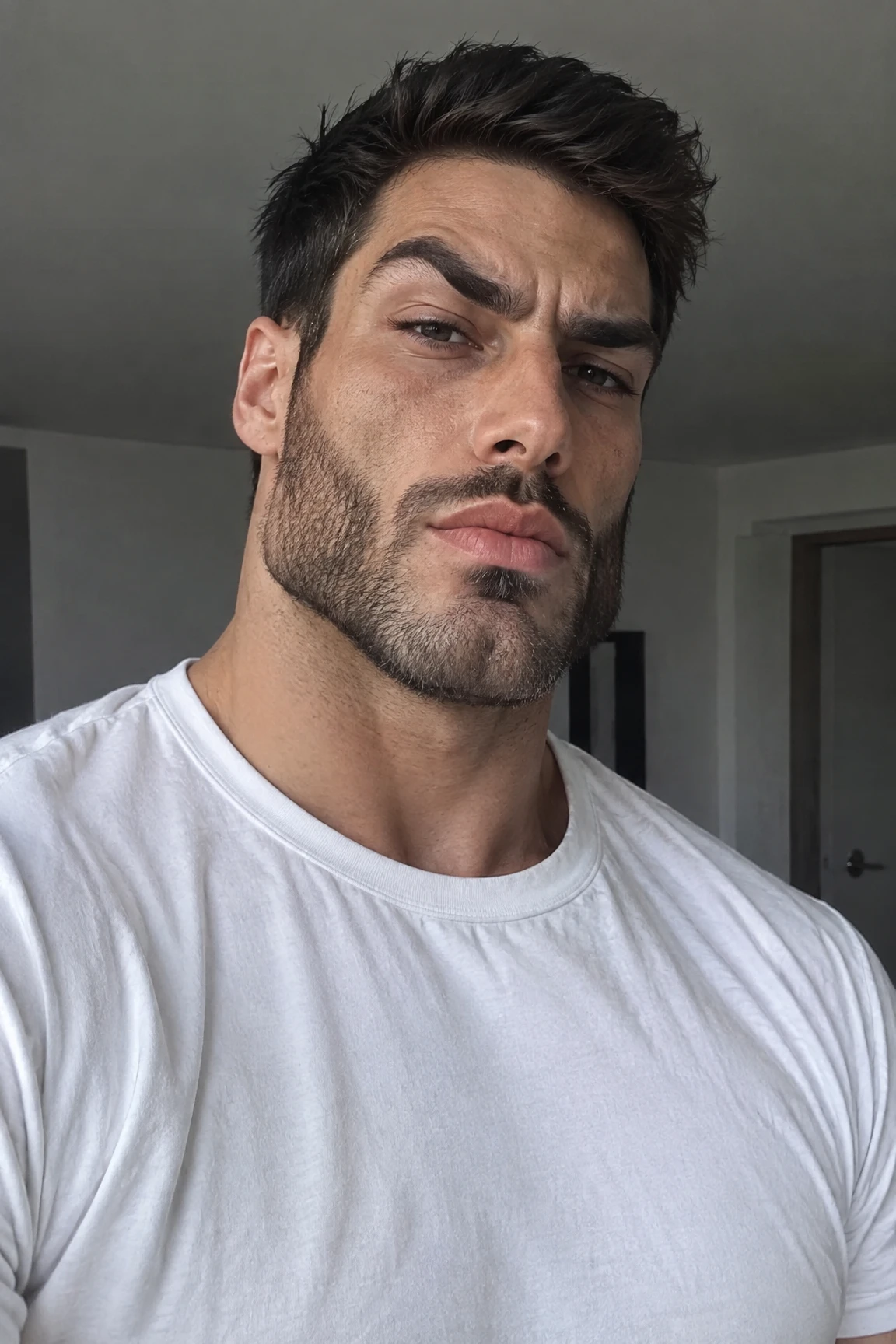
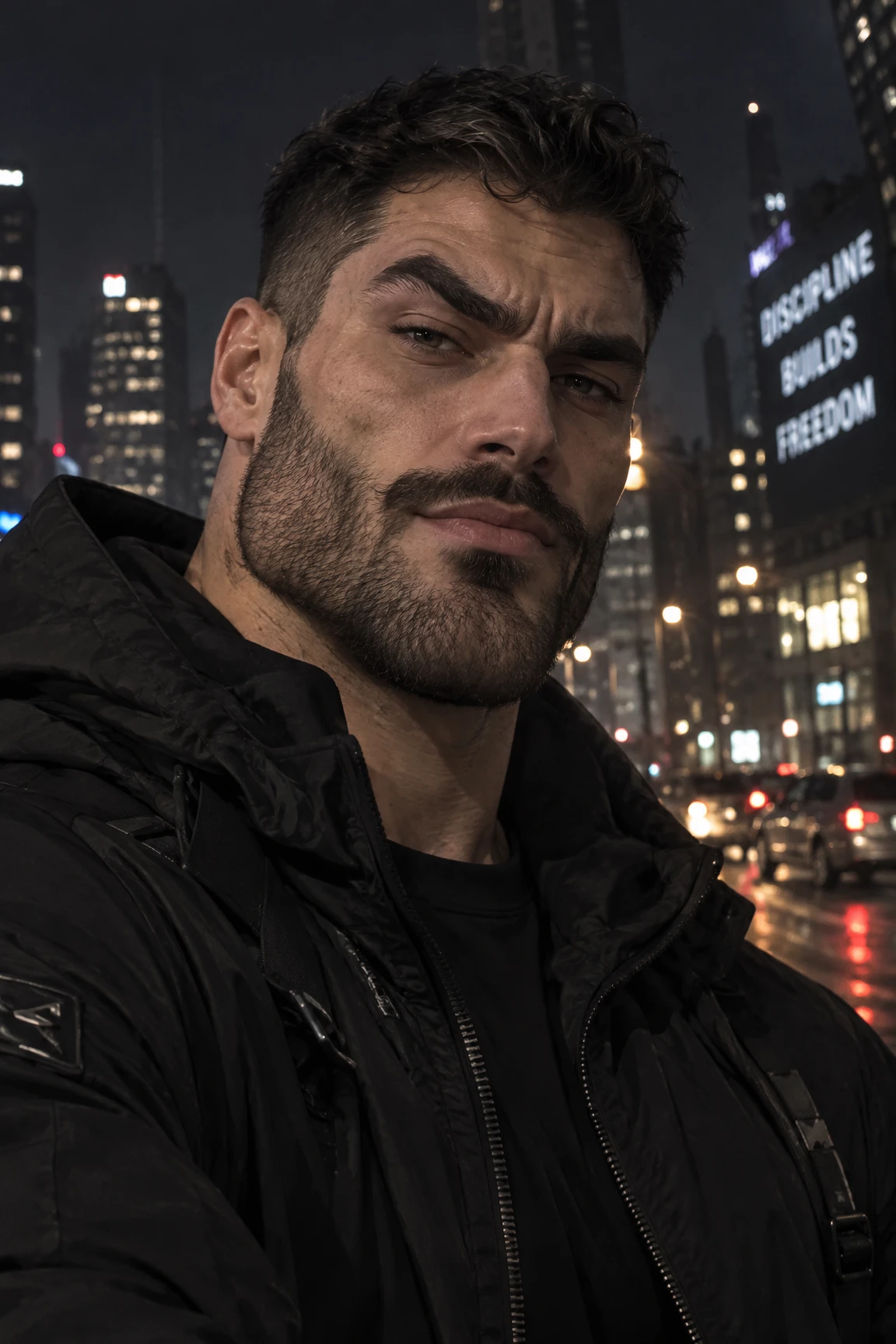
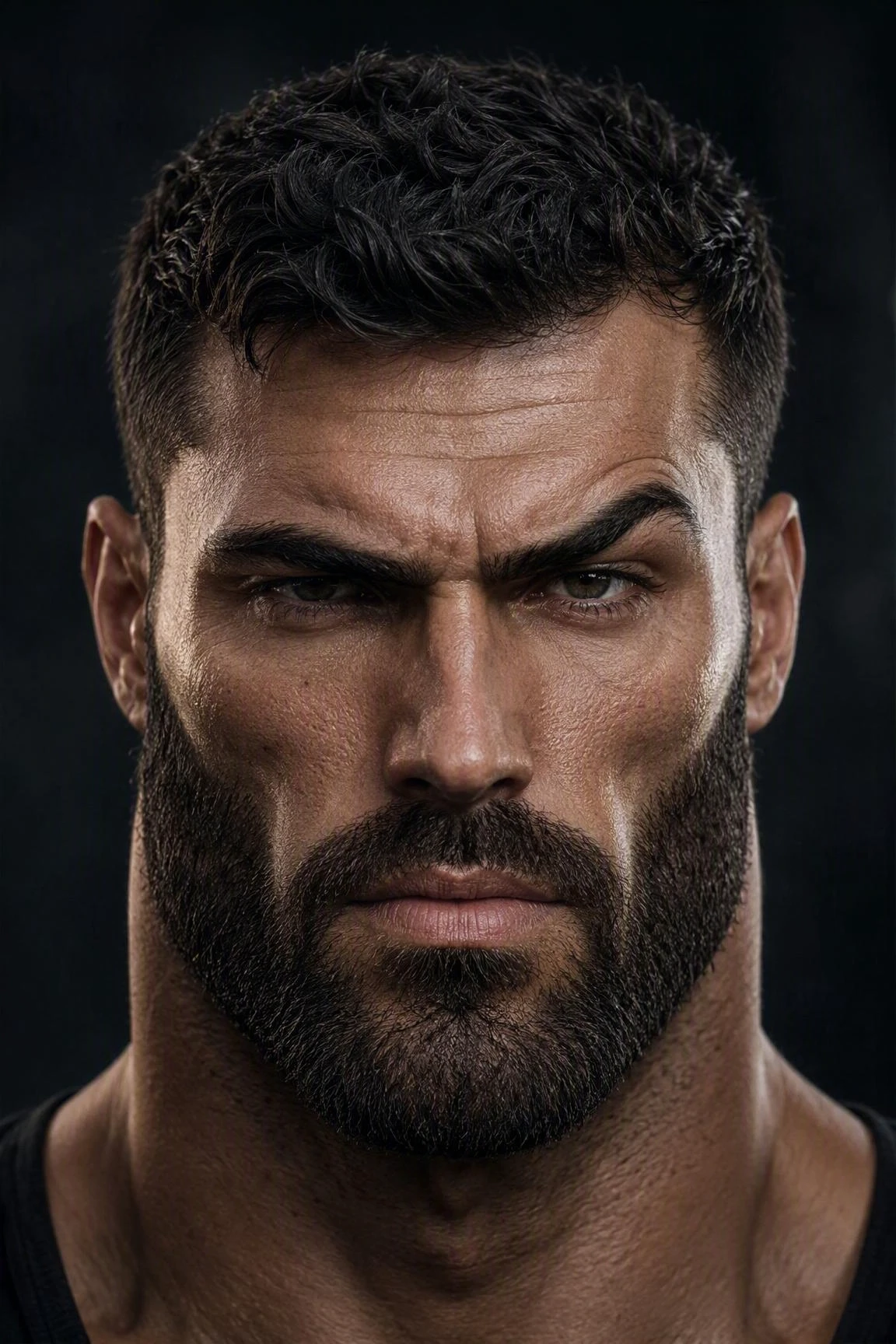
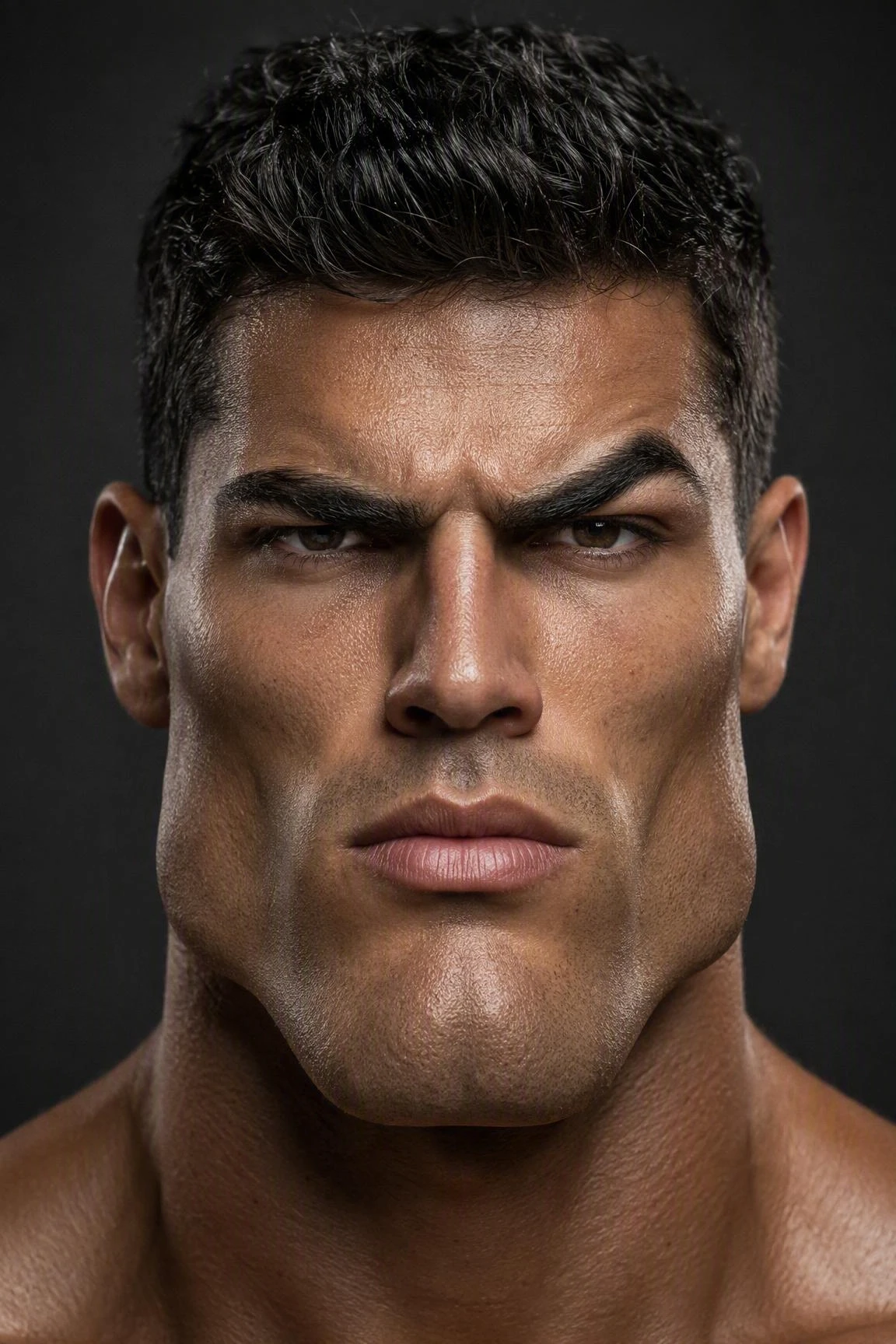
Transform your selfie or portrait into a bold Gigachad-style image with AI. Get a sharper jawline, stronger facial features, and a confident, powerful look while keeping your identity recognizable.
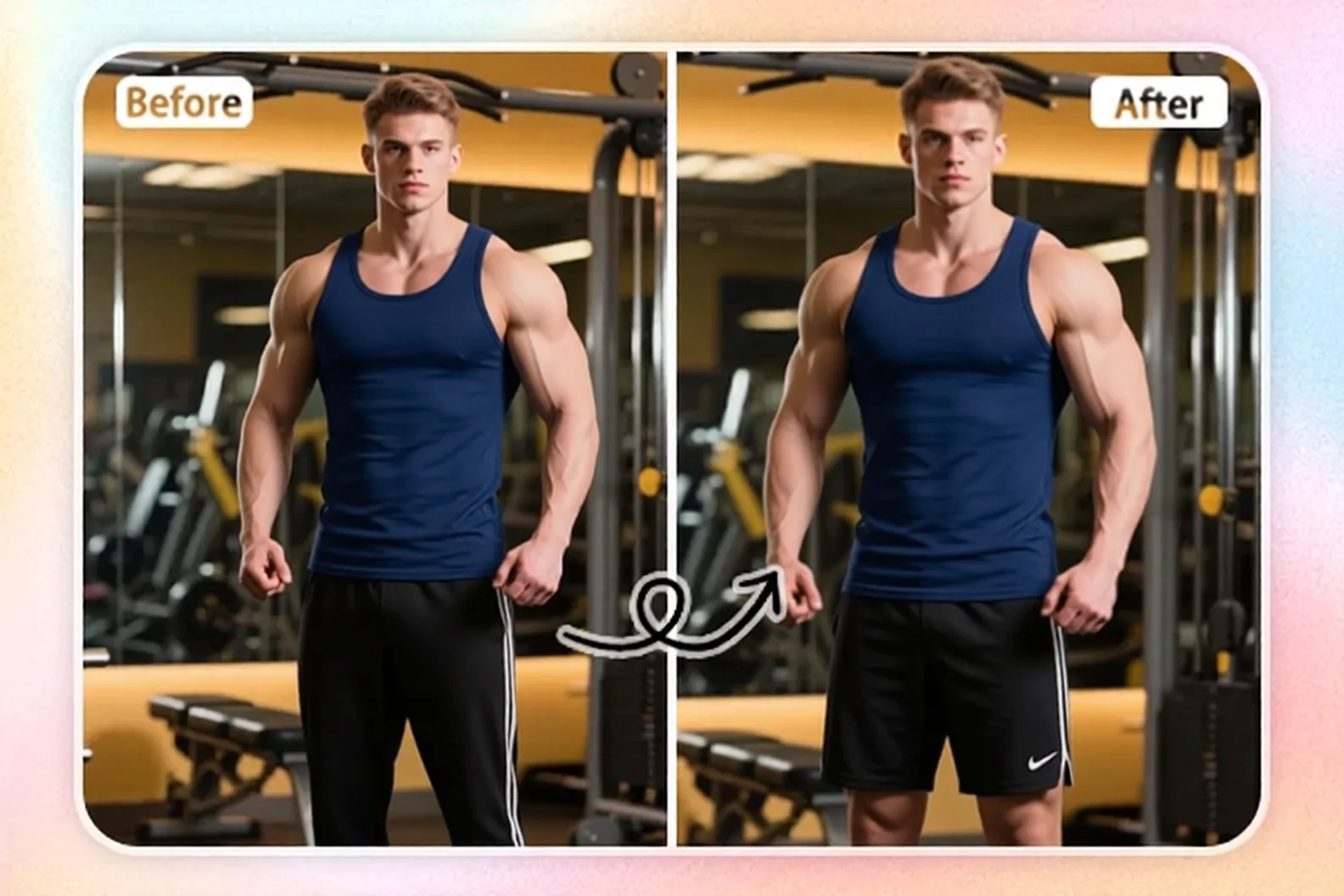
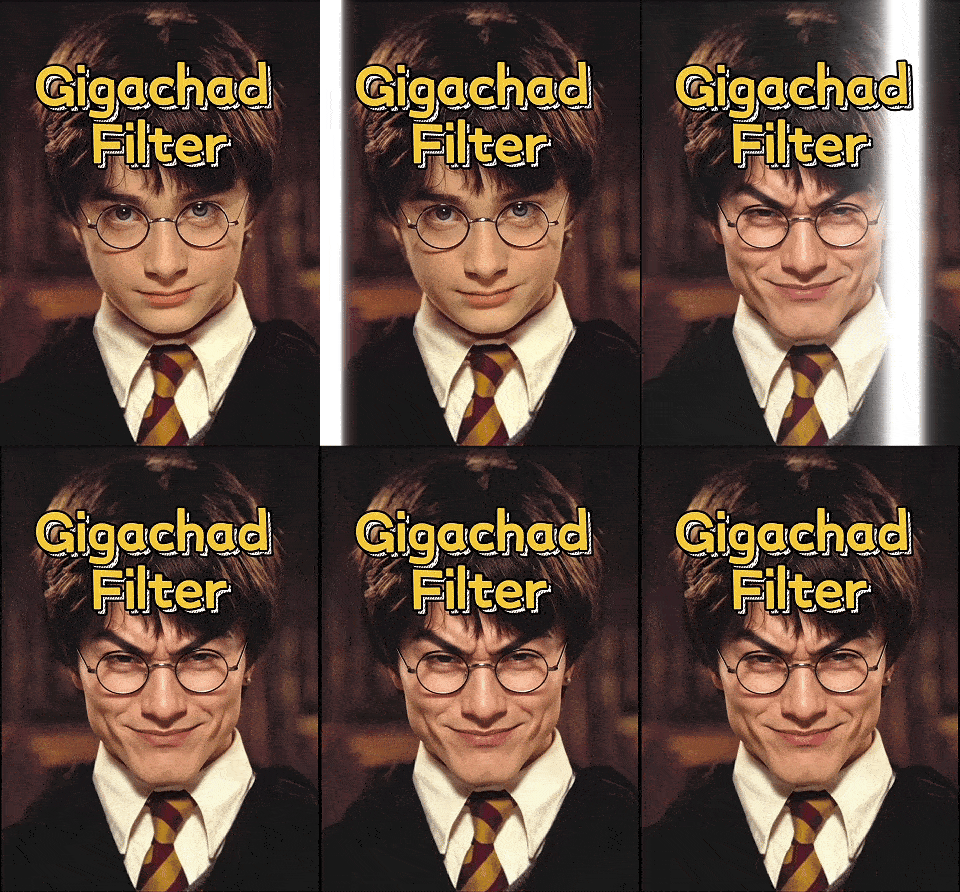
Upload a selfie or portrait and transform it into a bold Gigachad-style image in seconds. The AI enhances key features such as the jawline and facial structure while adding a confident, powerful expression. Get a striking, well-defined portrait that gives your original photo a stronger Gigachad-inspired presence.
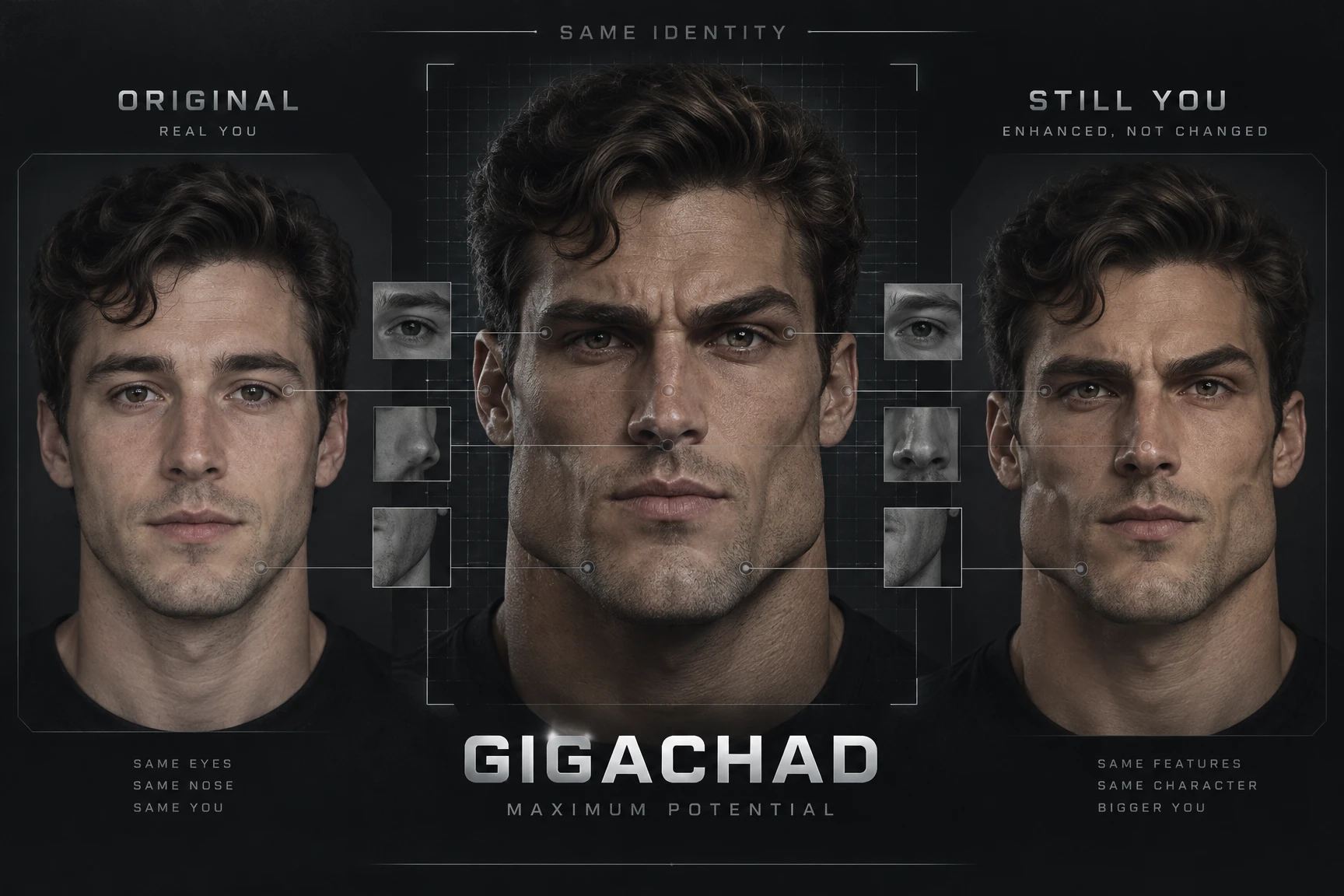
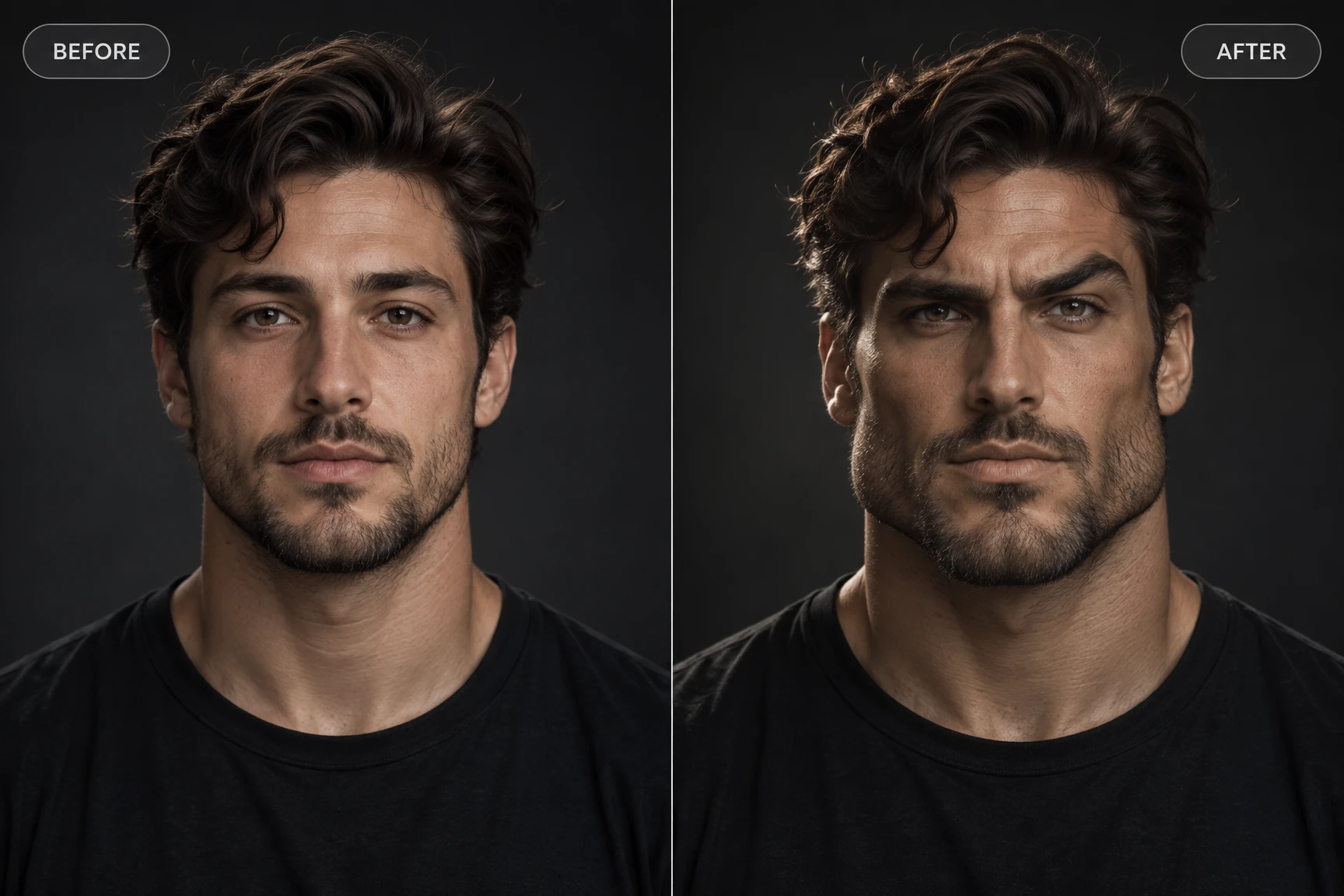
Give your portrait a dramatic Gigachad makeover while preserving key facial features, hairstyle, and recognizable elements of the original person. The transformation enhances the bold, sculpted Gigachad aesthetic without completely changing the person, creating a result that feels both distinctive and familiar.
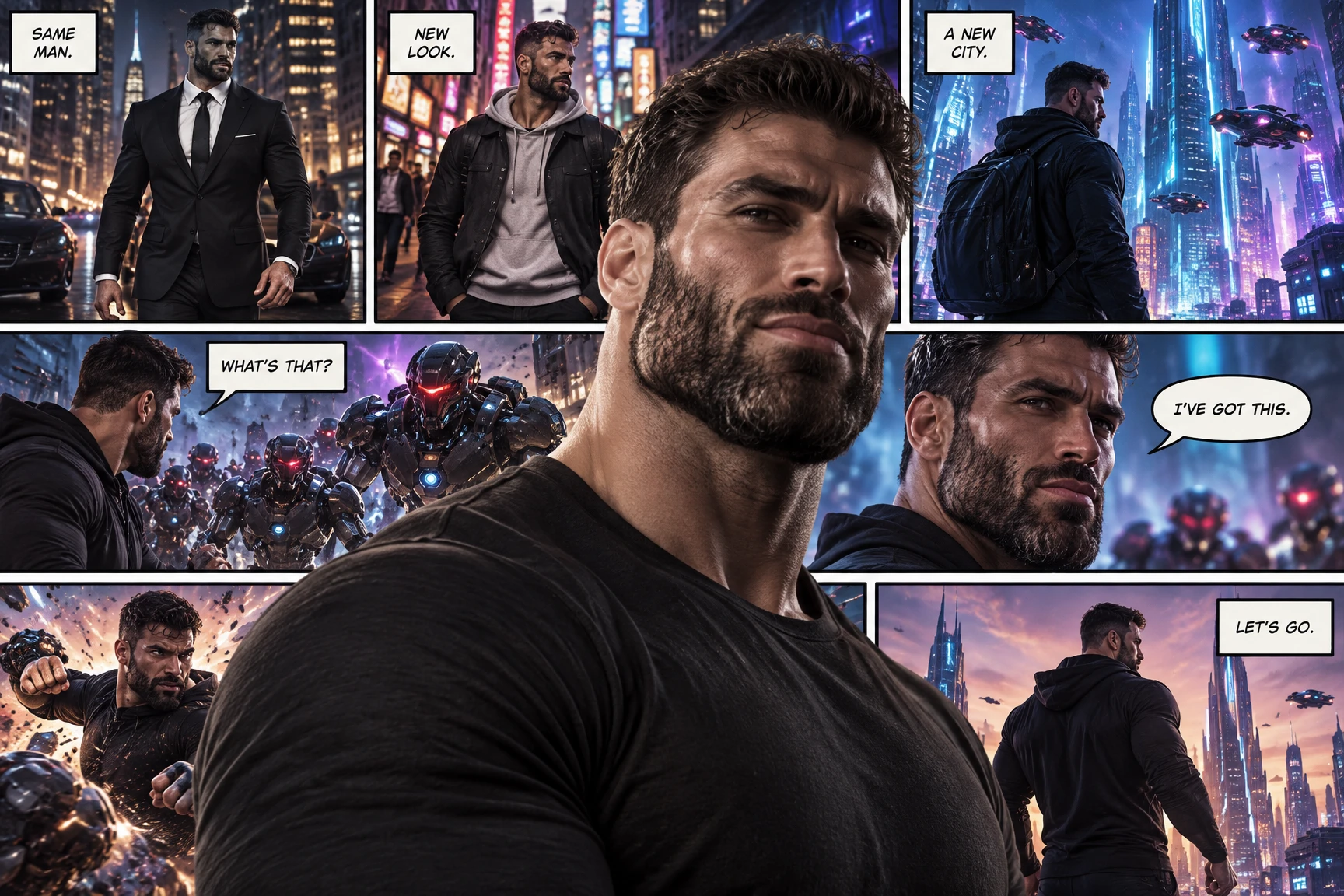
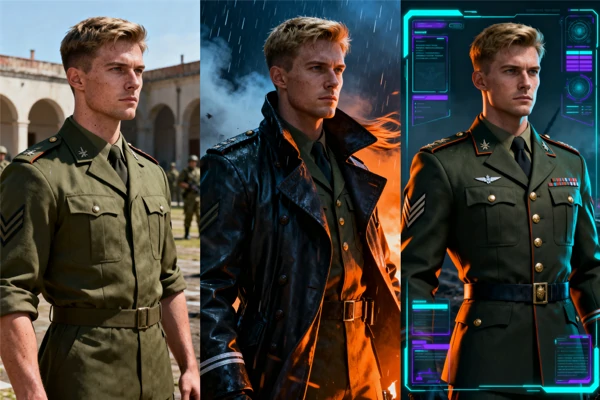
Want to go beyond the preset Gigachad effect? Explore more creative possibilities with SeaArt's AI tools. Change the outfit for a fresh new look, or use the AI Comic generator to turn your Gigachad character into a comic story, explore different scenes and storylines, and bring your character to life in new ways.
Step 1: Open the Gigachad Filter
Open the Gigachad Filter on SeaArt AI and get started with the ready-to-use Gigachad effect. No complex setup or editing skills are required.
Step 2: Upload Your Photo
Upload a clear selfie, portrait, or character image you want to transform. For the best results, choose a well-lit photo where the face is clearly visible and unobstructed.
Step 3: Generate and Share
Generate your Gigachad image with one click and preview the result in seconds. If you like the result, save the image and share your new look on social media, with friends, or in your favorite communities.
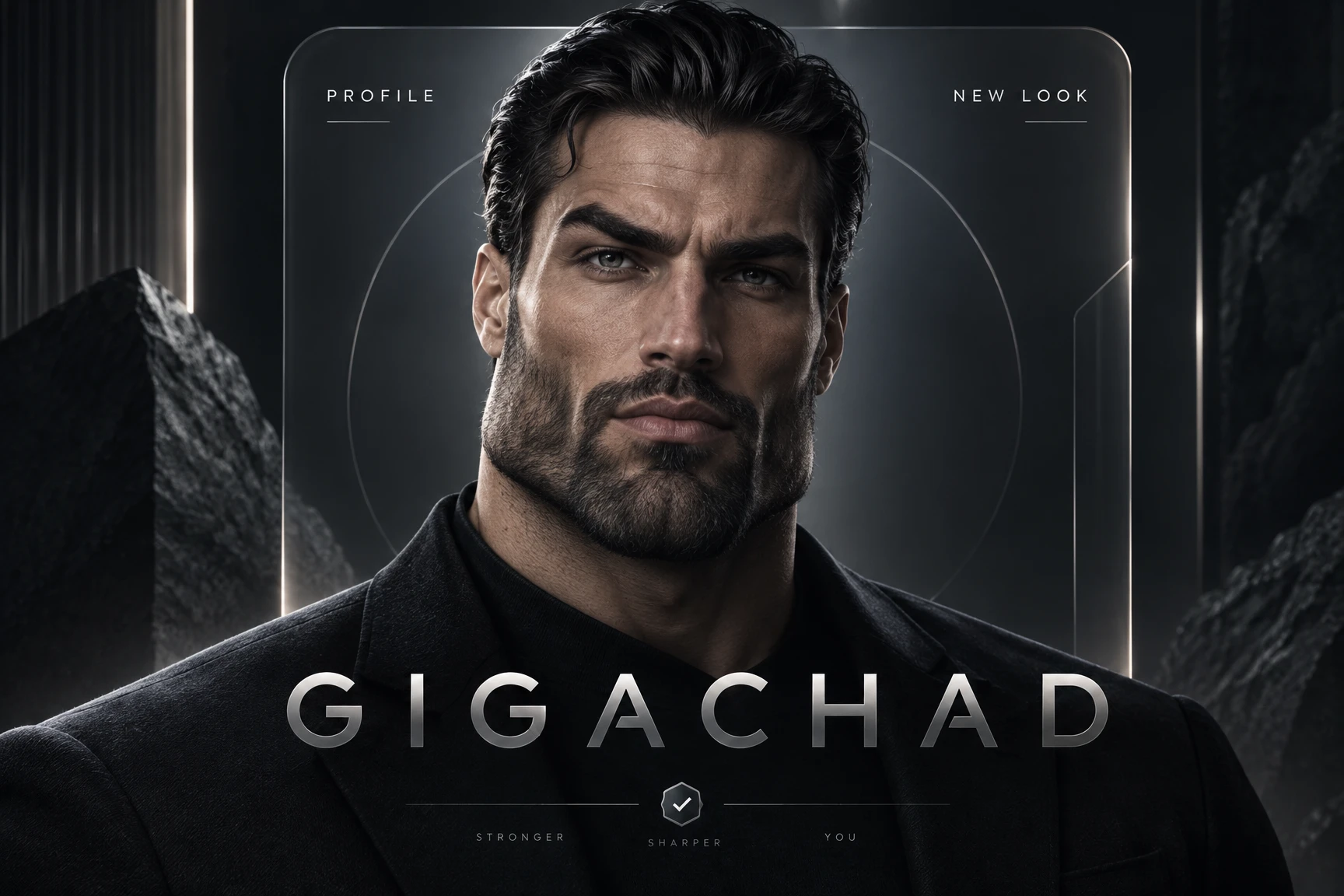
Swap an ordinary profile photo for a more sculpted, confident look across social accounts, online communities, and personal pages. A sharper jawline, defined facial features, and an intense expression can create a striking profile image that feels bold, polished, and instantly recognizable.

Ready-to-Use Gigachad Template
Start with a dedicated Gigachad template for the iconic, bold, sculpted look. No prompt writing, complex settings, or manual retouching is required. Simply upload your photo and get a striking Gigachad transformation in seconds.

Free Gigachad Transformations
Try the Gigachad effect for free and experiment with a bold new look. Upload your photo, generate your transformation, and preview the result without paying for the effect.

High-Quality AI Results
Get a polished Gigachad-style portrait with sharper facial features, a defined jawline, and a strong visual presence. Save your finished image without a watermark for profiles, memes, social content, and other creative projects.

More Trending AI Effects
Looking for more ways to transform your photos? Explore trending effects on SeaArt AI, including Lofi Dusk Filter, VHS Filter, and Instagram Flash Filter, and discover fresh visual styles for your next creative idea.

What Is a Gigachad filter?
A Gigachad Filter is an AI-powered photo effect that transforms an ordinary portrait into the bold, sculpted look associated with the Gigachad meme aesthetic. It enhances features such as the jawline, facial structure, and overall expression to create a more defined and powerful appearance while keeping the original person recognizable.

What kind of photos work best with the chad filter?
Clear, well-lit photos with a visible face generally produce the best results. Single-person selfies, portraits, and character images work well, especially when the face is clearly visible from the front or at a slight angle. Avoid heavy filters, extreme angles, or anything that significantly covers the face.
What is the difference between the Gigachad filter and the sigma face filter?
The Gigachad Filter focuses on a sculpted, highly defined facial appearance, with features such as a sharper jawline and stronger facial structure. The Sigma Face Filter typically emphasizes exaggerated expressions and meme-style reactions associated with the broader sigma trend. Both create bold looks, but their visual effects and overall mood are different.
Can I customize my Gigachad image?
Yes. You can use SeaArt AI's Image Generator to customize your Gigachad image. Upload the image you want to edit and describe your desired Gigachad look with a prompt. Specify details such as facial features, hairstyle, outfit, pose, background, or overall style to create an image that matches your vision.
Can I turn a Gigachad filter image into a video?
Yes. You can use SeaArt AI's image-to-video generator to turn your Gigachad image into a dynamic video. Add natural facial and body movements, camera motion, or other visual effects to bring the portrait to life and create engaging video content.