
Details
Related Works
#Popular
#Interact Duo
#IP Character
...View More
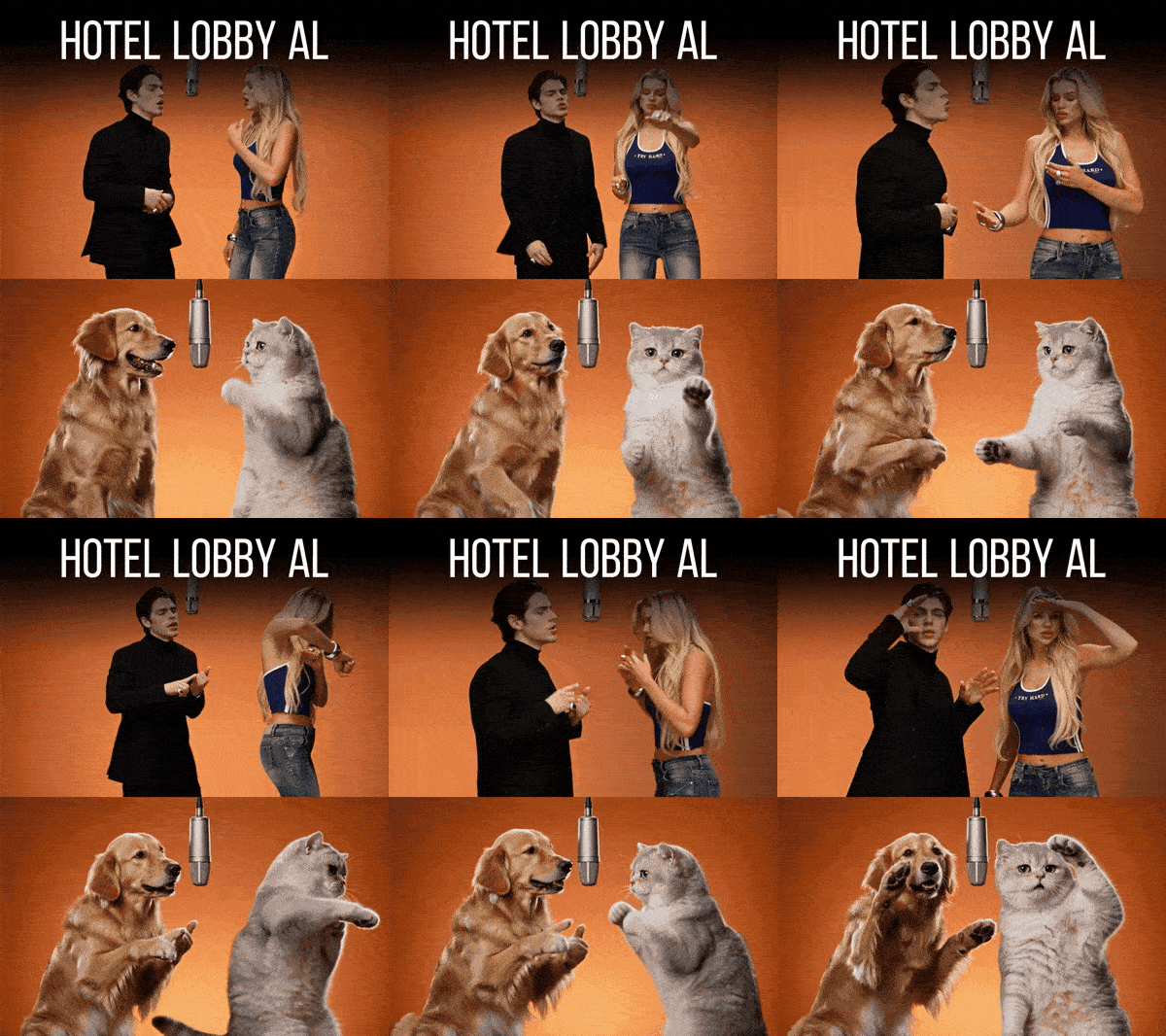
Create a Hotel Lobby AI duo video with two photos. Use the Hotel Lobby AI Filter to bring friends, couples, or pets together in one playful AI-generated performance. Upload clear full-body photos, generate your duo video, and watch the complete result.
Rating & Review
--/5
Not enough ratings or reviews received yet
Hot
Latest
more

No data available
Related Works
Post My Work
Log in to view all works
Log In Now
Explore Related









Download SeaArt App
Continue your AI creation journey on mobile devices
Explore the Hotel Lobby AI Video Trend
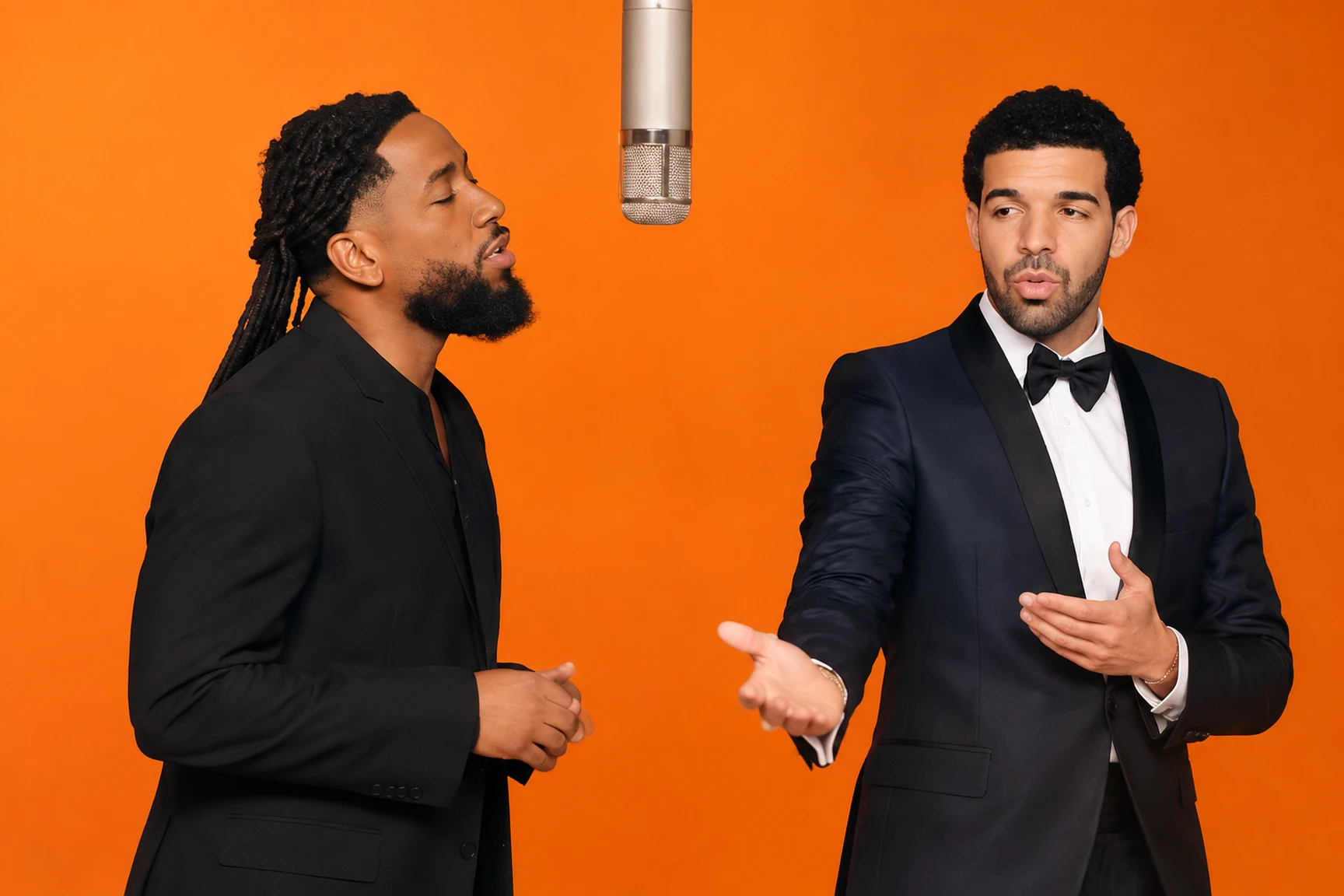
Build a Duo Scene
Start with two separate full-body photos, one for each subject. SeaArt AI brings them together in a shared Hotel Lobby-style video, turning individual portraits into a playful duo performance. Clear reference photos make it easier to retain recognizable facial features, clothing, and body details throughout the scene.
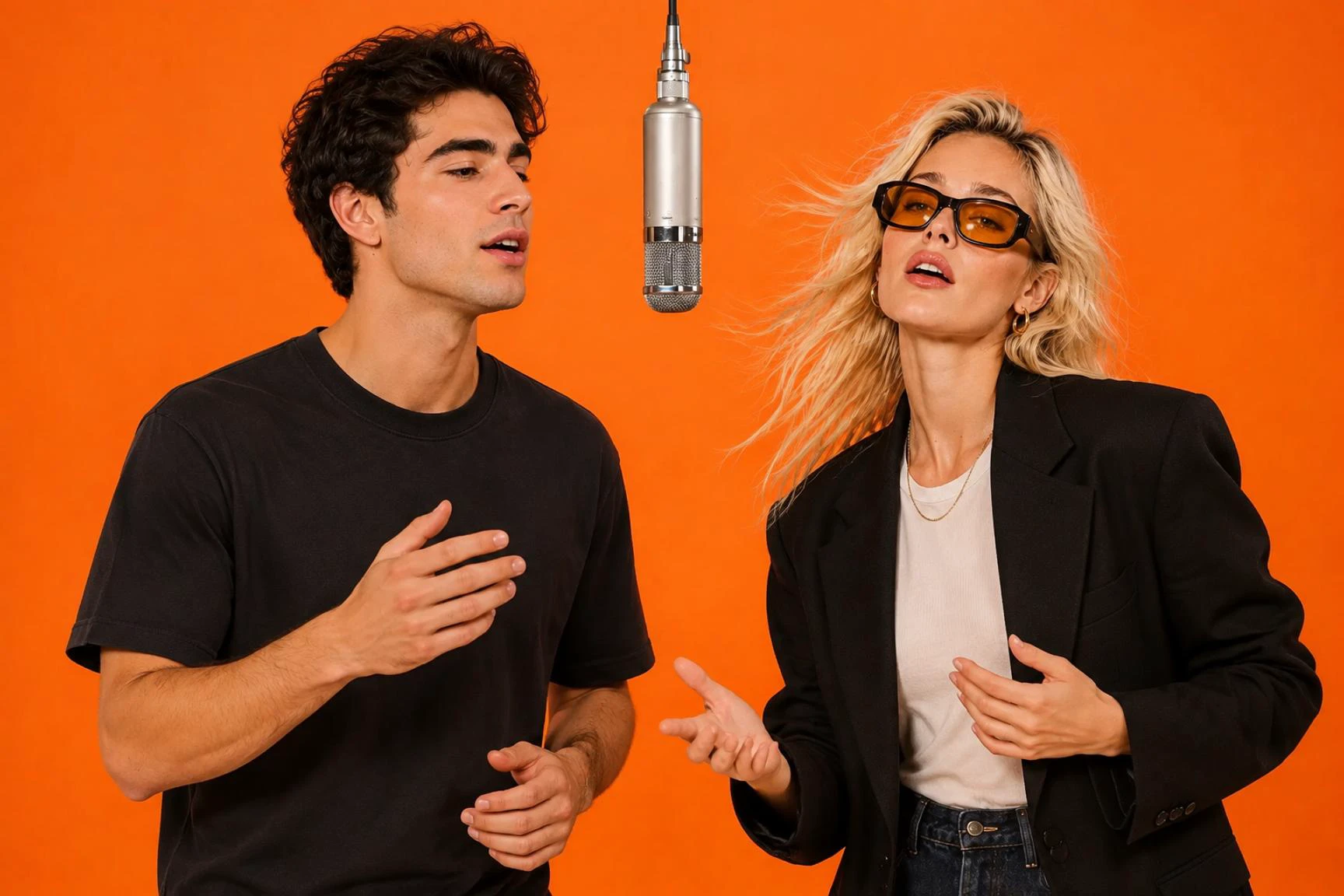
The Signature Orange Studio Look
The Hotel Lobby trend is instantly recognizable for its warm orange booth, terracotta backdrop, and a microphone hanging between two performers. This distinctive studio setup gives the video its signature look, making the duo feel like they're sharing the same stage rather than appearing in two separate clips.
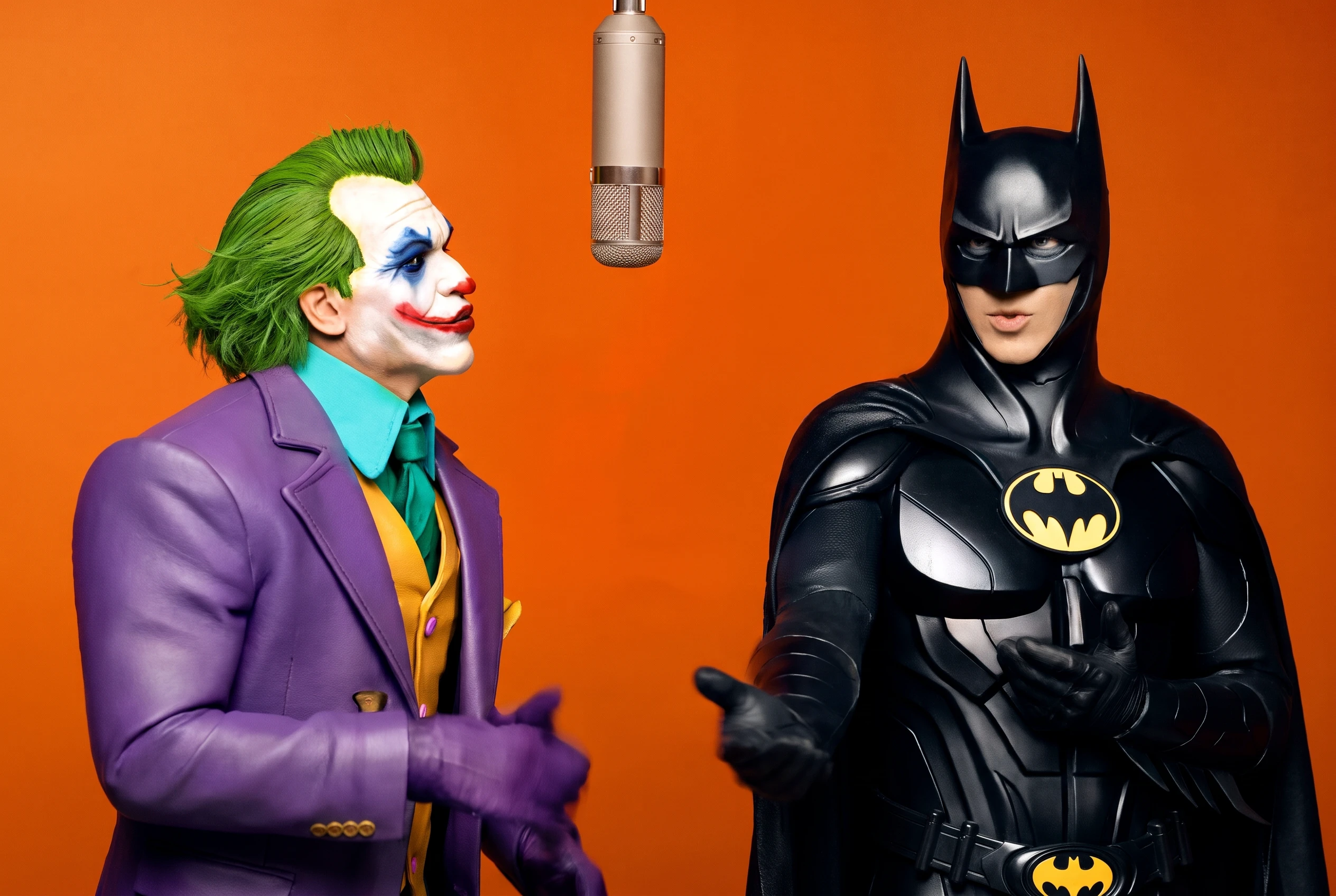
Bring Your Favorite Duo Together
The fun is in choosing who's sharing the microphone. Turn two portraits into a playful performance with friends, siblings, or even pets. Whether it's two friends reacting to each other or two pets becoming unexpected performers, the familiar setup makes every pairing more entertaining.
What Makes the Hotel Lobby AI Filter Fun?

Two Photos, One Duo
Bring two separate people or pets into the same AI-generated performance.

The Iconic Orange Studio
Recreate the recognizable orange booth and hanging microphone setup behind the Hotel Lobby trend.

A Shared Performance
Turn two individual photos into one playful video featuring a duo in the same scene.

Made for Creative Sharing
Create a fun video to share with friends, family, or your social media audience.
How to Create a Hotel Lobby AI Video in 3 Steps
1
2
3
Upload Two Photos
Choose two clear full-body photos, with one subject in each image. Make sure faces, clothing, and important details are easy to see.
Start the Hotel Lobby AI Filter
Open the Hotel Lobby AI app on SeaArt and use the provided video template to bring your two subjects into the same scene.
Generate and Review Your Video
Generate your duo video and watch the complete result. Check whether both subjects look recognizable and whether the overall performance feels natural before sharing it.
Who Will You Bring into the Hotel Lobby?
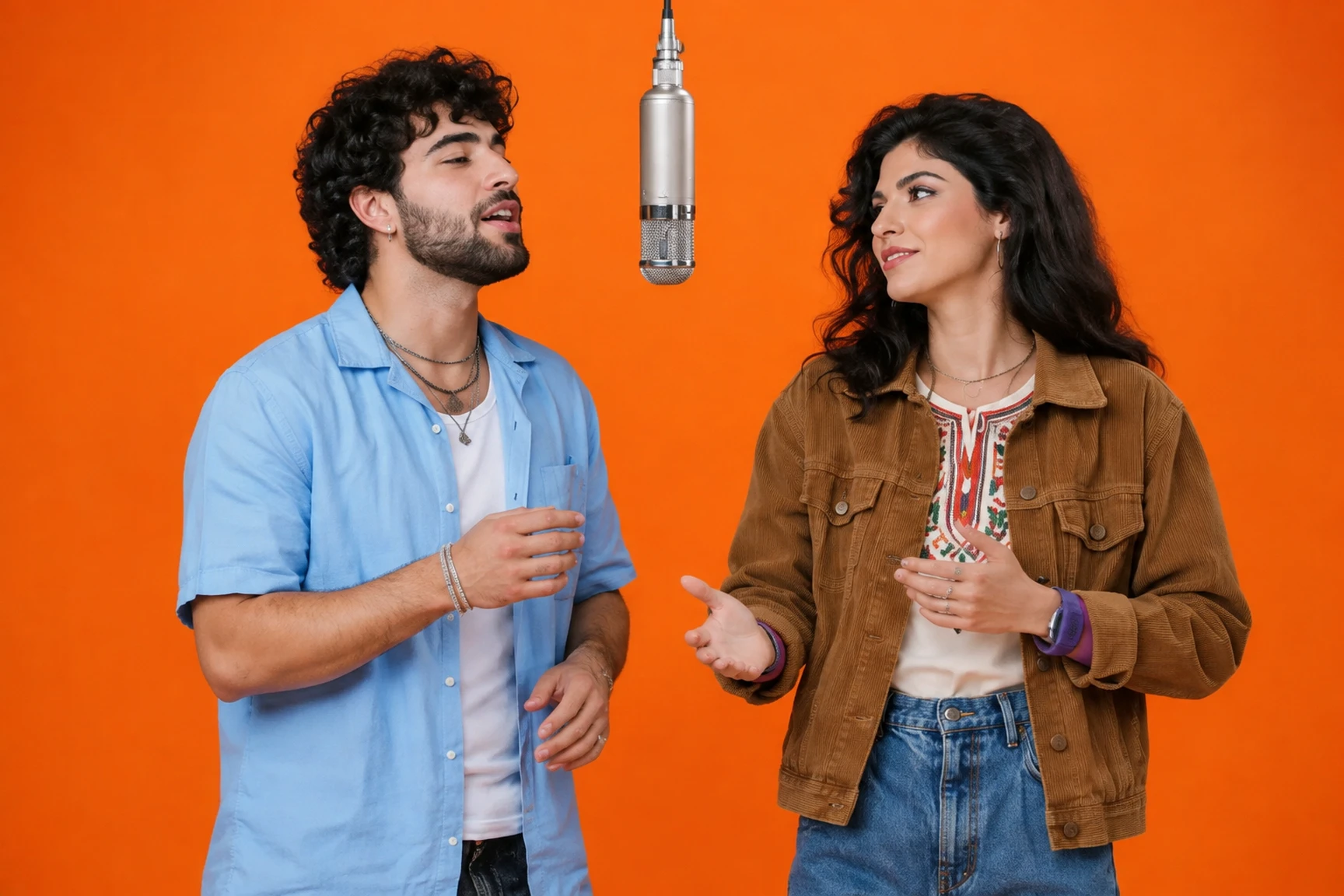
Make Every Duo Moment More Fun
Turn two separate portraits into a fun duo performance. It's a playful way to create something unexpected with your best friend or partner.
Ready to Make Your Hotel Lobby Video?
Choose two photos and bring your favorite duo into the orange studio. Create your own take on the Hotel Lobby AI video trend with SeaArt.
Hotel Lobby AI Filter FAQ

What is the Hotel Lobby AI filter?
The Hotel Lobby AI filter is a video trend that recreates a duo performance in an orange studio with a hanging microphone. It turns two photos into a shared video featuring two people or pets.

How many photos do I need for a Hotel Lobby AI video?
You need two separate photos, with one person or pet in each image. Full-body photos with clear faces and visible details are a good starting point.
Can I use pet photos for the Hotel Lobby AI filter?
Yes. You can try two pet photos to create a playful animal duo. Choose images where both animals are clearly visible for a better starting point.
Do I need to film a video before using the Hotel Lobby AI filter?
No. You can start with two still photos instead of recording a performance yourself. The AI video template creates the shared scene from your uploaded images.
Why do the faces look different in my generated video?
AI-generated results can vary, especially when the reference photos are blurry, heavily cropped, or have obstructed faces. Try clearer photos with good lighting and fewer visual obstructions.
Can I customize the movements in my Hotel Lobby video?
This app uses a predefined Hotel Lobby video template. If you want to explore more flexible scene and motion creation, try SeaArt's AI video generator.