
AI Body Editor Free Online
Reshape body photos naturally, from subtle refinements to confident fitness and fashion looks.
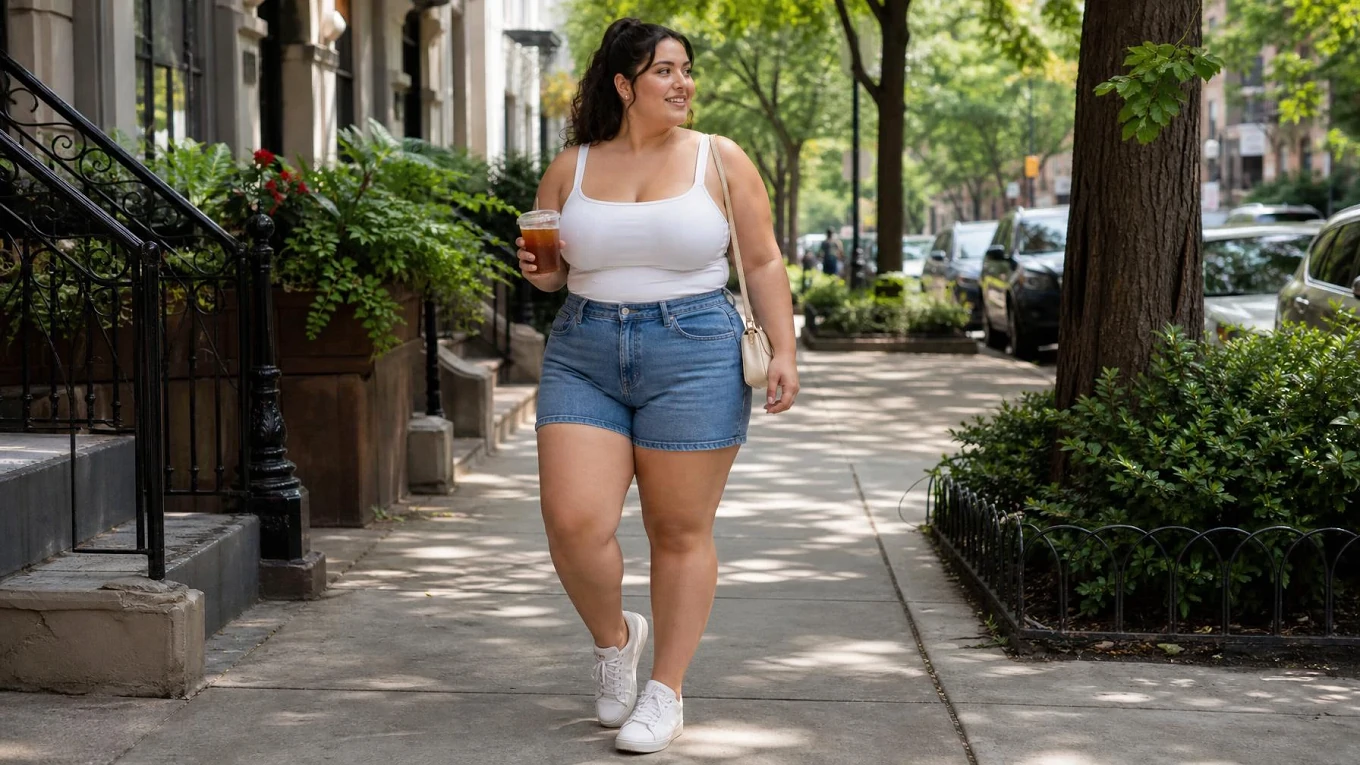
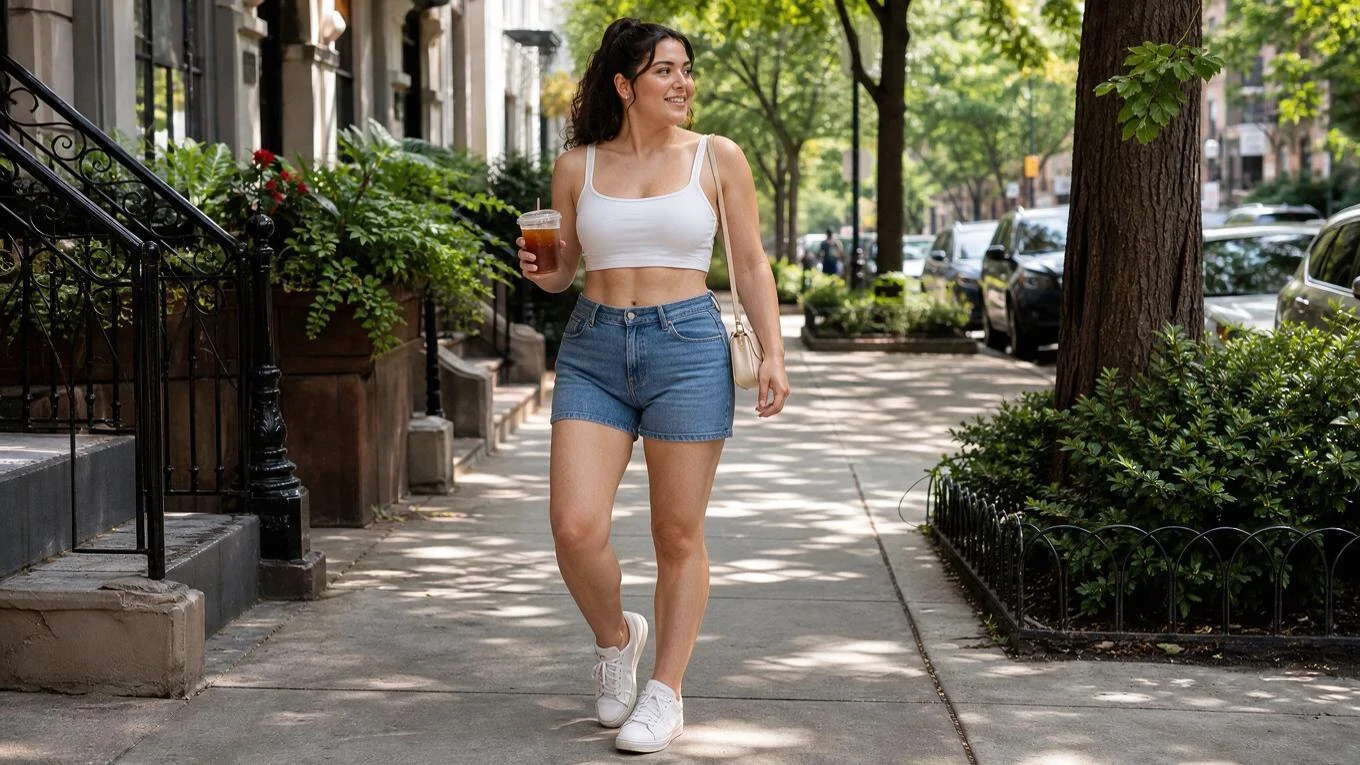
Upload Image
Click to upload or drag images here.
Why Choose Our AI Body Editor

Free to Try
Daily free stamina gives you room to explore portrait editing before deciding which body-shape direction to keep.

No Manual Retouching
Skip selection tools and visual warping. A short instruction gives the editor a clear starting point for your portrait.

High-Quality Results
Create polished body edits with clear details and a refined visual finish.

Edit in Your Browser
Use the online workspace on desktop or mobile through SeaArt AI, with no separate application installation.
Refine Body Shape with Natural Control
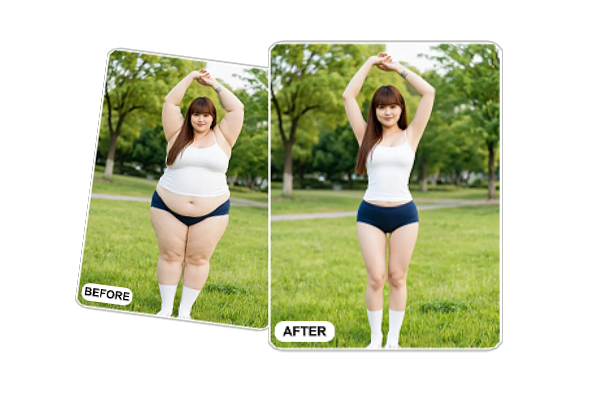
Edit Specific Body Areas
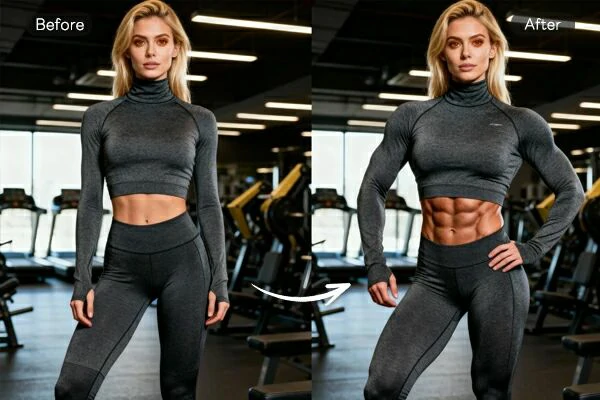
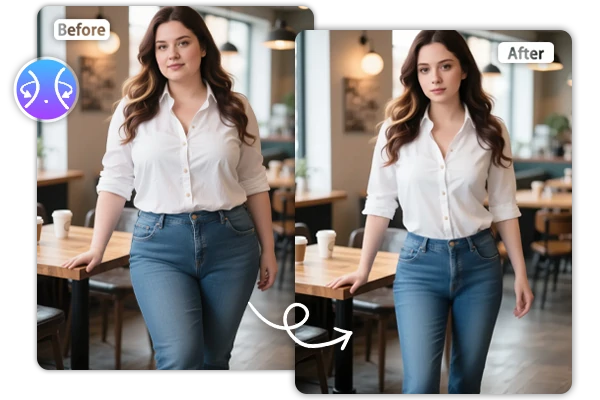
Upload a portrait, then describe the body areas you want to refine. This AI body editor lets you shape a waistline, tone the arms, lengthen the legs, improve posture, enhance curves, or add subtle muscle definition. Combine related adjustments when you want a balanced silhouette without manual photo retouching.
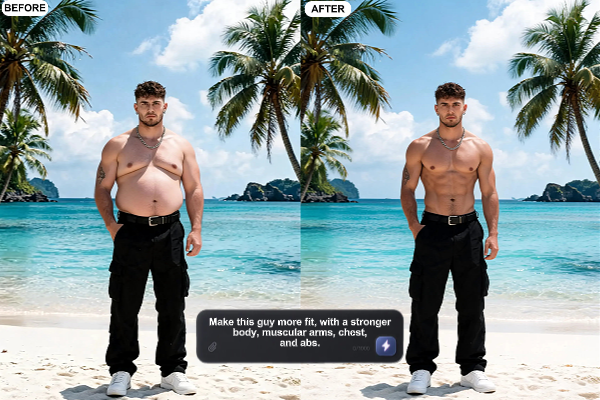
Shape the Look with Prompts
Use plain language to set the direction instead of choosing one fixed body filter. The AI reshape body workflow can follow requests for a gently refined shape, a healthier athletic appearance, a longer-looking silhouette, or a fashion-focused variation. Change a few words to compare body contours while staying close to the person's original pose.
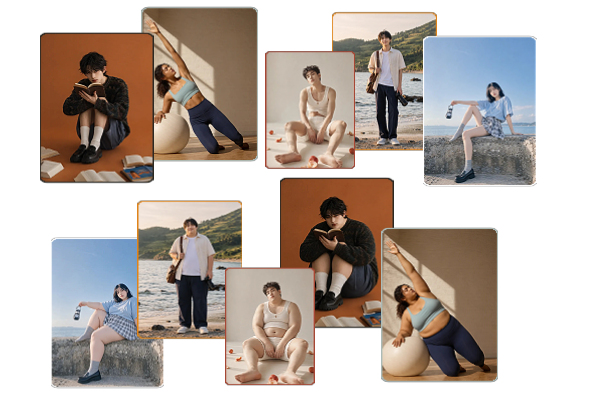
Natural Proportions, Same Person
A strong result should reshape the figure without making it look artificially stretched. The editor aims for natural proportions that fit the existing pose and realistic anatomy, avoiding awkward limbs or warped body lines. It also keeps recognizable facial features and character consistency, so the edited portrait still looks like the same person.
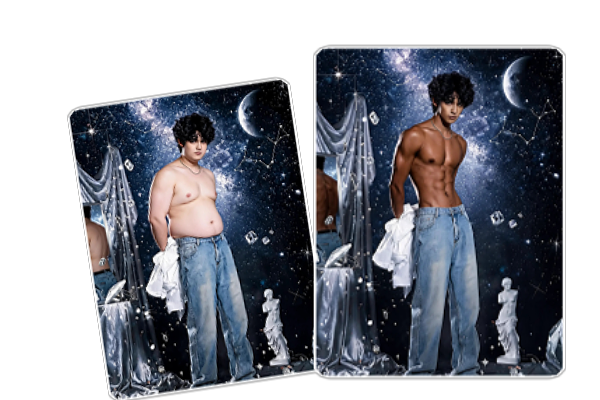
Build Fitness and Fashion Visuals
Use the same photo workflow to explore different visual directions for fitness posts, fashion portraits, creator content, or concept boards. Try a light refinement for one version, then stronger muscle definition, a cleaner silhouette, or more confident posture for another. This gives you a practical way to compare different body-shape directions before choosing one to keep.
How to Use AI Body Editor in 3 Steps
Upload a Photo
Choose a clear portrait where the body areas you want to refine are visible.
Describe the Adjustment
Write clear, natural directions for the waist, posture, arms, legs, curves, or muscle definition you want to adjust.
Generate and Download
Review the result, adjust your prompt if needed, then download the variation that fits your idea.
Try More Quick Body Edits

SeaArt AI Trusted by












Frequently Asked Questions

What is an AI body editor?

How should I write a body editing prompt?
State the adjustment you want, then keep the direction specific and natural. For example, write “defined waist, toned arms, balanced proportions.” Add “keep the same person and pose” when maintaining identity matters.
Is my portrait private?
Your uploads are used to create your result. You can fully delete your content from servers at any time, and nothing is shared publicly unless you choose to publish it yourself. Only upload authorized portraits.