50M
+Creator

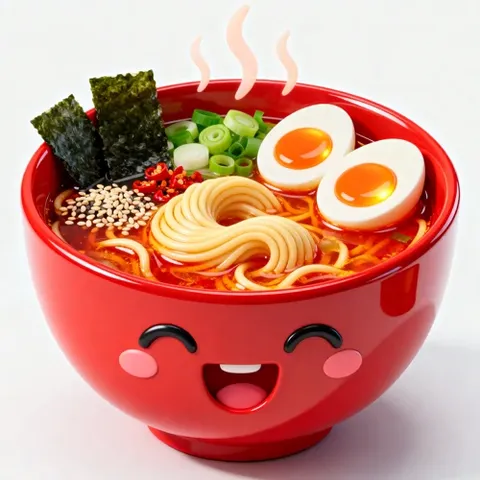
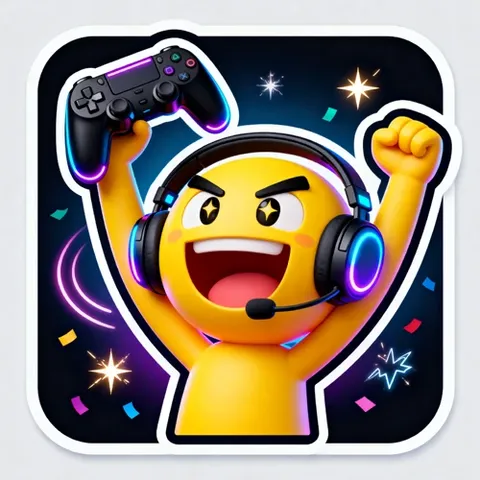
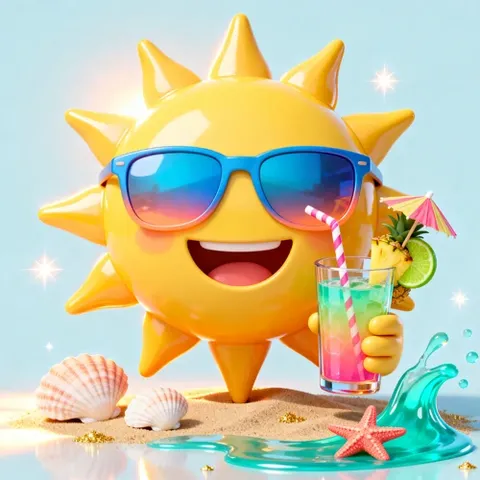
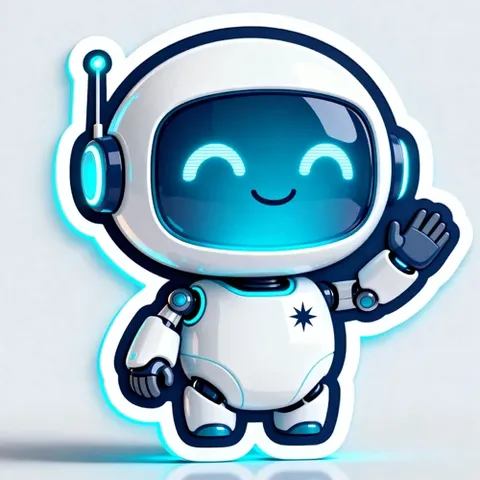
Turn a simple idea or reference photo into a custom emoji with the expression, colors, accessories, and art style you choose. Create playful reactions, personal avatars, and themed designs for chats, social posts, and World Emoji Day.
Upload Image
Click to upload or drag images here.


Quick to Try
Start with an emoji idea, generate a result, and explore new directions without a complicated setup.

Easy to Use
Describe what you want in plain language and let AI handle the creative process.



Advanced AI Models
Create detailed emoji artwork with models that understand visual prompts, styles, expressions, and references.

Free to Start
Everyone can try emoji creation with SeaArt AI's free daily credits before deciding how to develop your ideas.
Try these text-to-image and image-to-image prompts for custom AI emoji images. Replace the subject, emotion, colors, or style to match your project.
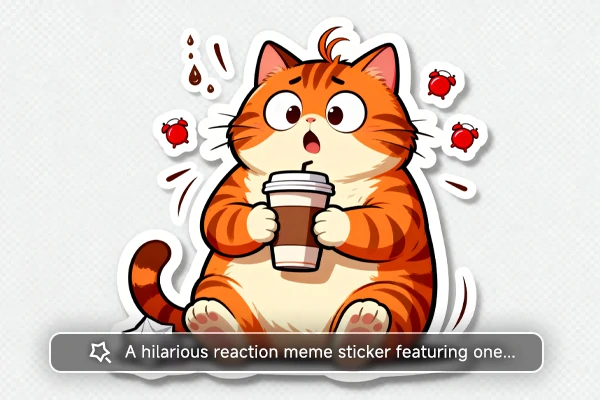
Start by describing your emoji in plain language. Add the emotion, pose, colors, accessories, and background you want. The more specific your prompt, the easier it is to shape the emoji’s personality and visual style. For a quicker way to create simple emojis, try the AI emoji generator App with ideas like "a laughing cat" or "a sleepy moon."
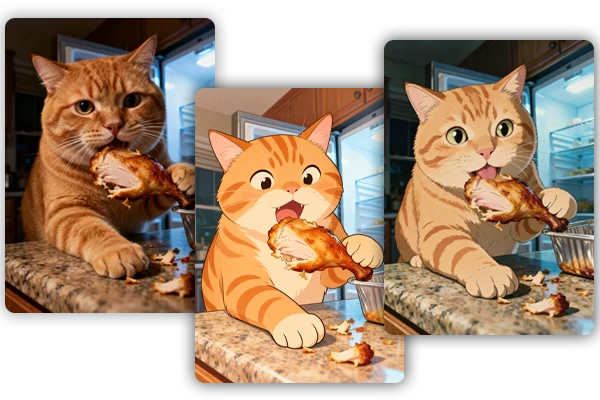
Use a portrait or pet photo as a visual reference for a custom emoji. Ask the AI art generator to preserve recognizable facial features, fur patterns, colors, or expressions while simplifying the subject into a sticker, cartoon, chibi, pixel art, or 3D emoji style.
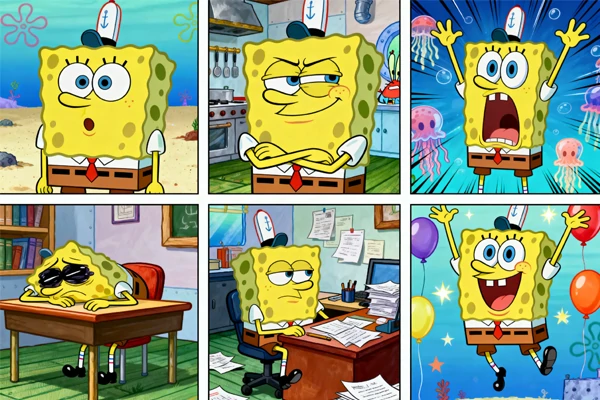
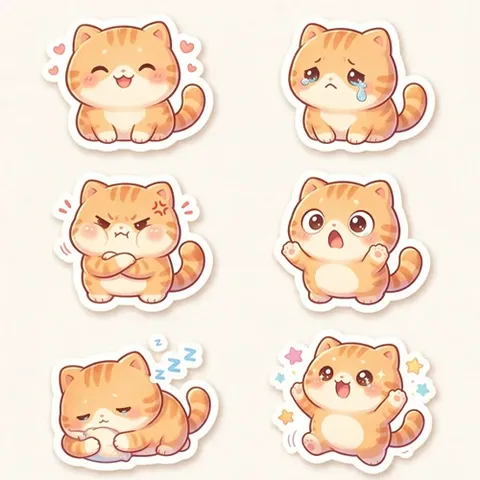
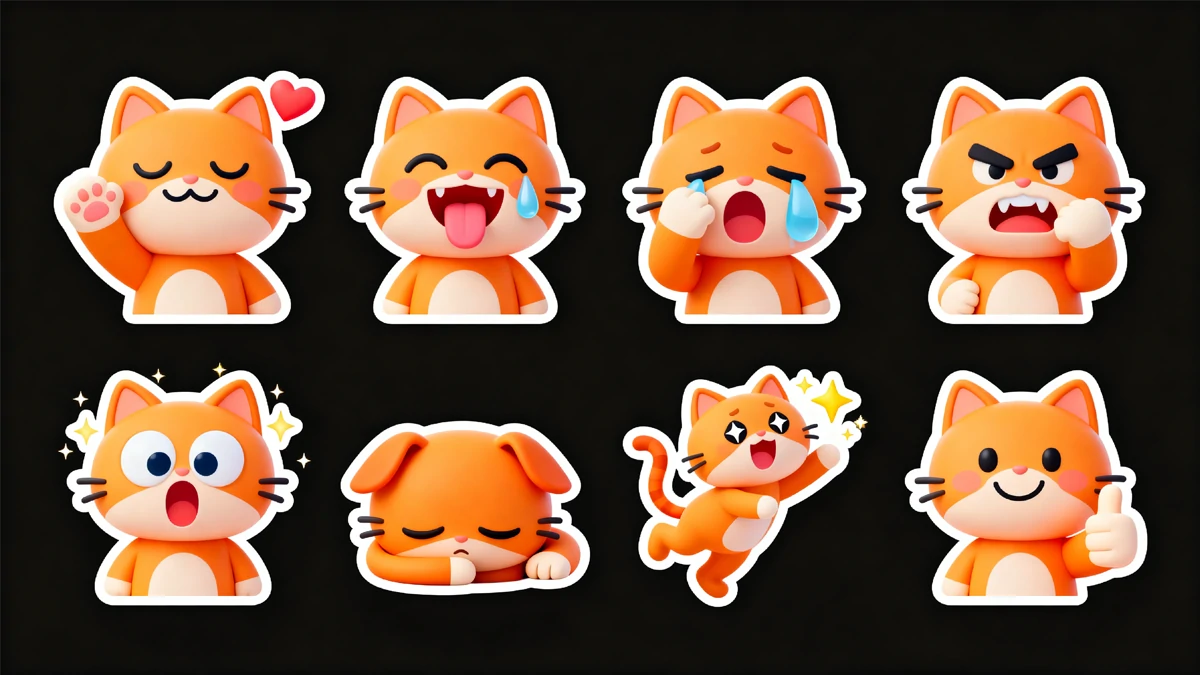
Create a group of related emojis with the same character, color palette, outline, and art direction. Use matching prompts to make reaction stickers, community icons, livestream assets, brand mascots, or themed content for social media and messaging platforms.
Write a Prompt or Upload a Reference
Describe your emoji idea in text, or upload a photo for a personalized result.
Choose Settings and Generate
Set your image ratio and other preferences, then generate the emojis.
Preview, Refine, and Save
Review the result, refine the prompt or reference when needed, and save your favorite emoji artwork.













What is an AI emoji generator?

Is the AI emoji generator free to use?
SeaArt AI provides free daily credits for logged-in users, so you can try custom emoji creation without paying upfront.
Can I use AI-generated emojis for commercial projects?
In general, you can use generated emojis for commercial projects, but check the rights of uploaded materials and avoid protected characters, logos, or copied designs. Review the applicable platform terms before publishing or selling them.