AI Food Generator
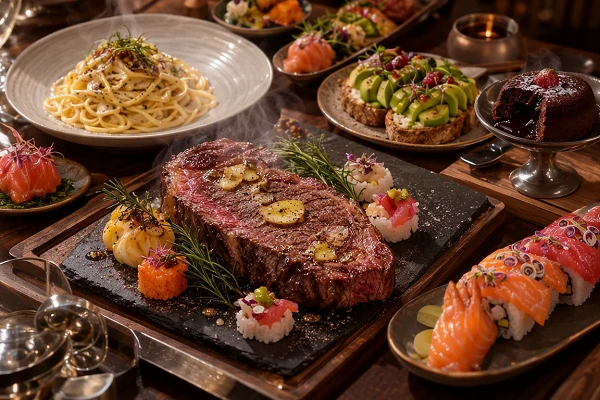
From sushi to steak, from street food to fine dining - the free AI food generator creates photorealistic food images that look real enough to eat. Any cuisine, any style, ready in seconds.
AI Food Generator for Every Occasion
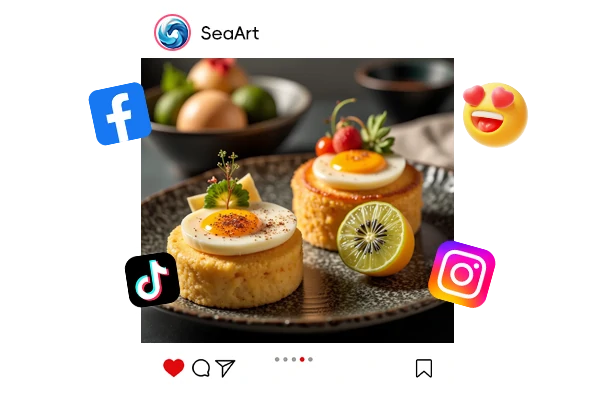
Food Blogging & Social Media
Create scroll-stopping food photos for Instagram, Pinterest, or your recipe blog. Generate the perfect overhead shot, close-up, or styled flat lay for any dish you write about.
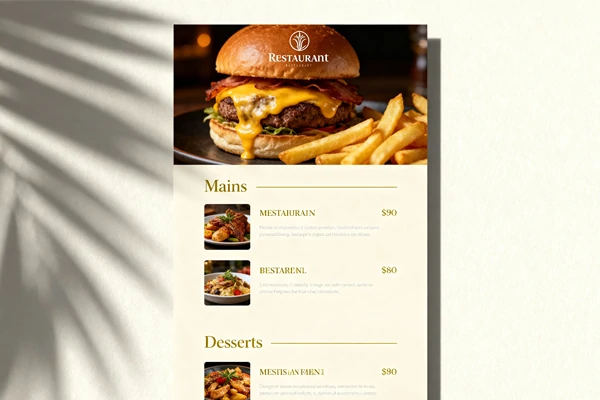
Restaurant Menus & Delivery Apps
Design professional menu images and food listings without a photoshoot. Get consistent, appetizing visuals for your entire menu - from appetizers to desserts.
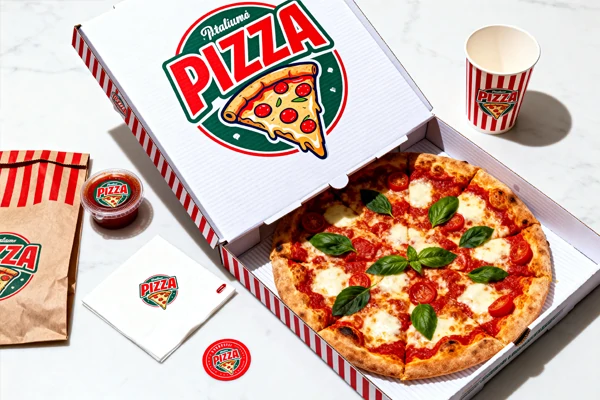
Packaging & Brand Design
Generate product visuals for food packaging, ads, and marketing materials. Test different plating styles, backgrounds, and lighting before committing to a real shoot.
Transform Recipes into Stunning Gourmet Photos
Discover a world of endless culinary possibilities with SeaArt AI. Simply enter the prompts of your favorite dishes, recipes, or food ideas, and let our AI work its magic.

Unleash Your Creativity with Customizable Food Ideas
With the best AI food generator, you have complete control over your dinner. Just describe the ingredients, style, and vibe you want, and the tool brings your culinary vision to life. Want to try a new twist on a classic or create something unique? The AI makes it easy to customize every detail, letting you explore new ideas and cook up something truly special.

Realistic, High-Quality Food Images
What makes the AI food generator stand out is how realistic the images look. The tool creates mouthwatering visuals that capture every detail, from texture to color, just like a professional food photographer would. Whether you're showcasing a new recipe or sharing an idea, you'll get high-quality images that make your meals look even more delicious and ready to share.

Quick, Easy, and Hassle-Free
Creating food images has never been faster or simpler. No need for complex setups or a photography studio - just a few clicks, and the AI food generator turns your descriptions into stunning visuals. Plus, you can use IC Light AI to fine-tune the lighting and atmosphere, making your food images even more tempting and realistic.
How to Generate Delicious Food with AI
Effortlessly design realistic and delicious food images with the AI food generator in just a few steps!
Step 1: Enter Your Prompts
Start by describing your dish and selecting the image ratio you prefer. Be as specific as possible to get the best results.
Step 2: Generate Using a Seed or Go Random
Review your image settings, then click "Generate" to create your food image.
Step 3: Preview, Download, and Share
Once your image is ready, preview it. If you're happy with the result, download, save, and share your delicious creation with others.
Tips for AI Food Generator


Describe Your Dish in Detail
The more specific your description - ingredients, texture, and colors - the more accurate and delicious the generated image will be.

Use Seeds for Consistent Results
Keep your food images consistent by using seeds, ensuring that similar dishes or designs look the same every time.



Assign Weights to Certain Terms
Similar to using an AI image generator, you can adjust weights to highlight or downplay specific elements (e.g., "tomato:1.5"), making the tomato appear more prominent in the final image.

FAQs – AI Food Generator

What AI can generate food images?

Is the AI food generator free?
Yes, our AI food generator is free to use! Log in, and you can start creating delicious food images at no cost.
How does the AI food image generator work?
Enter a description of the dish you want to create, choose your preferred image ratio, and click "Generate". The AI will produce a high-quality food image based on your input. Best of all, you can preview, download, and save your image for free, with no watermark!