AI Pinup Generator Free Online
Create vintage-inspired pin-up art from a written idea or turn a photo into a stylized retro portrait with your own visual direction.
Upload Image
Click to upload or drag images here.
12 Pin-Up Art Prompts to Copy and Create
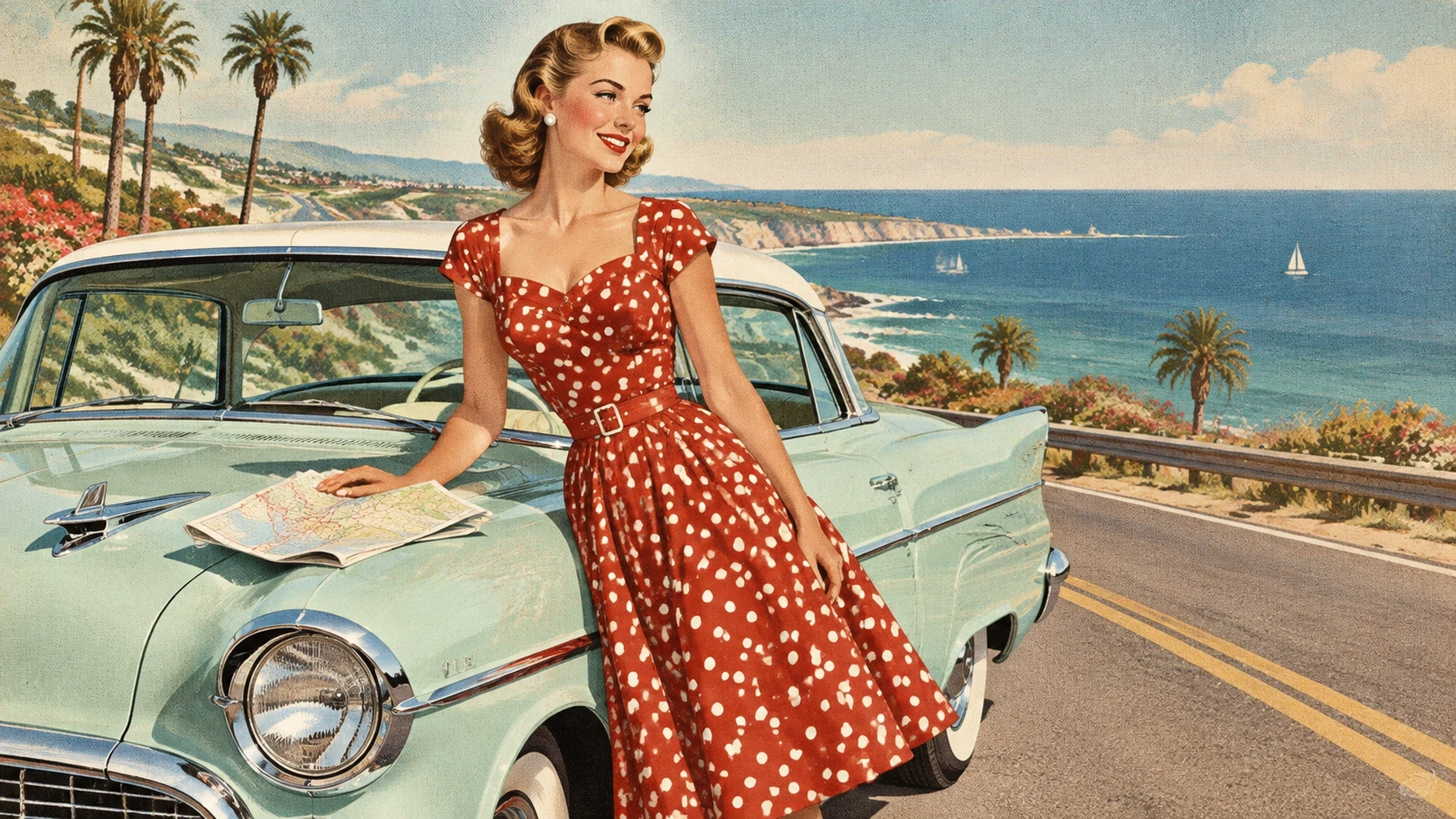
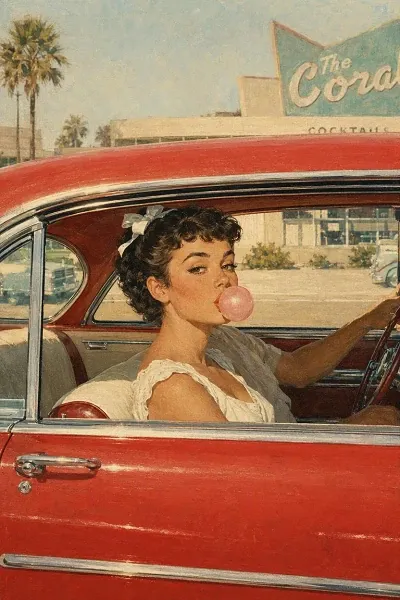
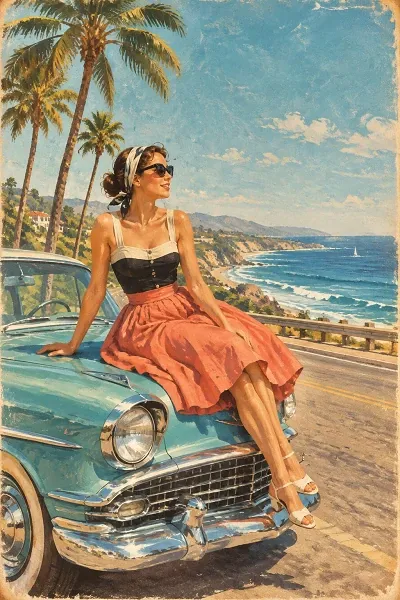
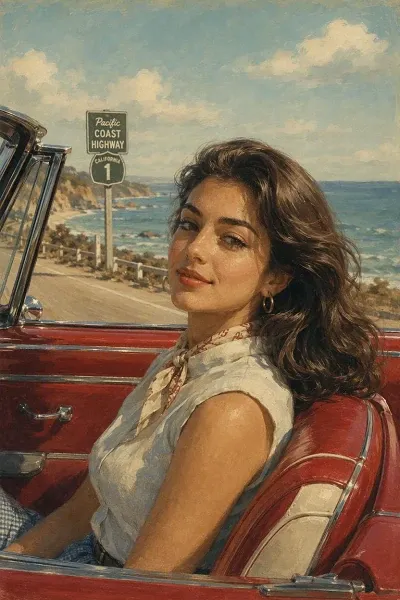
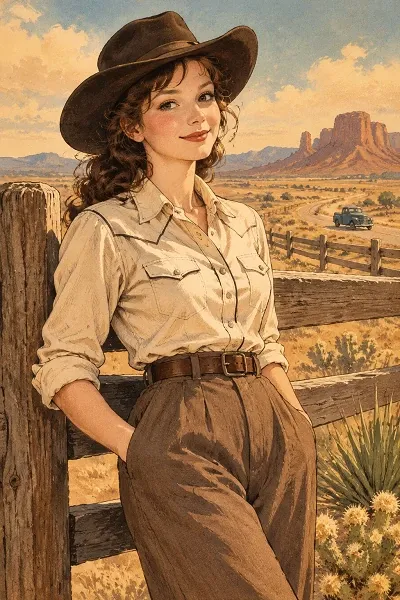
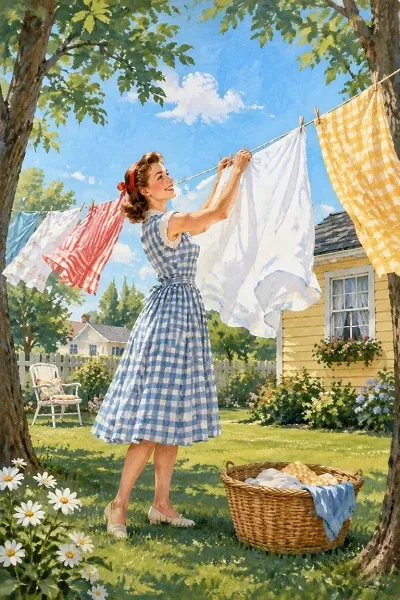
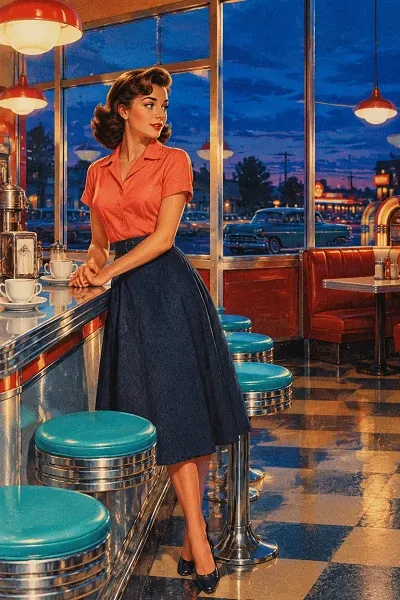
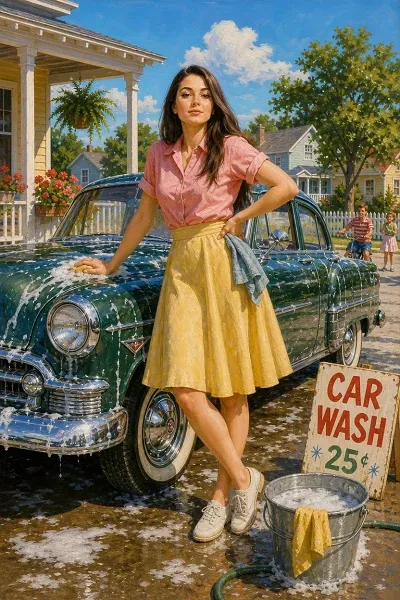
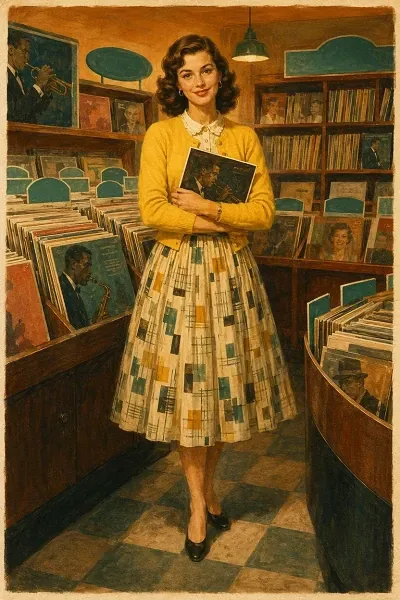
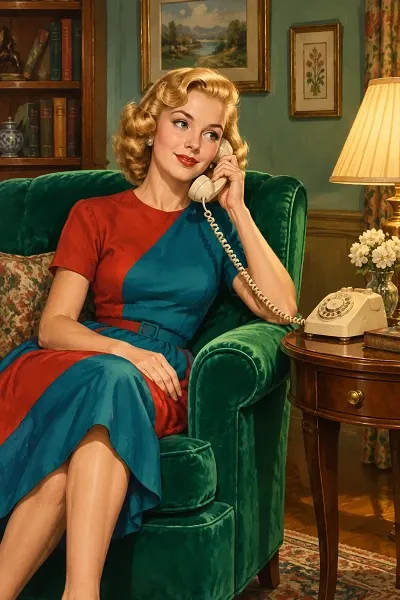
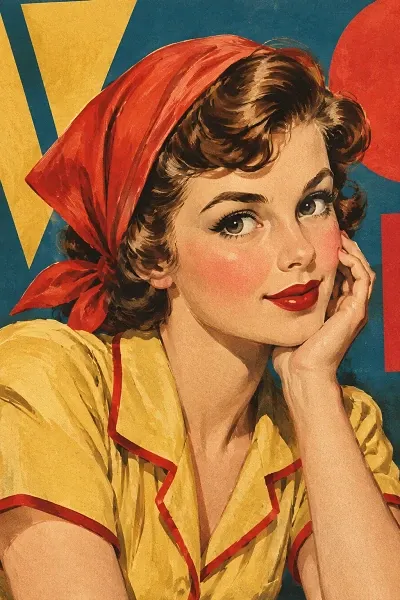
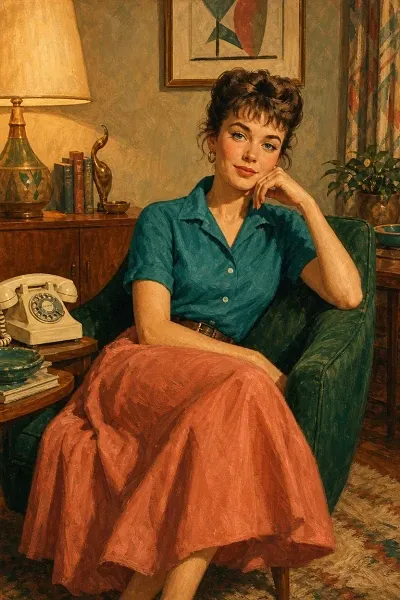
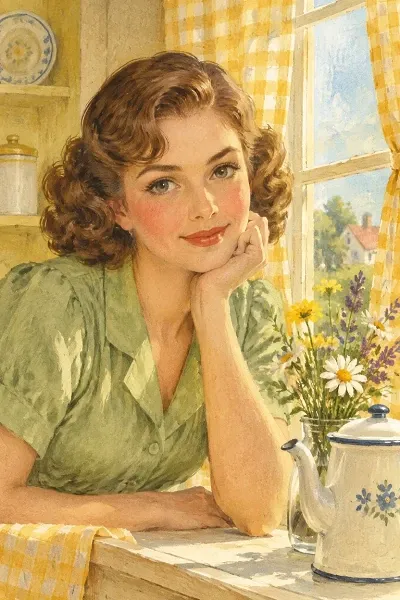
Explore postwar roadside scenes, seaside travel art, suburban leisure, home interiors, and mid-century magazine portraits. Choose a direction that speaks to you, then make it your own with SeaArt AI.
Why Create Pin-Up Art on SeaArt AI
Keep a vintage concept moving in an AI image generator, from the first visual idea through fresh variations and a finished image.

Free to Try
Daily free stamina gives you room to compare a few poster directions before choosing the one to keep.

Explore Advanced AI Models
Create with advanced AI models, like GPT images 2.5, or train a personal model to develop a more recognizable visual direction over time.

Shape Your Own Direction
Work with different image models and settings to build a vintage look around the details you choose.
AI Pin Up Generator from Photo or Text
Build a retro portrait from a written concept or start with a photo you already like. Both paths leave room for a distinct era, setting, styling, and poster finish instead of locking you into a single preset.
Write a Scene Worth Framing
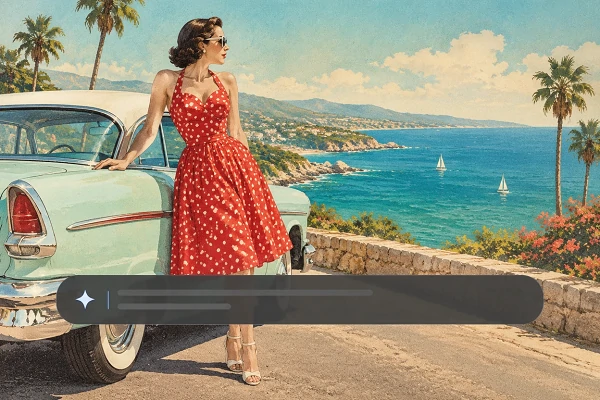
Begin with an idea, not a stock template. Describe the subject, vintage fashion, hair, expression, pose, setting, and printed-poster finish you have in mind. A classic studio scene may call for a powder-blue backdrop and clean lighting, while a rockabilly concept can use a record shop, bold red accents, and a playful composition. This text-to-pin-up art path stays open: combine retro poster art, mid-century illustration, fashion editorial detail, or a modern twist in one prompt.
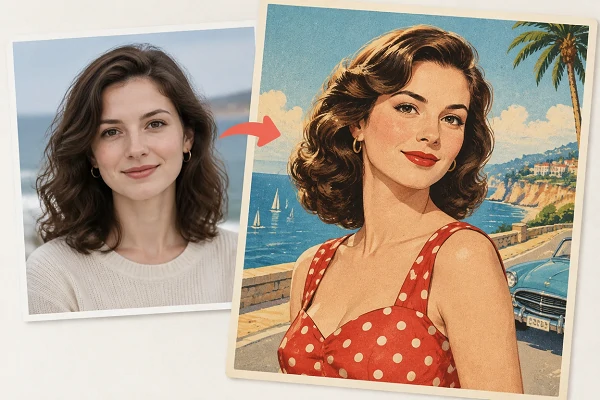
Give a Photo a Retro Life
Use a photo as the visual starting point when the person, pose, or composition is already close to what you want. Add a focused prompt to shift the image toward 1940s glamour, a 1950s diner scene, a nautical poster, or a polished vintage portrait. You are not limited to one look: ask for an illustrated finish, richer paper texture, a softer color treatment, or new background details. This photo-to-pin-up workflow is useful for exploring a personal creative direction while keeping the process centered on one starting image.
How to Use AI Pinup Generator
Write or Upload
Describe a retro portrait from scratch, or upload a photo you want to turn into a pin-up image.
Set Your Image Details
Choose the aspect ratio and output count, then update the prompt with the fashion, scene, or finish you want.
Generate and Download
Generate your variations, review the artwork, then download the version that gives your poster idea the clearest visual voice.
SeaArt AI Trusted by












Frequently Asked Questions

What is a pinup art generator?

How should I write a prompt for vintage pin-up art?
Start with the subject and era, then add clothing, hairstyle, pose, setting, colors, lighting, and finish. For example: “1950s diner portrait, coral dress, turquoise stools, warm window light, hand-painted magazine illustration.”
Is my uploaded photo private?
Your photo is used to create your pinup artwork and is not made public unless you choose to publish it. You can manage or delete content from your account.