Minecraft Texture Generator

Build stone, brick, ore, terrain, and fantasy block concepts with SeaArt AI's Minecraft texture generator online.

Minecraft texture pack creator

Upload Image

Click to upload or drag images here.

50M
+
Creator
100M
+
Generated Images
1M
+
Models
100K
+
AI App

Become a Texture Master with Minecraft Texture Generator

Explore our collection of ready-to-use prompt templates for Minecraft-style pixel art. Copy any prompt, paste it into the generator, and create high-quality, seamless Minecraft textures for visual experiments, resource pack planning, or game art mood boards instantly.

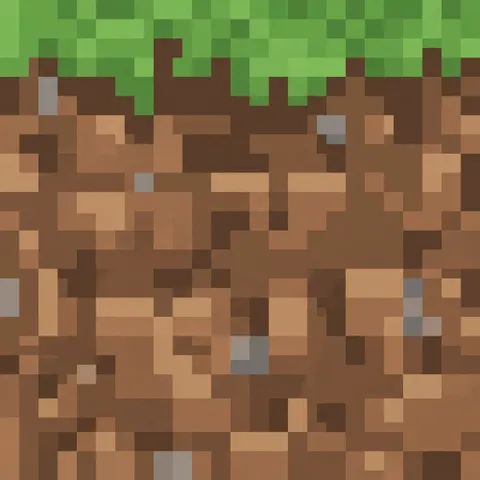
Vanilla Grass Block

Vanilla Grass Block

Minecraft style vanilla grass block texture, front-facing 16x16 pixel art tile, a lush bright green grass layer running across the top edge, chunky brown dirt filling every area below it, scattered tan soil pixels and a few muted gray stone pixels, blocky color clusters, crisp hard pixel edges, flat lighting, classic Minecraft effect, tileable texture. Full-bleed texture filling the entire square canvas edge to edge, cropped flush on all four sides, exclude borders, frames, margins, padding, cards, mockups, and surrounding backgrounds.
Create
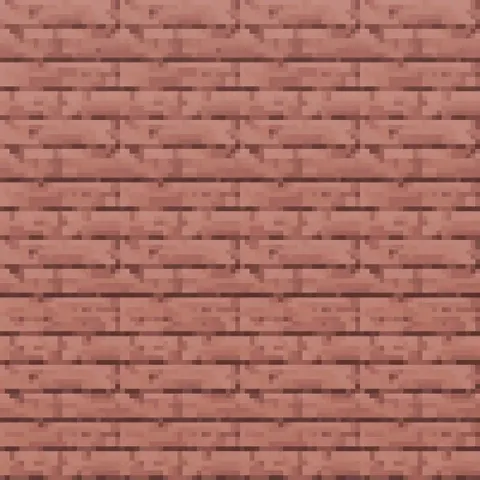
Cherry Wood Planks

Cherry Wood Planks

Minecraft style pixel art texture of cherry wood planks, warm pink-brown boards, visible grain lines, small knots, alternating plank lengths, gentle color variation, crisp low-resolution pixels, 16x16 block texture, flat front view, repeating tile pattern. Full-bleed texture filling the entire square canvas edge to edge, cropped flush on all four sides, exclude borders, frames, margins, padding, cards, mockups, and surrounding backgrounds.
Create
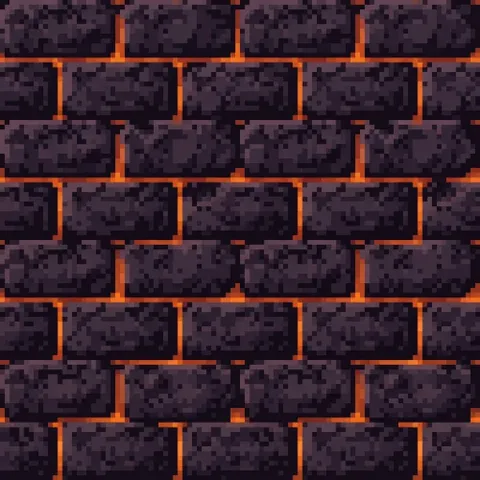
Volcanic Obsidian Brick

Volcanic Obsidian Brick

Minecraft style pixel art texture of volcanic obsidian bricks, black-purple stone, thin molten orange seams, rough chipped corners, dramatic but readable contrast, 16x16 fantasy block texture, flat front view, tileable brick layout, controlled glow, hard pixel edges. Full-bleed texture filling the entire square canvas edge to edge, cropped flush on all four sides, exclude borders, frames, margins, padding, cards, mockups, text, and surrounding backgrounds.
Create
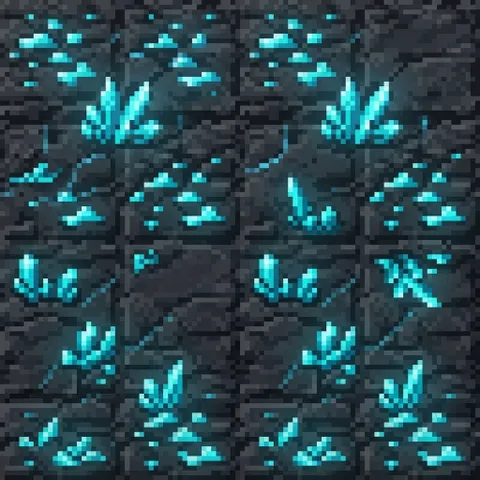
Glowing Crystal Ore

Glowing Crystal Ore

Minecraft style pixel art texture of dark slate ore containing glowing cyan crystals, sharp mineral clusters, subtle blue light between cracks, high contrast, compact pixel clusters, crisp 16x16 front-facing block texture, tileable composition. Full-bleed texture filling the entire square canvas edge to edge, cropped flush on all four sides, exclude borders, frames, margins, padding, cards, mockups, text, and surrounding backgrounds.
Create
Mossy Stone Block

Mossy Stone Block

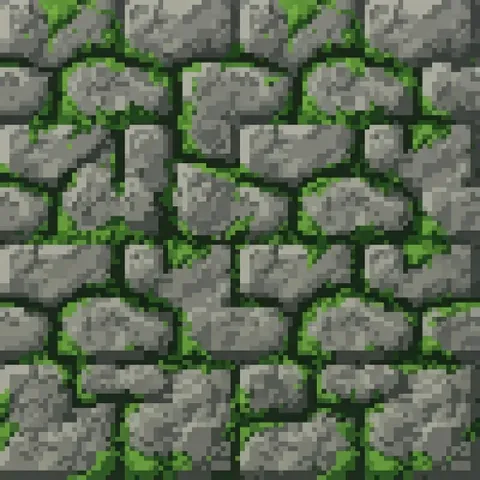
Minecraft style pixel art texture of an ancient mossy stone block, chunky gray stones, deep cracks, bright green moss growing between the stones, limited earthy color palette, crisp 16x16 block texture, flat front view, tileable pattern. Full-bleed texture filling the entire square canvas edge to edge, cropped flush on all four sides, exclude borders, frames, margins, padding, cards, mockups, and surrounding backgrounds.
Create
Cracked Ice Tile

Cracked Ice Tile

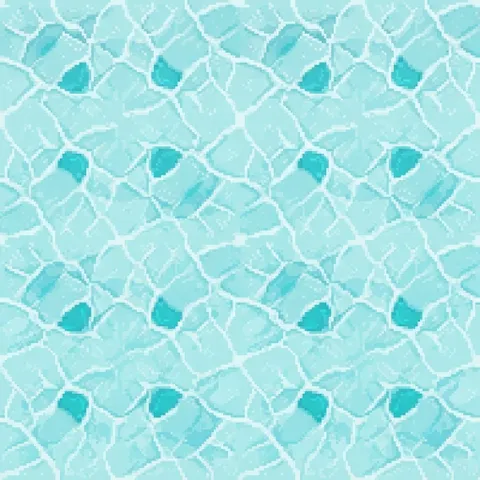
Minecraft style cracked ice texture, pale aqua frozen surface, irregular white fracture lines spreading across the tile, small translucent cyan patches, crisp 16x16 pixel clusters, flat top-down view, repeating frozen pattern. Full-bleed texture filling the entire square canvas edge to edge, cropped flush on all four sides, exclude borders, frames, margins, padding, cards, mockups, objects, and surrounding backgrounds.
Create
Molten Magma Cracks

Molten Magma Cracks

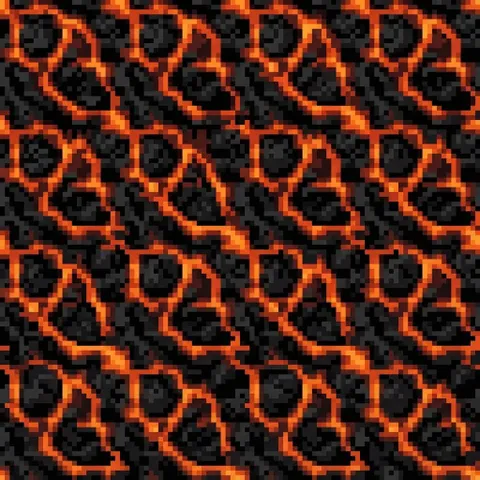
Minecraft style magma block texture, black volcanic crust broken by glowing orange and red lava cracks, irregular molten channels, high contrast, crisp 16x16 pixel clusters, flat front-facing tile, repeating fiery pattern. Full-bleed texture filling the entire square canvas edge to edge, cropped flush on all four sides, exclude borders, frames, margins, padding, cards, mockups, flames outside the surface, and surrounding backgrounds.
Create
Rounded River Cobblestone

Rounded River Cobblestone

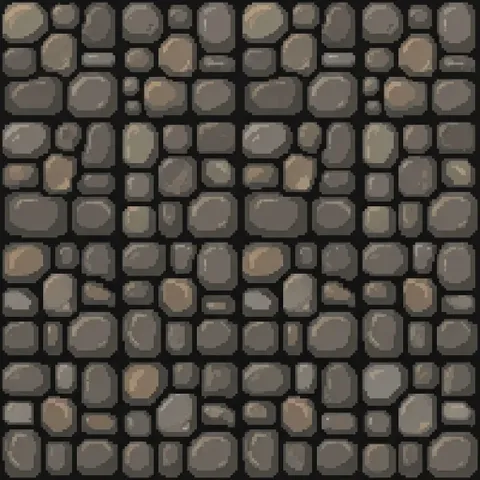
Minecraft style rounded cobblestone texture, large smooth gray-brown river stones fitted closely together, dark mortar gaps, soft tan highlights, irregular block sizes, crisp 16x16 pixel clusters, flat front view, repeating stone pattern. Full-bleed texture filling the entire square canvas edge to edge, cropped flush on all four sides, exclude borders, frames, margins, padding, cards, mockups, and surrounding backgrounds.
Create
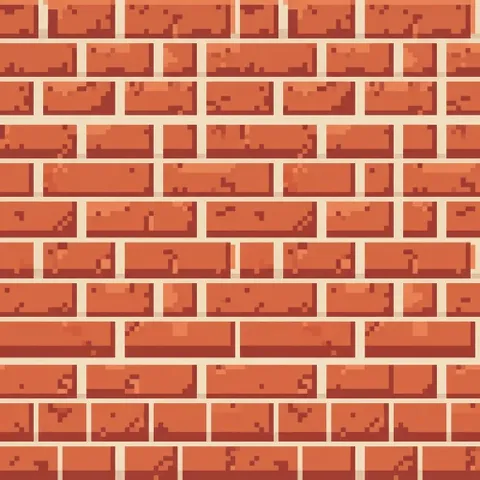
Red Clay Brick Wall

Red Clay Brick Wall

Minecraft style red clay brick texture, warm red-orange rectangular bricks, pale cream mortar lines, slight color variation across each brick, small chipped pixels, crisp 16x16 block art, flat front view, repeating offset brick pattern. Full-bleed texture filling the entire square canvas edge to edge, cropped flush on all four sides, exclude borders, frames, margins, padding, cards, mockups, windows, and surrounding backgrounds.
Create
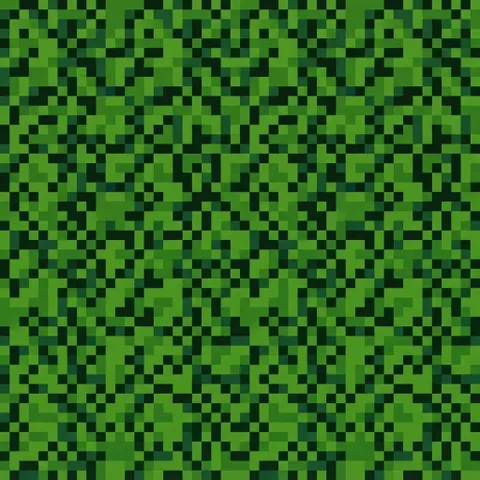
Dense Green Leaf Block

Dense Green Leaf Block

Minecraft style dense leaf block texture, overlapping bright and dark green square leaf clusters, tiny blue-green shadow pixels, evenly distributed foliage detail, crisp 16x16 pixel art, flat front view, repeating leafy pattern. Full-bleed texture filling the entire square canvas edge to edge, cropped flush on all four sides, exclude borders, frames, margins, padding, cards, mockups, branches, sky gaps, and surrounding backgrounds.
Create
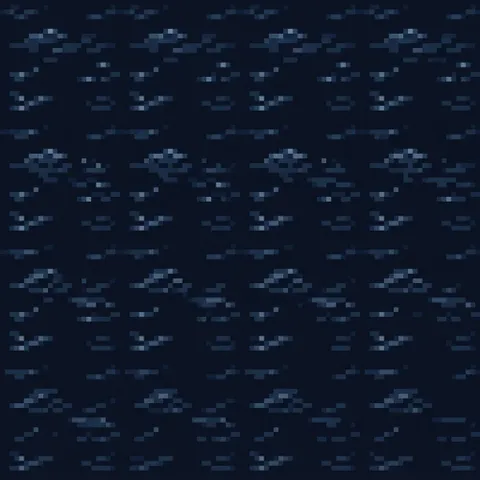
Moonlit Water Tile

Moonlit Water Tile

Minecraft style repeating pixel art water texture at night, deep navy surface, short silver moon reflections, gentle wave clusters, limited blue palette, crisp low-resolution pixels, 16x16 block tile, continuous edges, flat top-down view, calm readable water-only pattern. Full-bleed texture filling the entire square canvas edge to edge, cropped flush on all four sides, exclude borders, frames, margins, padding, cards, mockups, shorelines, objects, and surrounding backgrounds.
Create
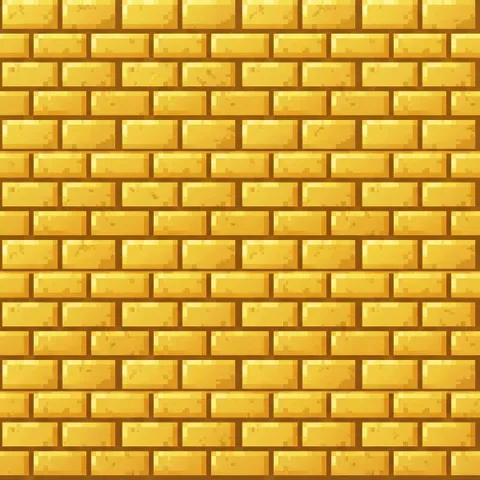
Golden Temple Brick

Golden Temple Brick

Minecraft style golden brick texture, large rectangular yellow-gold blocks in an offset masonry layout, warm amber shadows, bright top-edge highlights, subtle worn spots, crisp 16x16 pixel clusters, flat front view, repeating brick pattern. Full-bleed texture filling the entire square canvas edge to edge, cropped flush on all four sides, exclude borders, frames, margins, padding, cards, mockups, symbols, and surrounding backgrounds.
Create

Why Create Pixel Textures with SeaArt AI?

Ready-to-Copy Starting Templates

Ready-to-Copy Starting Templates

Skip the blank prompt box and begin with structured templates. Each one includes practical texture language for scale, material, view, palette, edge behavior, and unwanted elements, making it easier to test a focused idea and adjust only the details that matter.

Lightning-Fast Generation

Lightning-Fast Generation

Create high-quality Minecraft textures in seconds instead of spending hours on manual pixel art, dramatically speeding up your creative workflow.

Seamless & Tileable Results

Seamless & Tileable Results

Generate perfectly seamless, tileable textures that work flawlessly in resource packs, maps, and in-game environments without visible seams or breaks.

How to Use This Minecraft Texture Generator?

Step 1: Choose a Prompt

Copy any prompt from above or describe your own idea.

Step 2: Paste into the Generator

Go to the AI tool and paste the prompt. Use square aspect ratio for best block results.

Step 3: Generate & Refine

Click Generate. Try variations by adding details like "more glow", "vanilla style", or "higher contrast".

Step 4: Download & Edit

Download the high-resolution Minecraft-style image.

Minecraft Texture Generator - FAQs

collapse

Is this AI MC texture generator free?

Yes. You can generate textures for free. SeaArt AI offers daily stamina for you to explore.

expand

Which pixel size should I mention in a texture prompt?

Use 16x16 language for classic block textures and 32x32 when an item needs a little more shape detail. Treat the size phrase as a style direction, then resize and clean the final asset in your preferred pixel editor.