PixAI Image Generator
Create high-quality anime-style artwork in seconds with the PixAI image generator. Whether you need original characters, fan art, or consistent series visuals, PixAI deliver detailed, prompt-responsive results without complex setup.
SeaArt AI Trusted by












Why Choose the PixAI Image Generator

Anime-Focused Quality
Specialized for 2D anime aesthetics, delivering strong prompt adherence and consistent stylistic results across characters and scenes.


Fast Iteration
Generate results quickly, review them on the spot, and refine variations without interrupting your creative flow.

Versatile Output
Produce artwork ready for personal projects, social content, game assets, comics, and a wide range of creative uses.
Create with PixAI Anime Art Generator
Turn a simple prompt into an anime portrait, a cinematic scene, or a complete character concept. Start fast, change direction when inspiration hits, and keep generating until the image feels right.
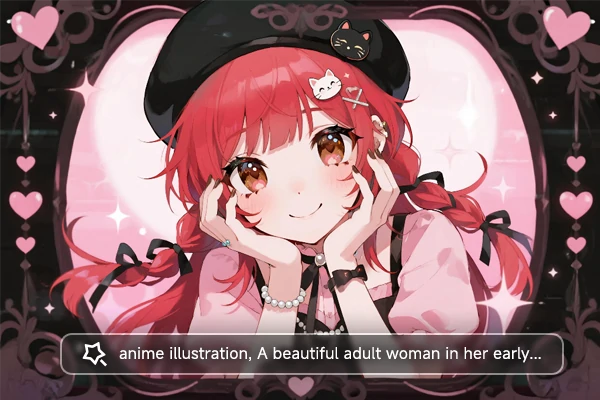
Powerful Text-to-Image Anime Creation
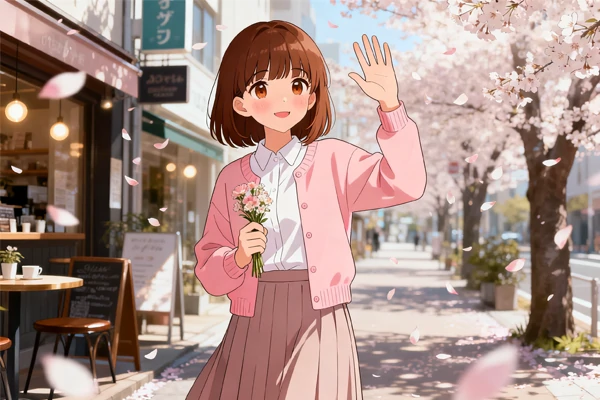
Describe any character, scene, or concept in plain language. The PixAI image generator turns your prompt into detailed anime illustrations with expressive faces, dynamic poses, cohesive styling, and rich backgrounds. Build original characters, reimagine fan-inspired concepts, or develop visual references for your next project.
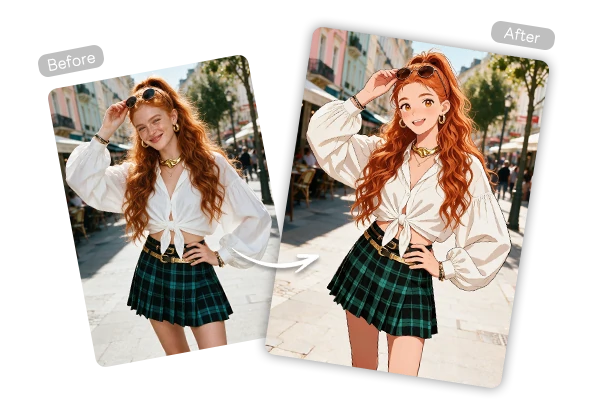
Smart PixAI Image to Image
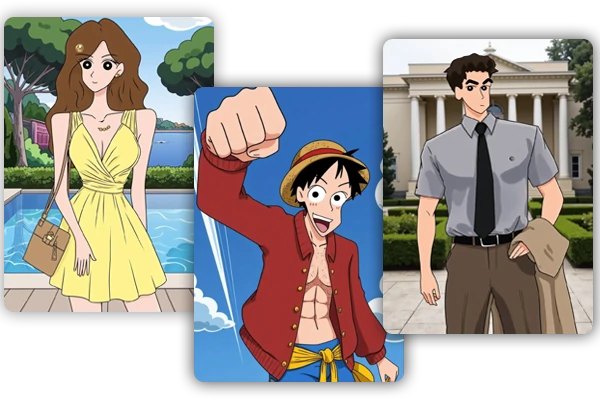
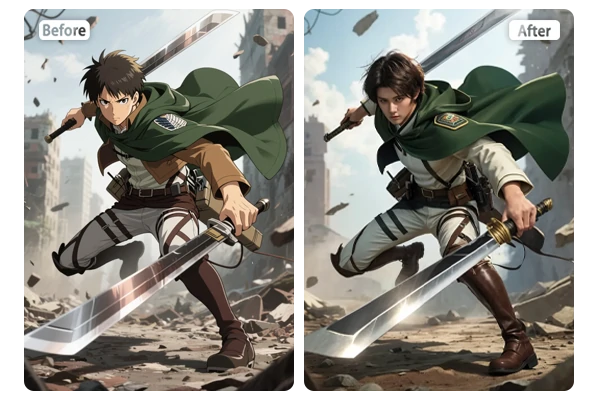
Bring a sketch, portrait, or existing image into a new anime style without losing its visual foundation. With PixAI image to image, you can turn a photo to anime, keep the pose and composition recognizable, and rework the hair, outfit, facial expression, lighting, or background until the character feels right.
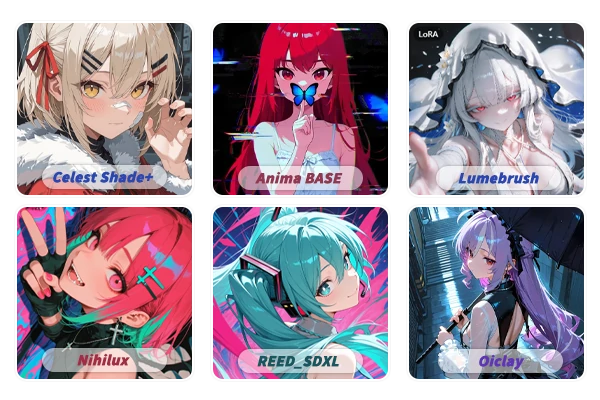
Custom Models & Anime Styles
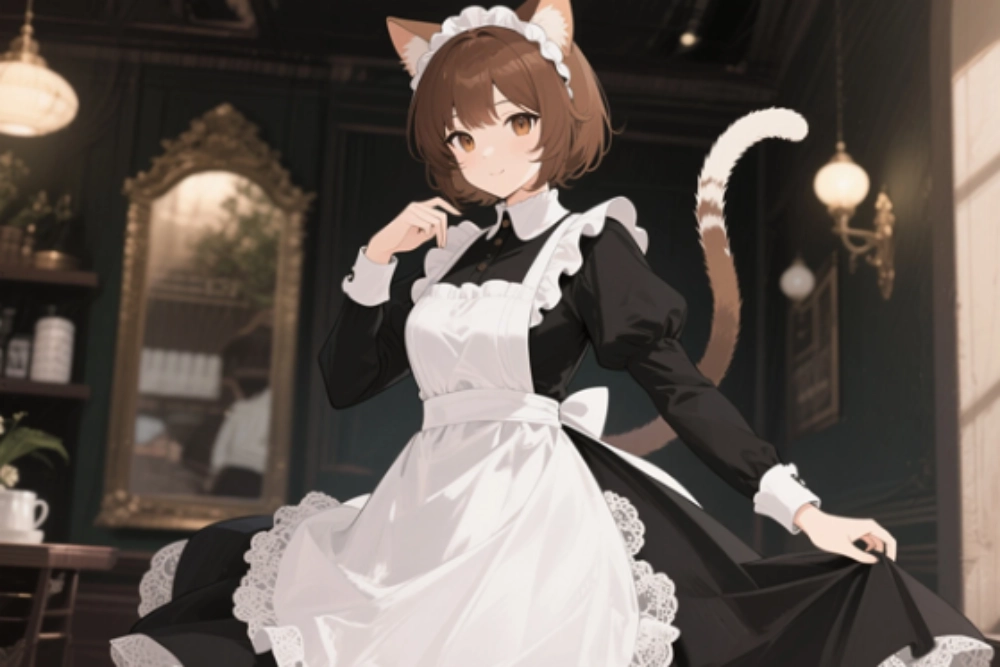
Choose from specialized models built for anime, manga, and stylized 2D artwork. Switch between soft pastel tones, crisp linework, dramatic contrast, and other visual directions without losing the core character identity. Keep a consistent look as you generate new poses, scenes, and expressions.
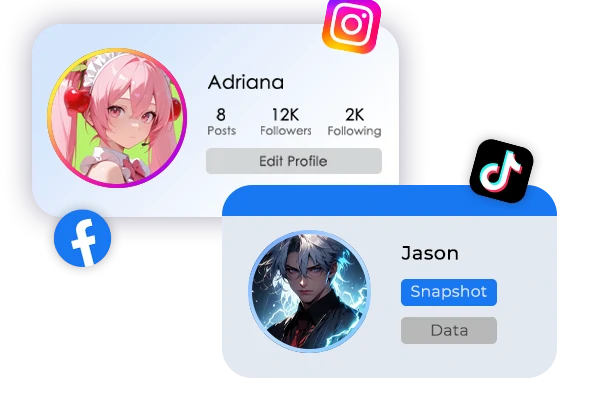
Use PixAI for Every Cases
Start with an original character or a fan-inspired concept, then carry that visual direction into the rest of your project. Create anime PFPs, banners, and themed social posts from the same character brief, or develop comic panels, expression sheets, and scene layouts as the idea expands. Each generation can build on the last, helping your artwork stay connected across formats.
How to Create PixAI Anime in 3 Steps
Describe Your Idea
Write a clear prompt (character, pose, style, background, lighting) or upload a reference image for image to image generation.
Generate & Adjust
Create your image. Refine the prompt, or style and regenerate variations until the result matches your vision.
Download & Share
Save high-resolution anime art ready for social posts, portfolios, games, or further editing.
FAQs - PixAI Image Generator

What is the PixAI image generator?

What can I create with PixAI?
Create anime characters, scene concepts, outfit studies, profile art, and reference-based variations. Start with a short prompt, then refine the images that best fit your project.
Can I create anime art from a text prompt?
Yes. Describe the character, setting, action, lighting, and desired rendering style, then generate a first version and refine the strongest details in later prompts.
How do I turn one image into another anime style?
Upload the source image and state the elements you want to preserve. Then describe the new style, clothing, scene, or expression you want to create.
Can I create AI anime videos?
Yes. In addition to the images, our platform also supports AI anime video creation, letting you turn characters and scenes into short animated clips with consistent style.
Can I use my generated images commercially?
Yes. Images created with this PixAI image generator can be used commercially.
Start Your Next Anime Concept
Describe your character or scene, upload a reference if you have one, and watch the PixAI anime art generator bring it to life. Fast, focused on anime quality, and ready whenever inspiration hits.