50M
+Creator

Create polished visuals from a written idea or a reference image with FLUX 3 image model. Explore expressive styles, natural-looking portraits, clear poster text, and detailed scenes that stay close to the visual direction you have in mind.
Upload Image
Click to upload or drag images here.
Follow the release and be ready to explore text-guided images, reference-based creation, refined portraits, and clear in-image typography when it arrives.


Free and Fast to Explore
Use SeaArt AI's free daily credits to try ideas quickly, compare versions, and find a visual direction before spending more time on the details.

Simple Creative Workspace
Open the AI image generator, describe an idea, add a reference when it helps, and keep your visual direction in one focused workspace.



Flexible Image Settings
Adjust image shape, resolution, output count, and other settings before you generate, so each version begins with a clearer destination in mind.

Community Ideas to Explore
Browse shared images, visual trends, and creator discussions for useful references when a first idea needs a stronger point of view.
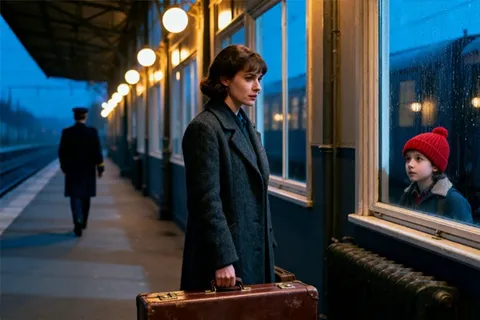
Describe the scene in your own words or upload a reference image to guide the visual direction. FLUX 3 image is designed to bring subject, setting, color, material, and composition together more faithfully, so a campaign concept, character scene, or product idea feels like one considered image rather than disconnected details.
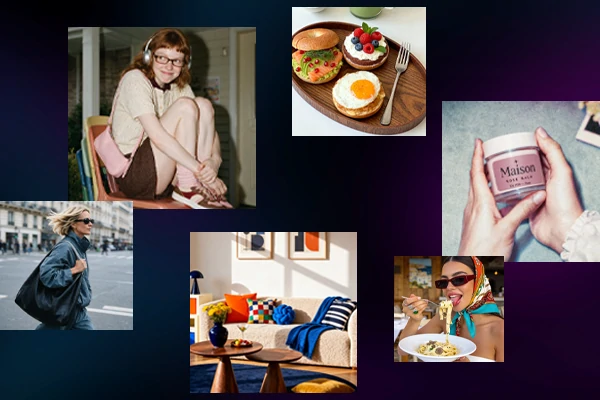
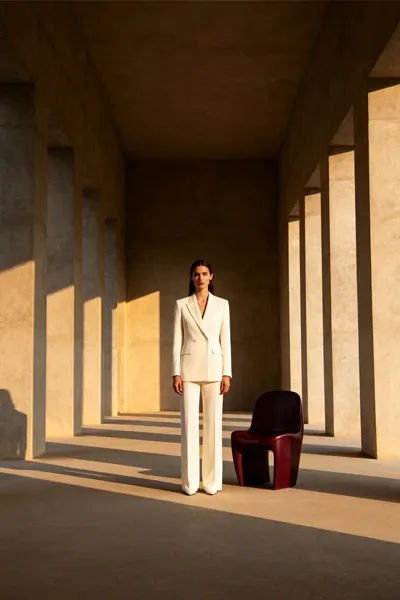
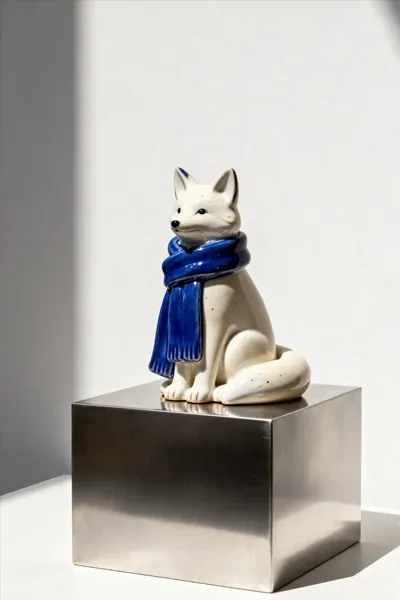
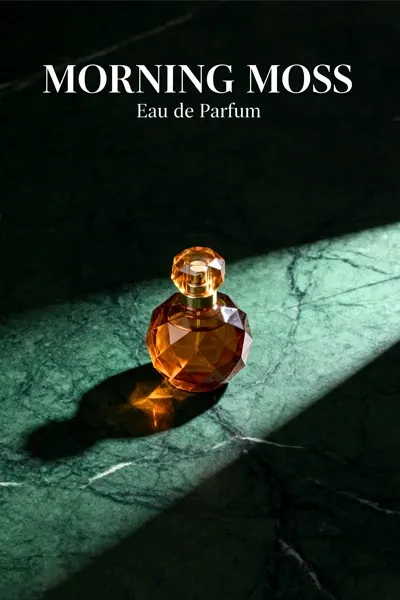
Move from an editorial fashion campaign to a hand-painted story scene, polished 3D object, or quiet product still life without losing the core idea. The model gives you more room to explore style, color, texture, and mood while keeping the result aligned with the creative direction you described at the start.
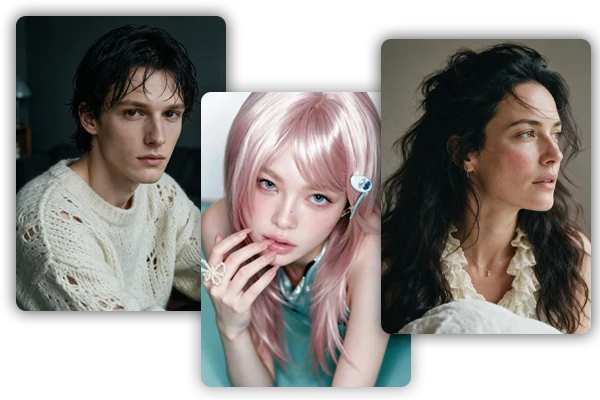
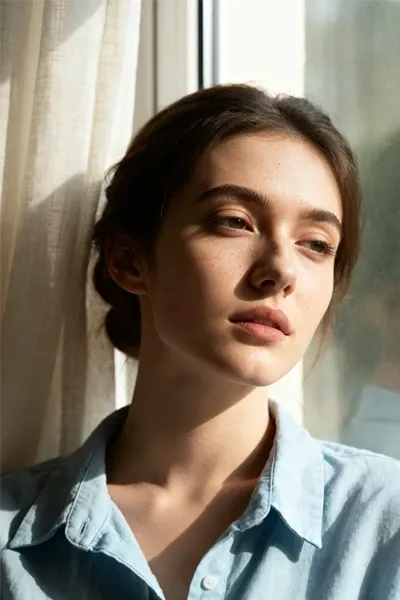
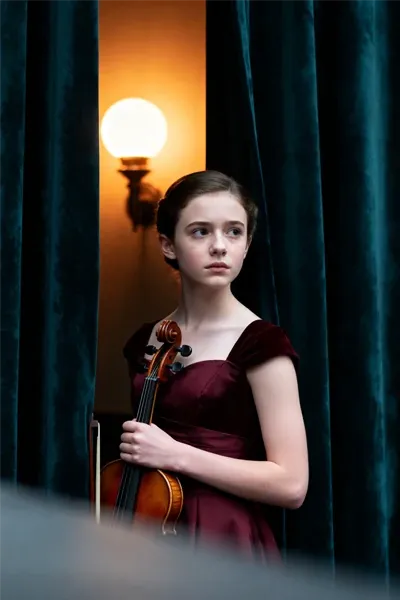
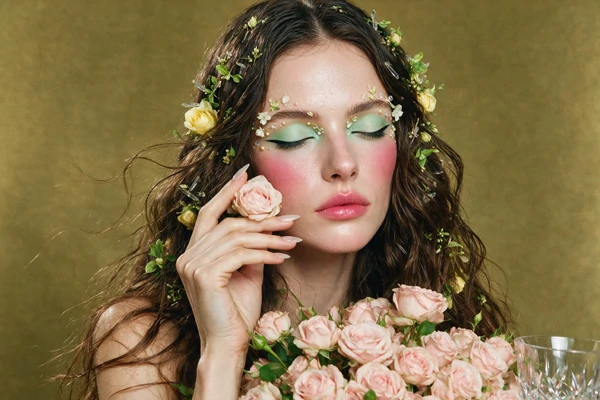
Close-up portraits depend on small choices that make a face feel observed rather than overly processed. FLUX 3 image model focuses on believable skin texture, balanced light, expressive eyes, and natural facial detail, helping beauty images, editorial portraits, and character studies hold up when viewers look beyond the first glance at close range.
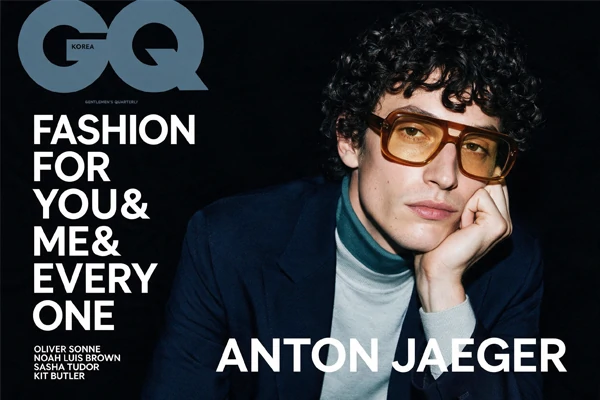
Text inside an image needs to work as part of the design, not as an afterthought. The model helps make short headlines, product names, poster copy, and multilingual details feel clearer within the composition, giving brand visuals, packaging concepts, magazine covers, and campaign layouts a more finished overall presentation across formats.
SeaArt AI hosts multiple FLUX models. Each brings its own strengths to match different creative needs and project requirements.
Start with an Idea
Write a description or upload a reference image to give FLUX 3 a clear starting point.
Adjust Image Settings
Set the aspect ratio, image size, output count, and other options to fit the format you plan to use.
Generate, Refine, and Download
Compare results, refine the direction if needed, then download the final image in high definition without a watermark.












Switch between top models to get the style and quality you want.

What is FLUX 3?

How does FLUX 3 Image improve on earlier FLUX versions?
Compared with earlier FLUX image models, FLUX 3 Image is designed to handle complex prompts and in-image text more accurately. Its multimodal training also aims to help detailed scenes, styles, and reference inputs stay more coherent within the same image.
How is FLUX 3 Image different from GPT Image 2 and Nano Banana 2?
FLUX 3 Image emphasizes strong complex-prompt and typography goals. GPT image 2 focuses on fast image generation and editing, while Nano Banana 2 emphasizes speed, world knowledge, and subject consistency.
Can I use FLUX 3 image for free?
SeaArt provides daily stamina, so everyone can try the newest FLUX 3 Image model for free. Visit the event center and open Lucky Boxes to earn more credits or stamina for additional image creation whenever you need it.