50M
+Creator

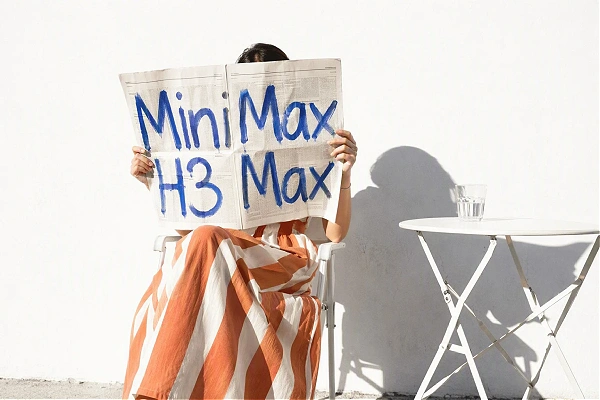
Generate a short audiovisual clip from a clear prompt or image in seconds, then refine the next version while your idea is still fresh. H3 Max is now available on SeaArt AI.
Built on MiniMax H3 Open Weights, MiniMax H3 Max combines fast short-video generation with precise control over your creative direction.
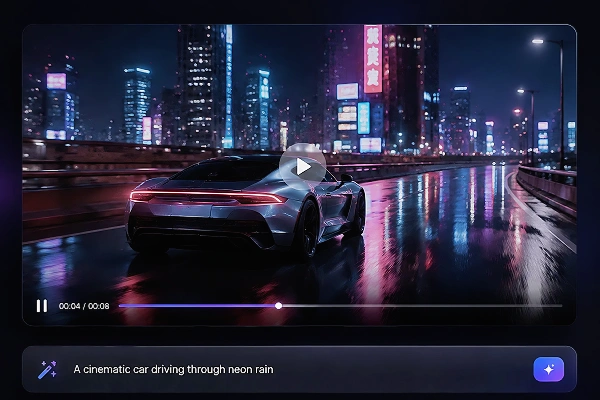
Fast ideas are easier to improve. Use MiniMax H3 Max model for 5-15 second drafts when you want to test a shot, compare two directions, or refine a prompt while the scene is still clear in your mind. Its 480p and 768p options keep the focus on quick, polished review instead of waiting to see whether an idea works.
Describe the person, action, camera, lighting, and mood in one clear direction. H3 Max is tuned to follow those details more closely, helping a scene feel deliberate rather than loosely suggested. The benefit is practical: spend less time correcting the basic idea and more time deciding which version has the strongest look.
Start with a still image when the subject or product already looks right. You can also guide a change from a first frame to a last frame, then describe the sound that belongs with the motion. Native stereo audio arrives with the clip, so room tone, effects, and spoken moments feel planned together.
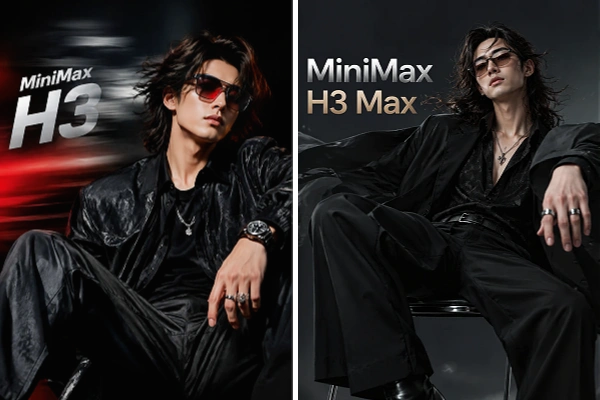
Choose the model around the job, not a broad claim of quality. MiniMax H3 is built for wider multimodal references and 2K output. H3 Max favors fast text- and image-led drafts at 480p or 768p, making it a practical route when repeated prompt tests and short polished scenes matter most.

Simple Mode Switching
Switch between Text-to-Video and Image-to-Video. Clear mode choices help everyone start creating MiniMax H3 Max videos right away with confidence.

Create Faster with Helpful Tools
Turn rough ideas into usable directions with Prompt Assistant, then choose a camera preset for movement and framing. Our AI video maker speeds up creation while keeping your creative control.

Shape Your Video Output
Set the duration and aspect ratio before generating, then shape each clip for mobile posts, storyboards, product ideas, or cinematic tests without changing your core direction.

Create in Your Browser
Open MiniMax H3 Max online through SeaArt AI whenever inspiration arrives. Start a video from your browser, review the result, and keep your experiments moving wherever you work.
Choose H3 Max in SeaArt AI video generator, write the shot you want to see, and make a short audiovisual version before the idea loses momentum.
Choose Your Starting Point
Select Text-to-Video for a scene from scratch, or Image-to-Video when a still image should guide the result.
Guide the Shot
Describe the subject, action, camera movement, light, mood, and sound, then use Assistant or Camera Control when useful.
Generate and Refine
Set duration and ratio, generate the clip, preview the result, then revise the direction and create another version when needed.













What is MiniMax H3 Max?

How does H3 Max differ from MiniMax H3?
MiniMax H3 is the broader model for mixed text, image, video, and audio references with 2K output. H3 Max is tuned for quicker text- and image-based clips, stronger prompt adherence, and 480p or 768p delivery.
Does H3 Max generate audio with video?
Yes. H3 Max generates native stereo audio alongside the picture, so sound effects, room tone, or spoken lines can be part of the same prompt.
How long and what resolution can H3 Max videos use?
H3 Max is designed for 5-15 second clips, giving you enough time for a quick beat, transition, or short scene. Choose 480p for lighter drafts or 768p when you want a more polished version to review or share.
How fast can MiniMax H3 Max generate a video?
MiniMax H3 Max can generate a five-second clip in under three seconds under stated test conditions. Actual time may vary with prompt expansion, queue load, settings, and platform availability, but it is designed for fast previews and repeated iteration.


