50M
+Creator

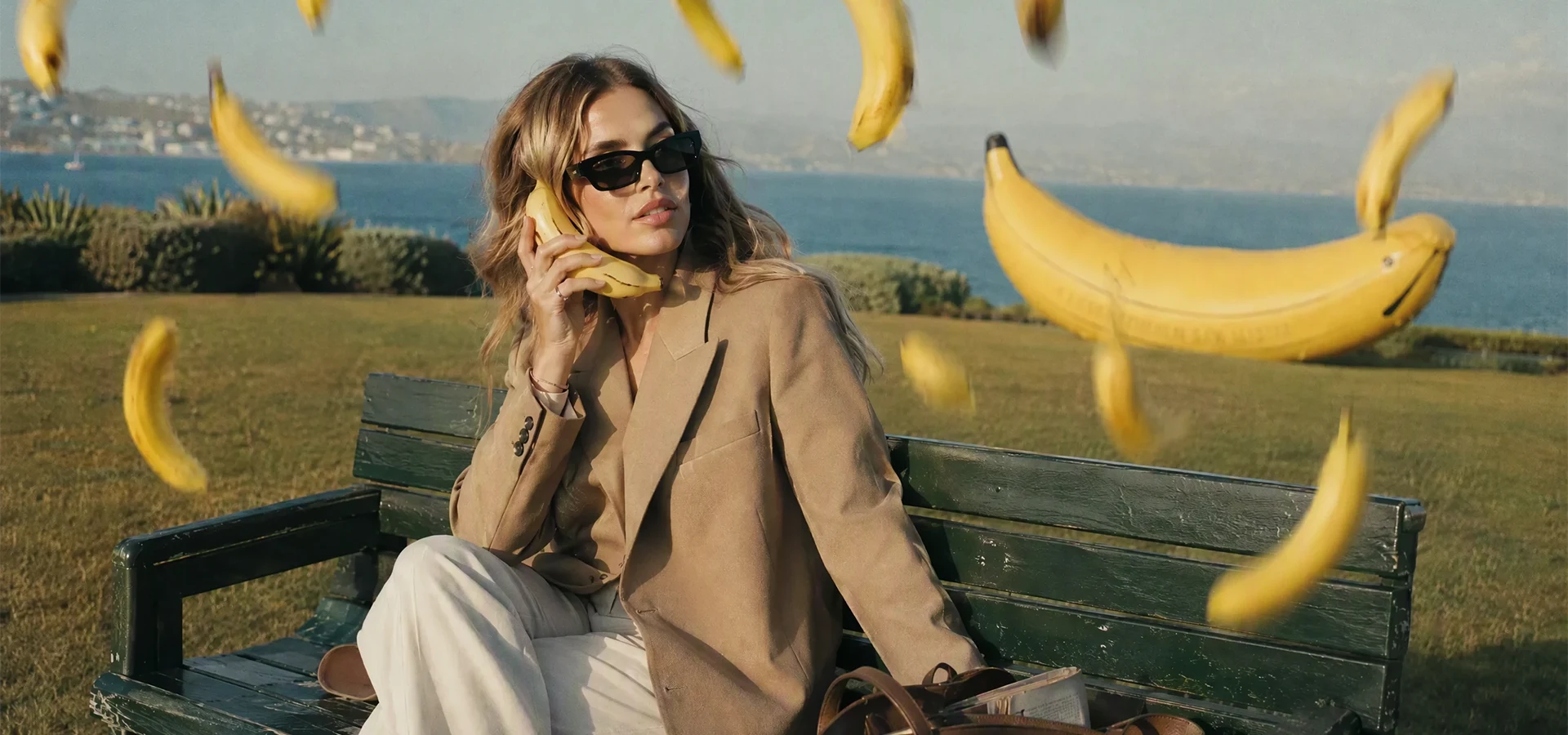
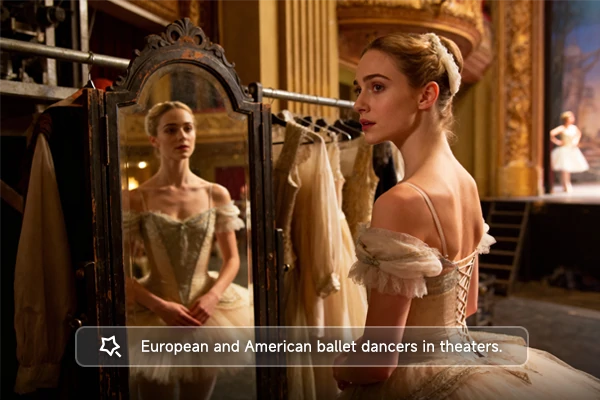
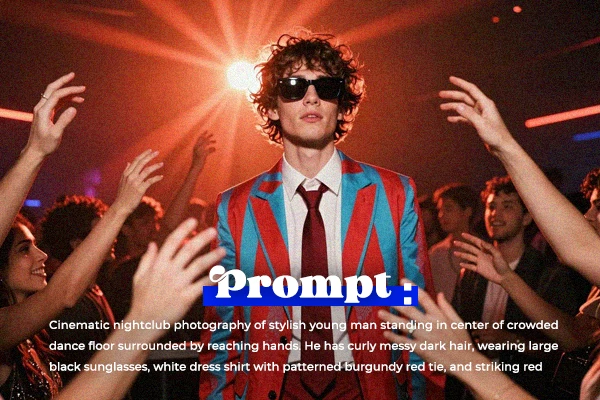
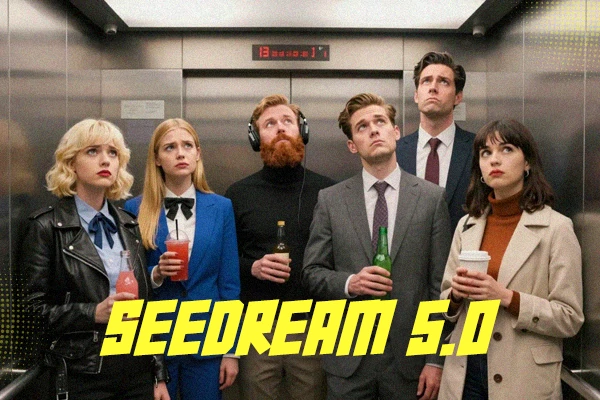
Turn a written idea into realistic portraits, cinematic photograph, anime-inspired artwork, illustrations, or text-rich posters. Bring the subject, wording, and layout of your concept together in a polished visual.
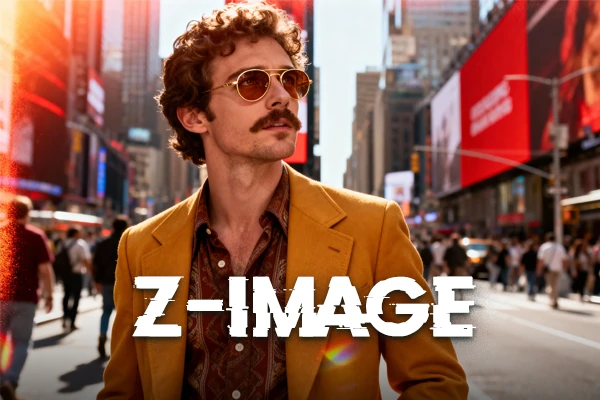
Browse these images created with MOSS-Image to see its visual flexibility, text rendering, and layout control in action.
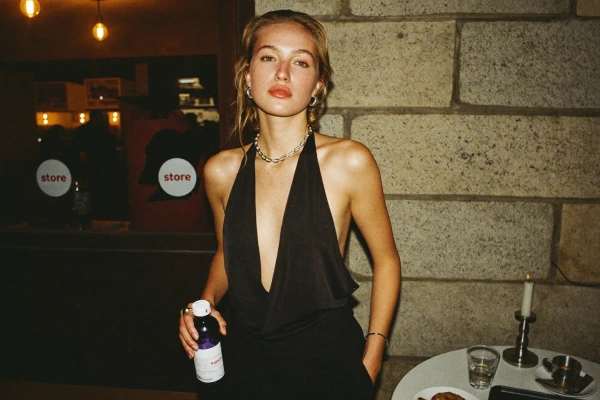
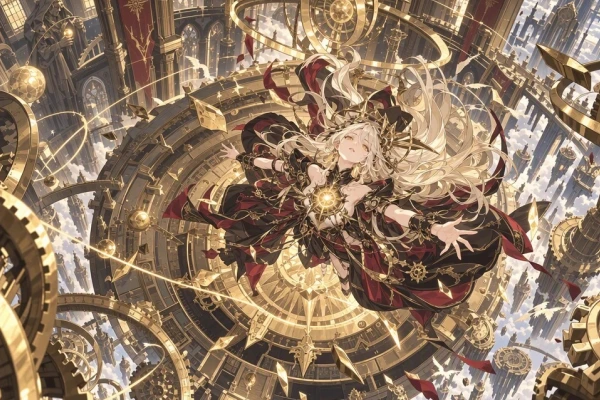
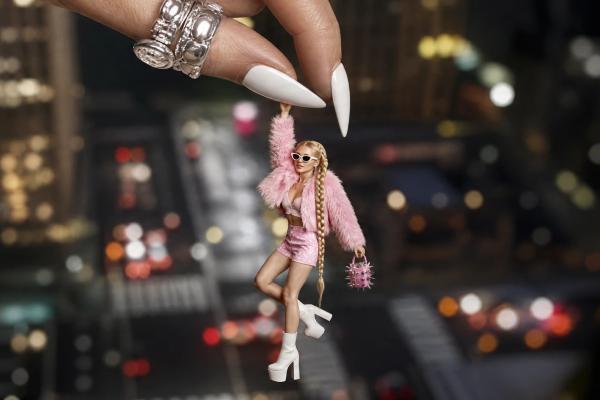
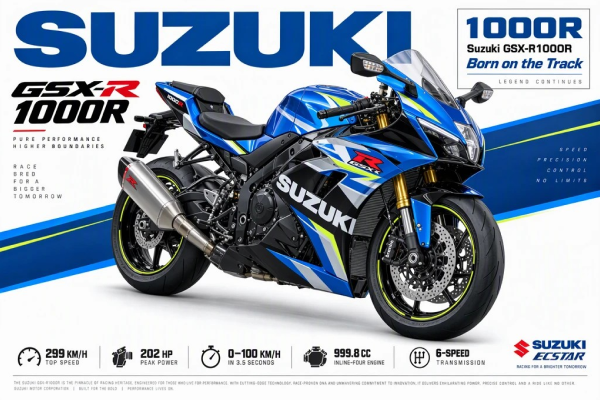
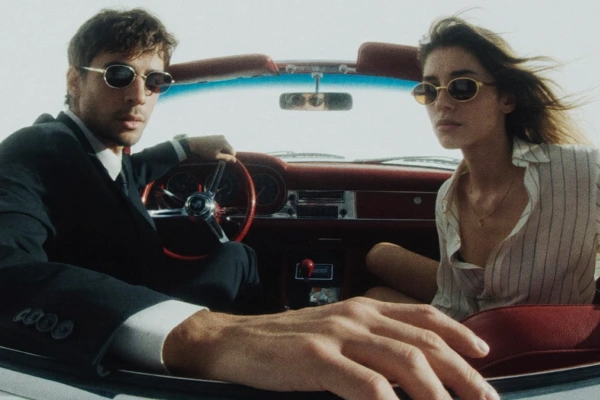
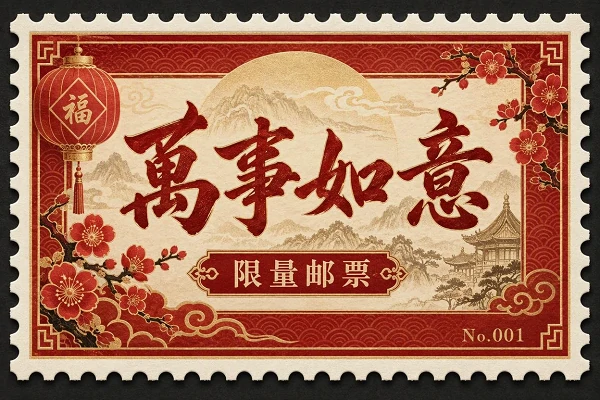
SeaArt AI now has this open-source model available online, giving you a simple way to try MOSS-Image, refine ideas, and keep creating from one clear AI image generator.

Free to Try
Use available free credits to explore MOSS-Image, test your first ideas, and compare different visual directions before creating more versions.

Start in a Few Clicks
Open a clear workspace, enter your idea, and start creating without navigating a complicated interface or local setup.

Refine Your Ideas
The built-in Assistant can expand a rough thought into a clearer prompt with more detail about the subject, style, wording, or layout.

Create Anywhere
Open the online workspace from desktop or mobile and continue developing a poster, product visual, or creative concept whenever inspiration strikes.
Describe Your Image
Write the subject, style, key text, and layout direction, including where important elements should appear.
Choose Your Output Settings
Select the aspect ratio, image size, and other settings that match how you plan to use the final visual.
Generate and Refine
Review the image, check the wording and element positions, then adjust your prompt and create another version when needed.
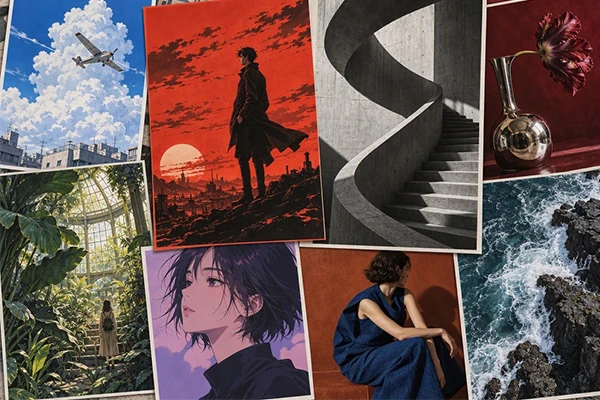
Describe everything in one go - subject, scene, lighting, composition, style, and the exact text you want. MOSS-Image can follow long, multi-part prompts and turn rich, layered ideas into coherent finished visuals, whether you're going for realistic, anime, illustration, or concept art.
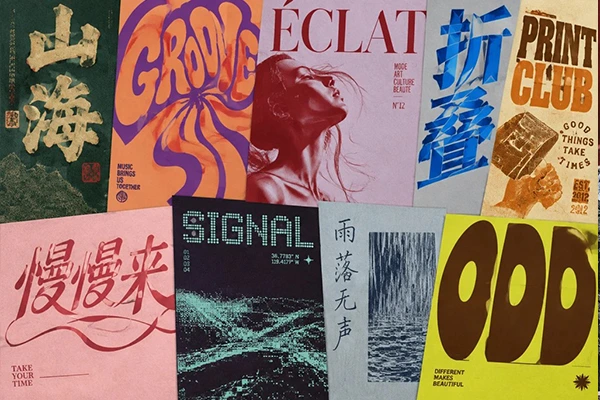
When your image needs words as well as visuals, MOSS-Image handles both. Describe a poster headline, menu item, product label, or short info block, and the model aims to render the text clearly and legibly. Always double-check the final wording before you publish or print.
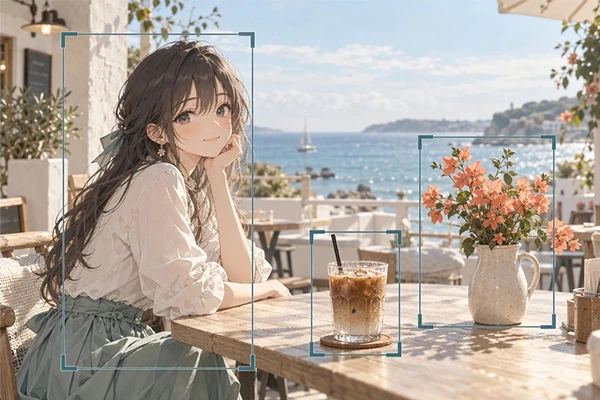
Tell the model exactly where things should go. Specify where the title sits, how the main subject is arranged, and how other elements relate to one another. For tighter control, you can describe the layout with a simple JSON prompt.













What is MOSS-Image?

Can I use MOSS Image for commercial projects?
Yes. MOSS Image is released under the Apache 2.0 license, which permits commercial use. When creating through SeaArt AI, also review the platform terms and make sure your prompts, reference materials, logos, and recognizable people are cleared for commercial use.
How is MOSS Image different from Krea 2?
MOSS Image and Krea 2 serve creative priorities. As a lighter 5B model, MOSS Image can be faster to iterate with while focusing on rendered text, structured layouts, and detailed prompts. Krea 2 leans toward aesthetic variety and style references.