50M
+Creator

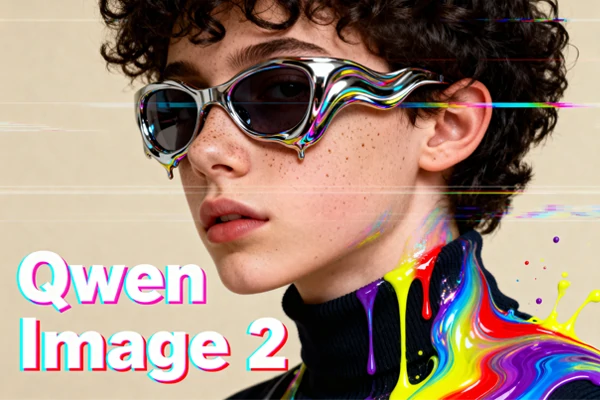
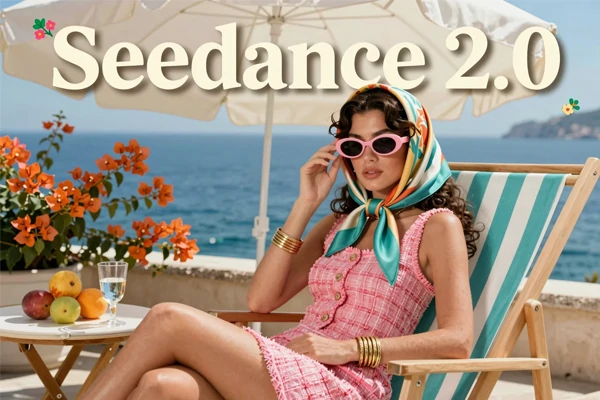
Create photorealistic images, design pixel-perfect posters, and edit visuals - all with one AI model. Qwen Image 2.0 brings text rendering accuracy, native 2K output, and a unified generate-and-edit workflow to your fingertips. No design skills required.
Qwen Image 2.0 is Alibaba's next-generation AI image model - and you can use it right now on SeaArt AI.
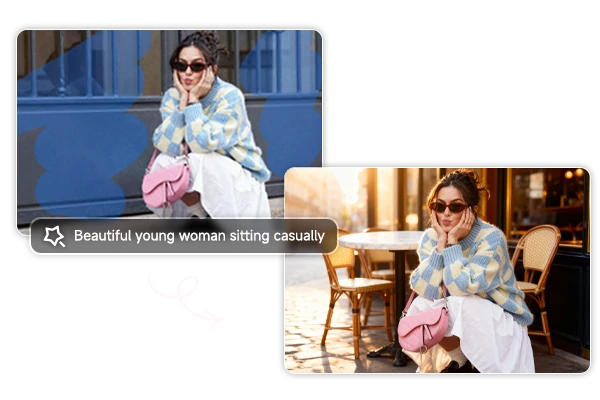
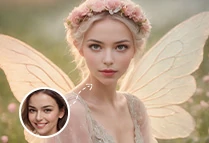
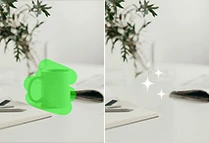
No more juggling separate tools. With the Qwen Image 2.0 model, you can create an image from a text prompt and then refine it - swap backgrounds, add objects, change styles - all within the same workflow. It understands complex, multi-element instructions, so what you describe is what you get.
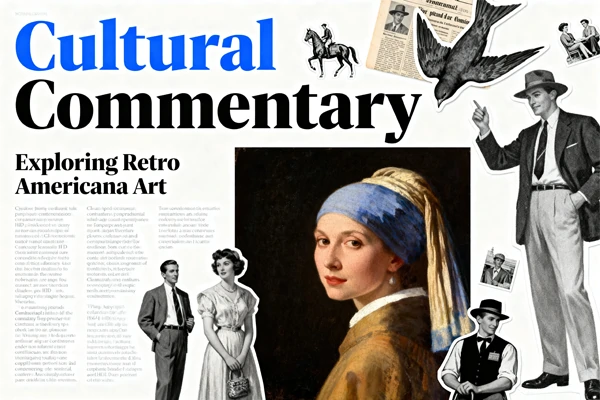
A major leap from the original Qwen Image, version 2.0 renders text with pixel-level accuracy - even mixed in the same image. Slides, infographics, movie posters, comic dialogue: it handles them all with clean typography and proper alignment. Your prompts can be extremely detailed, so you control every font choice, text placement, and layout structure.
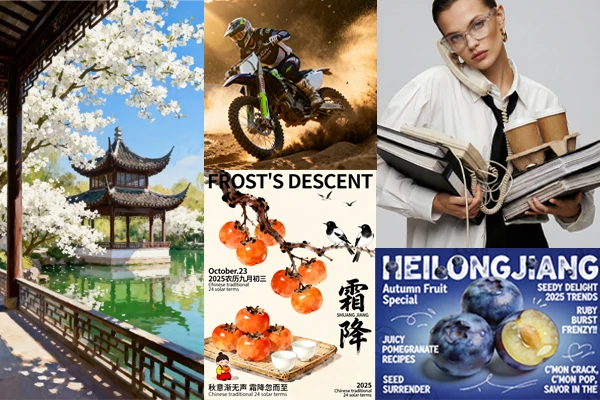
Every image comes out at 2048×2048 resolution directly from the model in Seconds - no extra upscaler, no post-processing blur. Skin pores, fabric textures, and architectural details all hold up when you zoom in. Whether it's product shots, website heroes, or artwork, the photorealistic output is ready to use right away.
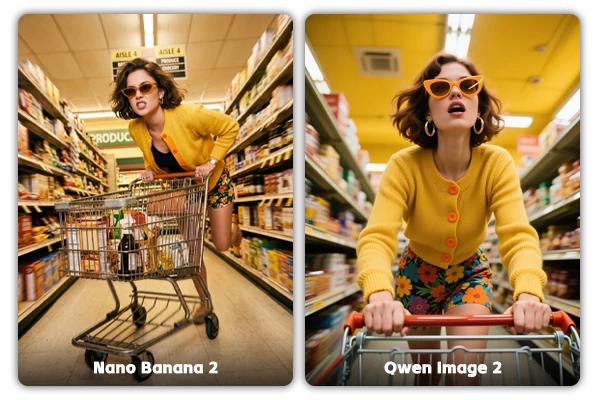
Both can generate and edit, but Qwen Image 2.0 wins on text rendering, typographic layouts, and bilingual content - ideal for posters, infographics, and text-heavy designs. Nano Banana 2 has the edge in character consistency and real-time web knowledge, better suited for mascot series and batch variations. Pick based on what your project needs most.


A Clean, Intuitive Interface
Simple layout, zero learning curve. Type a prompt, adjust settings, hit generate - that's it.

Fast Generation, High Fidelity
Get 2K images in seconds thanks to a lighter model architecture. Quick results, no quality trade-off.



Download Without Watermarks
Every image is yours at high resolution - no watermarks. Ready for presentations, social media, or print.

Use It Anywhere - Desktop or Mobile
Runs in your browser - no downloads, no installs. Start on your laptop, continue on your phone.
Describe What You Want
Type a prompt or upload a reference image. Describe the style, scene, or edits you want.
Set Your Preferences & Generate
Pick your aspect ratio, set the number of images, and hit Generate.
Preview & Download
Preview your results and download your favorites - watermark-free, full 2K resolution.












Switch between top models to get the style and quality you want.

What is Qwen Image 2.0?

Can I use Qwen Image 2.0 images for commercial projects?
Yes. Images generated through Qwen Image 2.0 on SeaArt AI can be used for commercial purposes, including marketing materials, product visuals, social media content, and client projects. Check SeaArt AI's terms of service for full licensing details.
Is Qwen Image 2.0 free to use?
Yes! You can start using Qwen Image 2.0 for free on SeaArt AI. Sign in daily to receive free stamina. You can also earn extra credits by completing tasks in the event center, checking in, and opening the Lucky Box.