
Details
Related Works
#Photo
#Babe
#Filters
...View More
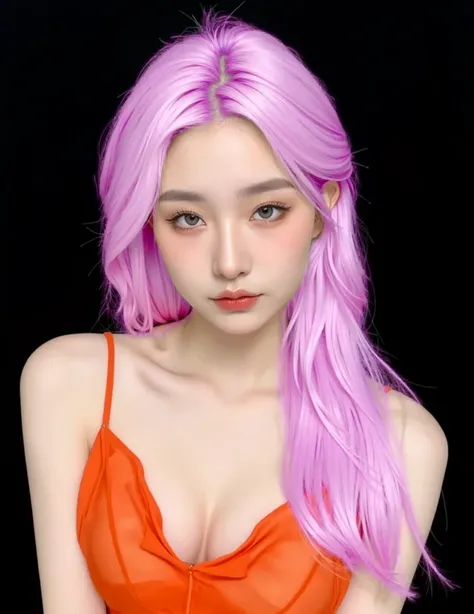
Upload the photo and turn into pink hair!
Rating & Review
--/5
Not enough ratings or reviews received yet
Hot
Latest
more

No data available
Related Works
Post My Work
Log in to view all works
Log In Now
Explore Related













Download SeaArt App
Continue your AI creation journey on mobile devices
Try Pink Hair without Dyeing It First
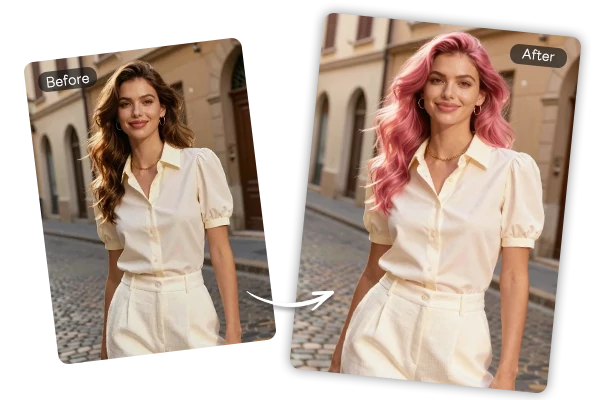
Upload Once and Preview Pink Hair Fast
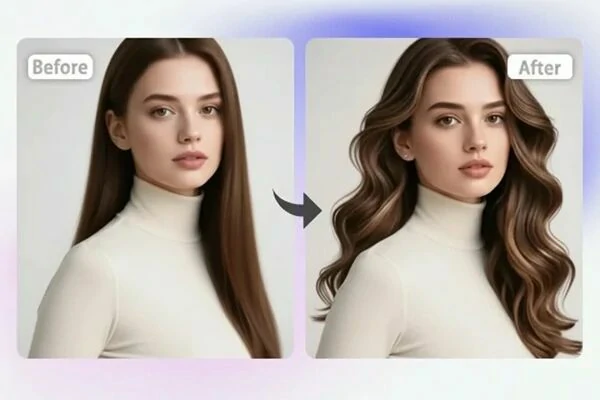
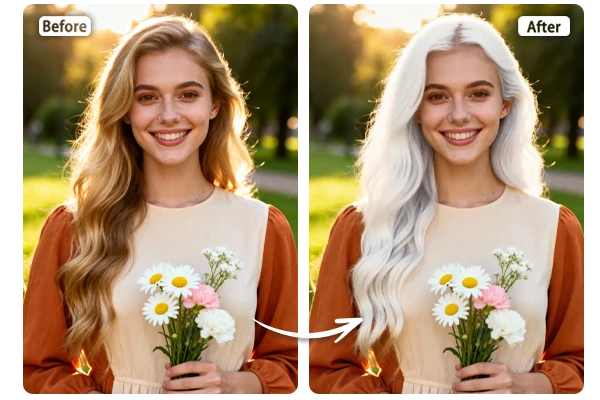
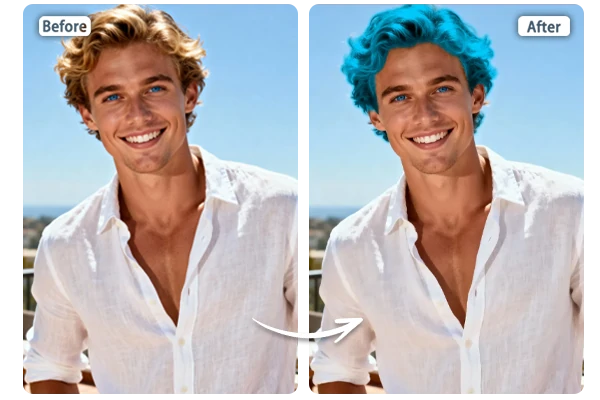
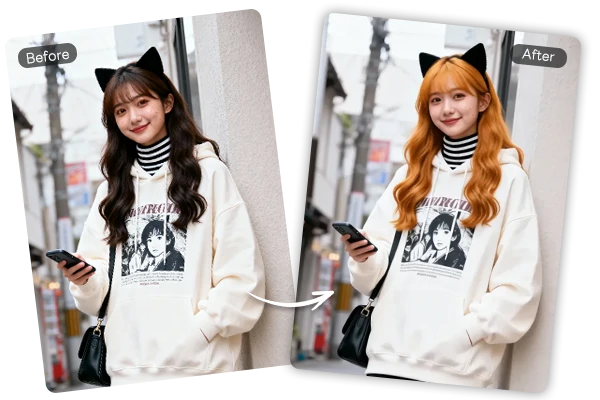
The pink hair filter keeps the process simple: upload a portrait, apply the effect, and review your new look in seconds. There is no masking, brush work, or color correction step to learn. It gives anyone a quick way to test a playful hair makeover before making a real color decision.
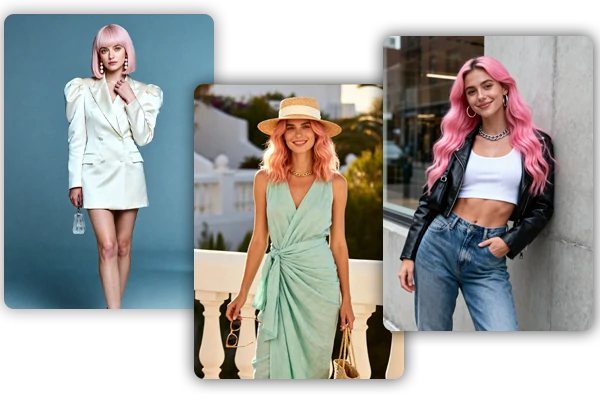
Keep Hair Texture, Shine, and Face Detail
The AI recolors the visible hair while respecting the original hairstyle shape, root area, highlights, and shadow depth. Straight hair, waves, curls, bangs, and layered cuts can keep their visual structure after the pink tone is applied. The result is useful for a realistic salon preview because the photo still looks like you, with your face, makeup, and lighting intact.
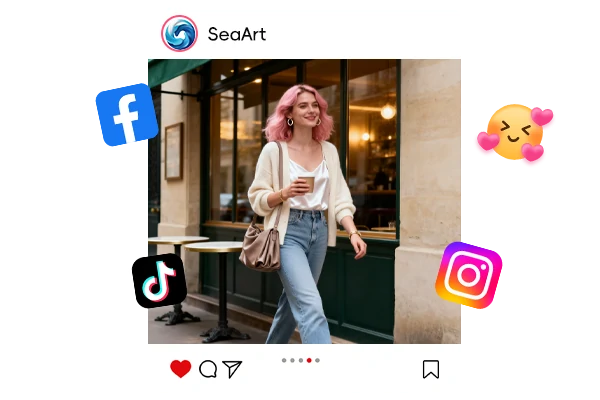
Create Pink Hair Looks for Social Profiles
Pink hair works well for profile photos, creator portraits, cosplay ideas, music covers, beauty moodboards, and themed posts. Try softer pastel pink for a gentle look, rose pink for a polished style, or brighter bubblegum shades for a bolder image. You can also browse more AI filters for other photo transformations and creative visual styles.
Why Try the Pink Hair Filter on SeaArt AI


Easy Virtual Try-On
Upload a clear portrait and preview a new pink hairstyle without salon tools, apps, or editing skills.

Fast Hair Color Preview
See a fresh hair color filter result in seconds, then download the image for reference or sharing.



Natural Hair Detail
The AI keeps the strand direction, shine, shadows, and face details readable while recoloring the hair.

Best Ways to Use a Pink Hair Preview
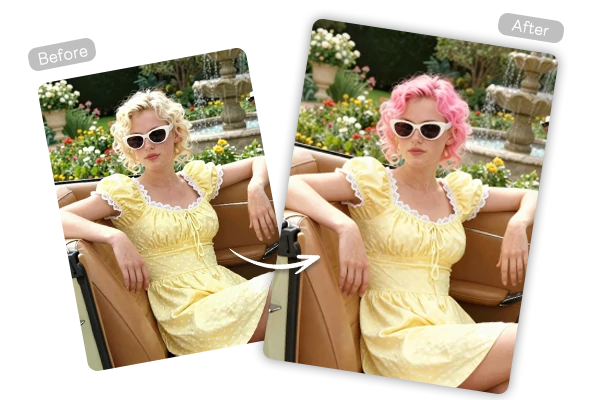
Before a Salon Appointment
Compare pink shades before dyeing your hair, then bring the result as a visual reference for your stylist.
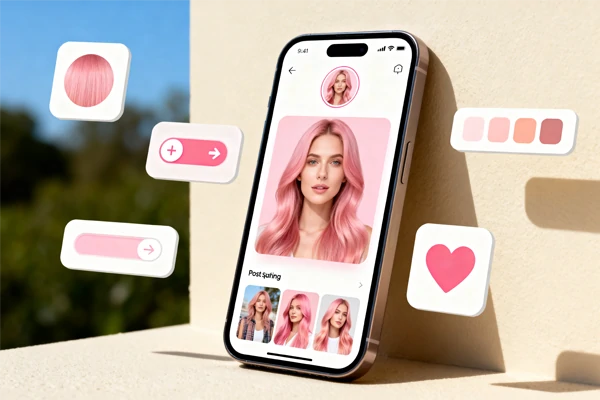
Profile Photos and Social Content
Refresh selfies, creator portraits, and themed posts with a pink hairstyle that feels expressive and easy to share.
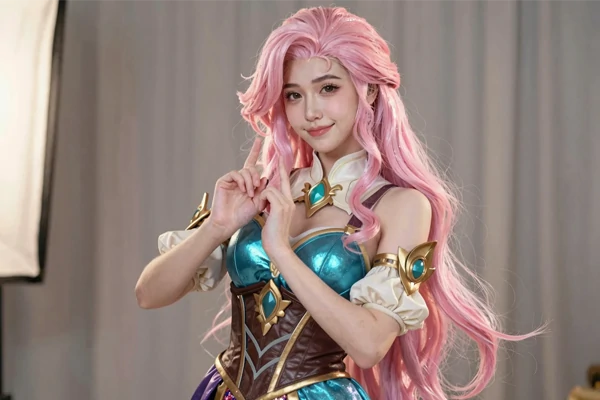
Cosplay and Character Ideas
Test pink hair for anime-inspired characters, game avatars, themed costumes, and creative moodboards before preparing the final look.
How to Use the Pink Hair Effect
Upload a Clear Portrait
Choose a photo where your hair is visible, and your face is not heavily covered by hats, hands, or shadows.
Apply the Hair Color
Let the AI detect the hair area and apply a pink tone while keeping the hairstyle shape and portrait lighting.
Save Your New Look
Download the edited image for social posts, a profile update, a salon consultation, or a private style test.
FAQs

What is a virtual pink hair filter?
It is an AI photo editing tool that changes the visible hair in your portrait to pink while preserving hairstyle shape, strand texture, face detail, and lighting. It works as a virtual dye preview before a real color change.

Is this AI pink color hair filter free to use?
Yes. You can try the pink hair effect on SeaArt AI with daily free Stamina.
Is my uploaded photo secure?
Your photo is processed for the requested pink hair color edit. You can fully delete your content from servers at any time, and nothing is shared publicly unless you choose to publish it yourself.