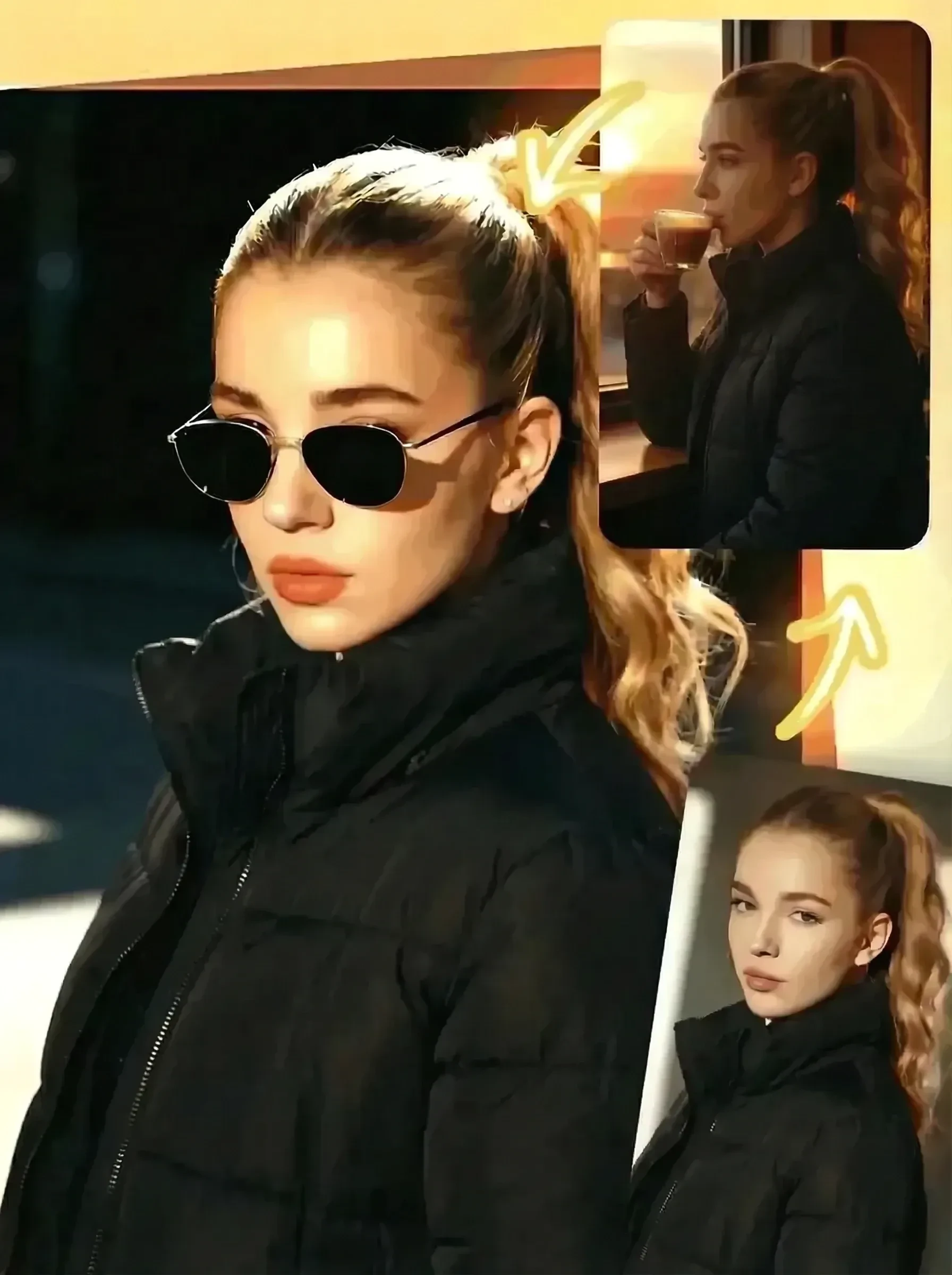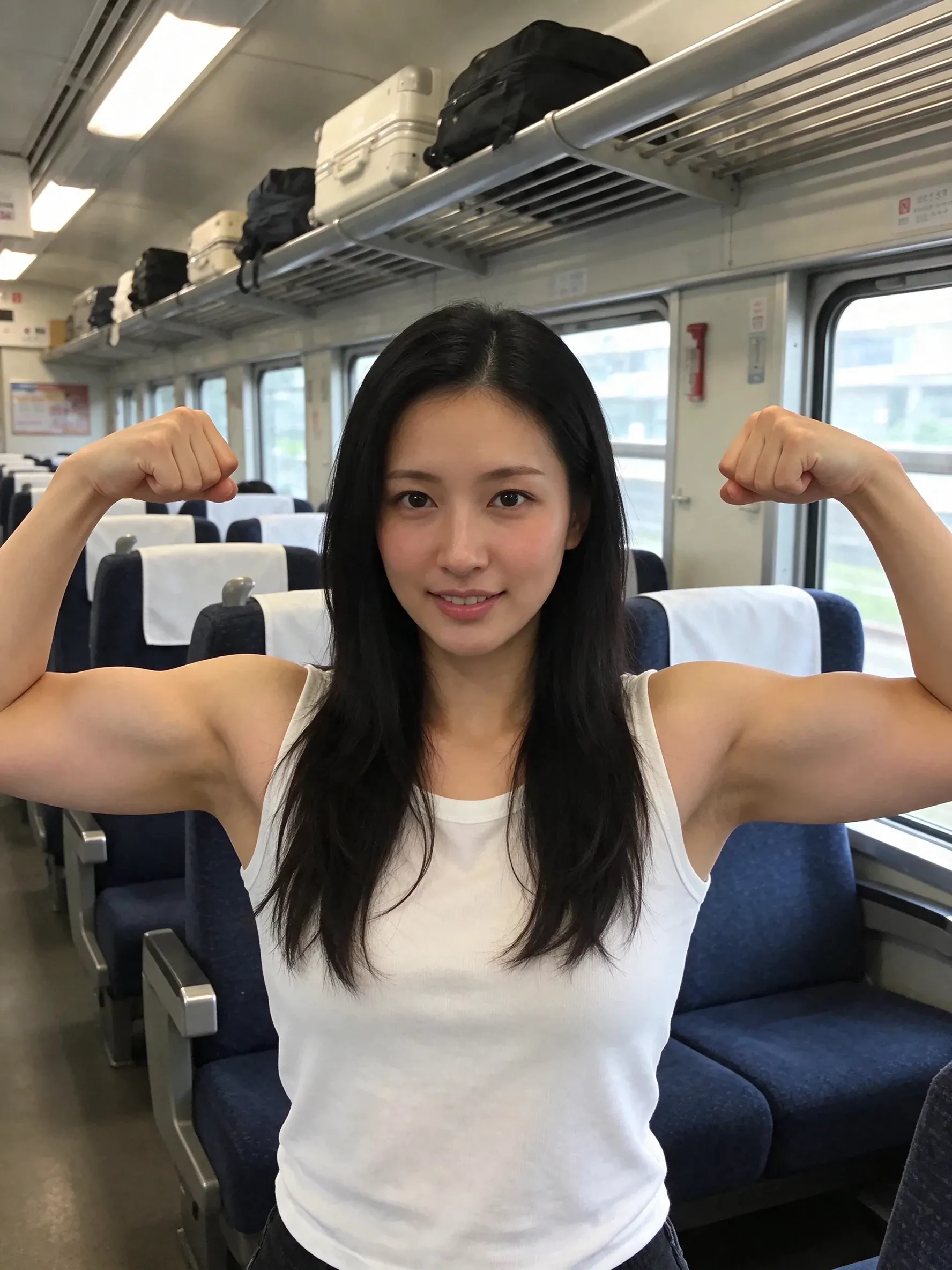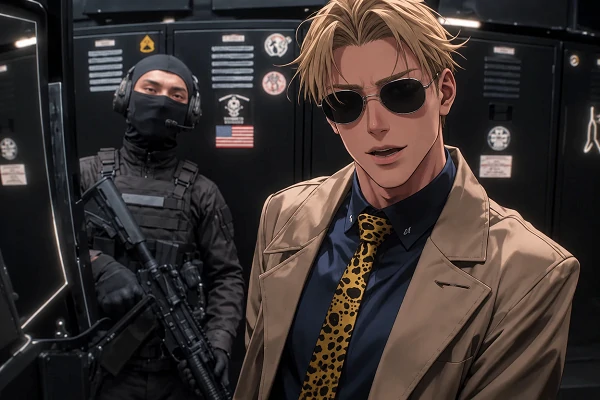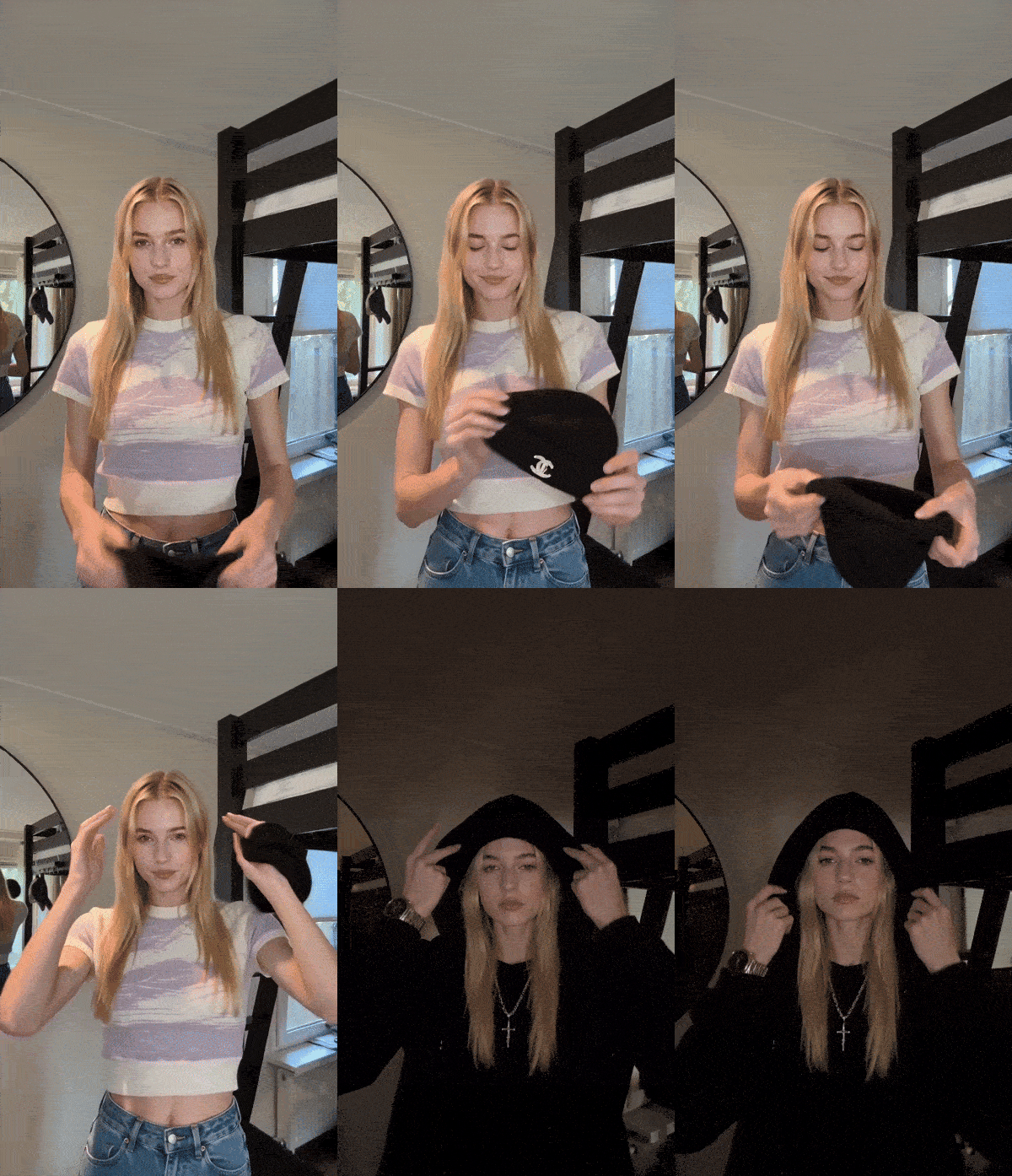


From ordinary person to stylish transformation: whether it’s a cute, quirky look with a little round cap or a dark, edgy, and cool aesthetic—experience a striking contrast.
Two video templates available: one for solo transformations, and another for you and your pet.
Not enough ratings or reviews received yet
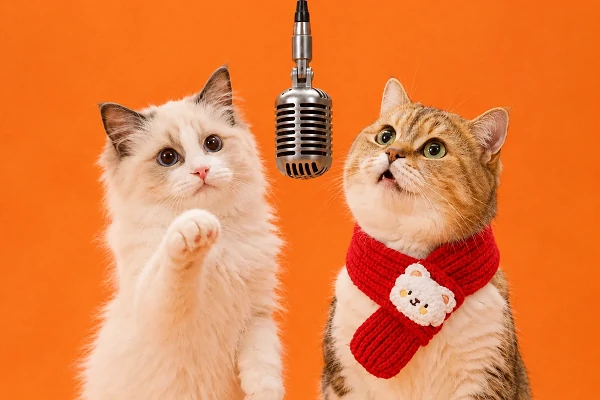
No camera, no acting, no editing. The cap, the dark room, and the hard cut come with the skull cap video template, and the plainer the picture, the stronger the contrast. Make one for yourself, or for you and your pet.
Just Photos, No Prompt
Solo needs one clear photo of your face; the pet version needs two separate photos. Then generate, no prompt or settings.
Your Face Survives the Cut
The Advanced AI model holds your face, skin tone, and hair steady through the hard cut, so both halves still read as the same person rather than two different clips stitched together.
Made for the Feed
The clip comes out ready for social, so you can post it to TikTok, Reels, or Shorts without opening an editor or exporting it a second time.
Works on Any Device
SeaArt AI runs it all in your browser, so there is nothing to install and nothing to update before you make your trending skull cap clip.
Upload Your Photos
Add a clear, front-facing photo of yourself. If you are using the pet template, add a second photo of your pet.
Choose a Template
Pick the solo version or the pet version, then tap generate and let the preset motion and cut run.
Preview and Post
Watch the clip once to check the face and the change, then download it and post it wherever you share video.
The fun comes from the gap between the bright, ordinary look before the cut and the cold stare after it. The bigger the gap, the better the change.
Upload one clear photo and the skull cap trend AI video generator handles both halves. It keeps the bright, awkward opening, pulls the cap down, and cuts on the beat to the dark, hooded second look. Your face stays the same through it, so the change reads as one person, not two clips.
Two templates cover two different shots. The solo version turns one portrait into the full before-and-after, while the pet version takes a photo of you and a photo of your pet, then puts both of you through the same skull cap change. Pick the one that fits the pair you have. Either way, there is no prompt and no editing.
Pick the most ordinary photo you have and let the template do the rest. One upload, one hard cut, and a version of the trend that still looks like you.
What is the skull cap trend?
It is a before-and-after skit: an ordinary look in a bright room, a black skull cap pulled down, then a dark room and a cold stare. There is nothing to film; an AI video generator recreates it from your photo.
What photo works best?
A clear, front-facing photo in even light works best, ideally one where you look ordinary rather than styled. The template supplies the cap, hood, and dark room, so your photo only needs to set up the contrast.
Can I make one with my pet?
Yes. The pet template takes two photos, one of you and one of your pet, and puts both of you through the same change. A clear photo of each, facing the camera, gives the cleanest result.