50M
+Creator

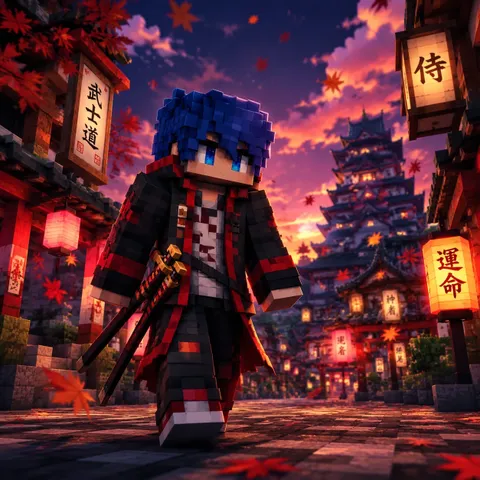
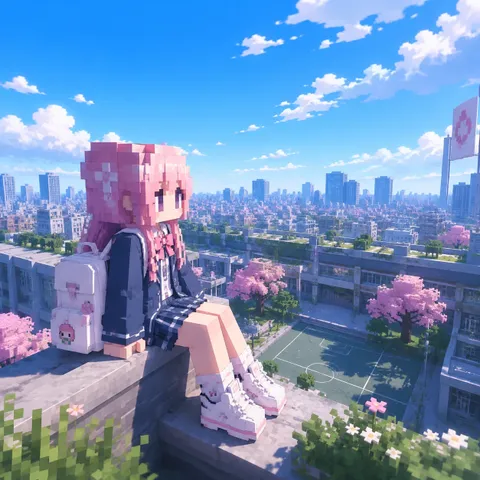
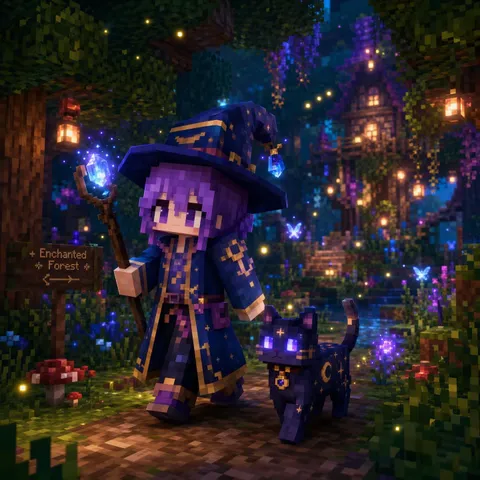
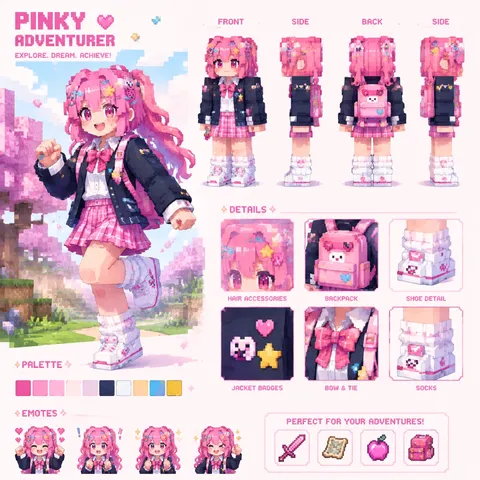
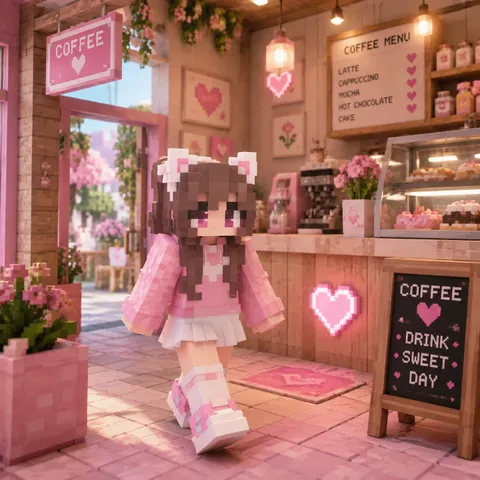
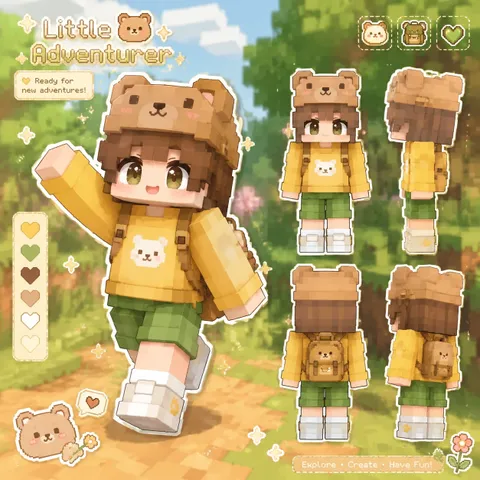
Create custom Minecraft skins from text or images with AI. Generate unique characters, explore different styles, and download your designs as PNG files to share with your community or use in gaming projects.
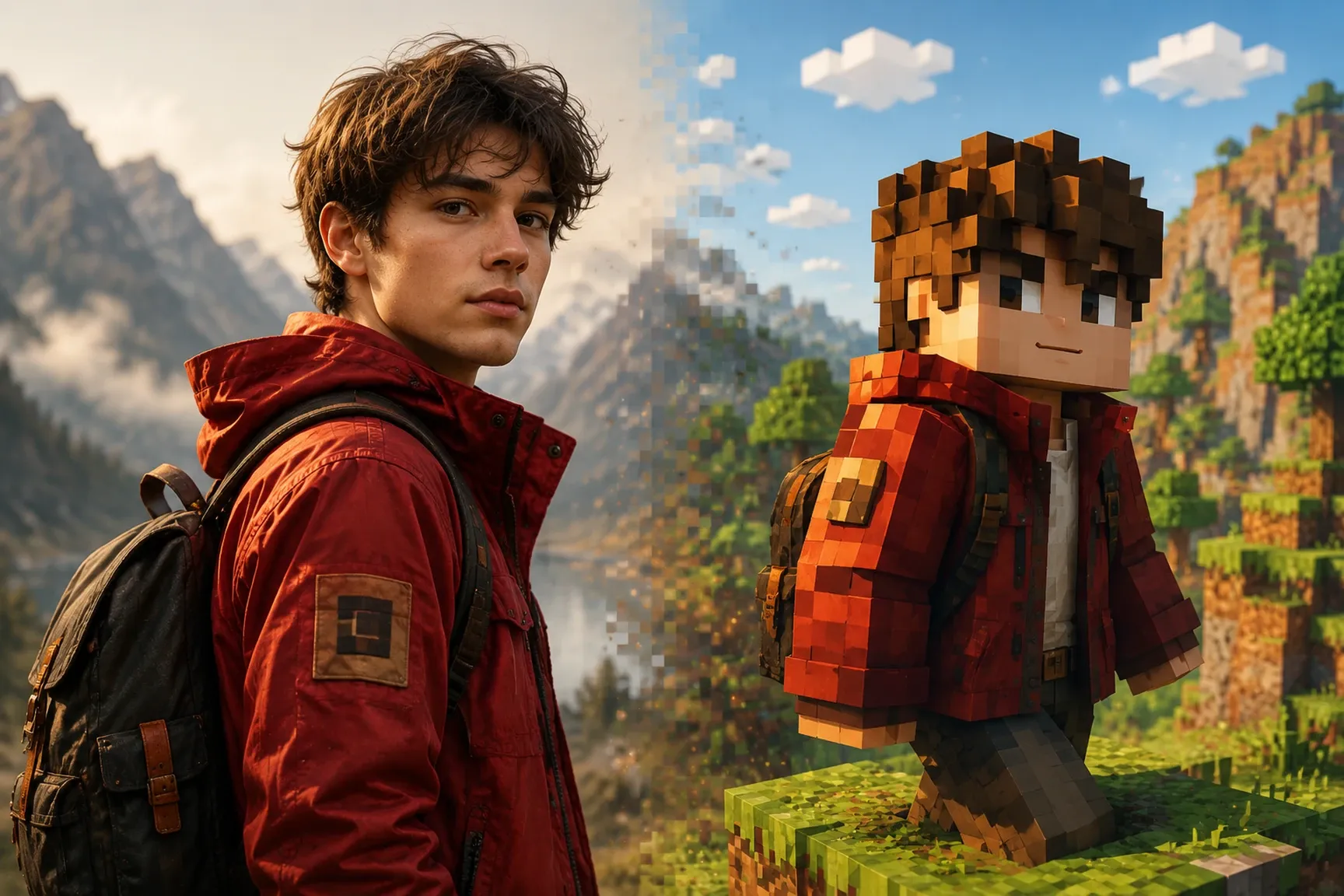
Turn your photos or reference images into custom Minecraft skins with AI. You no longer need to design a character from scratch or master complex editing tools to create a custom avatar. Upload an image and let SeaArt AI use it as a reference to create a unique skin inspired by its visual details and overall style.
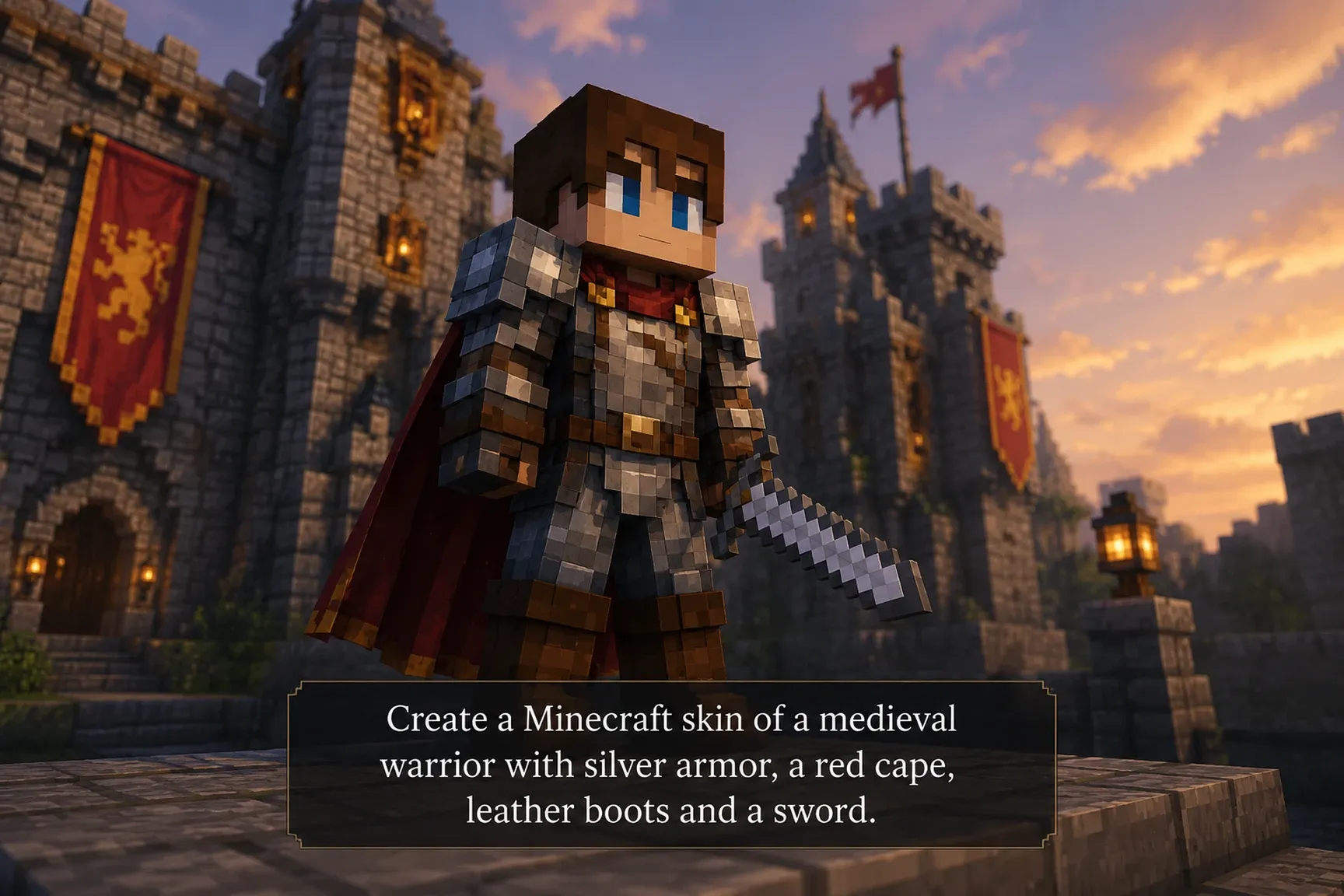
Bring your ideas to life without knowing how to draw or design skins by hand. Describe the appearance, clothing, accessories, or style you have in mind and let the Minecraft skin generator create a unique character. From warriors and adventurers to fantastical creatures, turn any concept into a custom Minecraft skin for your gaming projects and content creation.
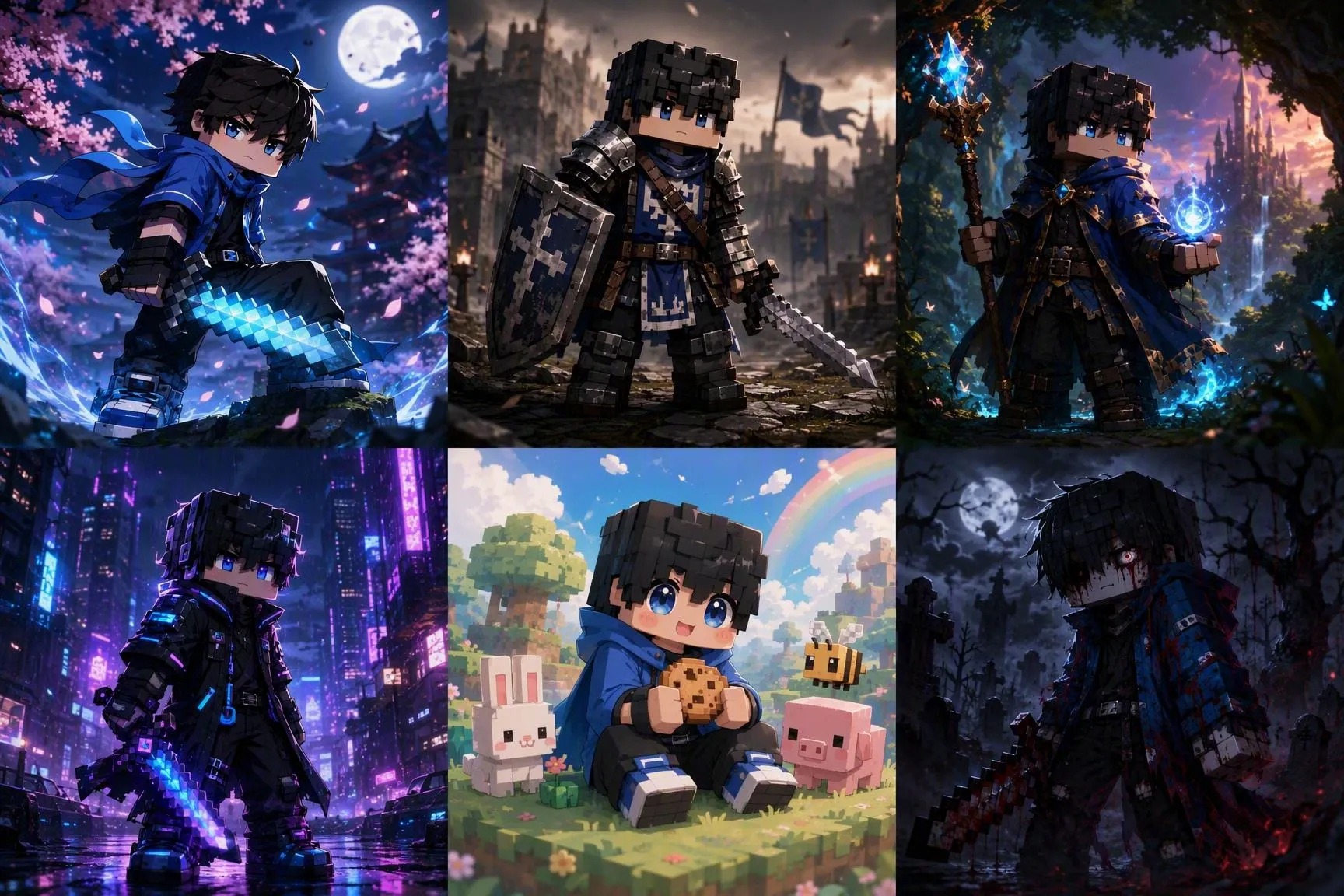
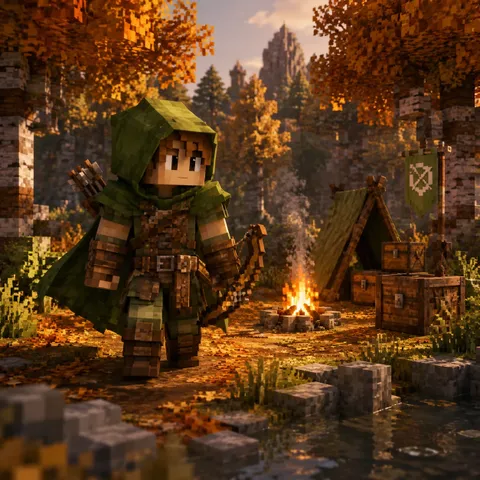
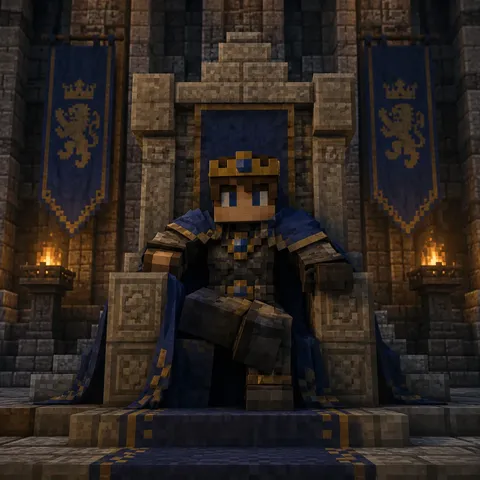
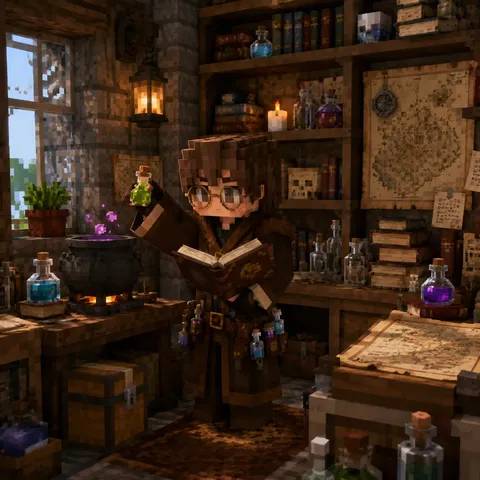
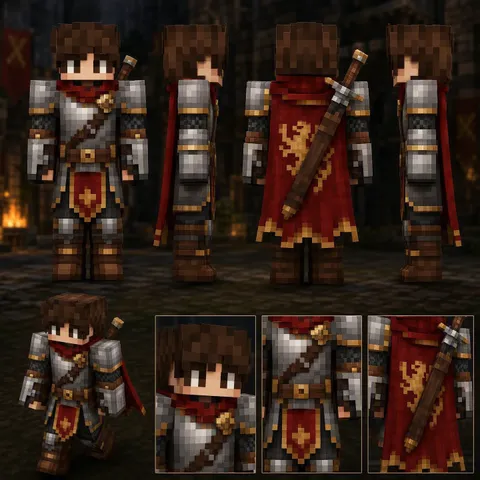
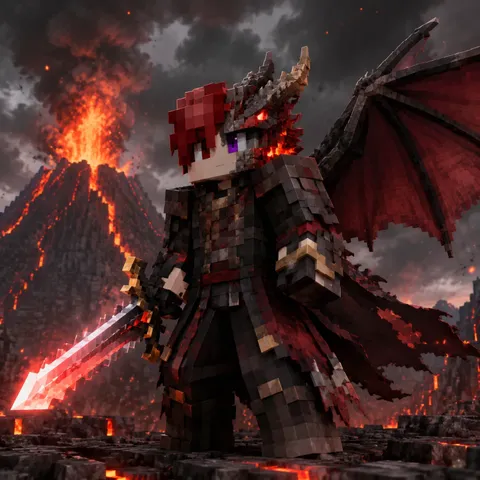
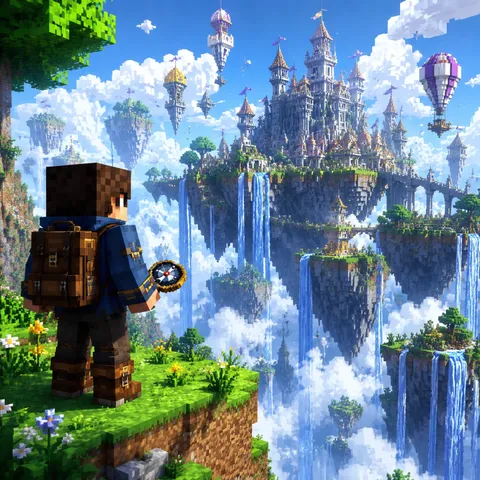
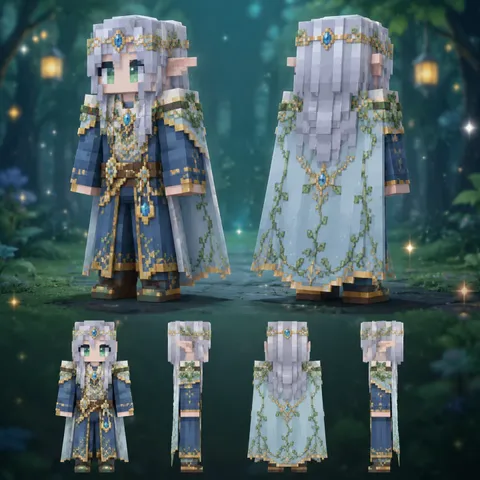
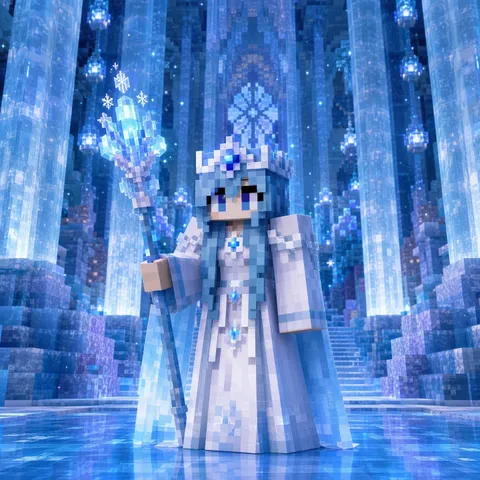
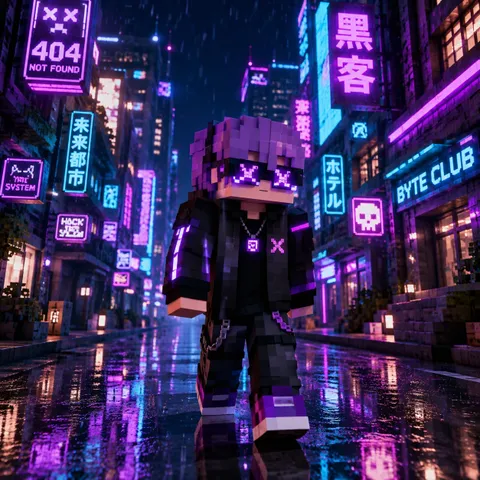
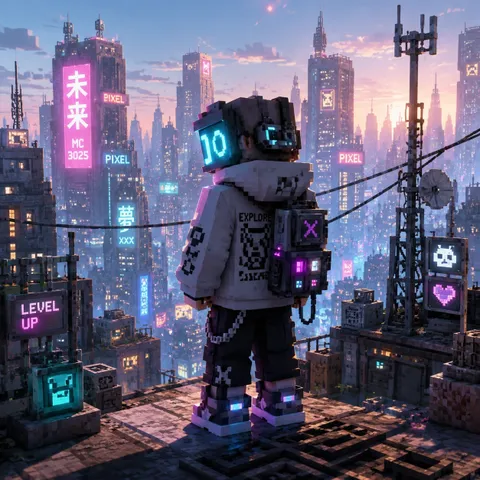
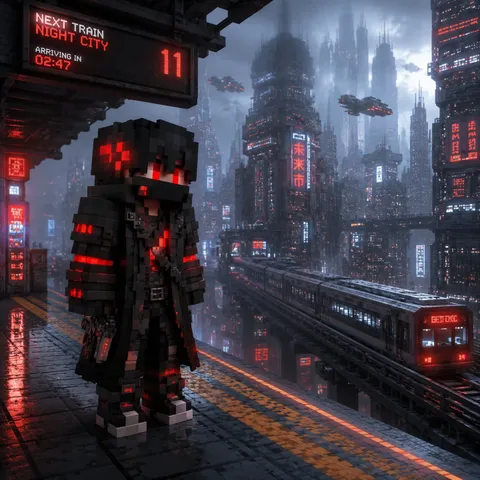
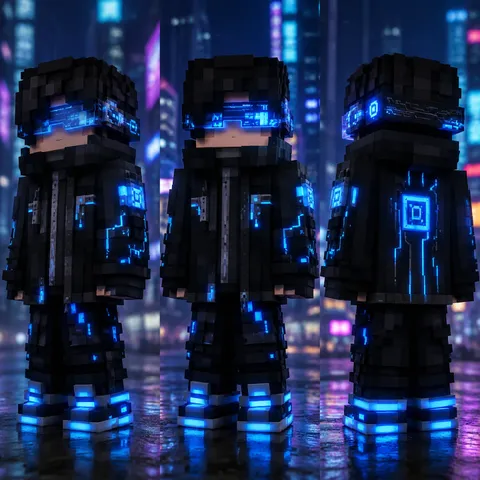
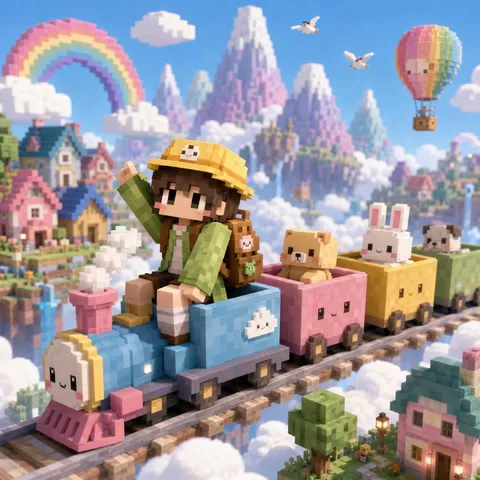
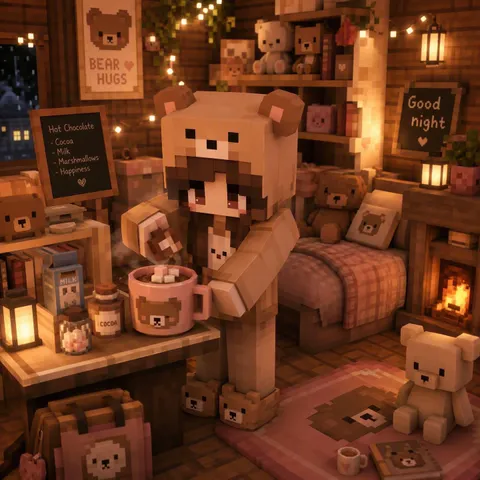
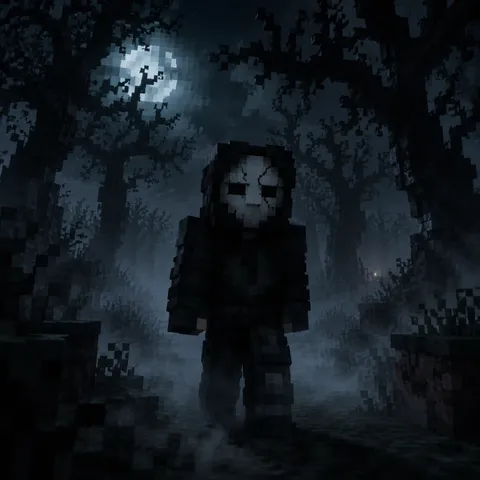
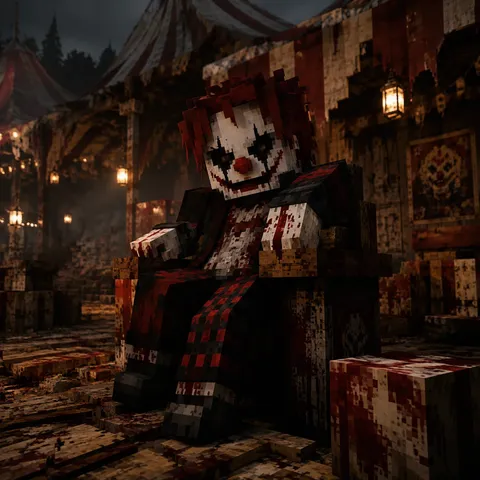
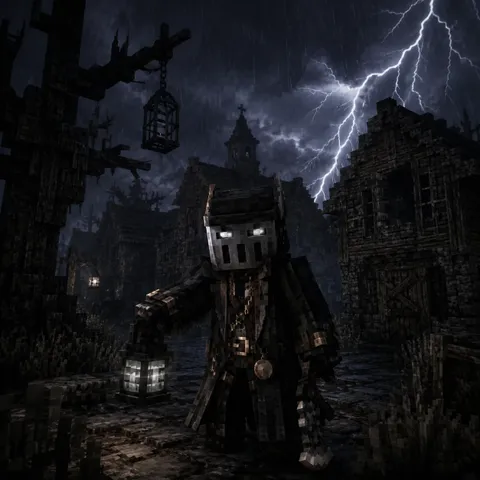
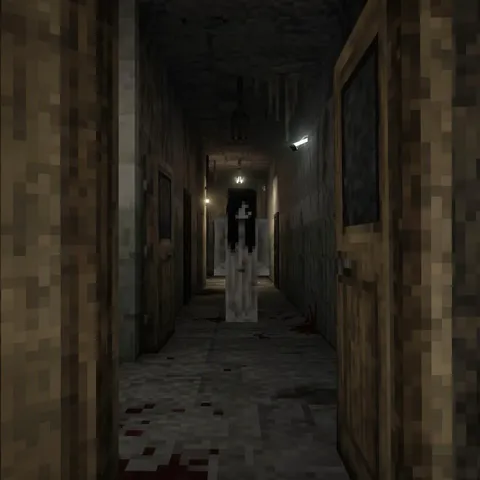
Create Minecraft skins in a wide range of styles and discover new ways to represent your character. Try anime, medieval, fantasy, cyberpunk, kawaii, or horror-inspired styles to explore different visual directions. Combine references, colors, and accessories until you find an aesthetic that fits your concept and reflects your creative style.
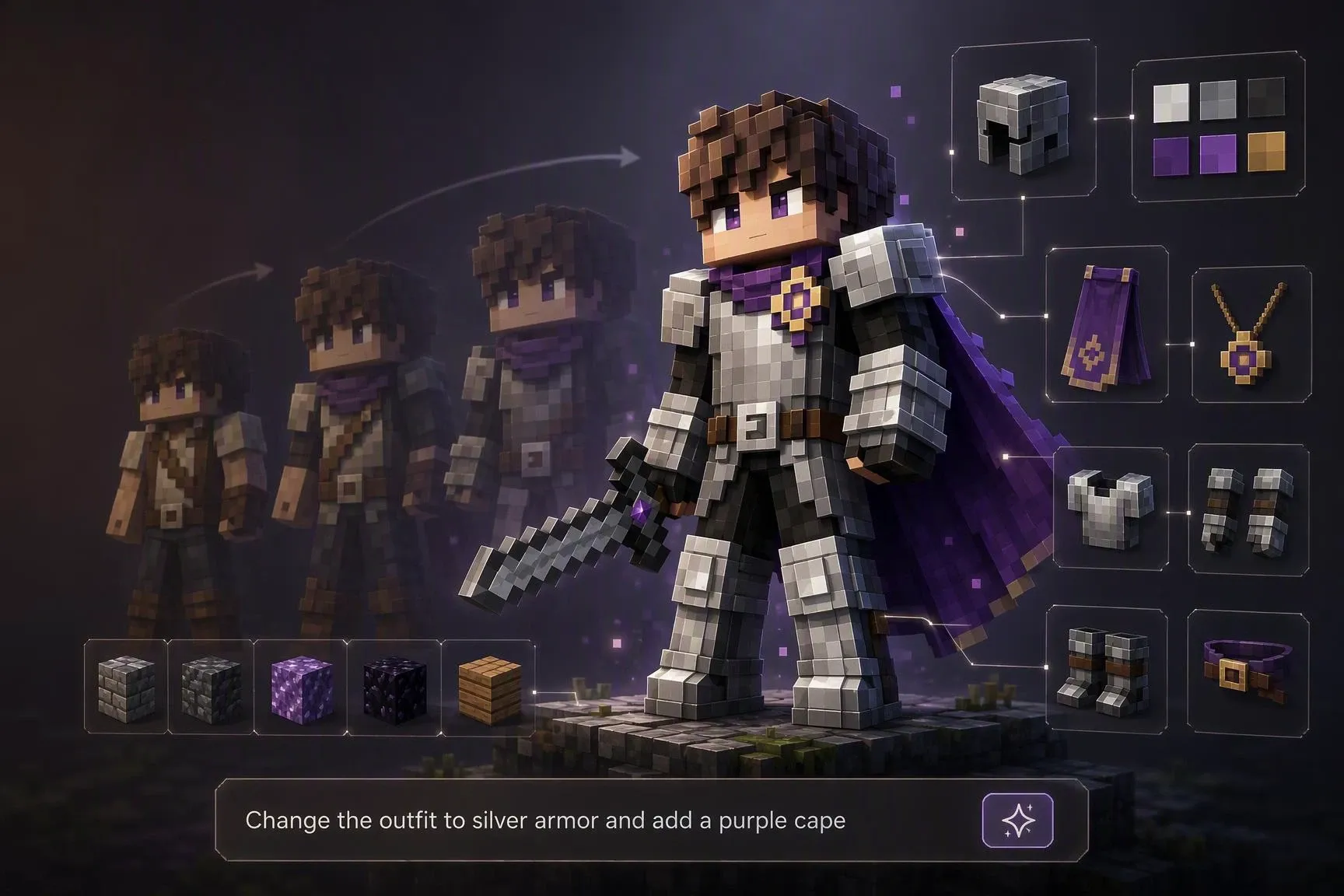
Start with a skin or design you already have and transform it without starting from scratch. Use a prompt to describe what you want to change, such as the outfit, color palette, accessories, or visual atmosphere, then generate a new version based on your reference. Refine the same idea over multiple iterations, adapt earlier designs to new themes, and keep your character’s visual style consistent across different creations.
Step 1. Enter Your Idea and Upload an Image (Optional)
Open SeaArt AI's Minecraft skin generator and start a new creation. Describe the appearance, clothing, accessories, or style you have in mind. If you have a reference image, upload it to guide the generation.
Step 2. Choose a Model and Image Aspect Ratio
Select the model that best fits your idea and choose your preferred image aspect ratio. Adjust these settings to match your creative needs and try different options to find the result you want.
Step 3. Generate and Download Your Minecraft Skin
Review the results and refine your idea if you want to explore another direction. Once you find a version you like, download your skin as a PNG file to share, save, or use in your creative projects.
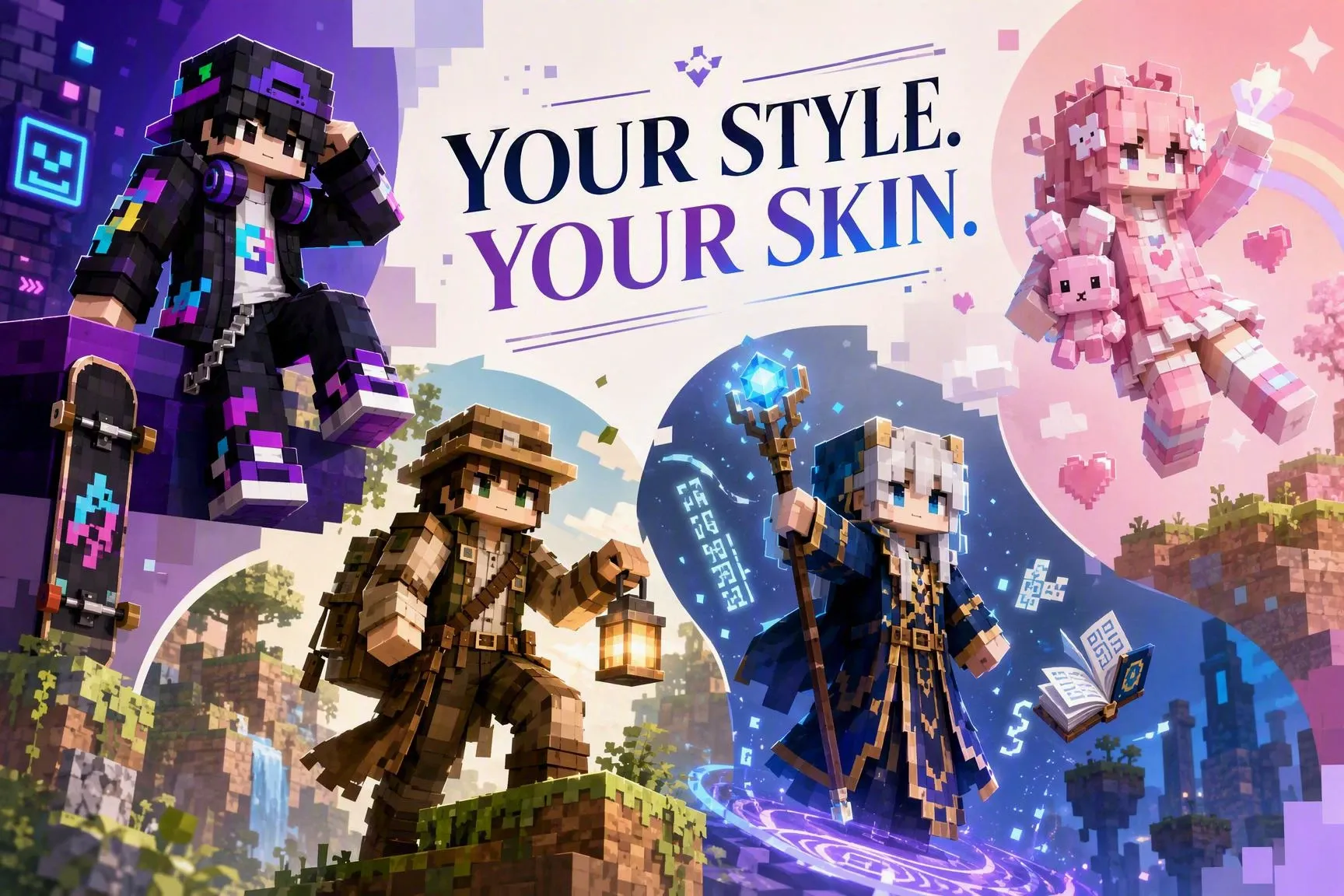
Create an avatar that reflects your style and helps you build a distinct visual identity. Combine clothing, colors, accessories, and different aesthetics to find a character that feels like you. Use your design as a profile picture, share it with your community, or showcase it on social media and in your gaming projects. Leave generic avatars behind and find a version that truly represents you.

Create Faster with AI
Turn ideas and reference images into Minecraft skin designs quickly. Generate different versions of the same character and explore new directions without having to design every detail by hand.

Easy to Use
Create characters without design experience or advanced image-editing skills. Experiment with different ideas and styles through a simple, intuitive experience that makes creation easier.

Advanced AI Models
With more than 1 million AI models, including GPT Image 2.0 and Nano Banana 2, you can access diverse generation capabilities and styles. Create more detailed and expressive Minecraft skins with richer visual quality and a more defined visual identity.

Community Inspiration
Find inspiration in other users' creations and discover new ways to design your characters. Explore styles, references, and ideas shared by the SeaArt AI community to take your creations further and add a personal touch.

What Is an AI Minecraft Skin Generator?

What Format Can I Download My Skin In?
You can download your Minecraft skin as a PNG file and save it for later use in other projects or tools.
Can I Create a Minecraft Skin from a Photo?
Yes. Upload a photo as a reference to guide the generation. The AI will analyze the image's visual characteristics and create a skin design inspired by its details and style.
Can I Create Minecraft Skins for Free?
Yes. SeaArt gives registered users 130 free Stamina points per day, which you can use to generate AI Minecraft skins or try other AI tools.
What Kind of Images Work Best as References?
Clear, well-lit images usually work best as references. Photos or illustrations where the subject is clearly visible, with details such as clothing, appearance, and accessories, can help guide the generation.