50M
+Creator

Turn a prompt or an existing photo into a polished image, and change any detail without rebuilding the whole scene.
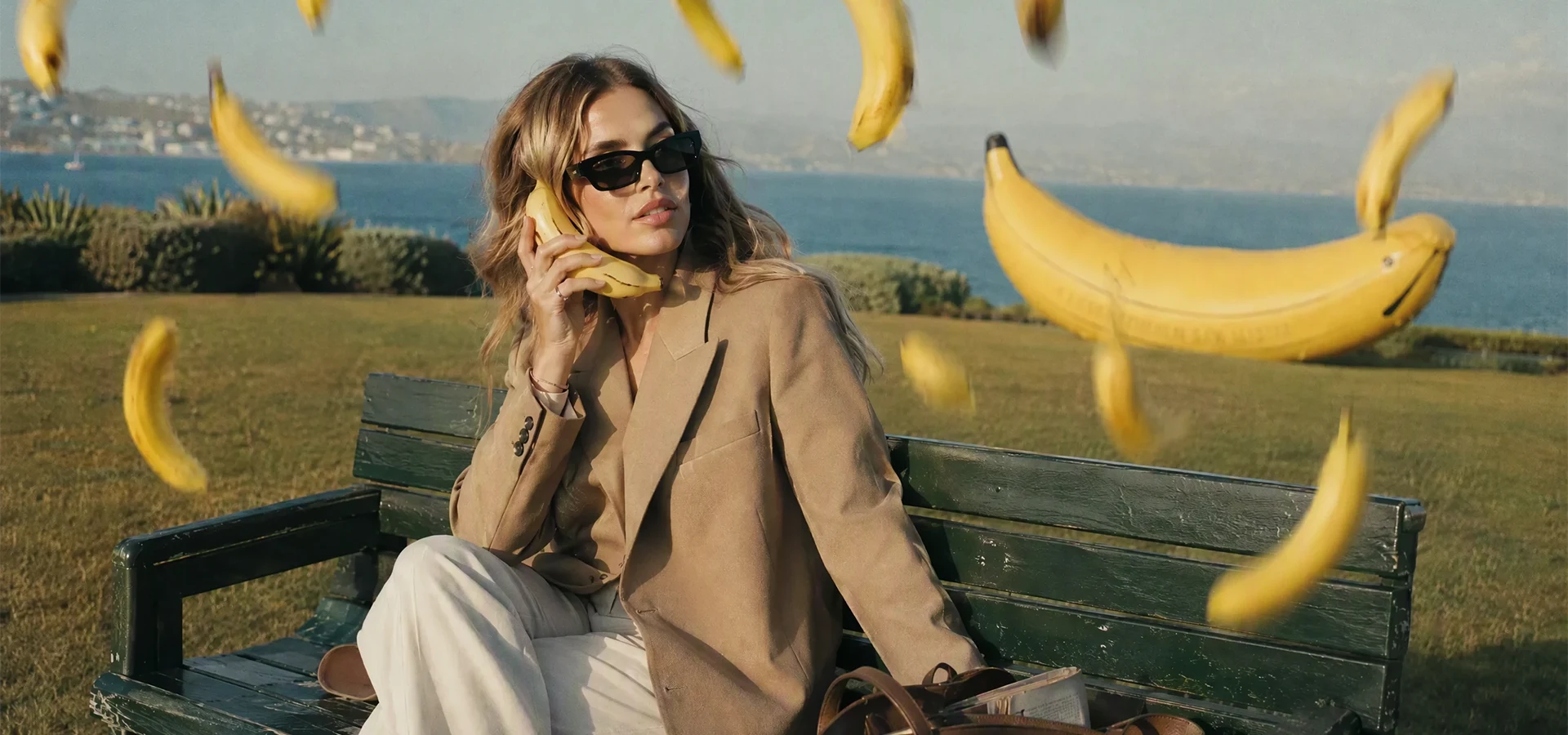
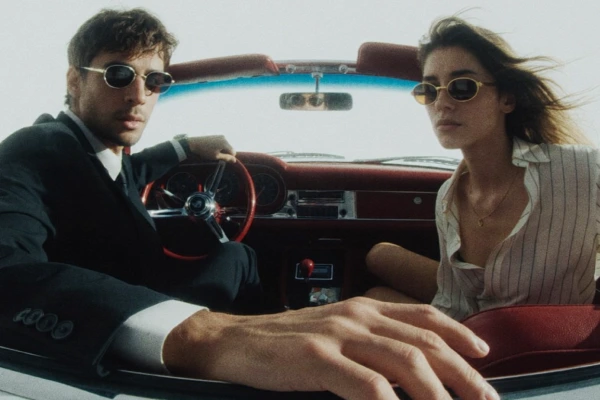
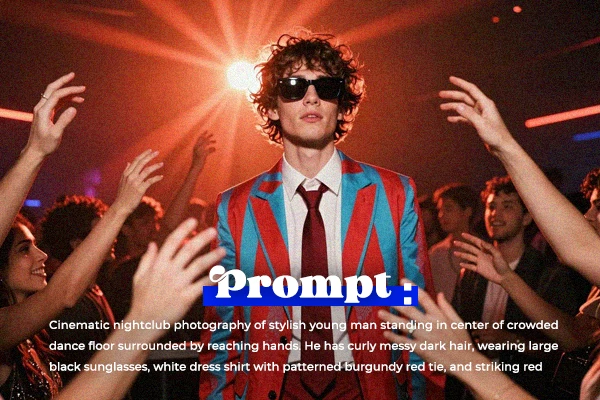
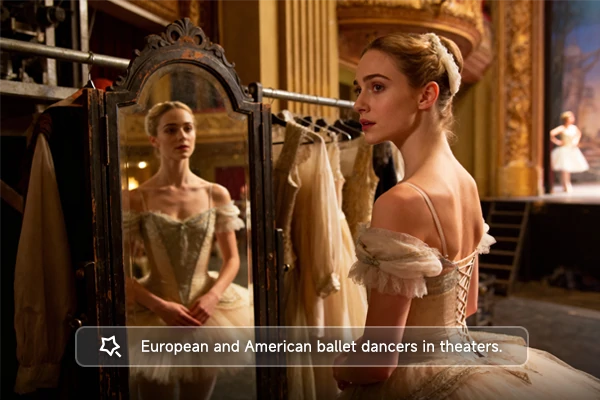
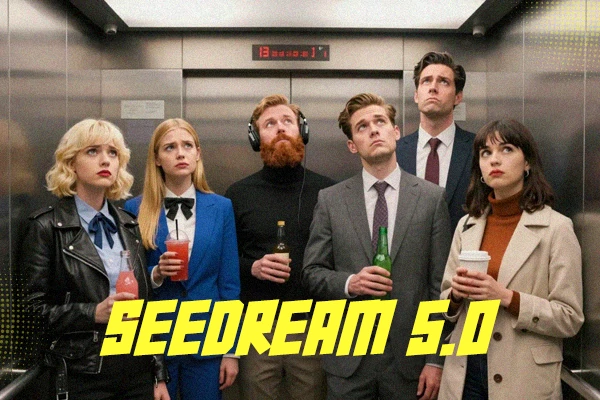
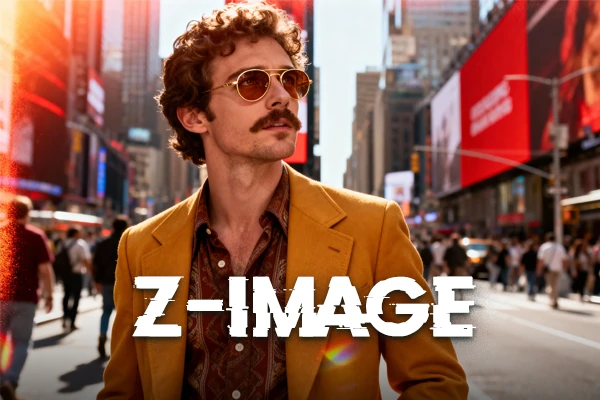
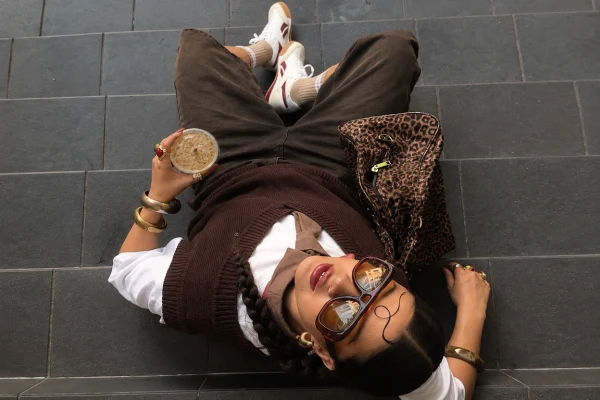
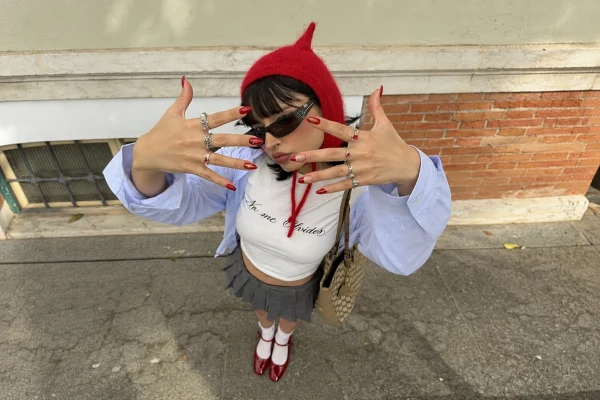
Browse these images created from a simple idea with Fibo 2.0 image generator. Add detail about the subject, lighting, and layout for more control.
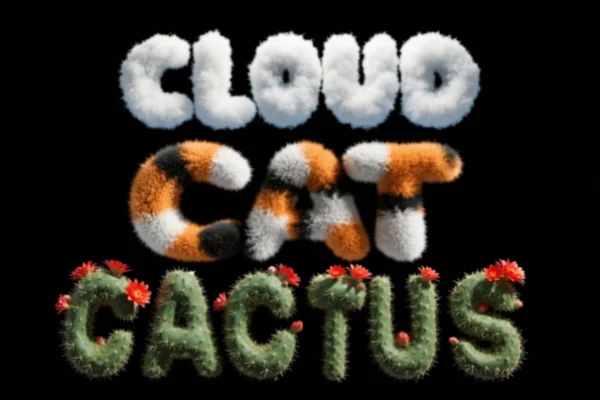
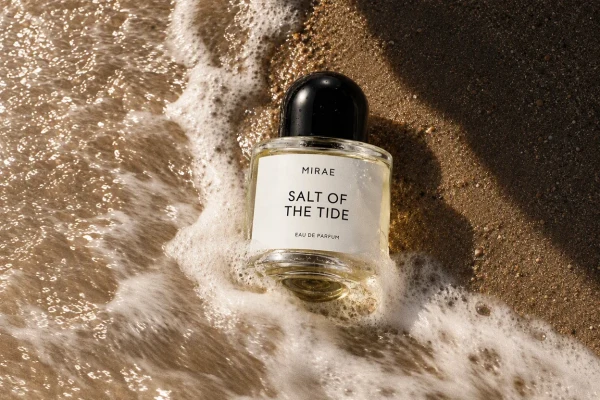
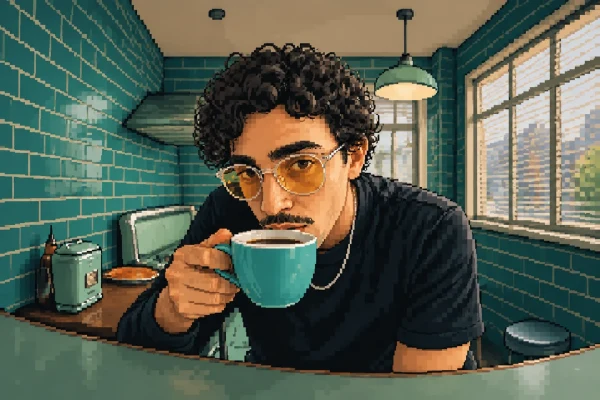

Free to Start
Try Fibo 2.0 for free on SeaArt AI. Test a prompt or a photo edit, compare the results, and decide where to take your idea next.

Skip the Local Setup
Open the model in your browser instead of downloading weights, configuring a GPU, or building a local pipeline. No installation is required.

Shape Better Prompts
Turn a rough idea into a clearer brief with the built-in Assistant in the SeaArt AI image generator, then adjust the subject, lighting, or layout yourself.
Choose Your Starting Point
Start with a text prompt for a new image, or upload photos to reference or edit.
Describe the Scene or Edit
Describe the scene or the change you want, then adjust the aspect ratio, size, and other output settings.
Generate and Download
Generate the image, review the result, and download the final image file without a watermark.
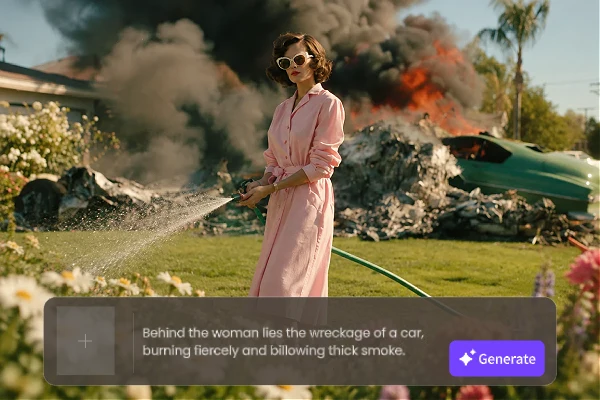
Fibo 2.0 model brings image generation and photo editing into one model. Start with a prompt or upload, then keep refining in the same place. Your references, direction, and output stay together, so you can move from a first draft to a final image without switching tools. That keeps the workflow simple from start to finish.
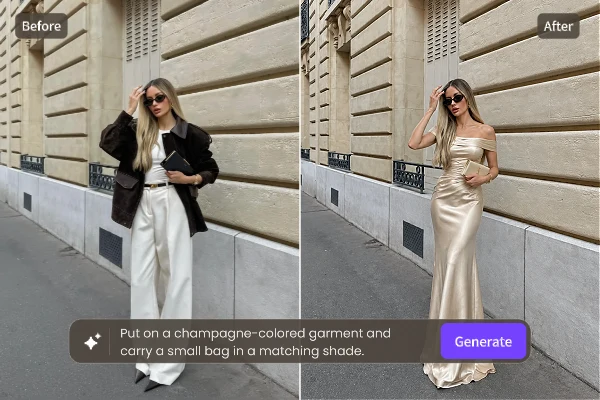
The Fibo 2.0 edit workflow lets you name the change you want, such as a new background, outfit, or expression. The model works on that area while leaving the face, layout, lighting, and texture mostly intact. Add a mask when the edit should stay in one spot. Review the result, then reword the change instead of rebuilding the scene.
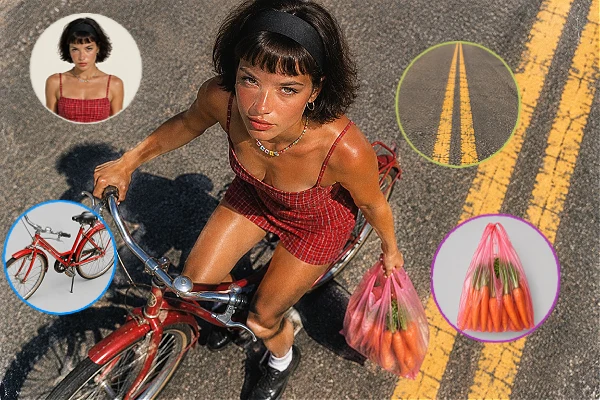
Attach up to four reference images to guide a character, product, outfit, or style. This is useful for virtual try-on, product placement, and scenes that combine several sources. Text, materials, hands, and faces also hold up better than in earlier versions, so you can check details before you publish. Use clear, well-lit references for the most reliable results.













What is Fibo 2.0?

What's new in Fibo 2.0?
Fibo 2.0 brings generation and editing into one model instead of separate tools. Editing is stronger, text and materials look more reliable, and unchanged areas stay closer to the original, so repeated changes take less work.
How does Fibo 2.0 compare with MOSS-Image?
Fibo 2.0 creates and edits images, with native photo edits and reference images. MOSS-Image focuses on text-heavy layouts and posters, but it is mainly a generation model without native editing. Choose based on whether you need edits or layout control.
Is Fibo 2.0 free to use?
Yes. You can try Fibo 2.0 free with the credits available to your SeaArt AI account.