50M
+Creator

Kling 4.0 Flash generates 3 to 20 second videos at 720p. Create dynamic clips from text prompts, images, or visual references with fast AI video generation. Try Kling 4.0 Flash for Free Now!

Fast Iteration
Generate several takes of one idea to compare movement, framing, and visual direction.

720p for Drafts
Work in standard dynamic range at 720p - practical for previews, social concepts, and motion tests rather than high-resolution finishing.

3 to 20 Second Clips
Create a hook, product loop, or short scene in one generation, with duration set to fit the idea.

More Creative Tools in One Place
Explore other AI video tools on SeaArt AI alongside Kling 4.0 Flash. Switch between different creative tools as your project needs change.
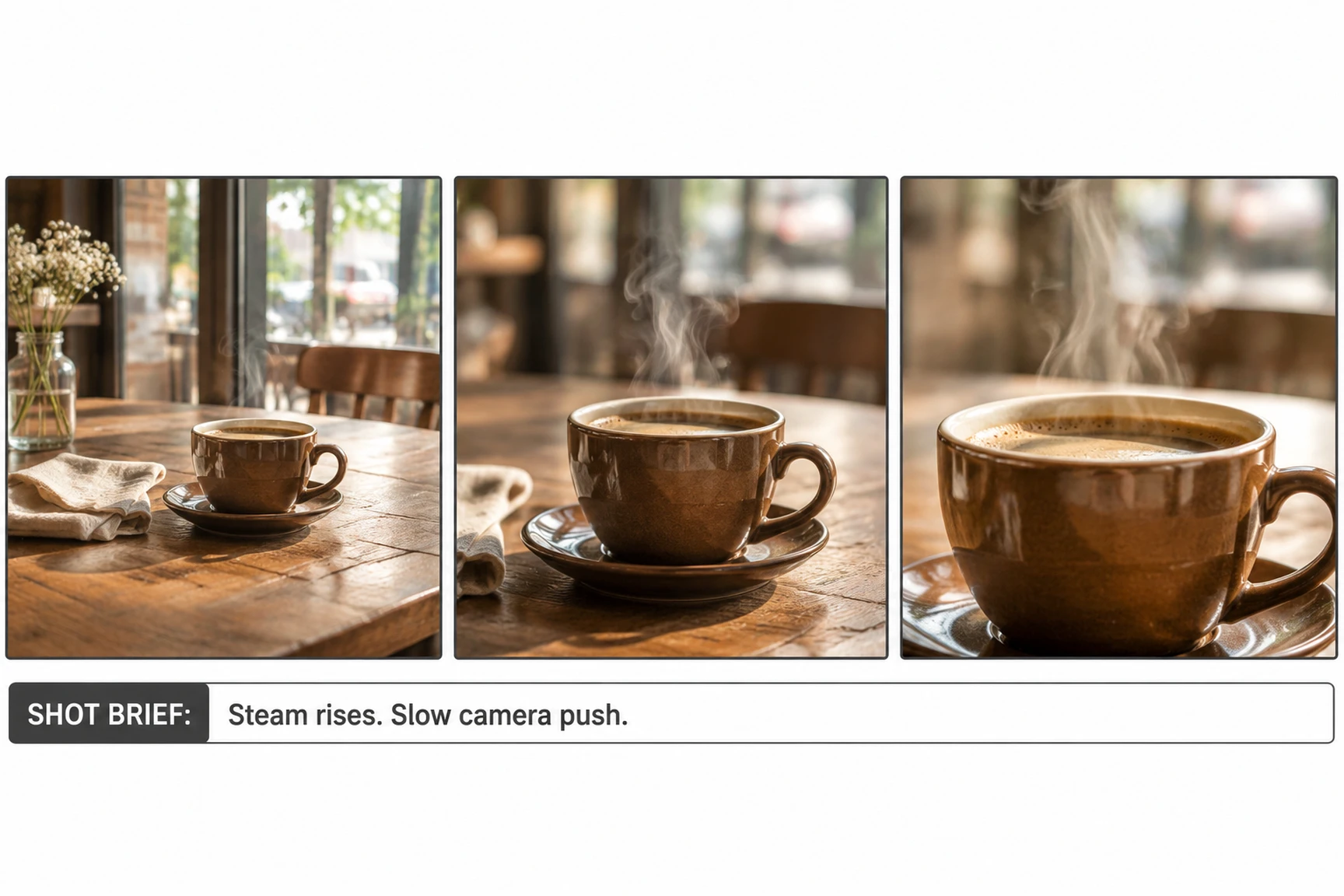
Write the subject, setting, action, and camera direction in a clear sequence. For example: steam rises from a coffee cup as the camera slowly pushes in. Kling turns the prompt into a moving scene, making this a useful way to explore a concept or test alternate shots. You can also experiment with different prompts to see how changes in the action or camera direction affect the final video.
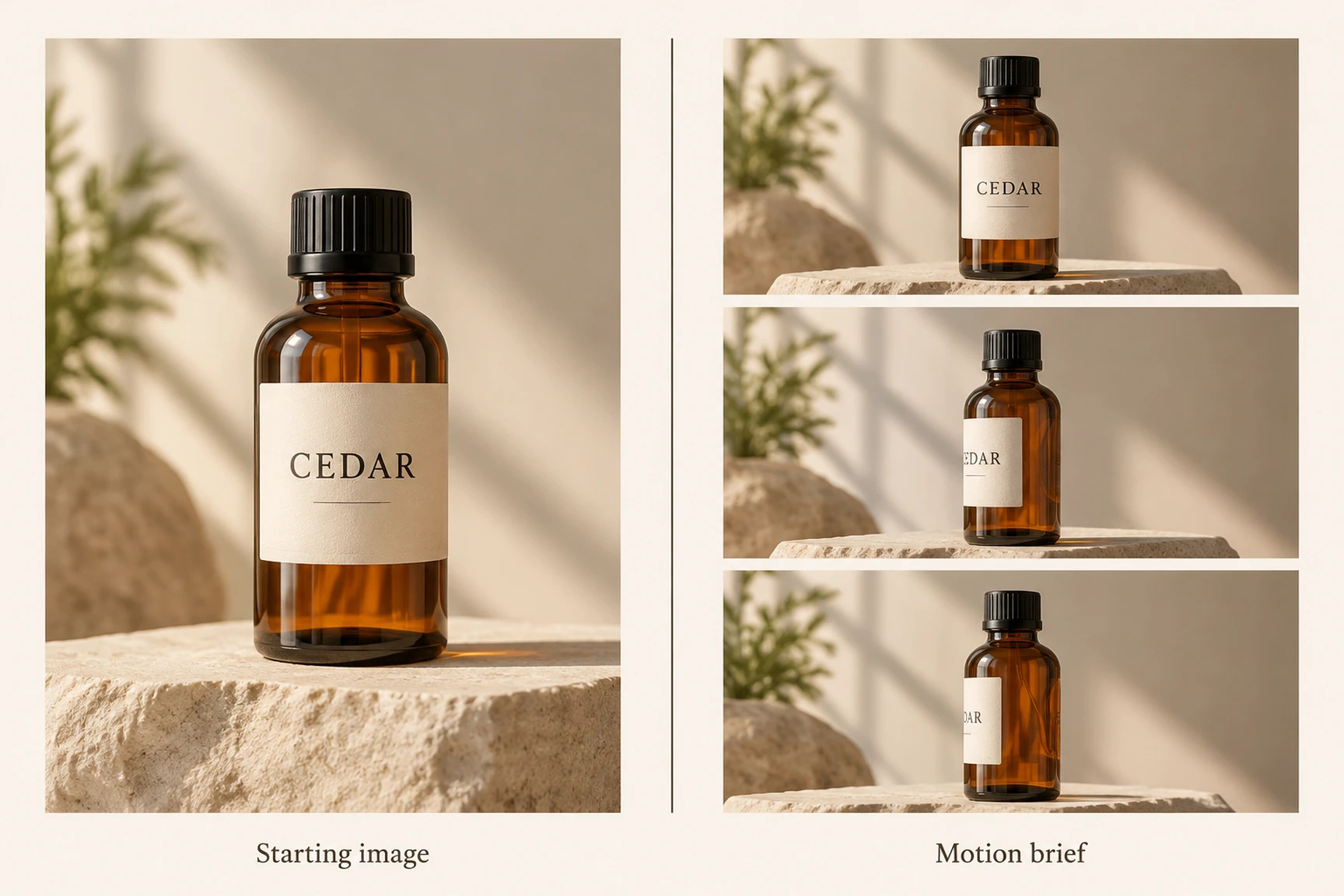
Use a still image to establish the opening composition, then describe what should move. A product photo, character portrait, or illustration can become the first frame; your prompt guides the action or camera movement that comes next. This approach is especially useful when you already have a visual reference and want to build on its composition rather than start from scratch.
Flash is the quicker option for short iterations: up to 20 seconds at 720p in standard dynamic range. The full Kling 4.0 supports up to 30 seconds, 1080p/4K, and up to 10 keyframes for more precise shot planning. Choose Flash to test ideas; use the full model when duration, resolution, or keyframe control matters.
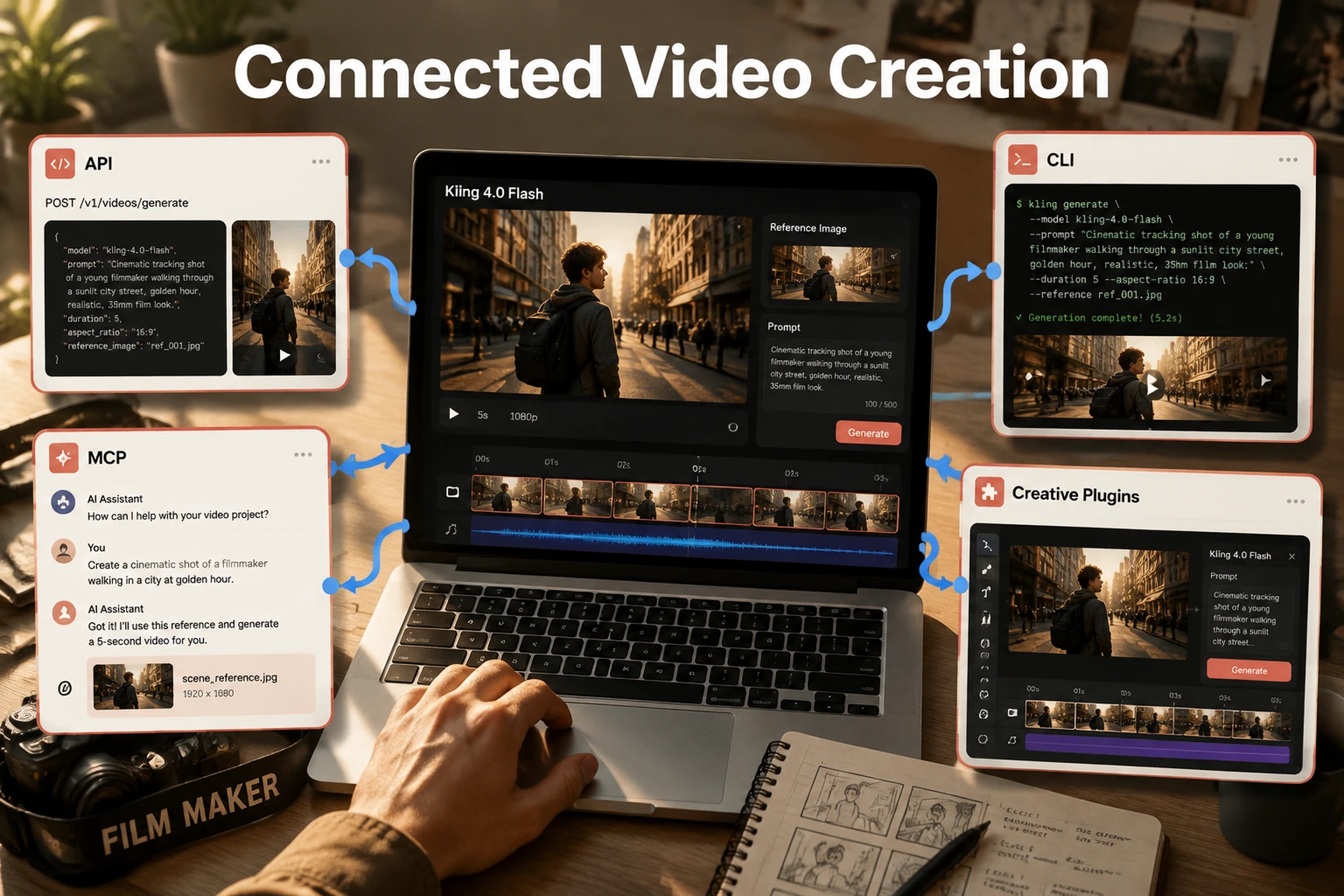
Kling lists API, MCP, CLI, and AI-plugin access for Flash. These integrations can bring generation into existing tools and workflows, although setup, availability, and controls depend on the provider or plugin.
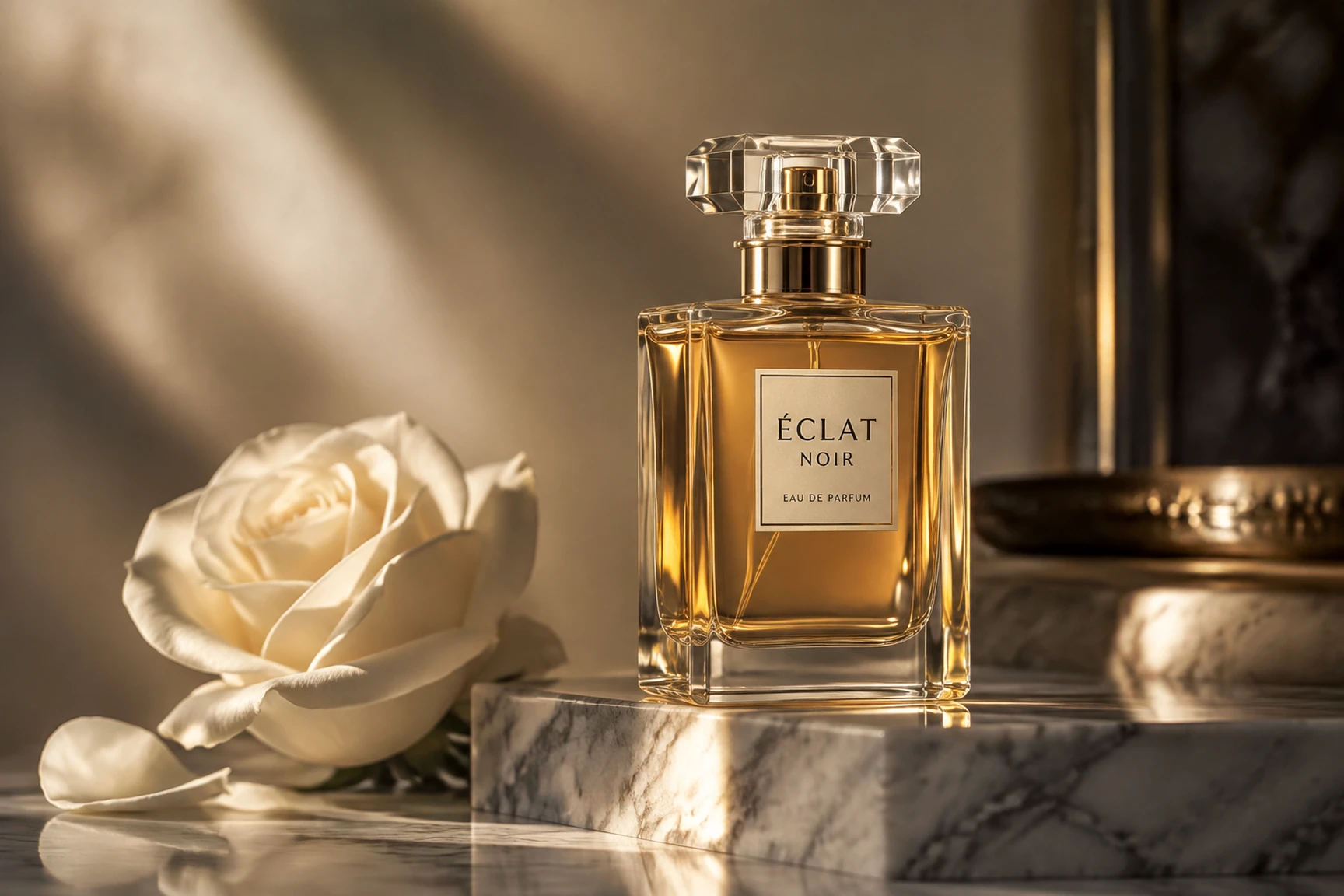
Product Videos & Ads
Turn product photos into short promotional videos. Add camera movement, lighting changes, and subtle motion to create engaging visuals for product launches and marketing campaigns.

Social Media Content
Create short-form videos for TikTok, Instagram Reels, and other social platforms. Experiment with different scenes, actions, and visual styles to keep your content fresh.
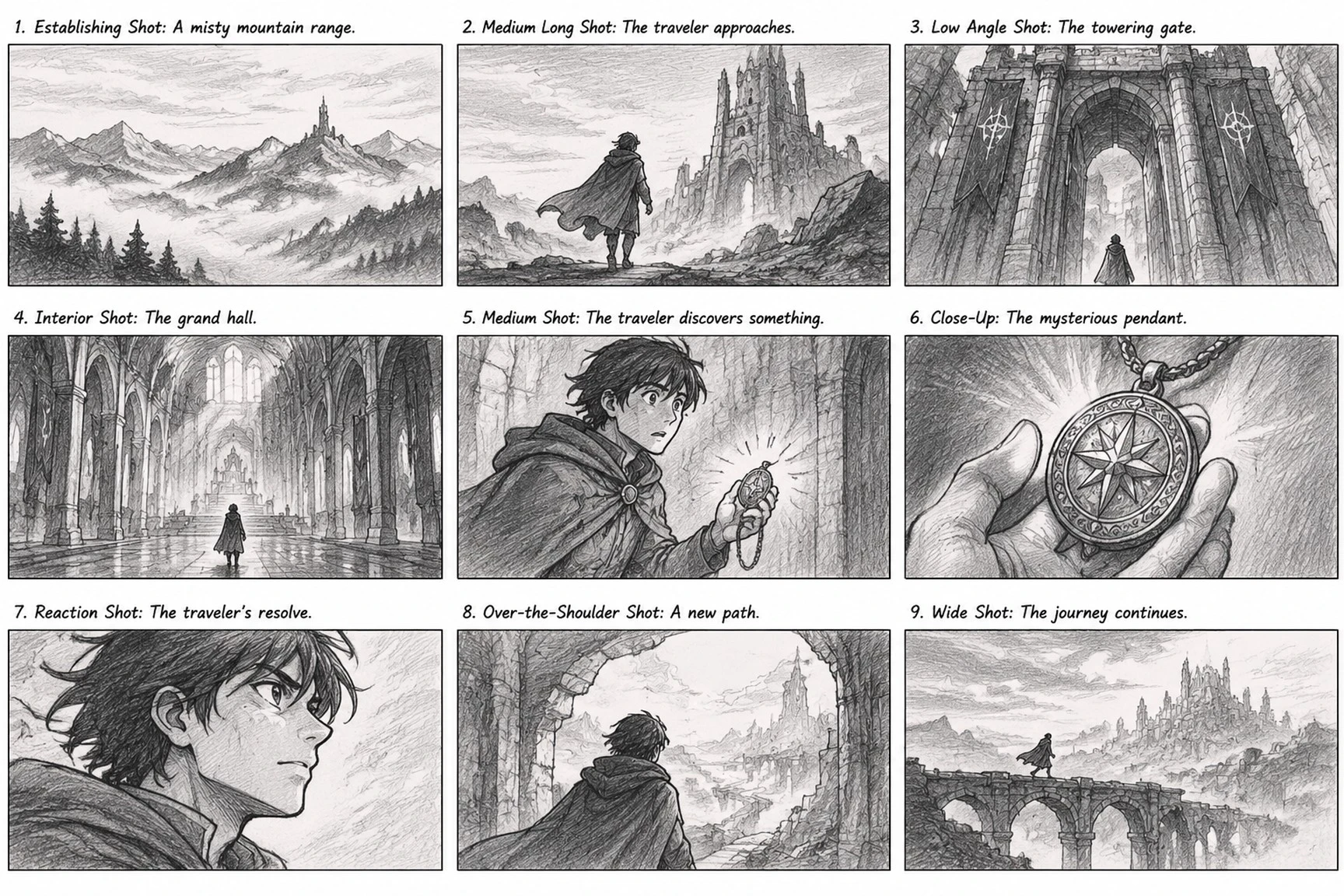
Storyboards & Creative Prototypes
Bring early ideas into motion before committing to a full production. Test camera directions, scene transitions, and character actions to explore different visual approaches.
Choose Your Starting Point
Select a text prompt, first-frame image, or reference material for the shot you want to develop.
Write the Motion Brief
Describe the action and camera movement that should happen within your chosen scene.
Generate Your Clip
Render the shot with the settings available in your selected interface, then review the result.
Bring your scene brief to SeaArt AI's AI video generator and explore the currently available models for your project.

What is Kling 4.0 Flash used for?

How long and how sharp can a Flash video be?
Kling 4.0 Flash generates clips from 3 to 20 seconds at up to 720p in standard dynamic range. If you need longer footage or higher-resolution output, consider the full Kling 4.0 model.
Can I create a video from my own image?
Yes. Start with a still as the first frame and prompt the movement you want to see - such as a person turning, fabric moving in the wind, or a camera pushing toward a product. The image sets the opening composition; it does not guarantee every detail will remain unchanged throughout the clip.
How do I keep a character or product looking consistent?
Use Omni Reference when the interface supports the reference asset you need. Pair it with a concise prompt that describes the action, not a long list of repeated appearance details. Review the full clip for changes in face, shape, or branding before using it.
When should I choose Kling 4.0 instead of Flash?
Choose the full model when a shot needs more than 20 seconds, 1080p or 4K output, or keyframe-based control. Flash is a better fit for quick drafts, short clips, and testing several creative directions.