50M
+Creator

Pick a camera move, add it to your scene, and shape AI video camera movements with clearer framing, pace, depth, and transitions.
Browse cinematic movements by direction, pace, and framing. Preview each technique to compare how the camera enters, follows, reveals, or transitions through a scene.
Choose a Camera Move
Start with the direction that matches the moment: push in, follow, orbit, reveal, or transition.
Add Your Scene
Describe the subject, location, action, lighting, lens feel, and composition around the movement.
Generate and Refine
Generate in an AI video generator, then adjust one motion or framing detail at a time.
Use every push, orbit, tracking shot, and transition to shape the footage you already have.
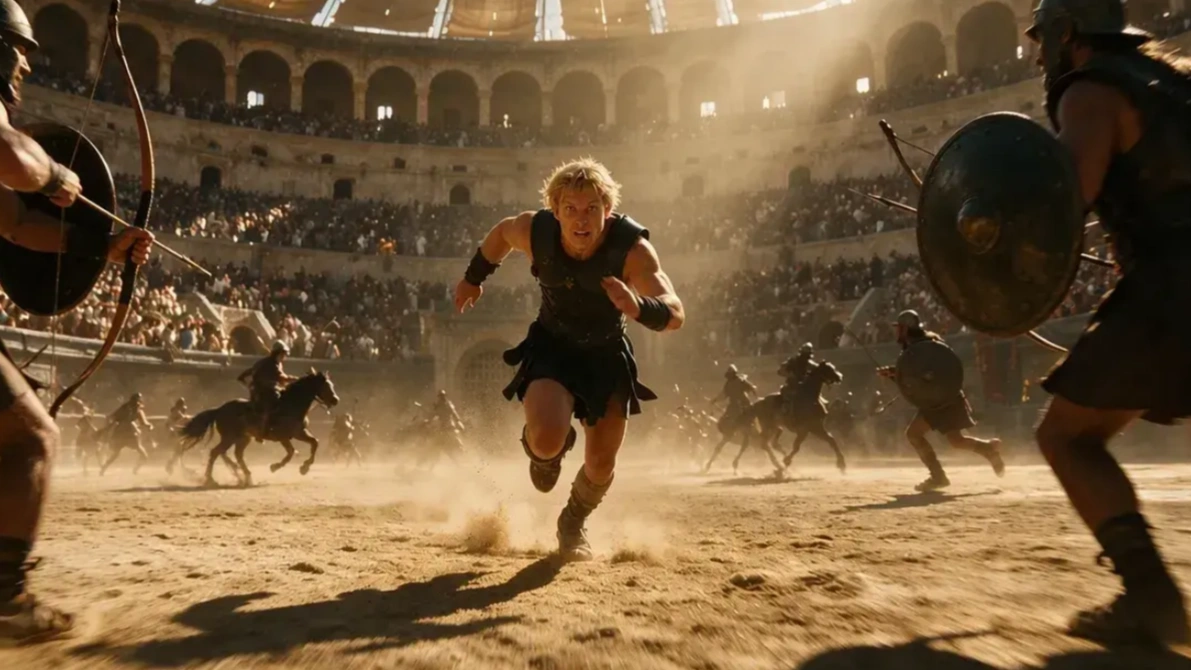
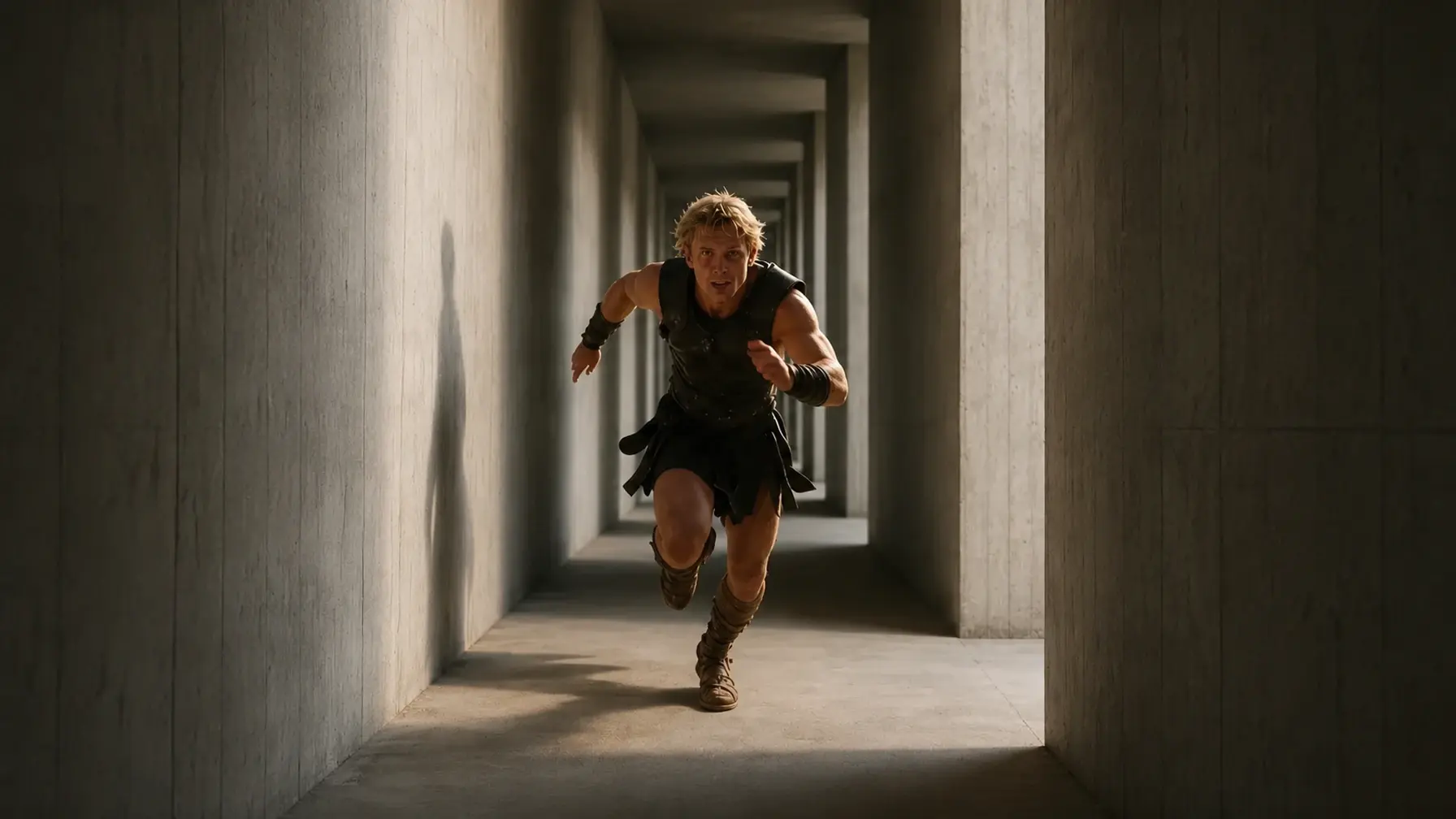
Use the same subject notes, color direction, lighting, and texture language across connected shots. Treat the movement as the variable while the visual world stays fixed. Try a new camera path against the same visual setup, then keep the version that fits the cut.
For a cut or transition, name the object, direction, or shape that connects the two scenes. That gives the next shot a visual handoff instead of a random reset. Define the transition shot in advance to build a stronger bridge between scenes.
Start each clip with a single AI camera movement prompt. Compare one movement at a time, then carry the strongest choice into the next shot. You get a clearer sense of the full video before committing to another take.
Choose a movement, write the scene around it, and test the first shot before building the full sequence.
See how filmmakers, editors, and visual storytellers use these prompts to find a stronger move before building the next scene.
 Kenji T.

"Orbit and tracking are useful when I am working from a loose treatment. They give the crew a shared reference for pace before we open the generator."
 Nia K.
"Close-Up and Parallax help me add depth without crowding the shot. That balance matters when the styling and texture already have a lot to say."
 Theo R.

"The transition cards are the ones I keep returning to. They help me plan the next frame before I generate it, which makes a short sequence feel thought through."
 Camila V.

"Push Past gave me a cleaner way to build product reveals. I start with the foreground object, then let the camera enter the scene around it."
Kenji T."Orbit and tracking are useful when I am working from a loose treatment. They give the crew a shared reference for pace before we open the generator."
Nia K."Close-Up and Parallax help me add depth without crowding the shot. That balance matters when the styling and texture already have a lot to say."
Theo R."The transition cards are the ones I keep returning to. They help me plan the next frame before I generate it, which makes a short sequence feel thought through."
Camila V."Push Past gave me a cleaner way to build product reveals. I start with the foreground object, then let the camera enter the scene around it."
 Samira A.
"I used Masking to move from a cafe close-up to a street shot. The covered frame gave me a clean cut point, even though the lighting changed between the two scenes."
 Ethan W.

"Whip Pan is perfect for testing a fast shift in energy. I can see whether the move earns its place before I build the rest of the sequence."
 Aria P.
"The labels are easy to scan, but the direction still feels specific. I can send a card to a client and quickly agree on the energy of the shot."
 Mina L.
"I used Dolly Zoom on a fashion teaser after a regular push-in felt flat. The background shift gave the close-up the tension I was looking for."
Samira A."I used Masking to move from a cafe close-up to a street shot. The covered frame gave me a clean cut point, even though the lighting changed between the two scenes."
Ethan W."Whip Pan is perfect for testing a fast shift in energy. I can see whether the move earns its place before I build the rest of the sequence."
Aria P."The labels are easy to scan, but the direction still feels specific. I can send a card to a client and quickly agree on the energy of the shot."
Mina L."I used Dolly Zoom on a fashion teaser after a regular push-in felt flat. The background shift gave the close-up the tension I was looking for."
 Jules M.
"Central Framing is a quiet choice, but it gives a campaign image real presence. I use it when the subject needs the full attention of the frame."
 木内翔大
With SeaArt, the comprehensive AI platform for image and video generation, you can do anything—and then some. ※ And it's free, with plenty of features. ・Photos or illustrations? No problem. Generate high-quality images. ・Turn images into videos with a wide selection of motion styles ・Style conversion like Ghibli-inspired art ・Easily create DeepFakes with face swapping ・Too many features to list here Its UI is also outstanding—intuitively designed like a social game, making it feel like playing a game...
 Dan Steinberg

Excellent. As long as you put in the right prompts, this app is pure genius. A definite 5 from me.
Jules M."Central Framing is a quiet choice, but it gives a campaign image real presence. I use it when the subject needs the full attention of the frame."
木内翔大With SeaArt, the comprehensive AI platform for image and video generation, you can do anything—and then some. ※ And it's free, with plenty of features. ・Photos or illustrations? No problem. Generate high-quality images. ・Turn images into videos with a wide selection of motion styles ・Style conversion like Ghibli-inspired art ・Easily create DeepFakes with face swapping ・Too many features to list here Its UI is also outstanding—intuitively designed like a social game, making it feel like playing a game...
Dan SteinbergExcellent. As long as you put in the right prompts, this app is pure genius. A definite 5 from me.













Can I copy these AI Camera Movement Prompts into a video tool?

How do I make an AI camera movement feel controlled?
State the start position, direction, pace, and framing before adding visual style. Put the motion cue at the front of the prompt so the movement has a clear path through the clip.
Which move works best for a close-up moment?
Use a slow dolly in to build attention, central framing to create stillness, or a close-up when the face or material detail should carry the shot. The right choice depends on where you want the viewer to look first.
Can I combine two camera movements in one sequence?
Yes. Generate the sequence as separate clips, then connect them with a match cut, masking, or whip transition when the pacing changes.
Why does the same scene produce different motion each time?
Small changes in the first frame, subject placement, and scene action can shift the result. Keep your core scene description stable while testing the movement wording.