YouTube Thumbnail Generator
Give your next video a first impression worth clicking with AI, turning your idea into a clear, expressive thumbnail in a few clicks, without design experience.
Thumbnail Ideas for Your Next Video
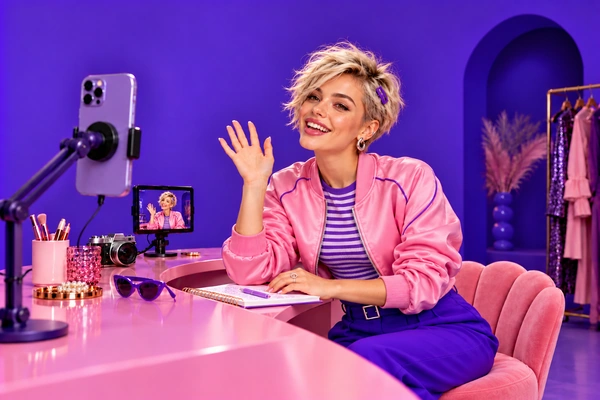
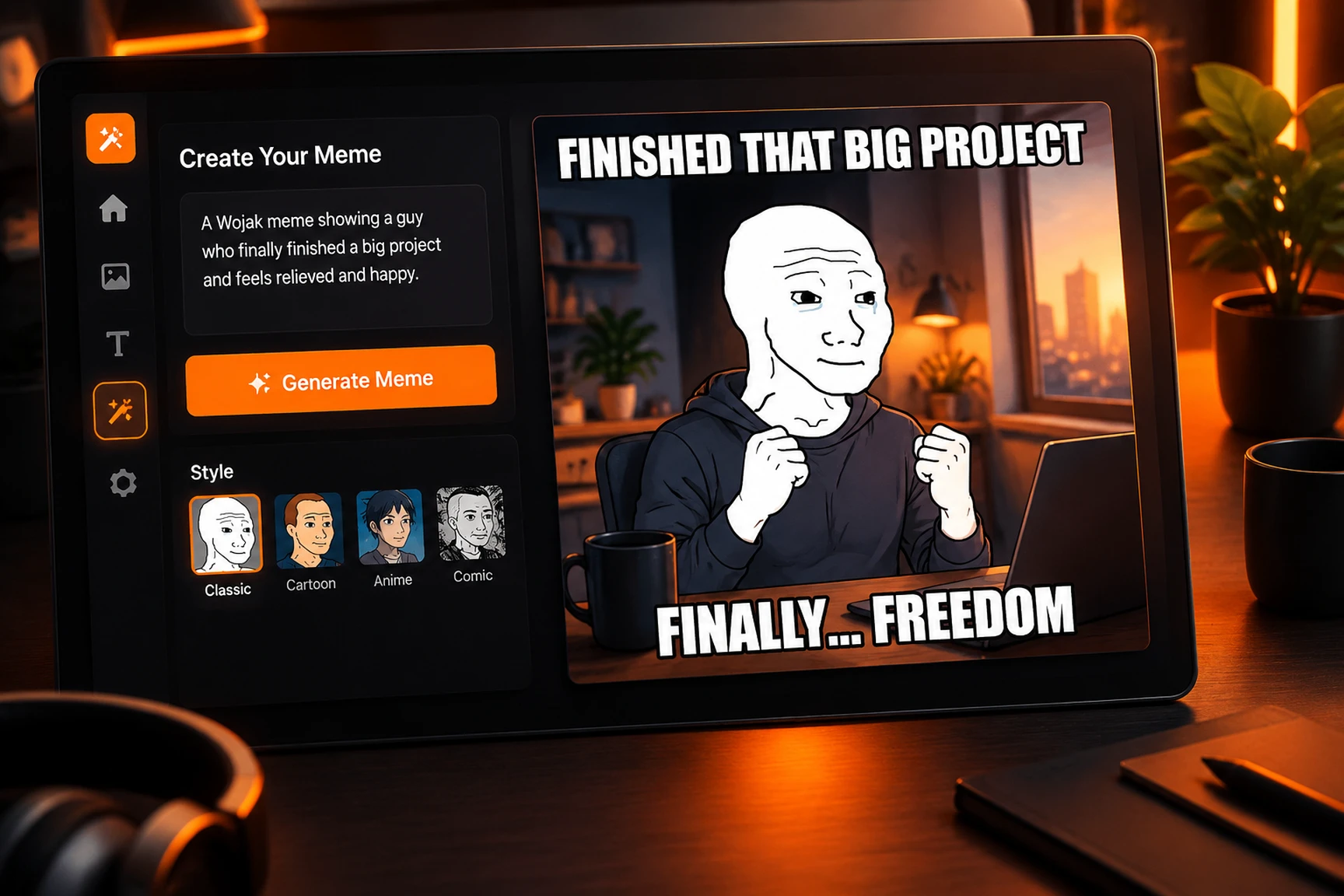
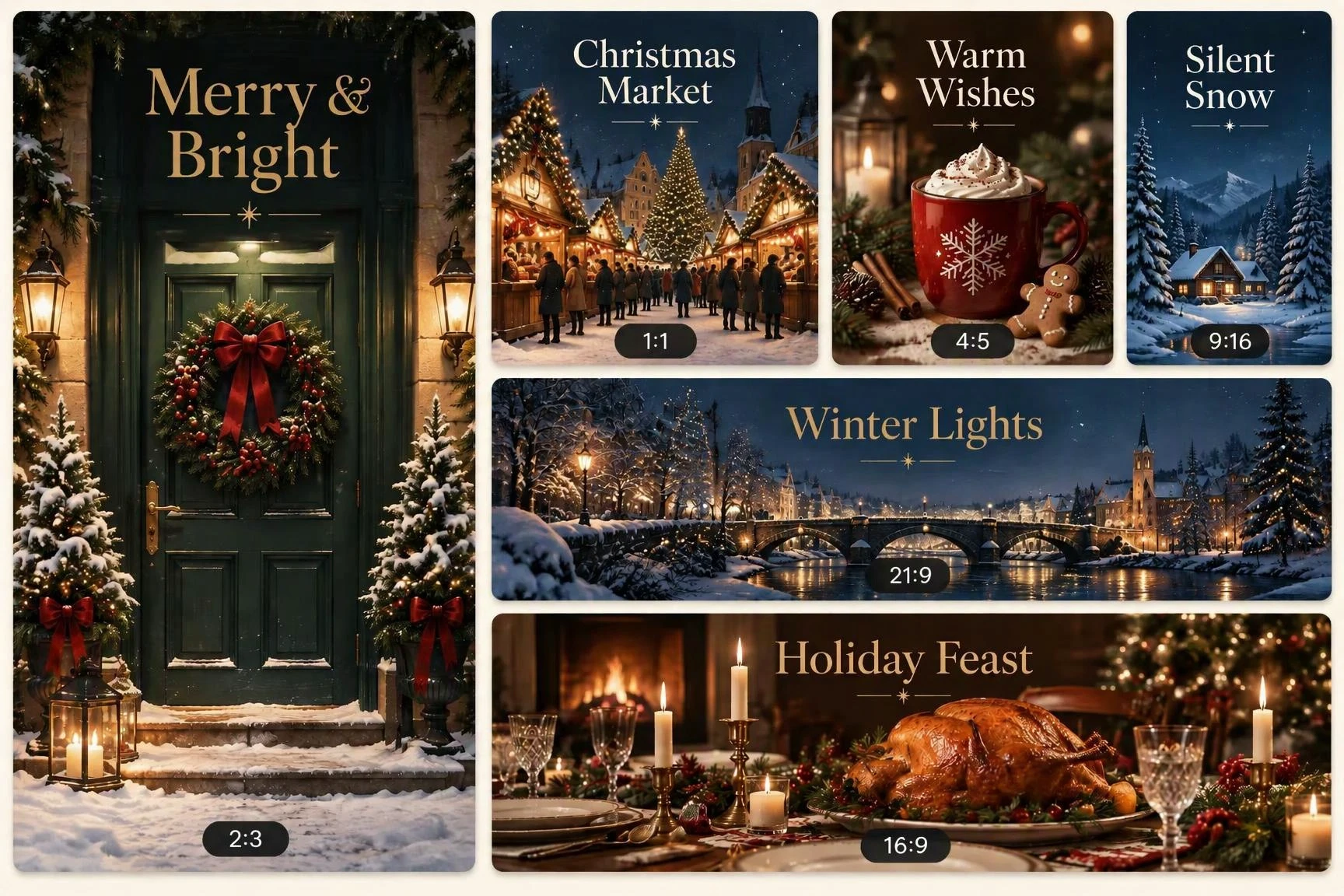
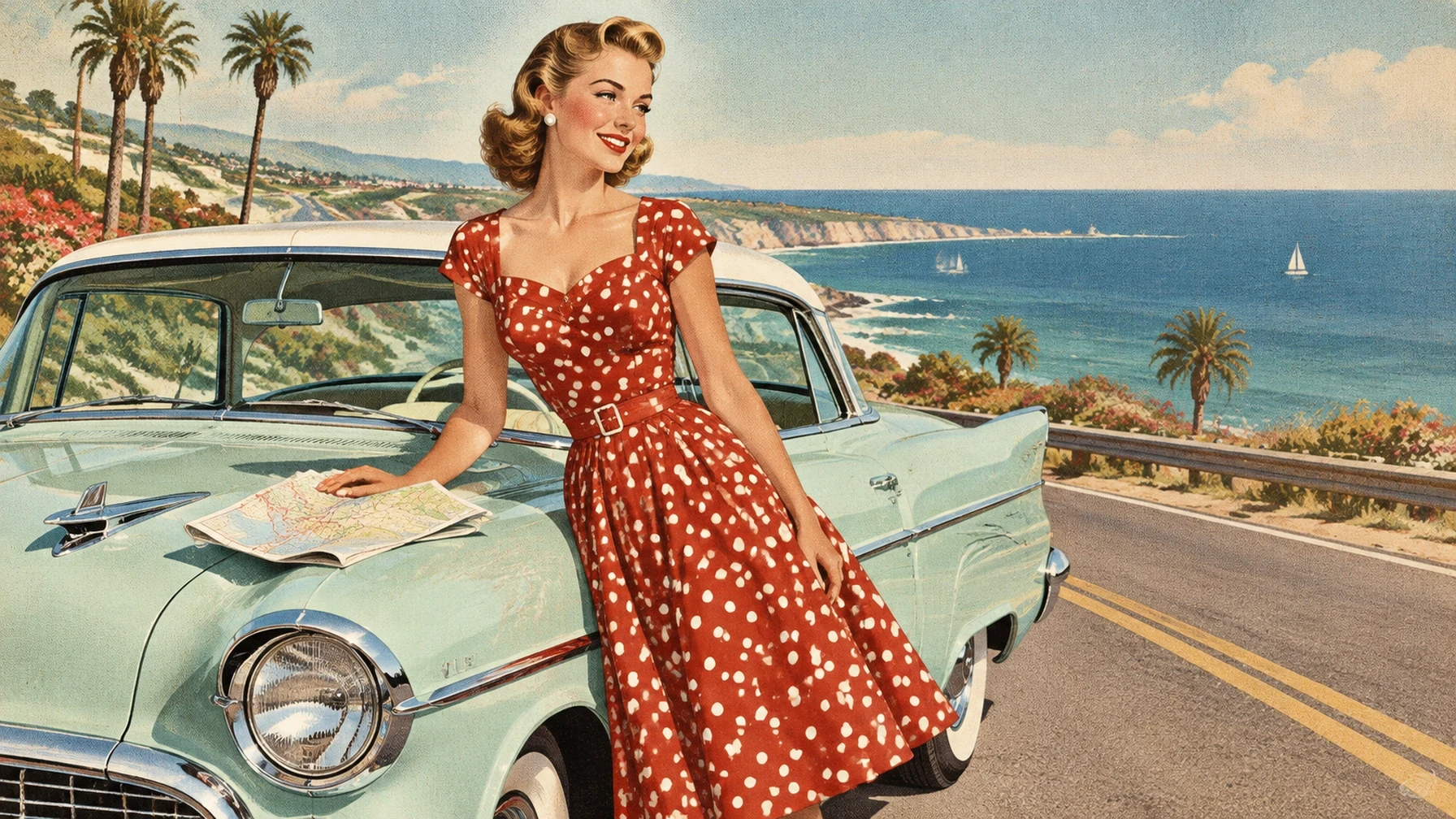
Pick a scene and make it your own on SeaArt AI by adapting the subject, headline, or colors. To feature yourself, switch to reference-to-image mode and upload your portrait.
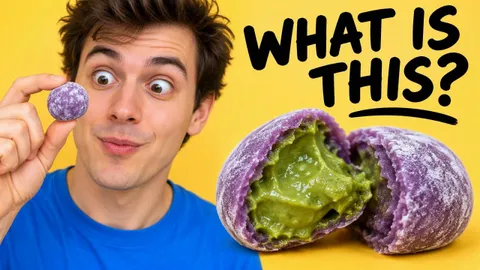
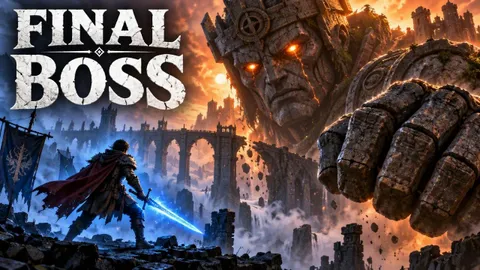




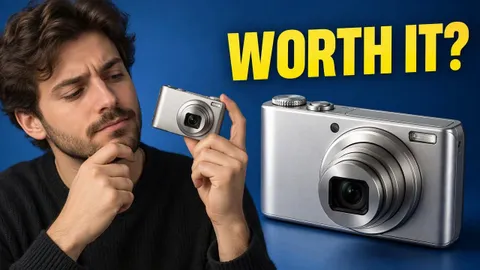
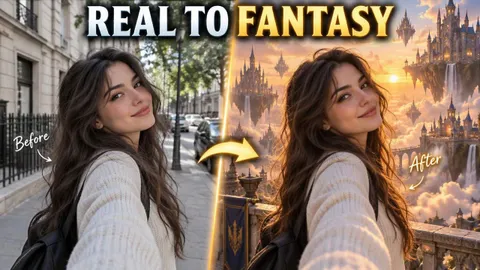
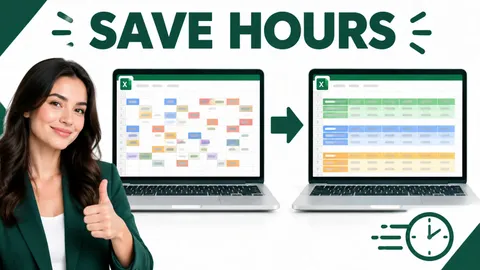


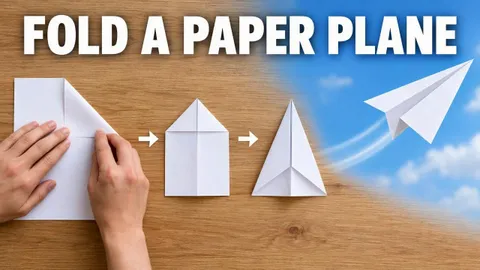
How to Create Your YouTube Thumbnail
Describe Your Video Idea
Write your video topic and the main subject, action, or result you want viewers to notice in the thumbnail first.
Guide the Thumbnail Look
Add the composition, colors, mood, and any short headline you want, then choose a 16:9 aspect ratio in image settings.
Generate and Download
Generate your thumbnail, check the subject and text at a smaller size, then refine your prompt or download your favorite version.
Why Choose This YouTube Thumbnail Generator

Create from a Video Idea
Start with what your video is about. A short description gives you a visual starting point without building a layout from scratch or learning design software.

Clear Thumbnails, Made Quickly
Quickly create a video cover with a clear subject and focused composition, so viewers can understand your video's main idea at a glance.

Free to Try
Use SeaArt AI image generator to explore thumbnail ideas with daily free credits before choosing a direction for your next upload.
Turn Video Ideas into Attention-Grabbing Thumbnails
A YouTube thumbnail is your video's visual introduction, giving viewers a quick sense of what they will see. Alongside the title, it helps them decide whether to click. Make that first impression clear, appealing, and true to your content.
Turn Your Idea into a Thumbnail
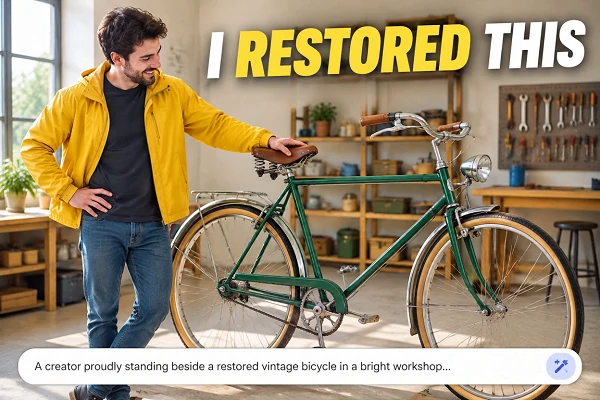
Tell the YouTube thumbnail generator what your video covers, then describe the scene that tells its story. A cooking experiment might feature the finished dish and your reaction; a gadget review could put the product front and center. Build a visual around your actual topic, with details that give viewers a reason to look closer.

Make Your Main Subject Stand Out
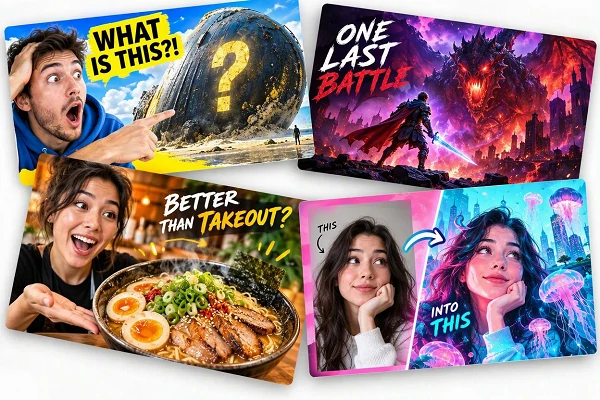
Guide the eye toward what matters: a face, a product, a result, or a surprising moment. Describe a close crop, contrasting background, expressive pose, or short headline to make the message easier to read. Keep smaller details secondary so your video cover still makes sense when viewers see it on a phone.
Refine the Details for Your Channel
Keep the video idea and change the presentation. Adjust the background, camera angle, color palette, expression, or headline wording in your prompt, then generate another version. Compare a clean product shot with a more playful composition, or carry familiar colors across uploads so each new thumbnail feels connected to your channel's visual identity.
Give Your Next Upload a Clear Visual Hook
Put the most interesting part of your video into a cover viewers can understand quickly. Use the free AI art generator to create your first version, then refine the direction until it fits your content.
Frequently Asked Questions

What is a YouTube thumbnail generator?

How do I create a thumbnail with AI?
Describe your video topic, main subject, and the moment you want to highlight. Add a layout or short headline, choose 16:9, and generate. Review the image at a smaller size before downloading it for your upload.
What should I include in a thumbnail prompt?
Include the topic, subject, expression, background, colors, and any short headline. For example: "A creator holding a tiny camera, blue background, yellow WORTH IT? headline." Keep one main idea and check generated lettering before using the image.