50M
+Creator

Create eye-catching posters from text or reference images with AI. Explore different styles, customize your ideas, and generate polished posters in seconds.
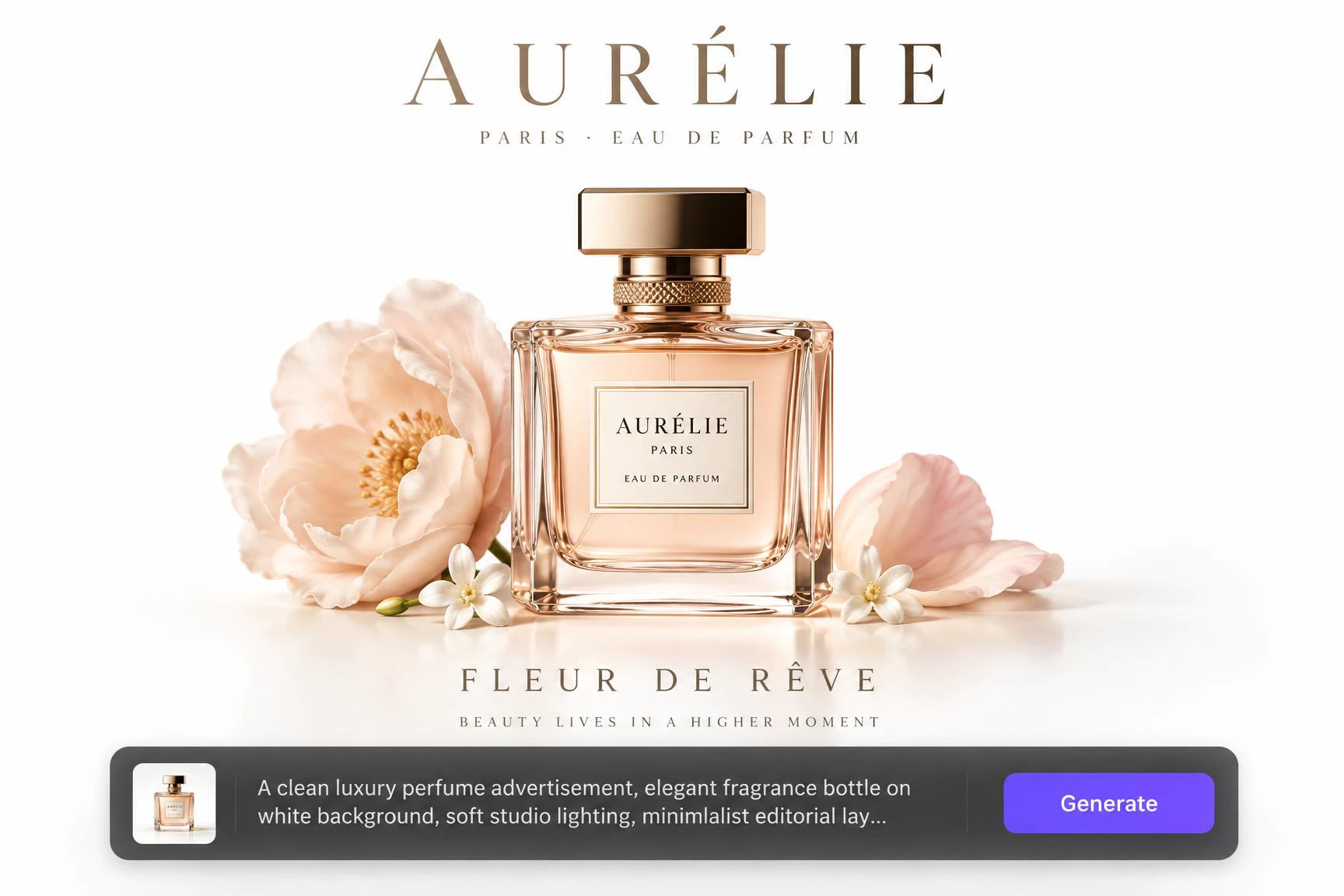
Start with a simple text description or reference image, without starting from a blank canvas or navigating a complicated design workflow. From event announcements to product promotions, SeaArt AI Poster Generator turns your idea into a complete visual design in seconds. It generates the overall composition and key visual elements, reducing the time spent assembling assets and adjusting details so you can focus on the creative direction.
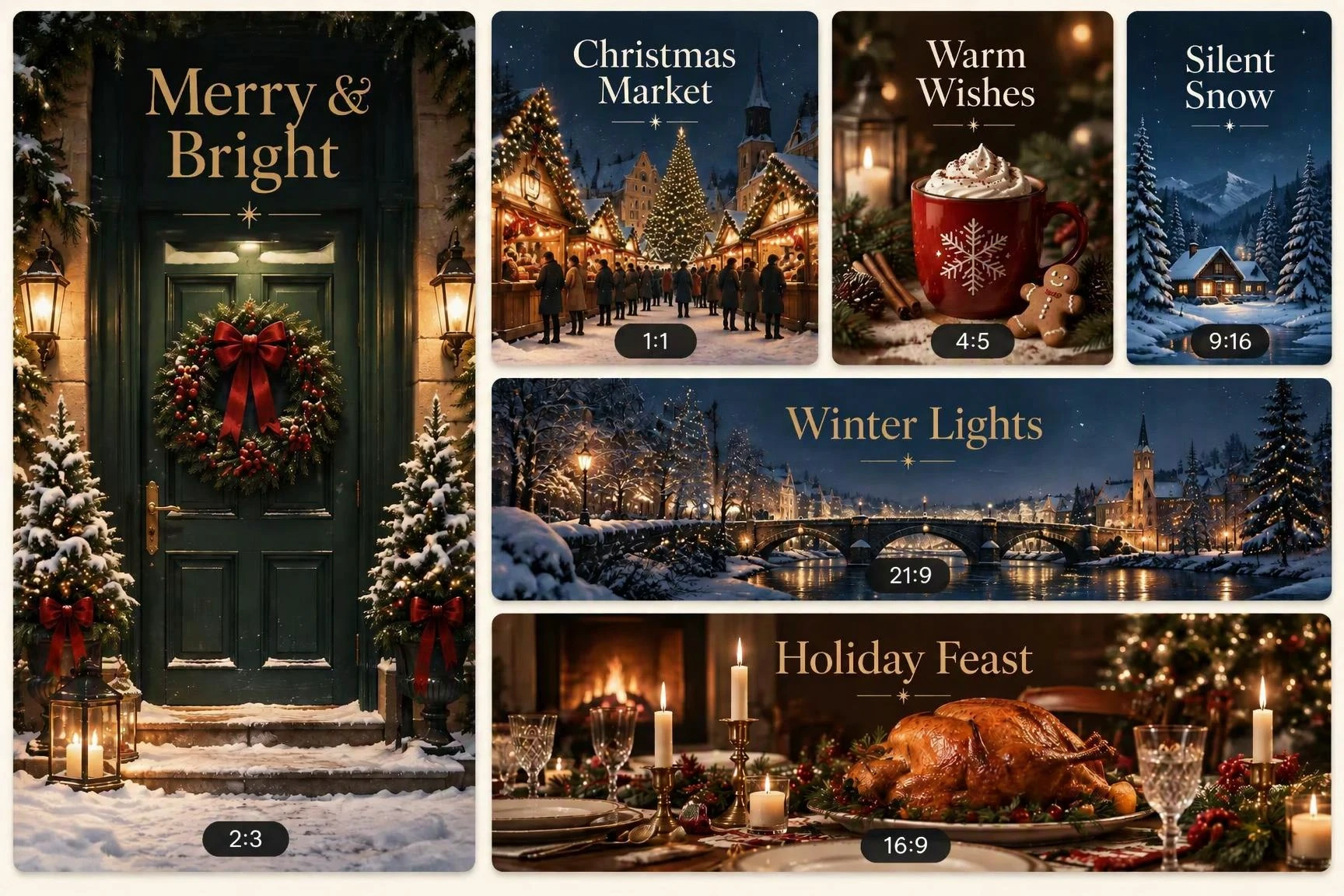
Set the poster size based on your needs. Create social media posters, event promotions, product campaigns, and other creative designs in formats such as 1:1, 4:5, 9:16, or 16:9. Start with the right canvas for your project, keep your composition intact, and avoid extra cropping, layout adjustments, or resizing later. Deliver visuals that fit each platform and use case from the start.
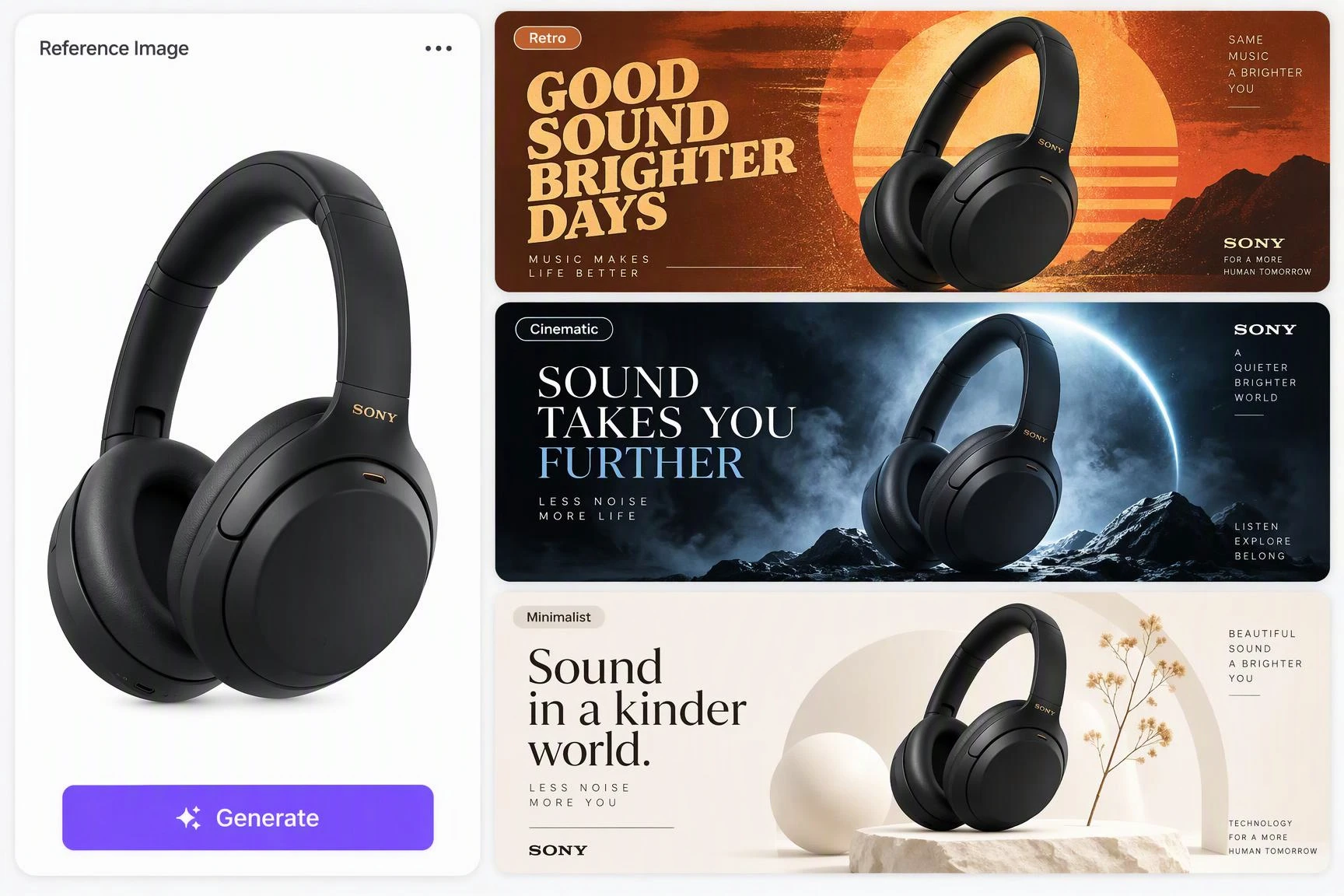
Create posters in different styles without being limited by fixed templates. Use AI models, text prompts, and reference images to control the mood, composition, colors, and overall look of your design. Explore retro, cinematic, minimalist, artistic, and more styles to turn one idea into multiple visual directions, compare the results, and quickly find a look that fits your project and audience.
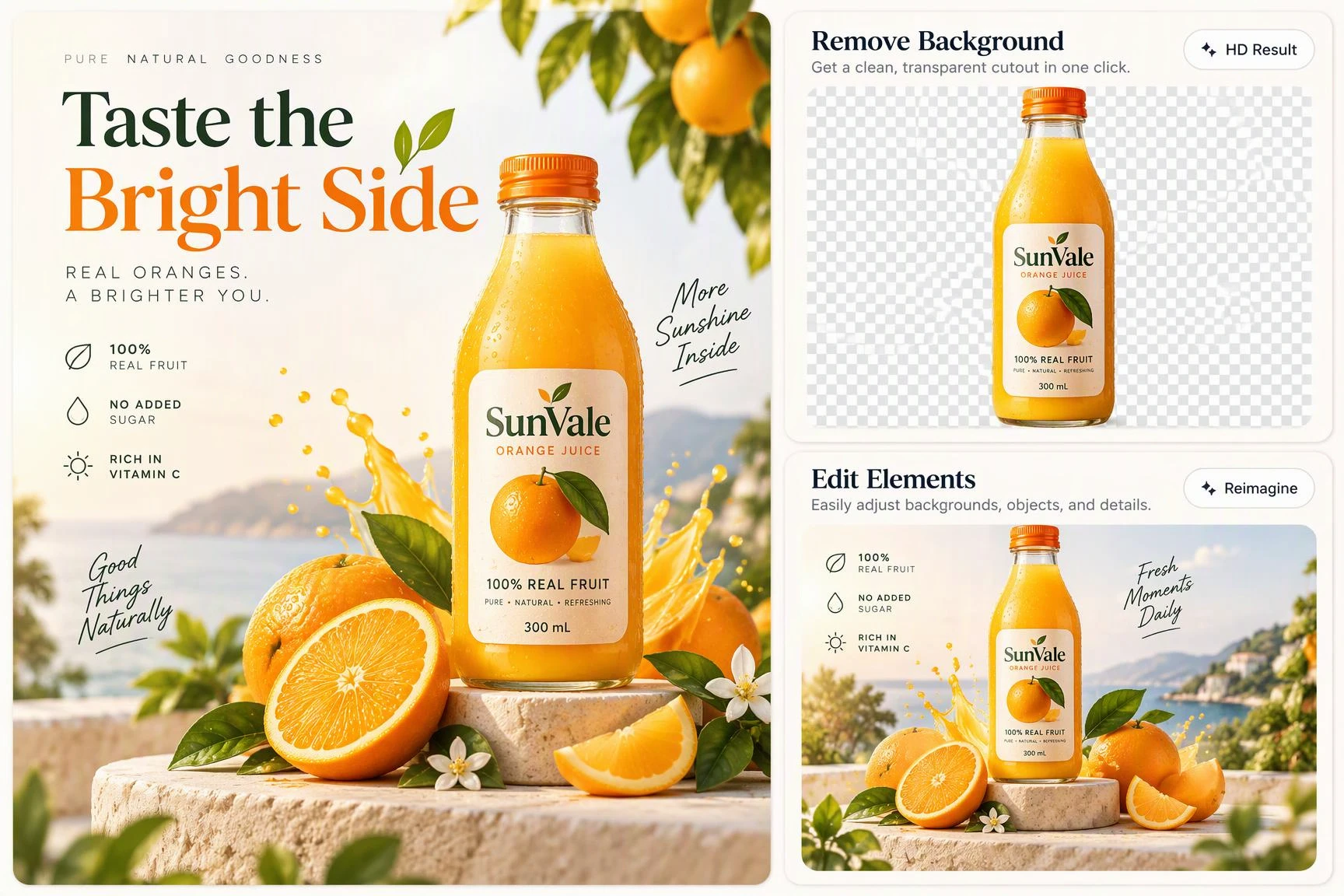
Refine your poster's visuals and details with SeaArt's built-in AI tools. Upscale images for higher-resolution output, erase unwanted elements, or remove backgrounds to keep the focus on the main subject. You can also turn static visuals into dynamic content, giving you more ways to polish, adapt, and extend your poster for different platforms and creative uses
No matter what type of poster you need, SeaArt AI Poster Generator helps you create designs tailored to your purpose, message, and audience. Turn your ideas into polished posters for any creative project.
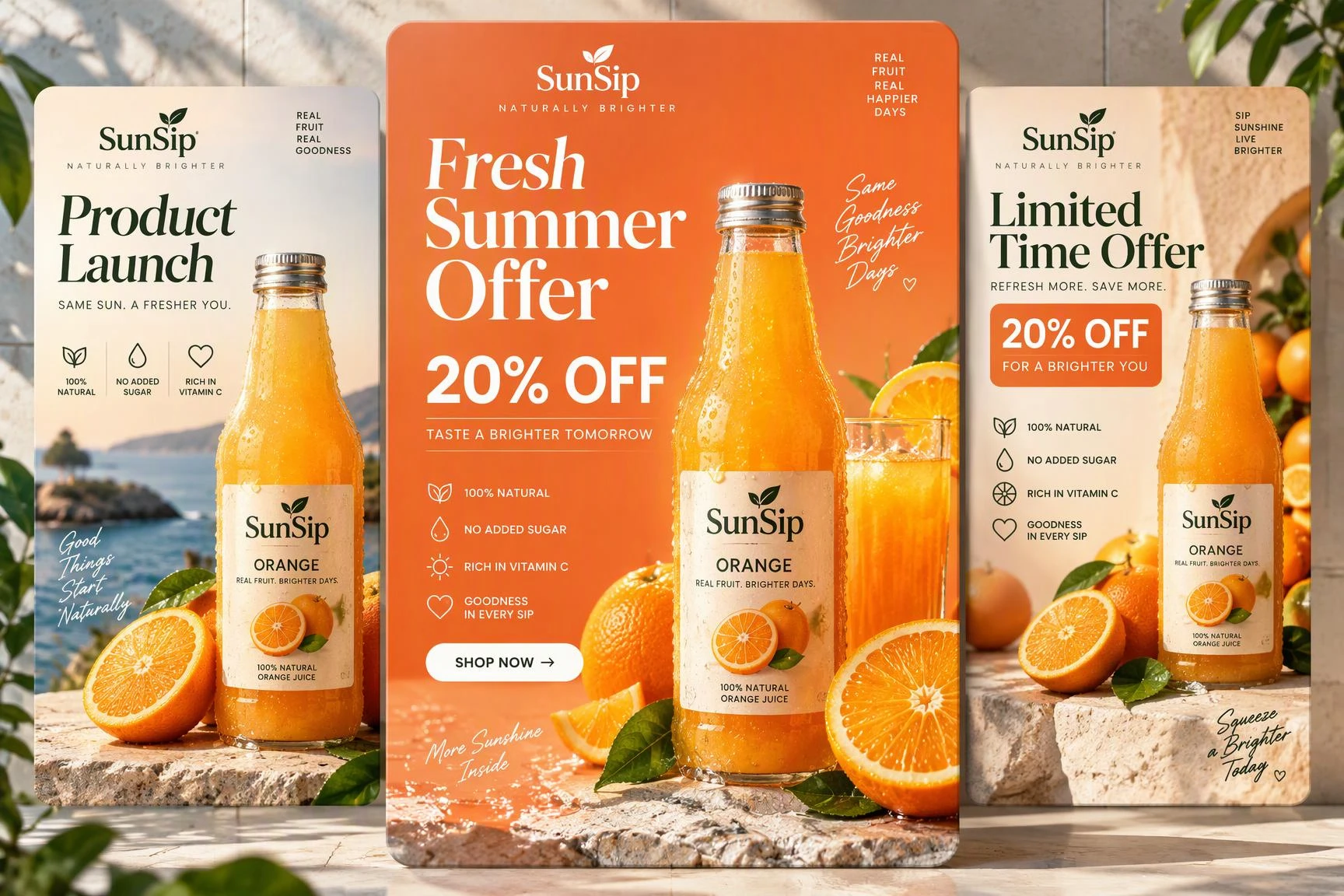
Put products and offers in the spotlight with promotional posters for launches, seasonal deals, discounts, and limited-time campaigns. Feature product images, prices, key benefits, and calls to action in a layout that puts your message first. Create campaign variations faster when promoting different products or offers.
Explore ready-to-use AI poster prompts for different creative directions. Pick a prompt that fits your idea, customize the details, and use it in the SeaArt AI Poster Generator to create a polished poster design.
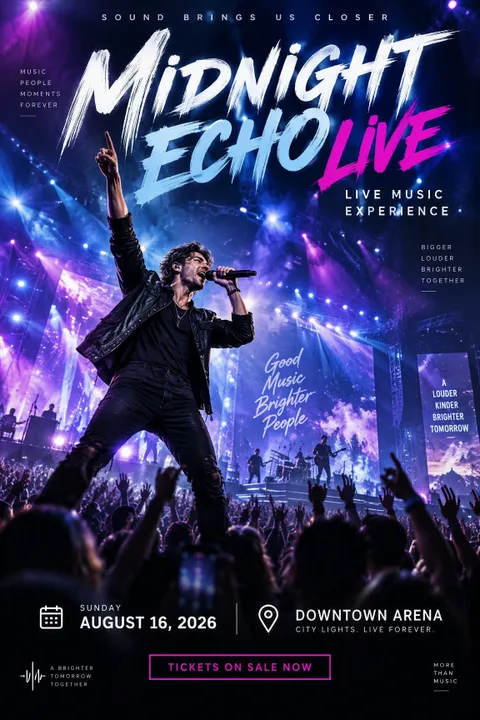
Concert Poster
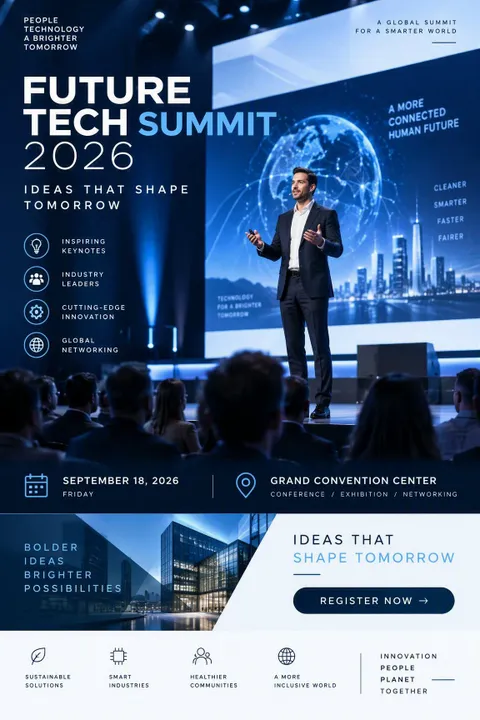
Tech Summit Poster
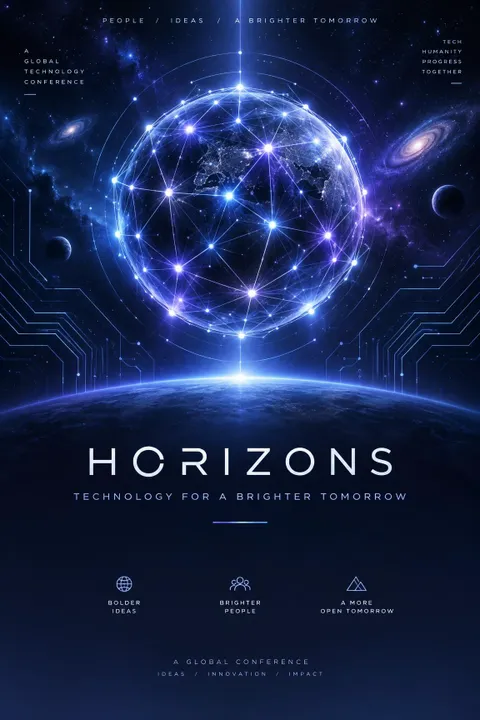
Tech Conference Poster
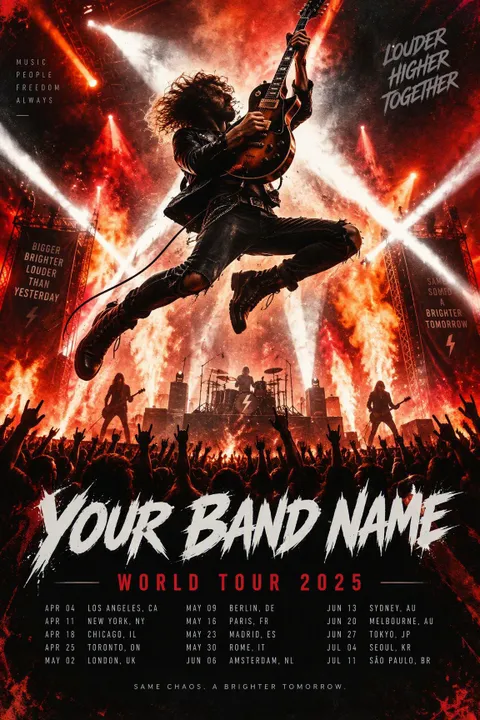
Rock Concert Poster
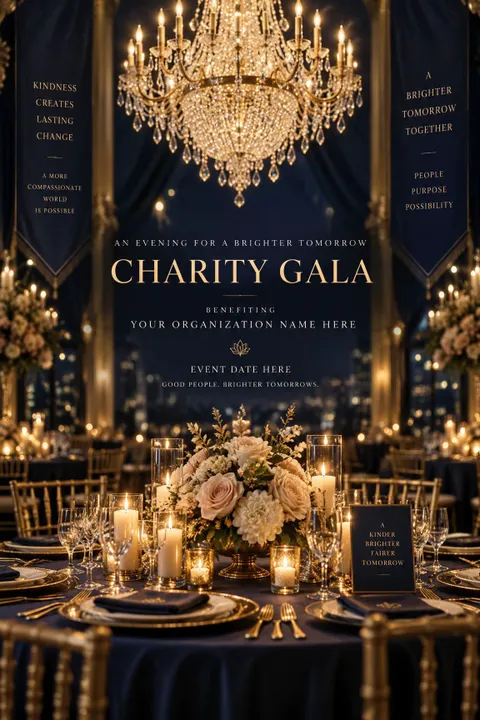
Charity Gala Poster
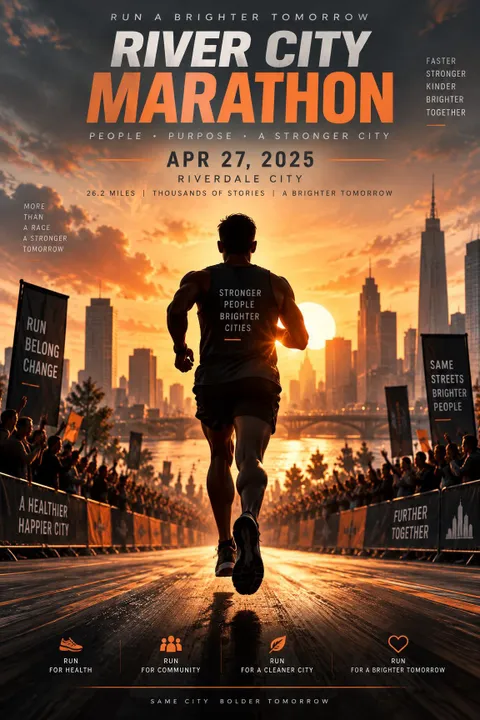
Marathon Poster
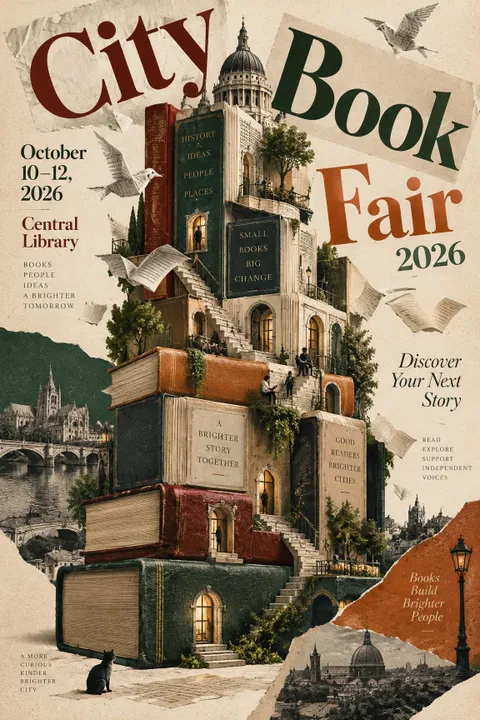
Book Fair Poster
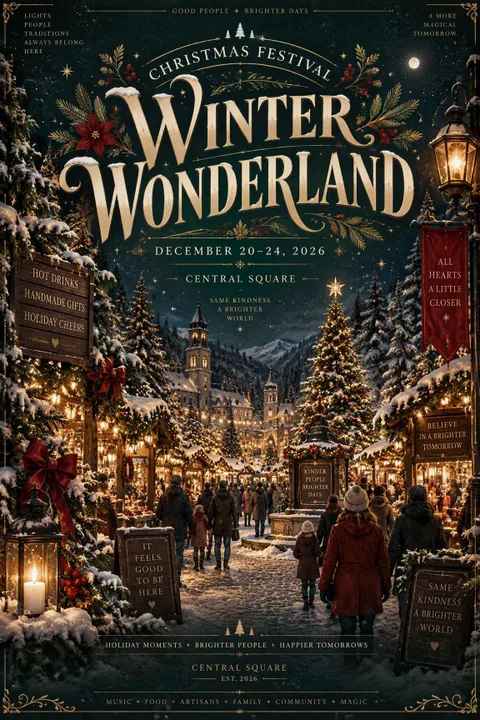
Christmas Poster
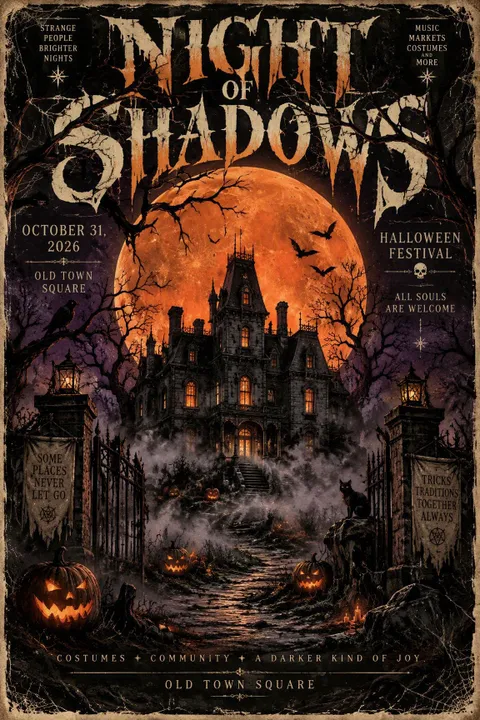
Halloween Poster
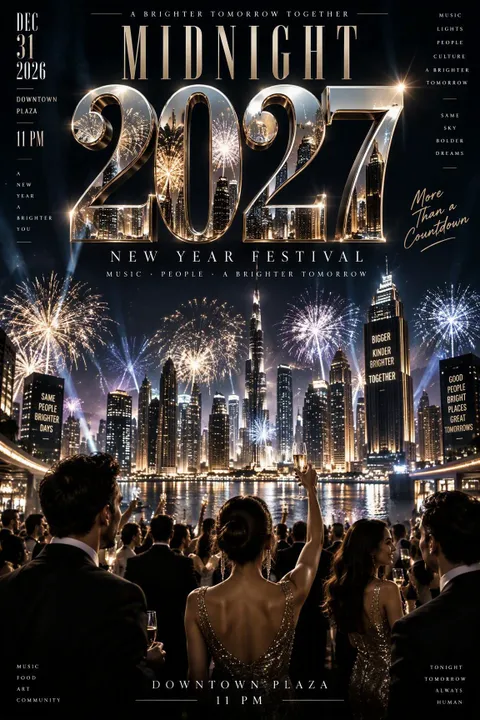
New Year Poster
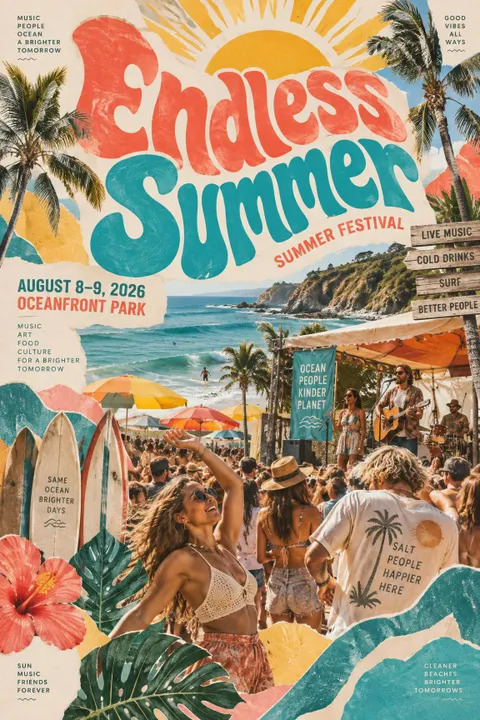
Summer Festival Poster
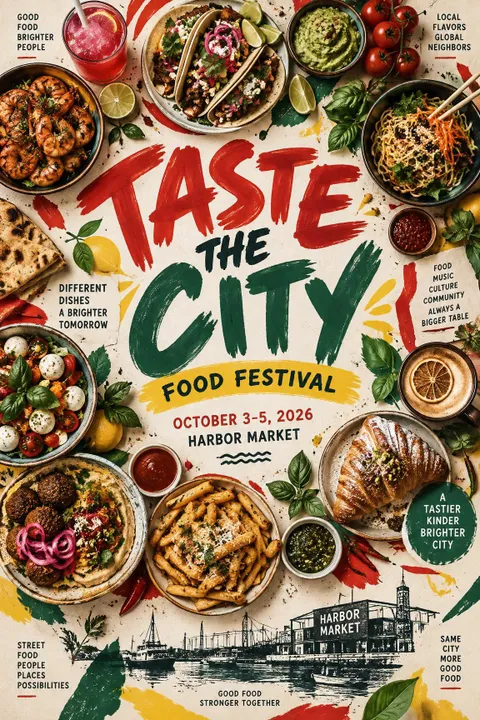
Food Festival Poster
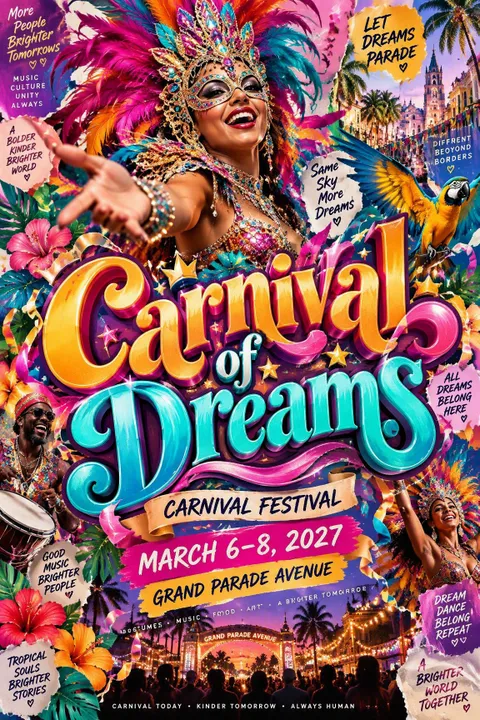
Carnival Poster
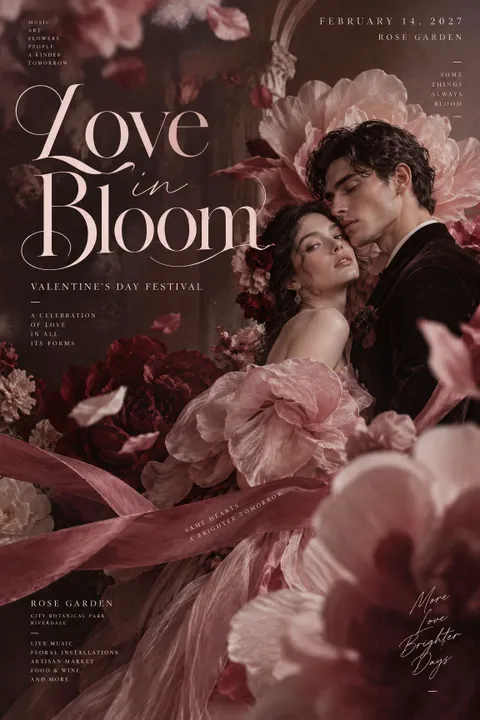
Valentine's Day Poster
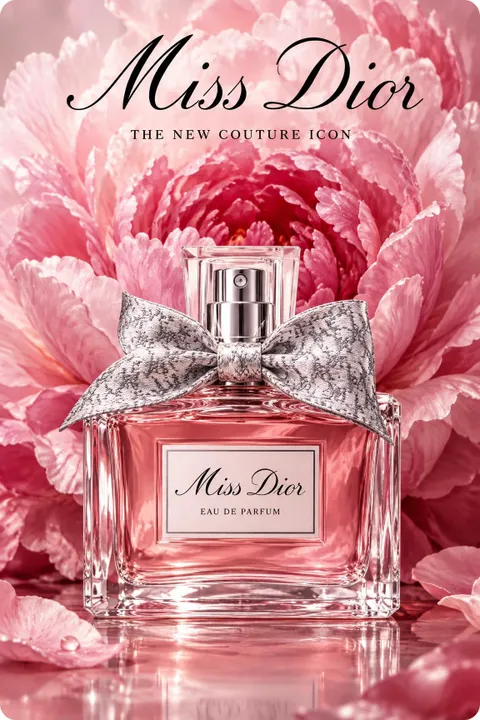
Perfume Ad Poster
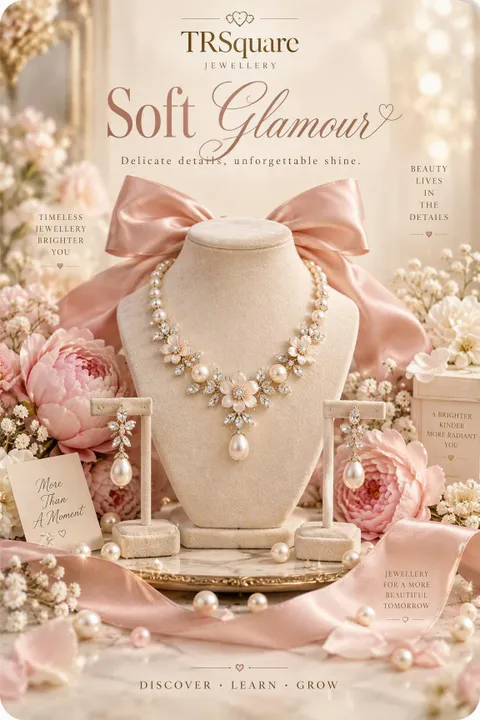
Jewelry Ad Poster
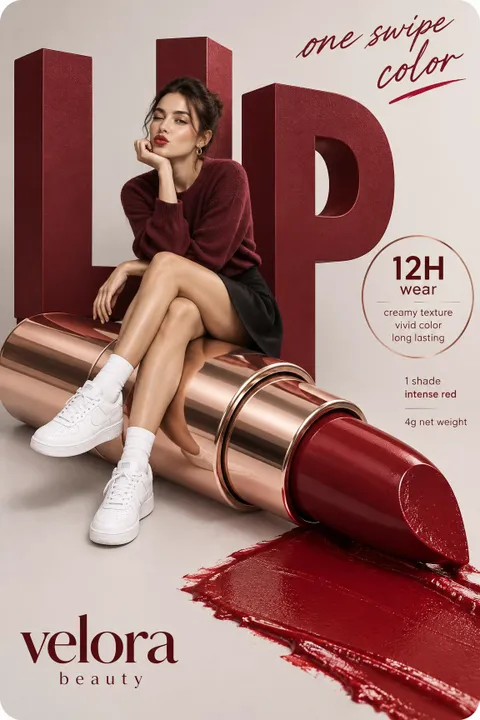
Lipstick Ad Poster
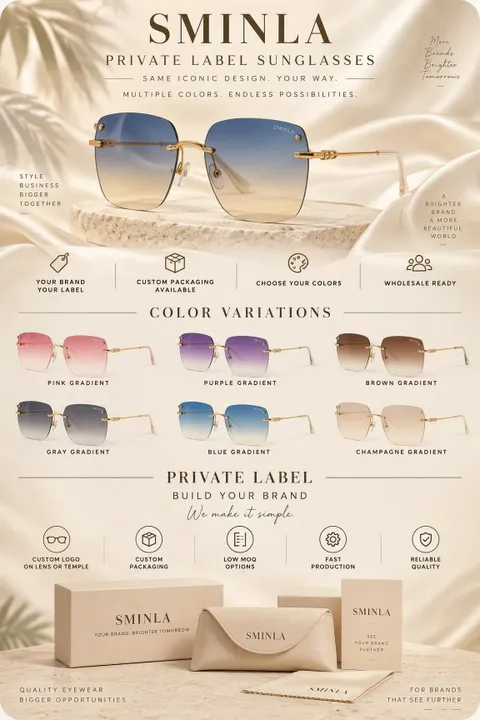
Sunglasses Ad Poster
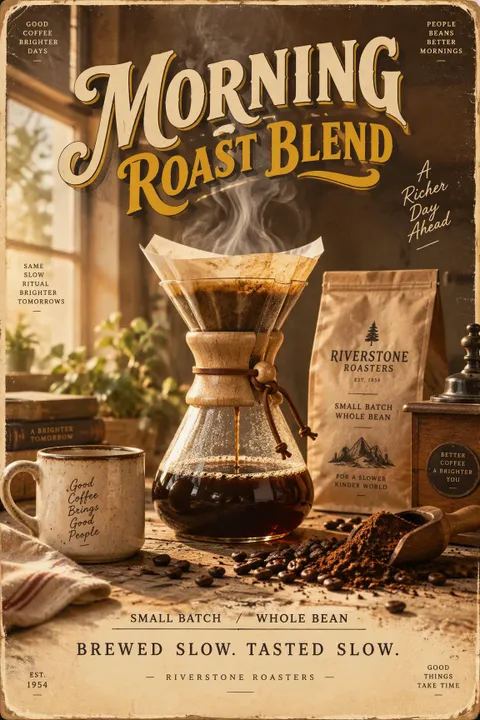
Coffee Ad Poster
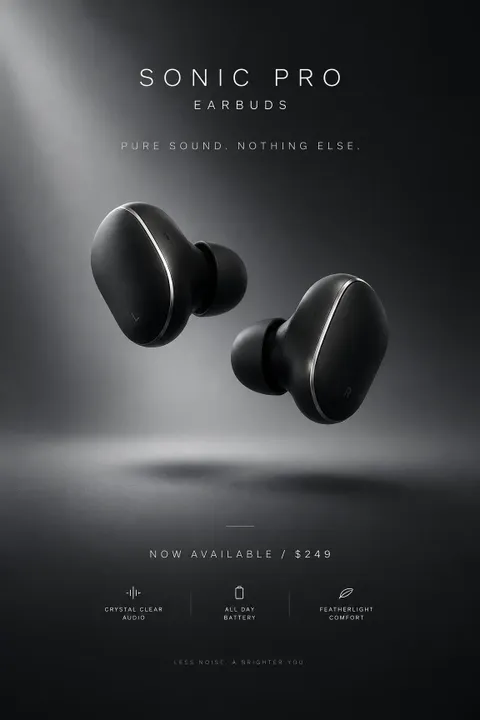
Earbuds Ad Poster
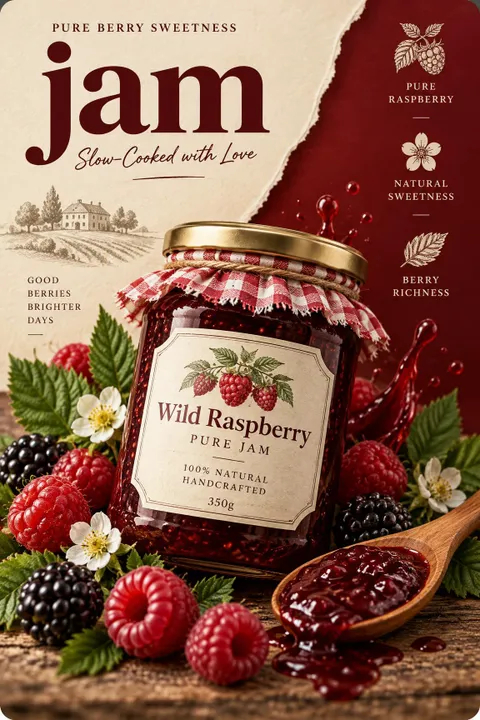
Jam Ad Poster
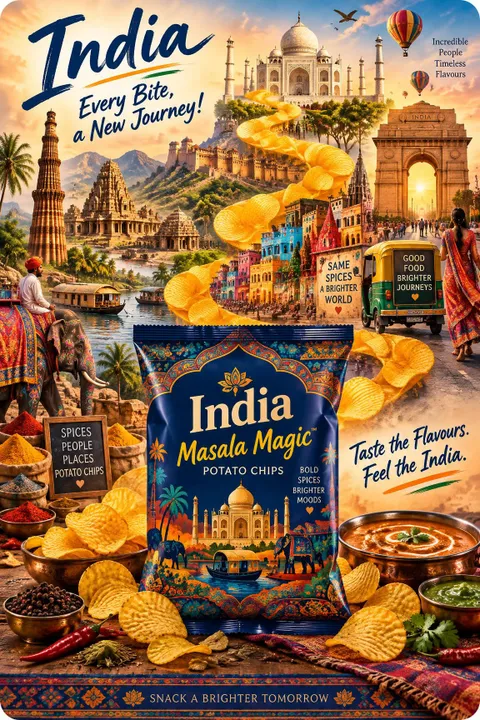
Chips Ad Poster
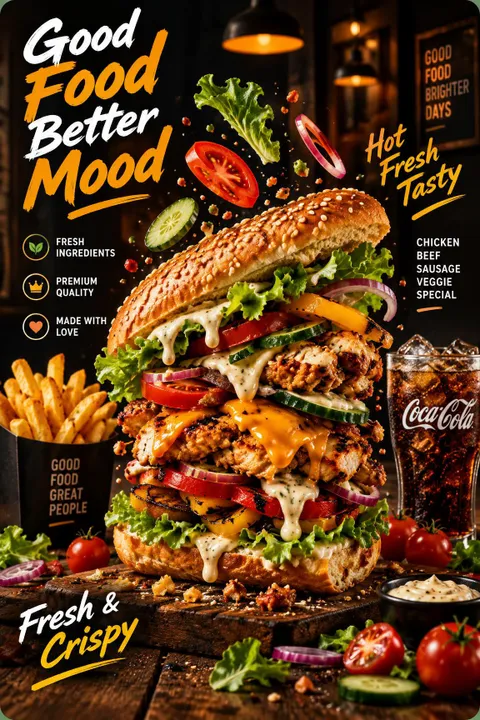
Burger Ad Poster
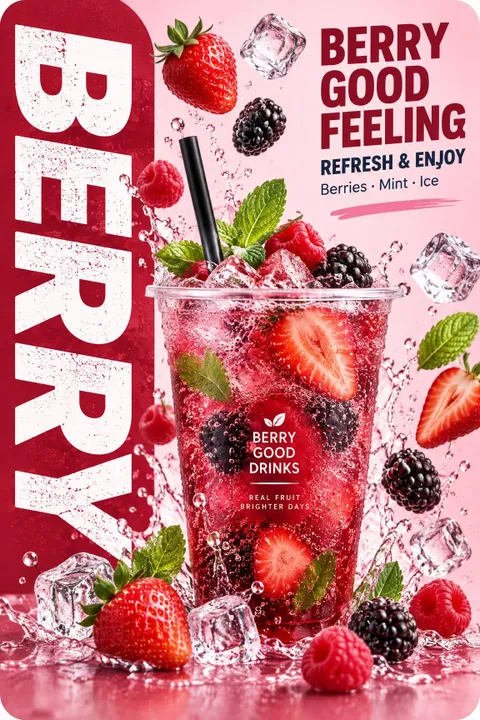
Berry Drink Poster
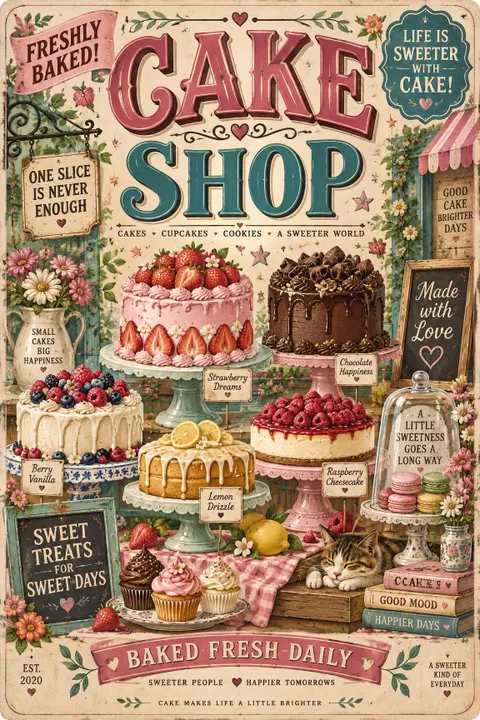
Bakery Poster
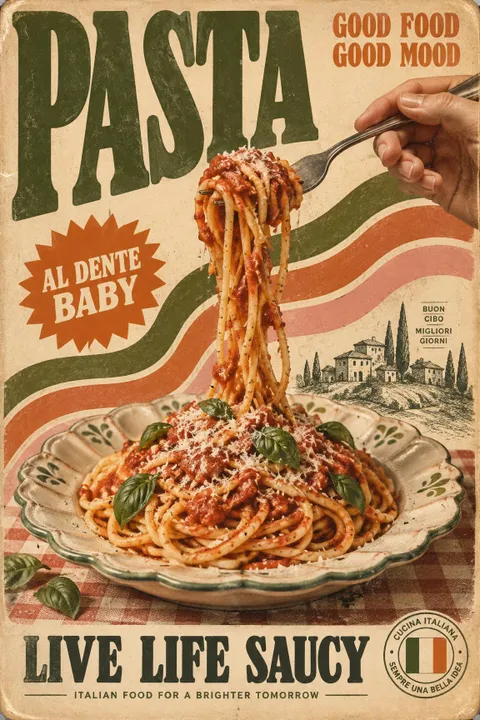
Pasta Poster
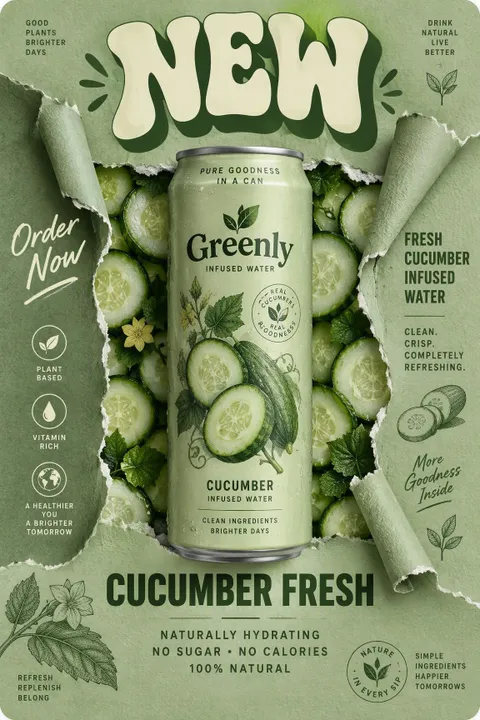
Cucumber Drink Poster
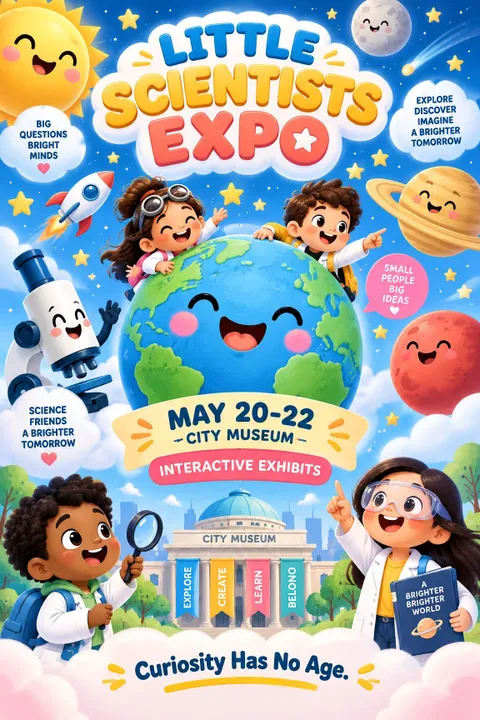
Science Expo Poster
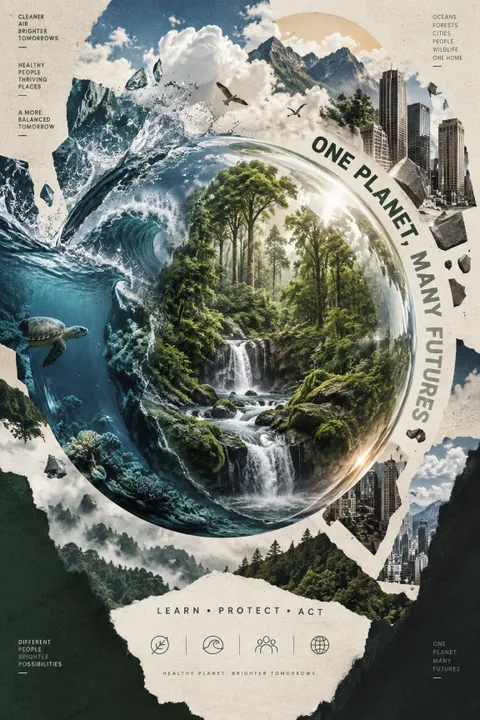
Environmental Poster
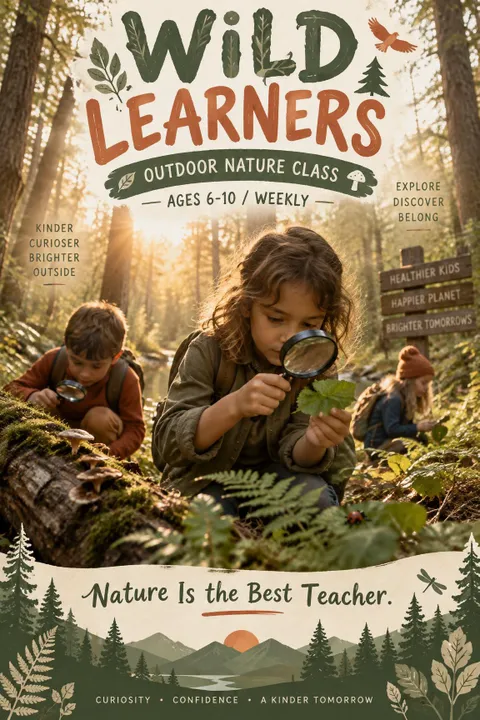
Nature Education Poster
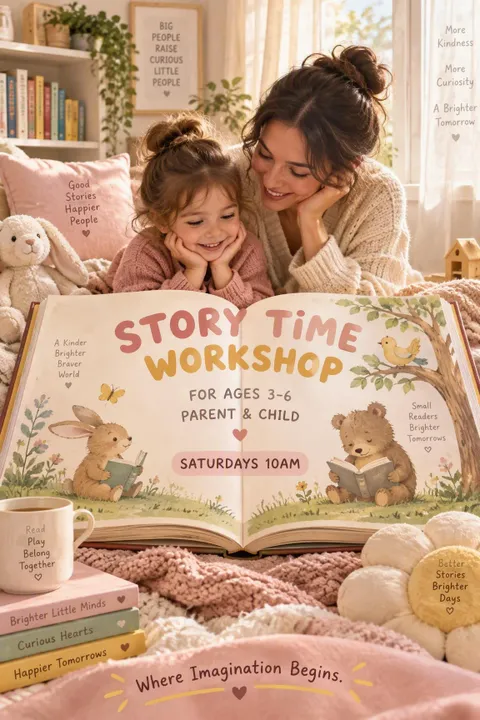
Storytime Poster
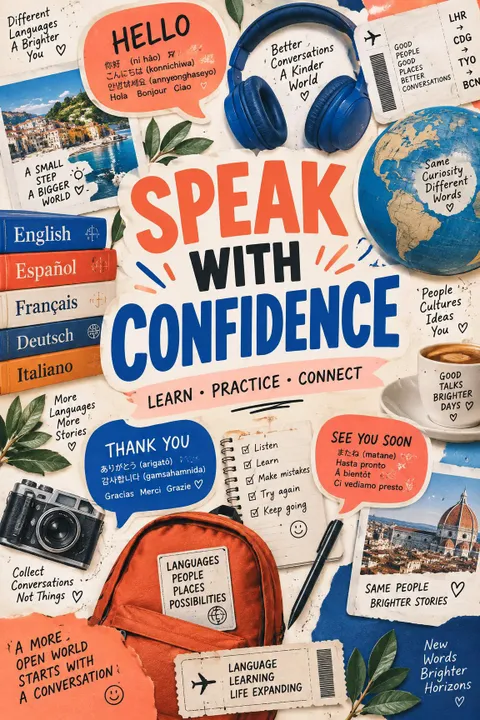
Language Learning Poster
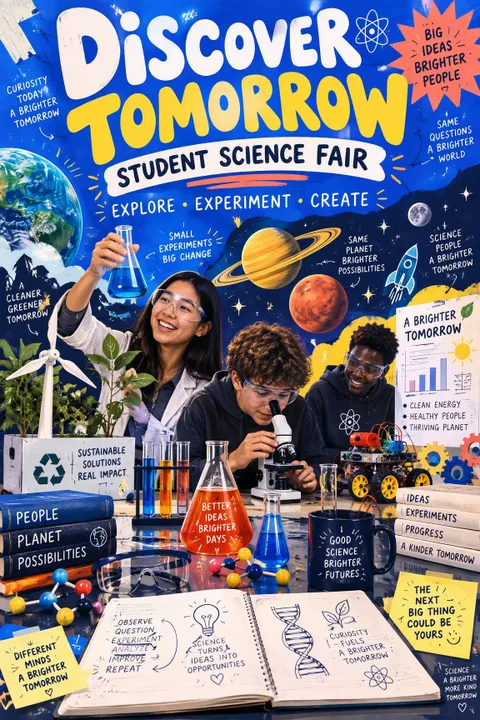
Science Fair Poster
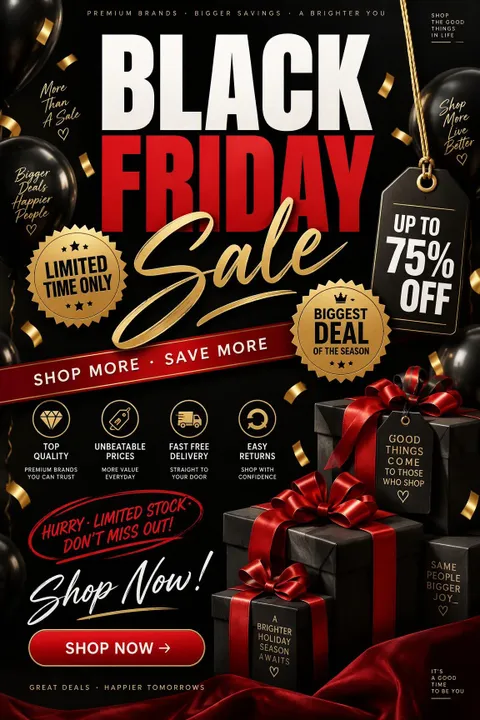
Black Friday Poster
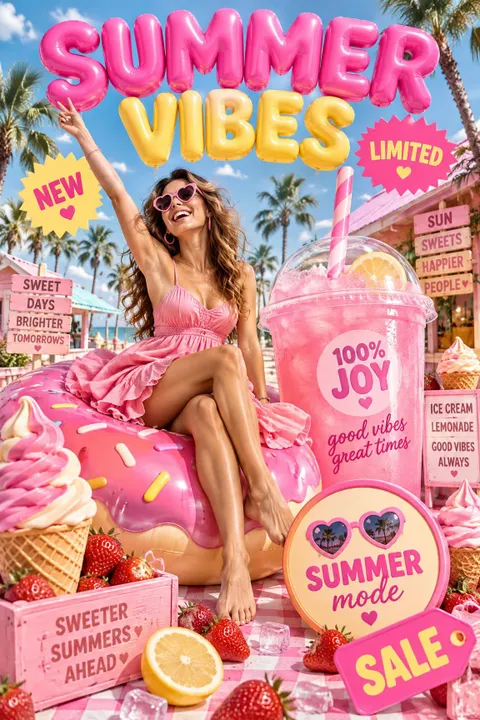
Summer Sale Poster
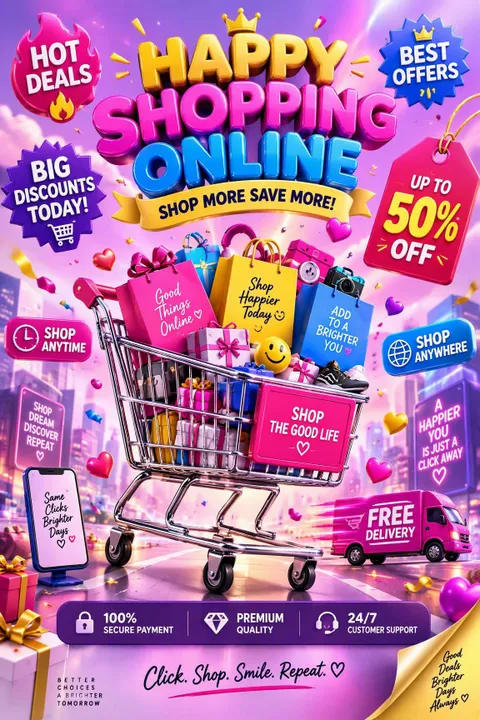
Online Shopping Poster
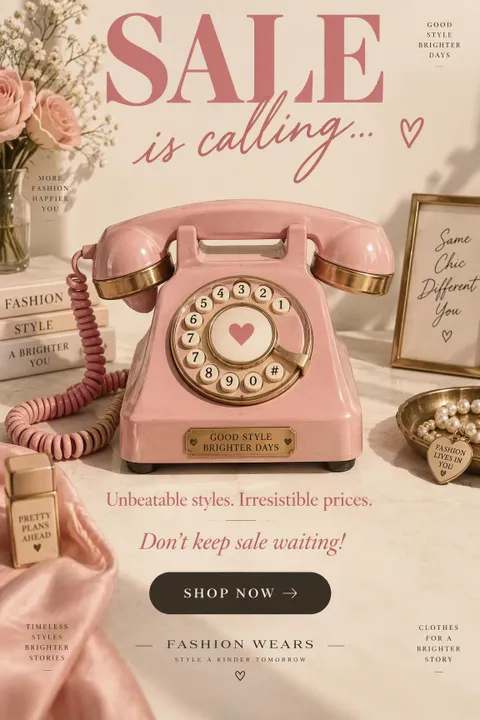
Fashion Sale Poster
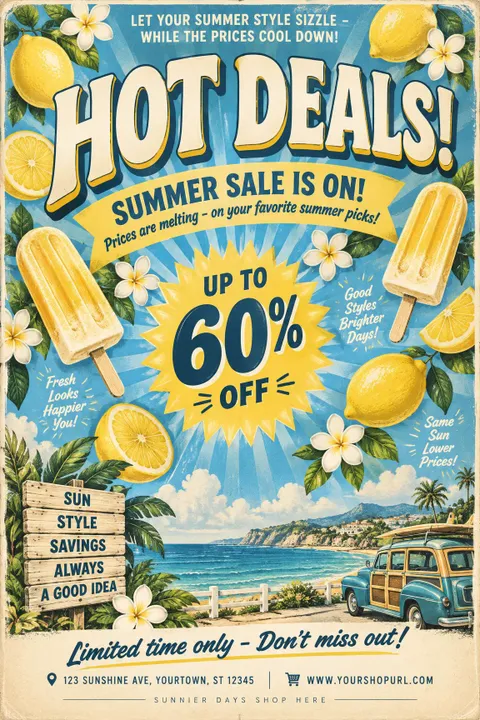
Summer Deals Poster
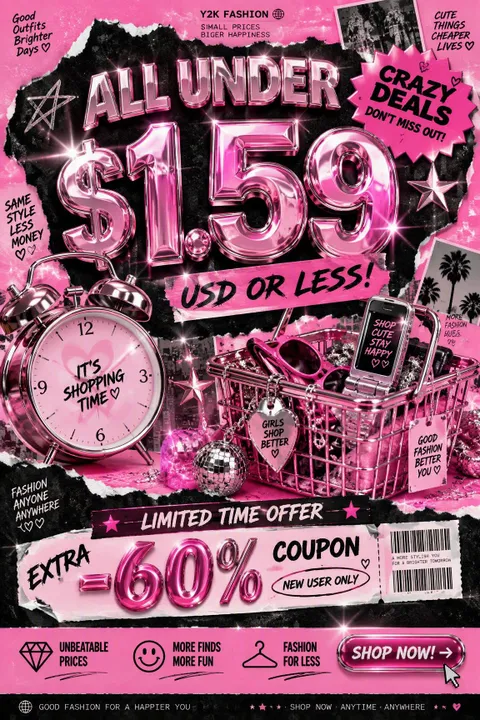
Y2K Sale Poster
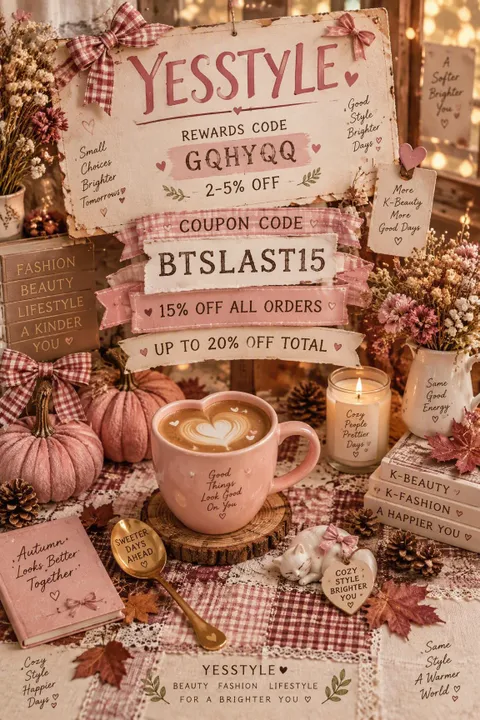
Autumn Sale Poster
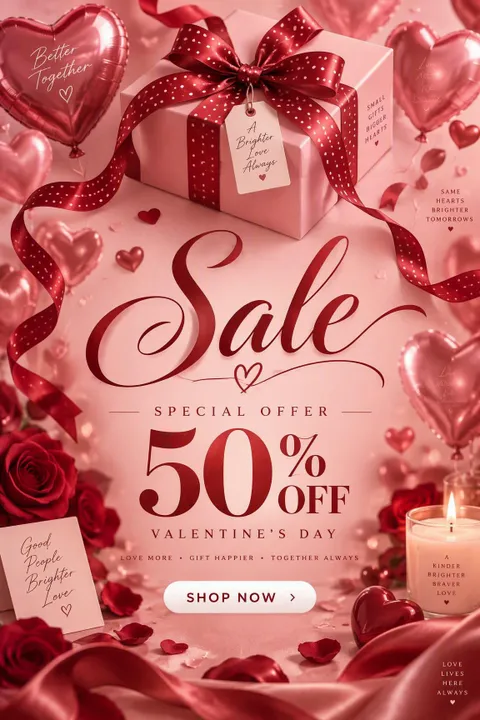
Valentine's Sale Poster
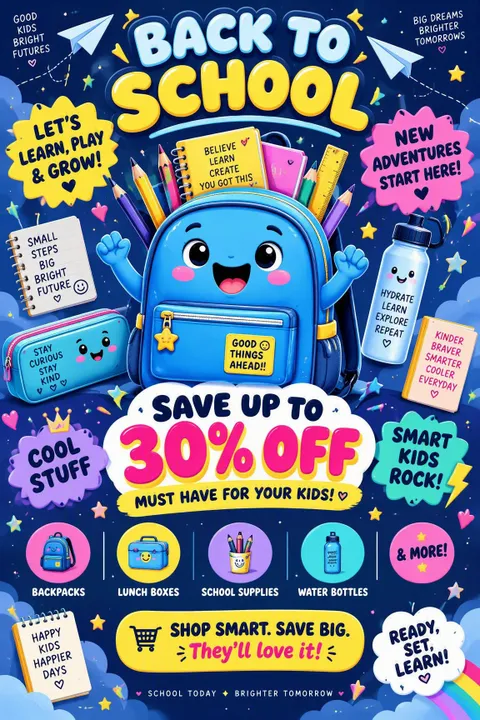
Back-to-School Poster
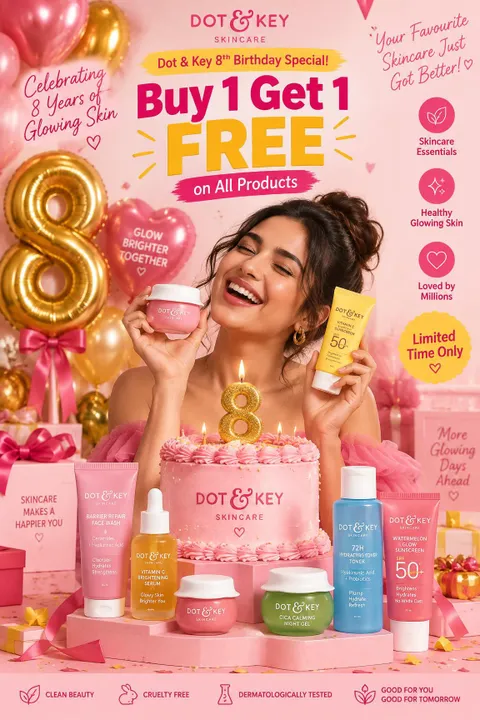
Beauty Sale Poster
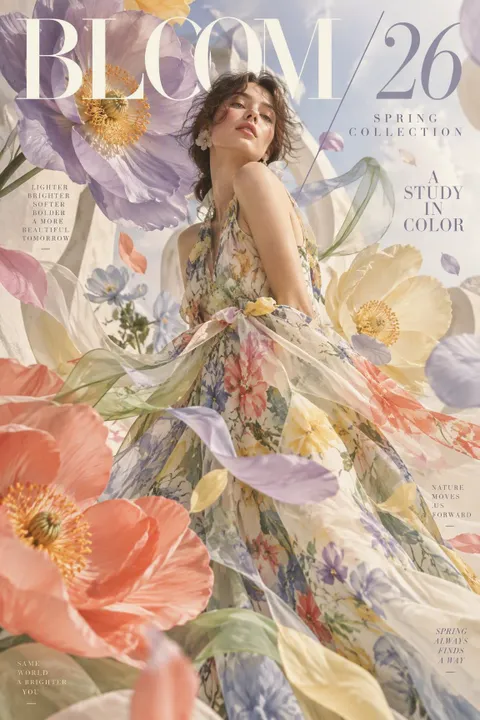
Spring Fashion Poster
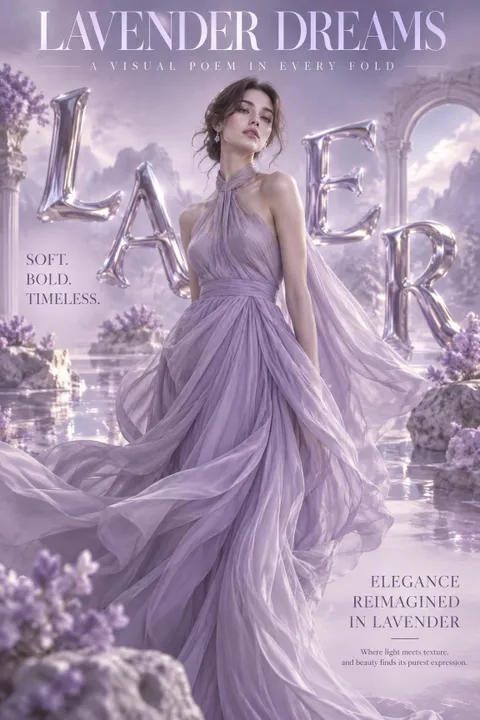
Lavender Fashion Poster
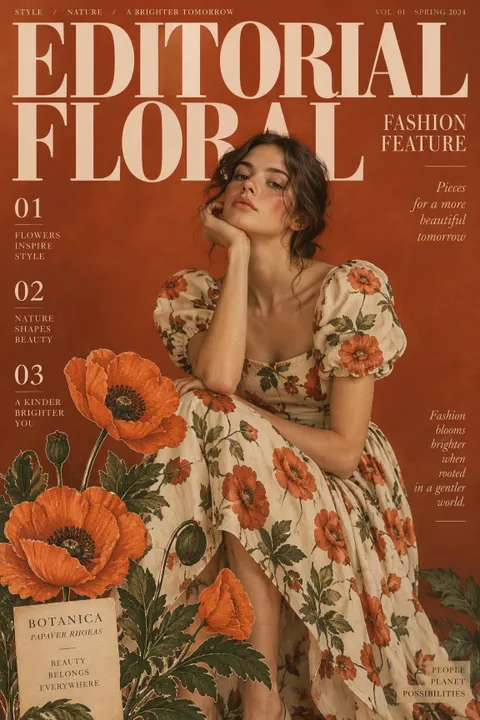
Floral Fashion Poster
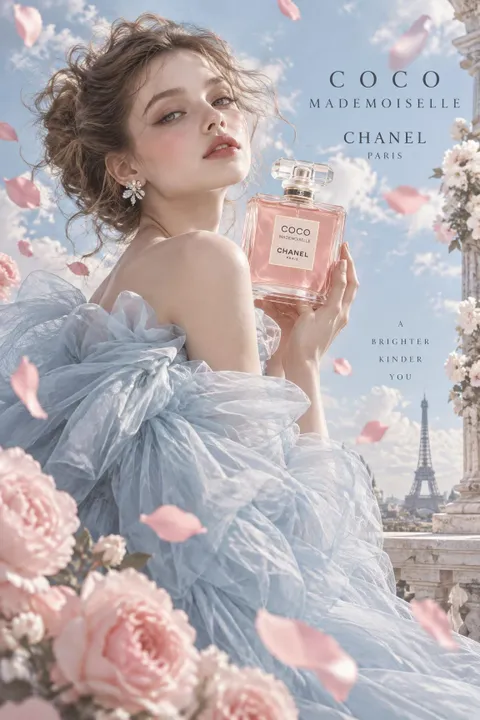
Blue Couture Poster
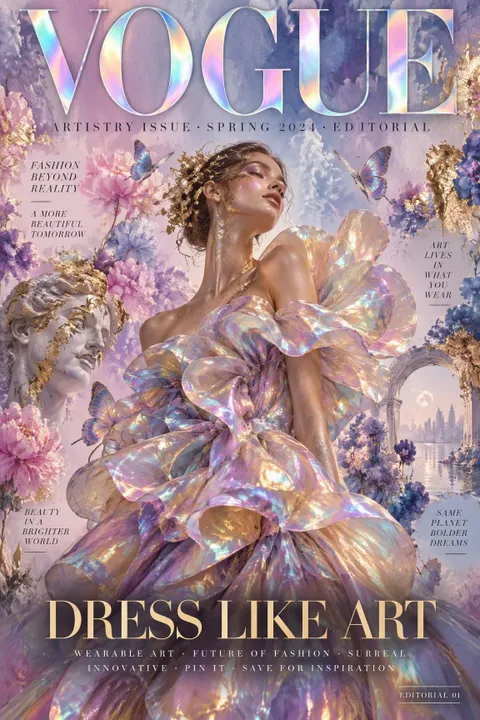
Art Fashion Poster
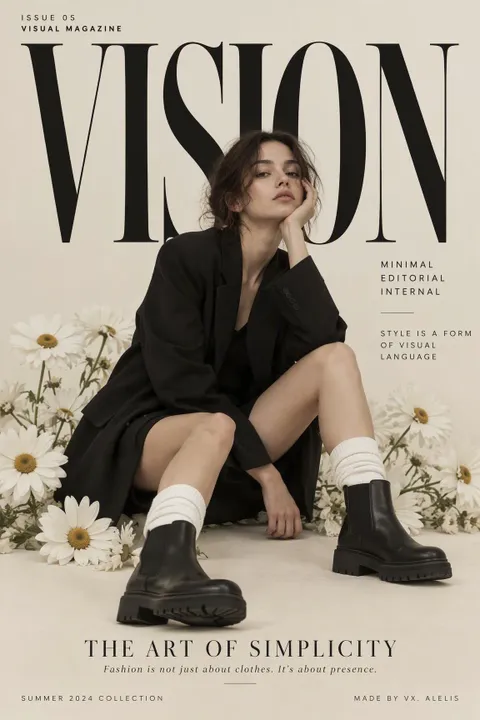
Minimalist Fashion Poster
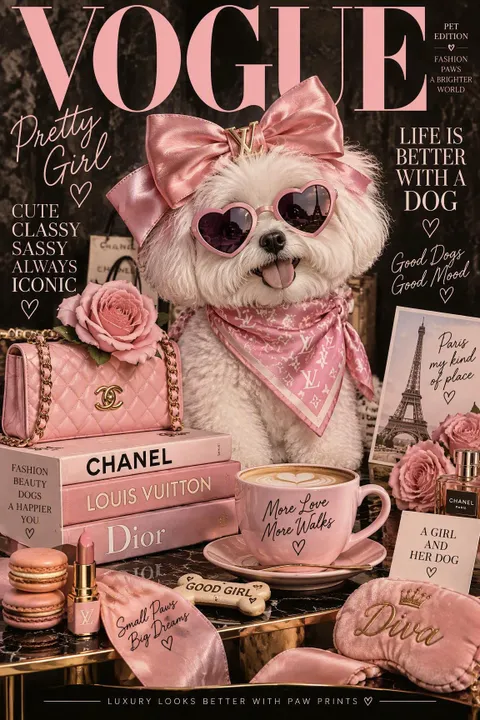
Pet Fashion Poster
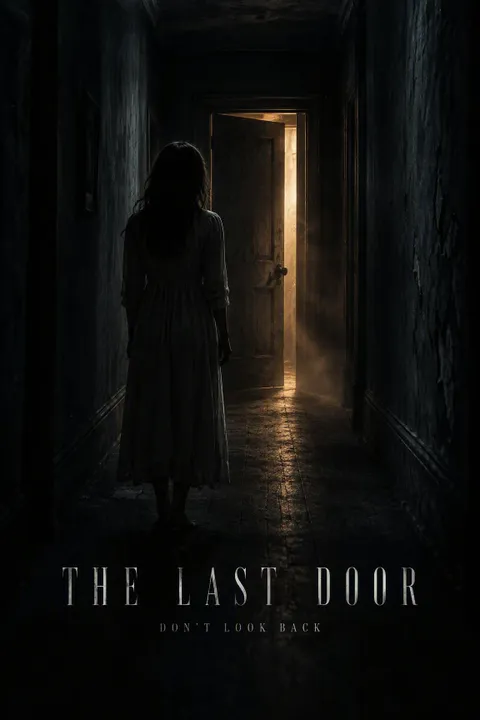
Horror Movie Poster
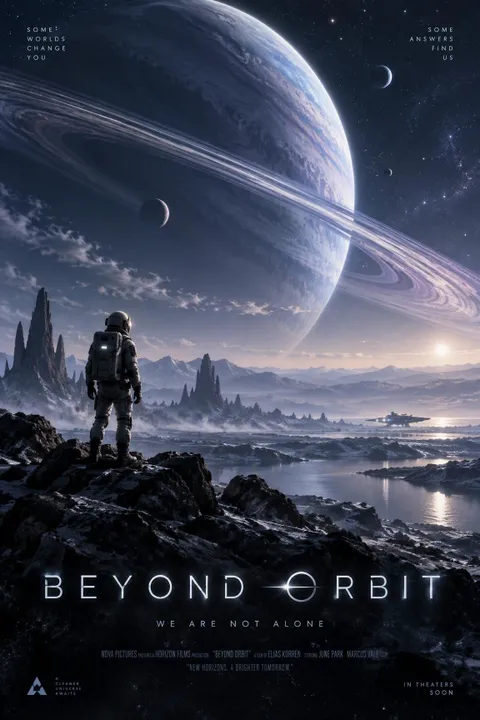
Sci-Fi Movie Poster
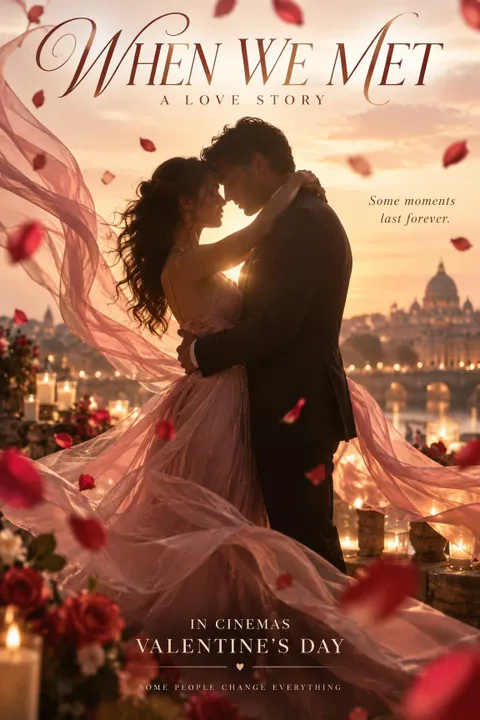
Romance Movie Poster
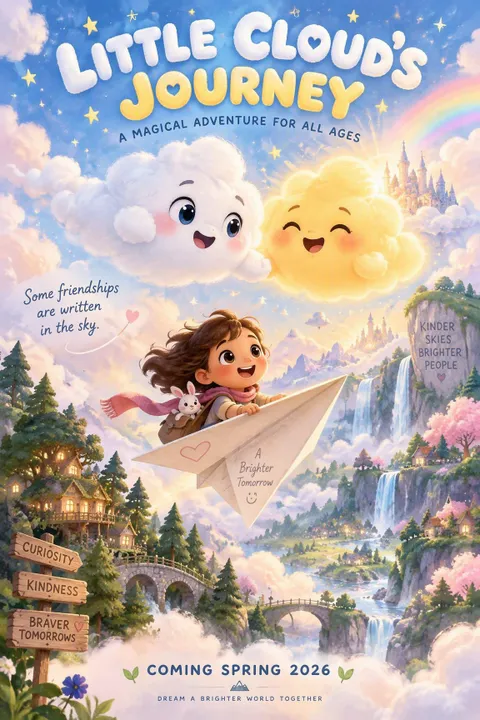
Animated Movie Poster
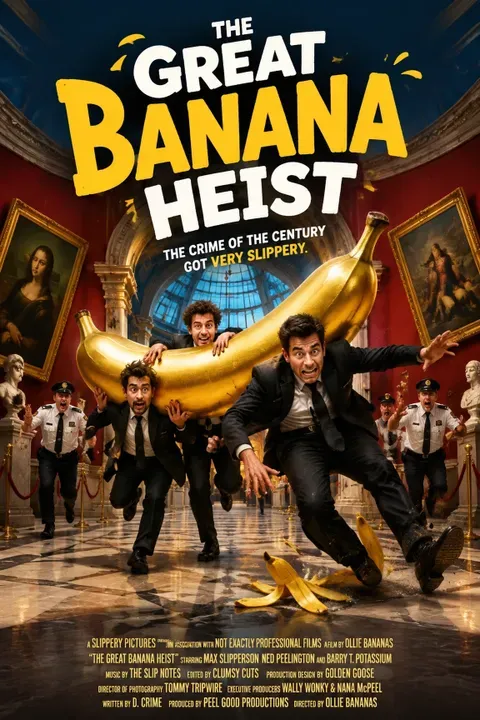
Comedy Movie Poster
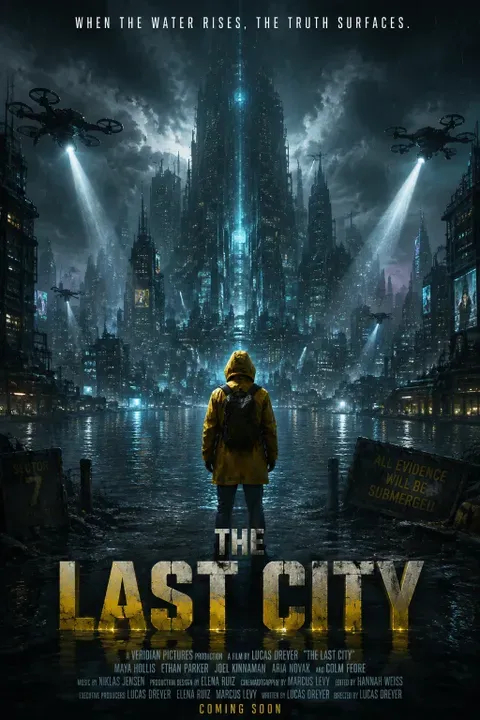
Dystopian Movie Poster
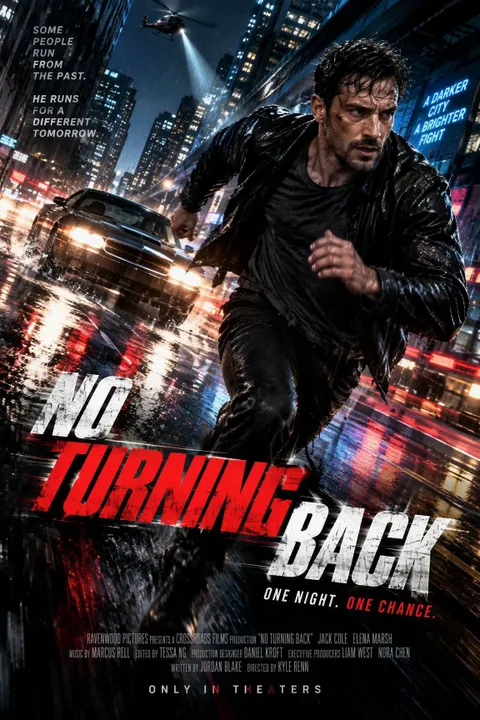
Action Movie Poster
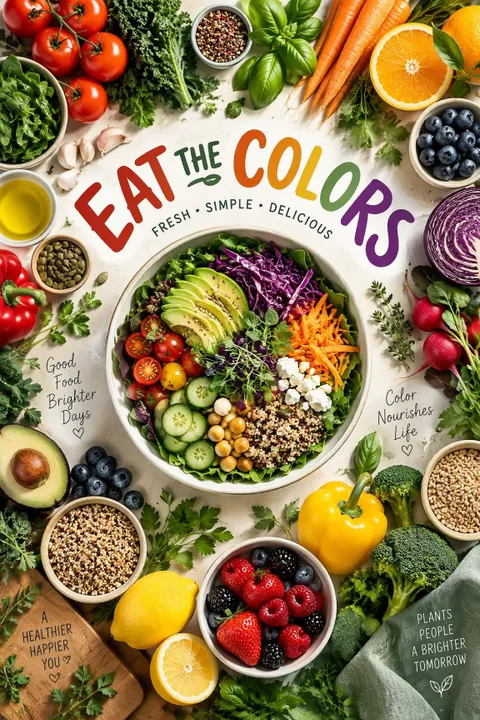
Healthy Eating Poster
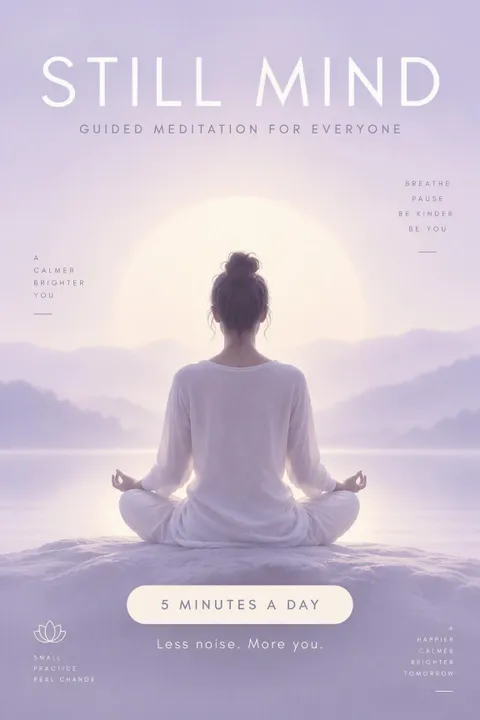
Meditation Poster
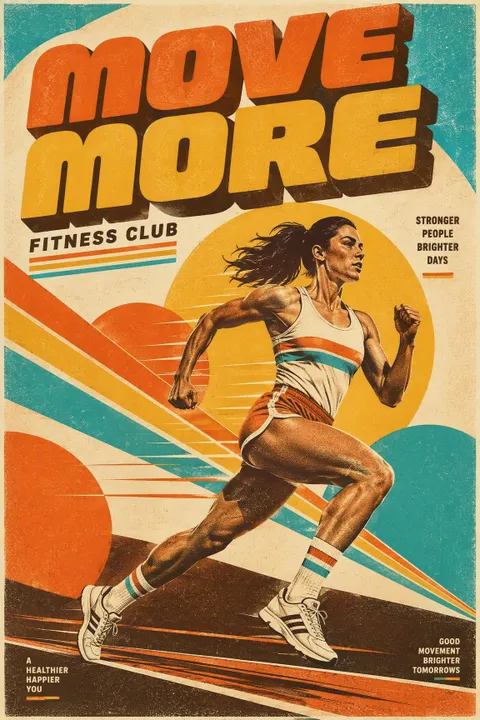
Fitness Poster
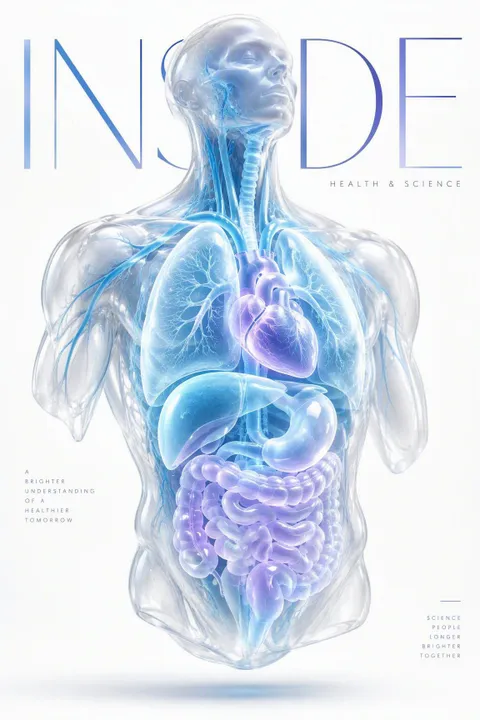
Health Science Poster
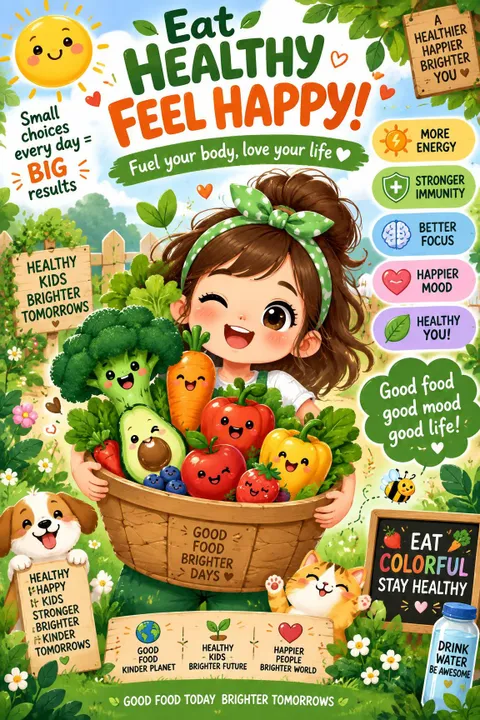
Kids Nutrition Poster
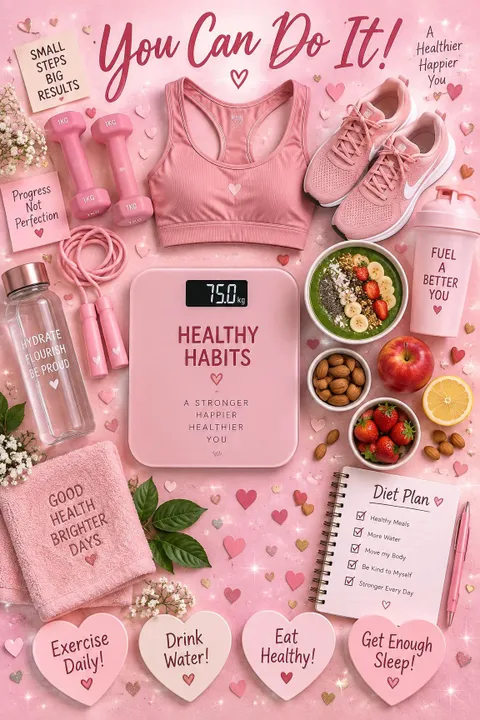
Healthy Habits Poster
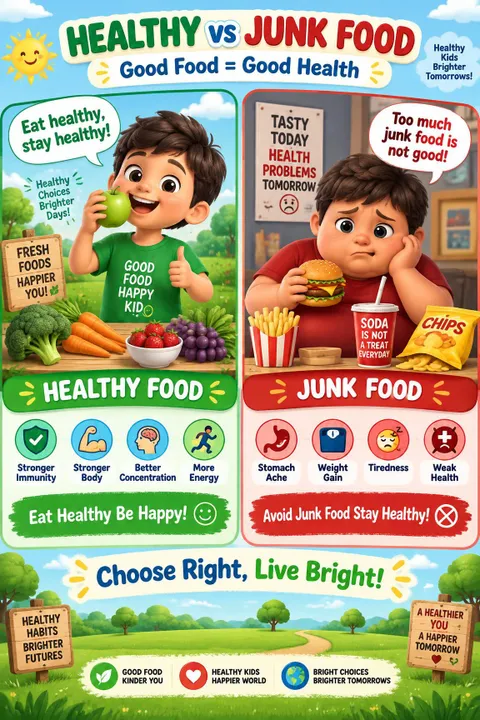
Healthy Food Poster
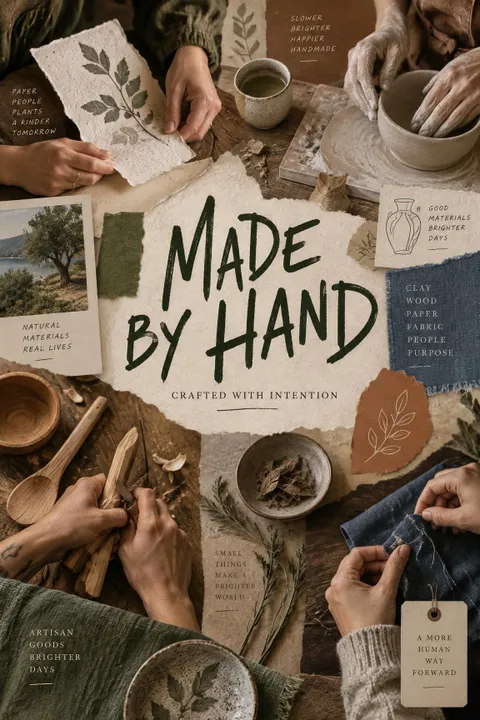
Artisan Brand Poster
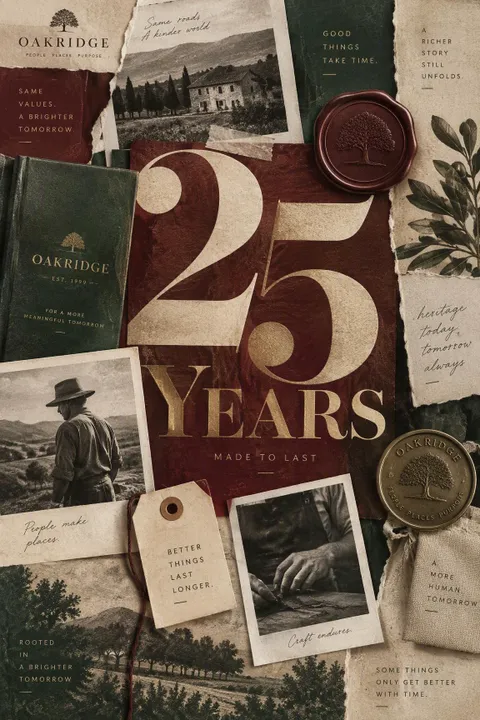
Anniversary Poster
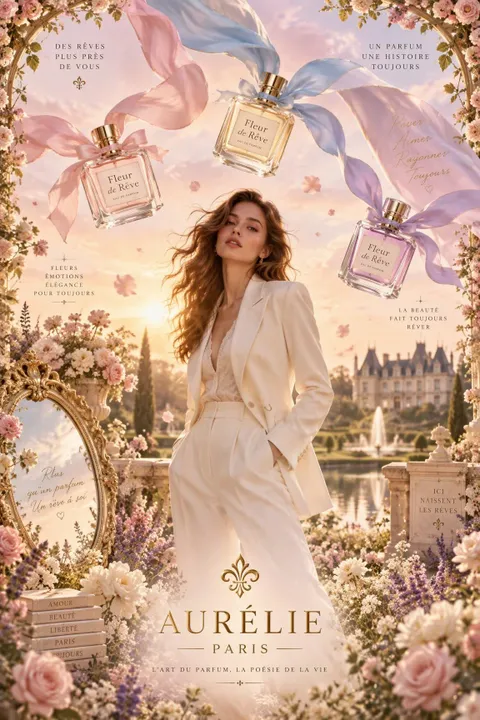
Fragrance Poster
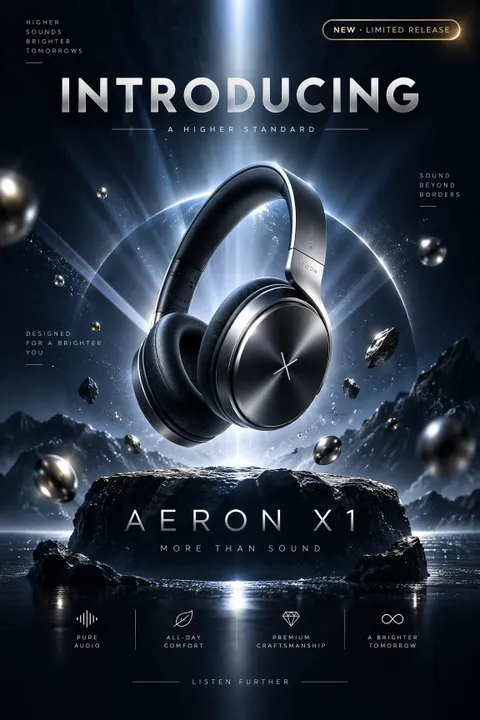
Product Launch Poster
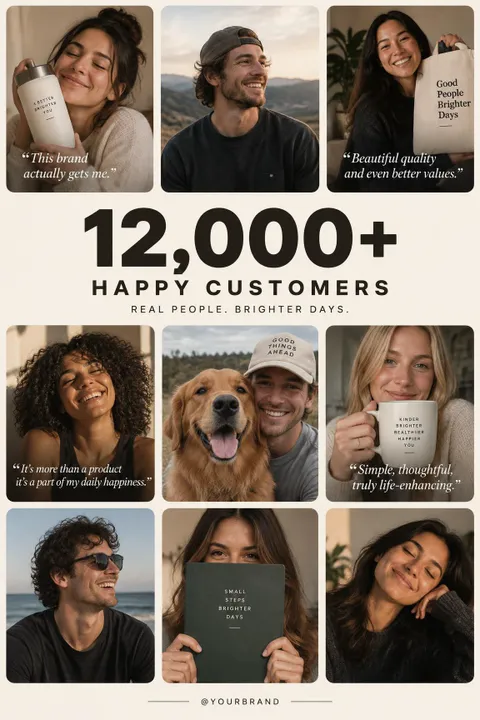
Testimonial Poster
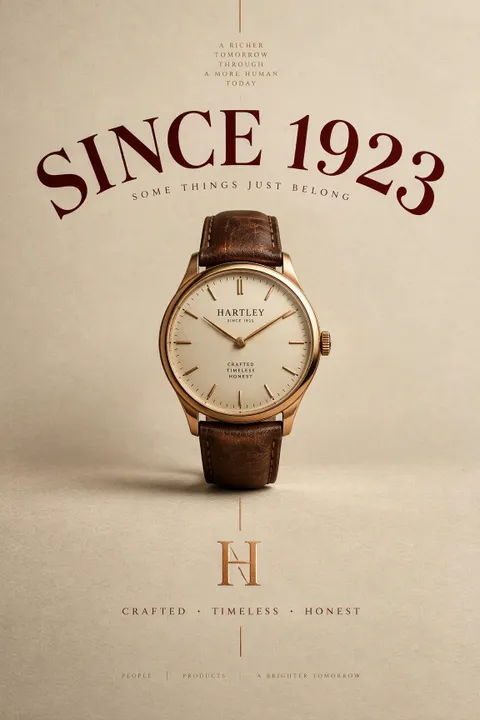
Brand Identity Poster
Step 1: Open the Generator & Describe Your Poster
Open the SeaArt AI Poster Generator and enter a clear description of the poster you want to create. Include the subject, message, visual style, composition, and other details that matter to your design. You can also upload a reference image to provide a clearer visual direction.
Step 2: Choose a Model & Customize Your Size
Choose an AI model that fits your creative needs, such as GPT Image 2.5, then set the dimensions for your poster. Choose the format that best fits your project, whether square, portrait, or landscape.
Step 3: Generate and Refine Your Poster
Generate your poster and review the result. If something needs adjustment, refine your prompt or use AI tools to enhance the image, remove unwanted elements, or improve the overall result. Keep refining until you have a poster ready for your intended use.

Fast AI Generation
Turn your ideas into polished posters with the AI Poster Designer in seconds instead of spending hours building layouts, arranging visual elements, and adjusting every detail manually. Generate multiple creative directions quickly and keep your workflow moving.

No Design Skills Required
Create eye-catching posters with simple prompts, even if you have little or no graphic design experience. Let AI handle the visual composition and design details so you can focus on your idea and message.

Powerful AI Image Models
Access 100M+ AI models, including leading models such as GPT Image 2.5 and Nano Banana. Strong prompt understanding and rendering capabilities help turn your ideas into high-quality posters with detailed visuals and compositions.

Flexible Poster Sizes
Set the dimensions you need for different projects and platforms instead of working within a fixed canvas. Create square, portrait, landscape, and other formats that fit the way you plan to use your poster.

4K High-Resolution Output
Generate posters in up to 4K resolution with the AI Poster Generator, delivering sharp details and clarity. Whether you are sharing your design online or displaying it at a larger size, keep your visuals crisp and polished.

Easy AI Editing
Refine your generated poster without rebuilding the entire design from scratch. Use AI tools to enhance image quality, remove unwanted elements, or adjust visual details and bring your design closer to the desired result.

Endless Community Inspiration
Explore creative posters and AI-generated artwork from the SeaArt community to discover new ideas, visual approaches, and creative possibilities. Find inspiration when you need a starting point or want to try something different.

Free to Use, No Watermark
Create posters for free with daily energy and download your finished designs without a watermark. Experiment with different ideas, generate new visuals, and share your posters without unwanted branding in the final result.

What is an AI Poster Generator?
AI Poster Generator is a tool that uses artificial intelligence to turn your ideas into complete poster designs from text prompts or reference images. Instead of building layouts, visuals, colors, and typography manually, you can describe your concept in a prompt, upload a reference image, or combine both to guide the AI and create a poster based on your creative direction.

How do I write an effective AI poster prompt?
A good poster prompt should clearly describe what you want to create and how it should look. A simple structure is: Purpose or message + subject + headline text + style + mood + colors + composition. For example: Summer music festival poster, outdoor stage and energetic crowd, headline text: "Summer Music Festival 2026", vibrant retro style, warm sunset colors, dynamic composition, bold typography, and a grainy film texture.
Can I create a poster from a reference image?
Yes. You can upload product photos, model images, character images, logos, or other visual references to the AI Poster Generator to guide your design. Combine them with a text prompt to create promotional, fashion, event, or other posters while keeping key visual elements in the final design.
What AI models can I use to create posters?
SeaArt gives you access to 100M+ AI models for poster creation, including:
● GPT Image 2.5: Great for text-rich posters, detailed layouts, and polished professional designs.
● Nano Banana 2: Suitable for reference-image workflows, creative compositions, product visuals, and image editing.
● Grok Imagine Image: Useful for creative concepts, bold visual styles, and eye-catching poster designs.
Try different models with the same prompt to compare their results and find the one that best fits your project.
What size should I use for an AI-generated poster?
Choose a poster size based on how you plan to use it:
● Instagram portrait post: 1080 × 1350 px (4:5)
● Story or vertical poster: 1080 × 1920 px (9:16)
● Small print: 11 × 17 in (11:17)
● Medium print: 18 × 24 in (3:4)
● Large print: 24 × 36 in (2:3)
● A2 or A1 print: approximately 5:7
● Movie one-sheet: 27 × 40 in (27:40)
SeaArt AI Poster Maker lets you customize your poster dimensions, so you can choose a format that fits your platform, print size, or creative project.
Can I modify text on generated posters?
Yes. You can modify text in a generated poster by updating your prompt and creating a new version. With GPT Image 2.5, you can also edit the generated image using prompts to adjust text and other visual elements while refining the overall design.
Can I create AI posters for free?
Yes. SeaArt AI provides registered users with 130 daily energy, so you can use the AI Poster Generator for free and start creating posters from text prompts or reference images without paying upfront.
Have an idea for a poster but not the time or design experience to build it from scratch? Skip the blank canvas and turn your concept into a polished poster in seconds. Start with a prompt or reference image in the SeaArt AI Poster Generator, explore different styles, and create a design ready for your next project.