50M
+Creator

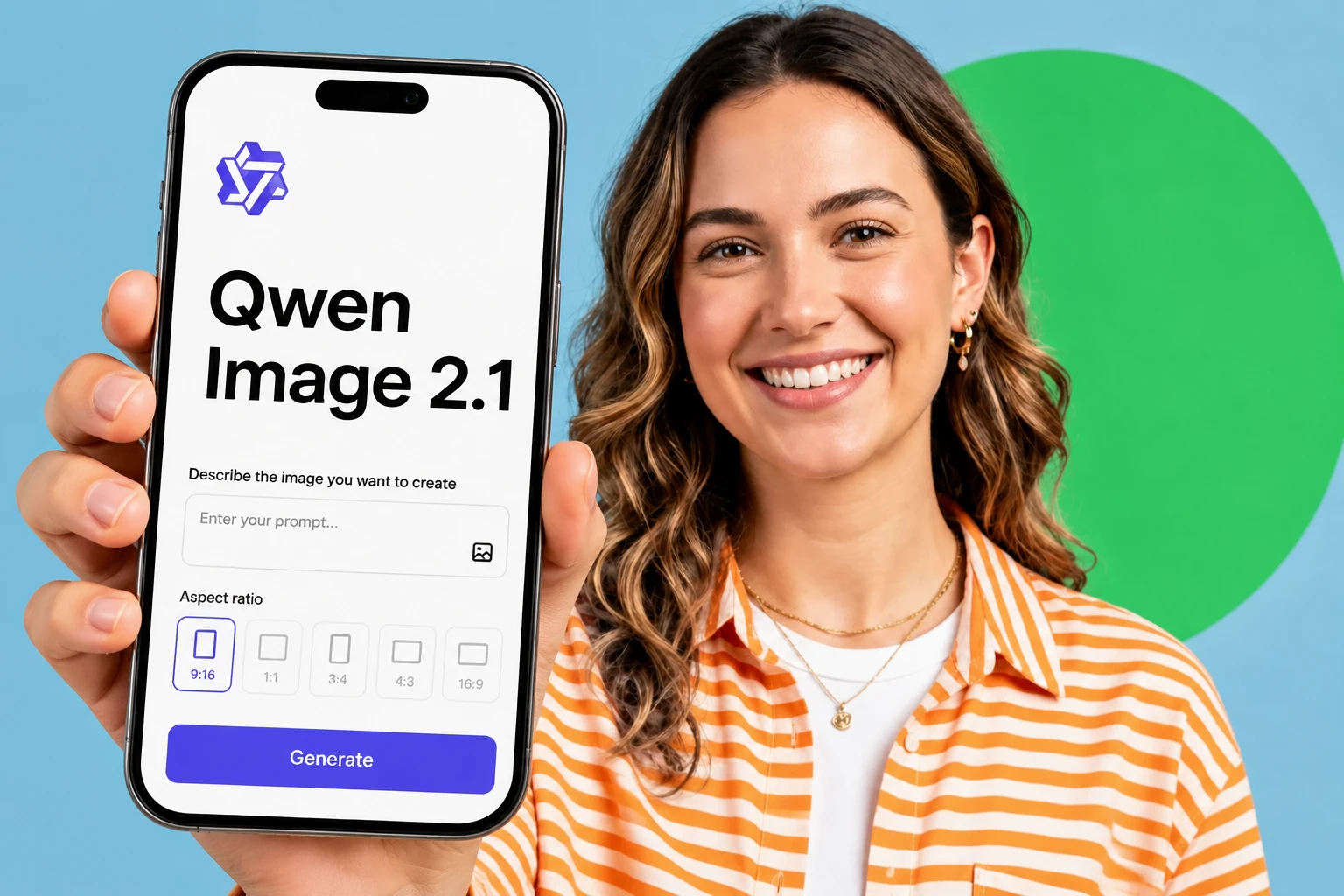
Qwen Image 2.1 is built for projects where text and image live together: product pages, editorial mockups, packaging, and infographics. Native 2K output, professional typography, in-image editing, and alpha channel support, all in the latest open-weight release of the Qwen-Image model series.

Native 2K Resolution
It outputs at native 2K by default, giving you detailed images that survive cropping, printing, and product-page work without a separate upscale pass.

One Model, Two Skills
The same checkpoint handles text to image and image editing, so you stay on one canvas instead of swapping between tools mid-project.

Skip the Extra Upscale
Because it ships at native 2K, most renders go straight to use. Pair with an AI image upscaler only when you push past 2K.

Open-Weight and Free to Run
The model is published as open weight and runs on SeaArt AI's free daily Stamina, so creators can test long prompts without burning a budget.
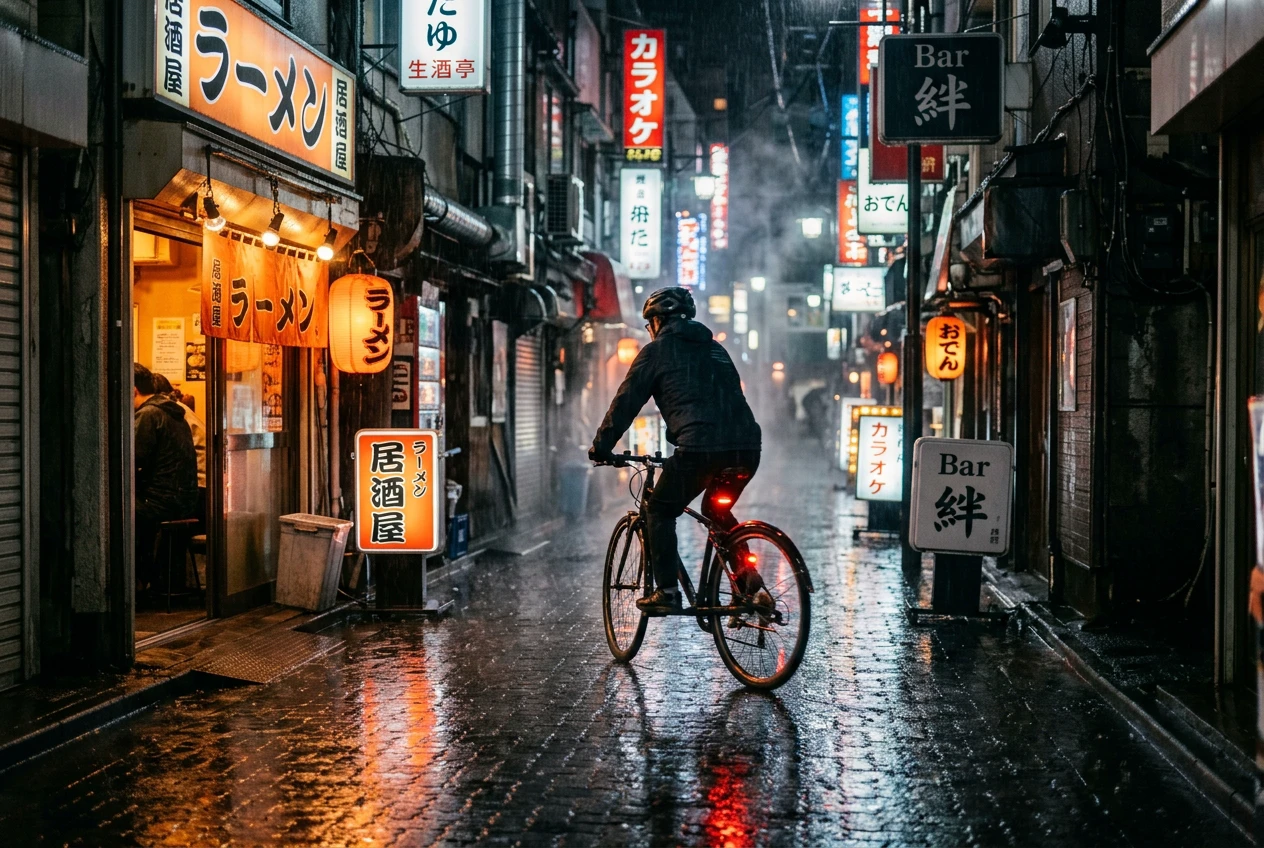
The model treats your prompt as the brief, not a keyword soup. Describe a scene in full sentences - lighting, mood, lens, composition - and it returns a coherent render instead of a collage of tags. Long prompts hold together: a "rainy Tokyo alley at night, neon signs reflecting on wet asphalt, lone cyclist, cinematic 35mm" stays visually consistent end to end, which older text to image models tended to break on the second clause.
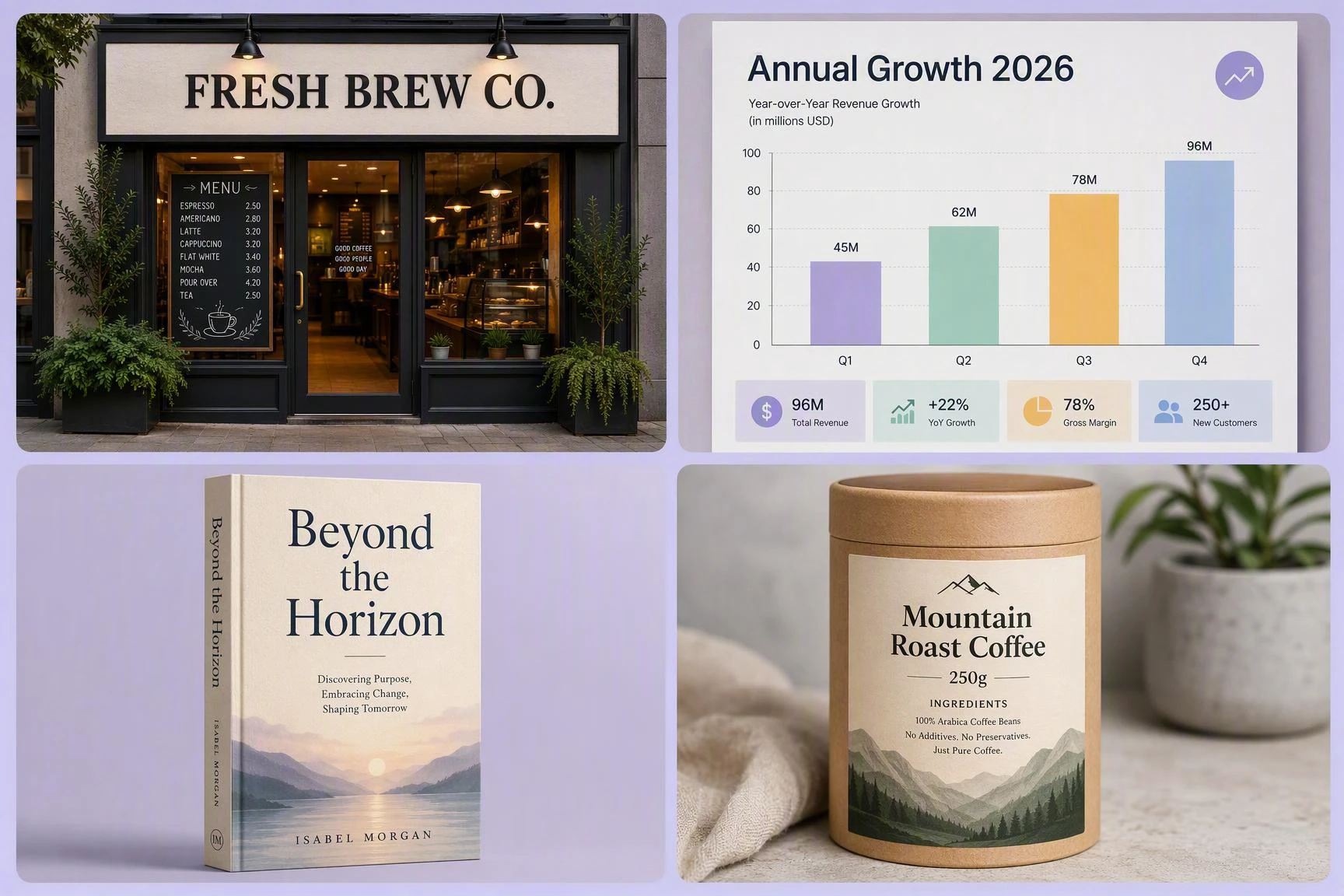
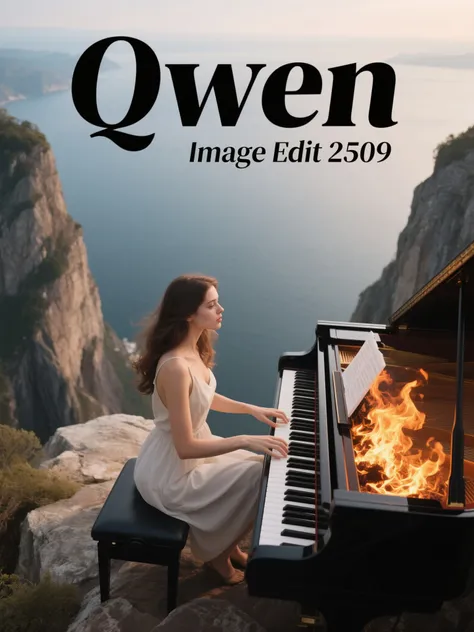
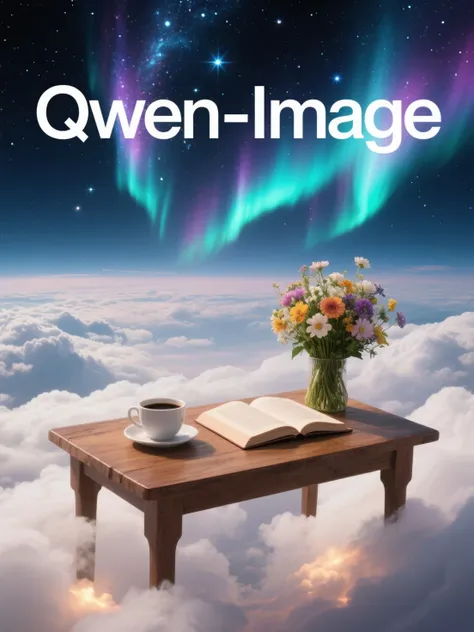
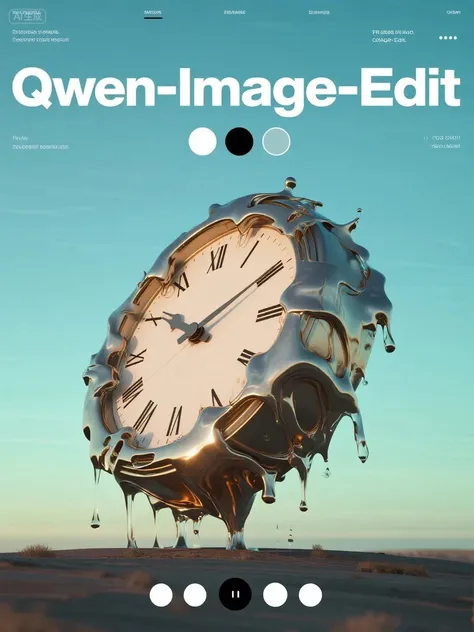
The "professional typography" label means it writes text inside the image cleanly - shop signs, infographic labels, book covers, product packaging. Most AI image generators still garble text past four letters; this checkpoint keeps signage, captions, and chart labels legible at 2K, which makes poster and product mockup workflows usable for the first time.
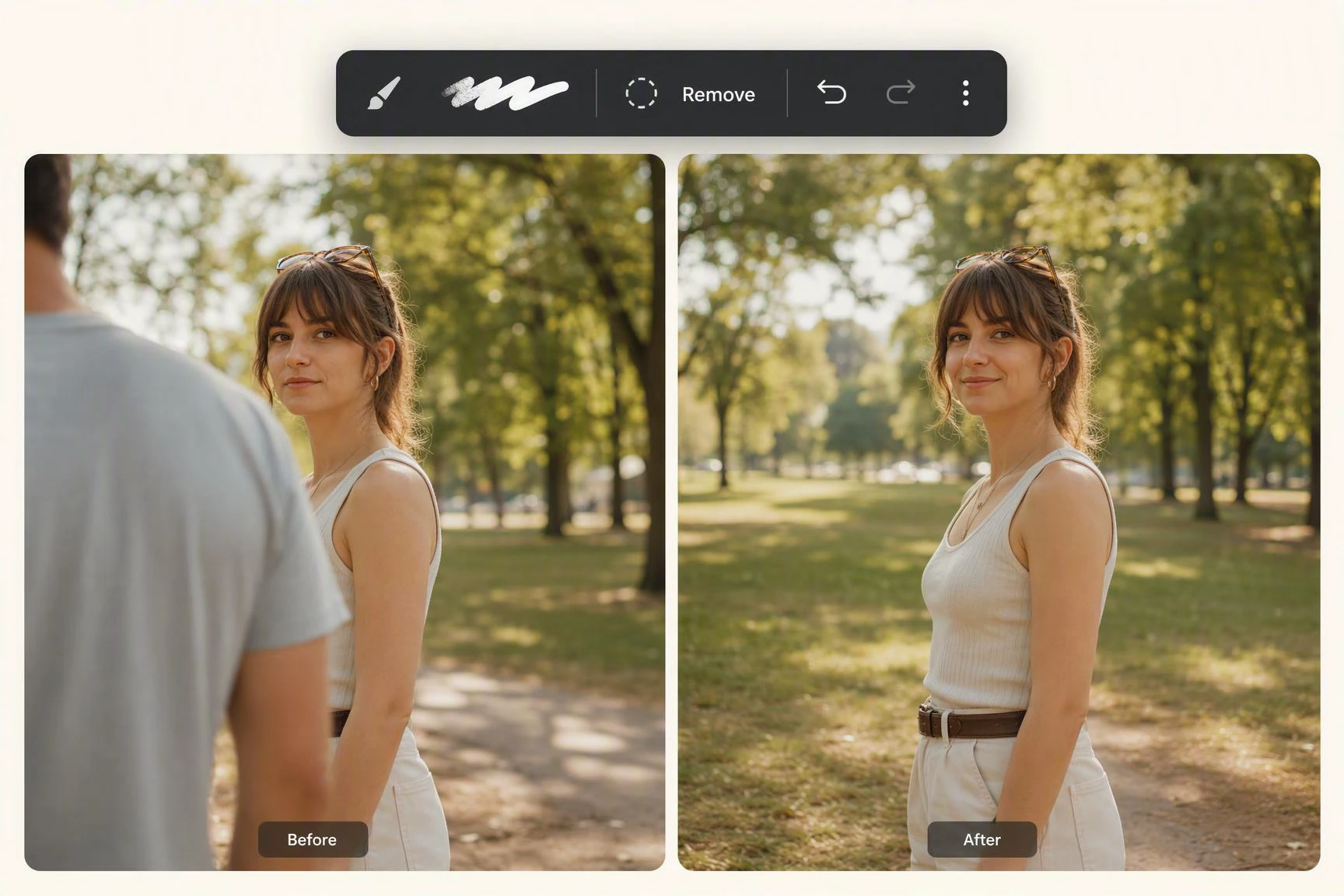
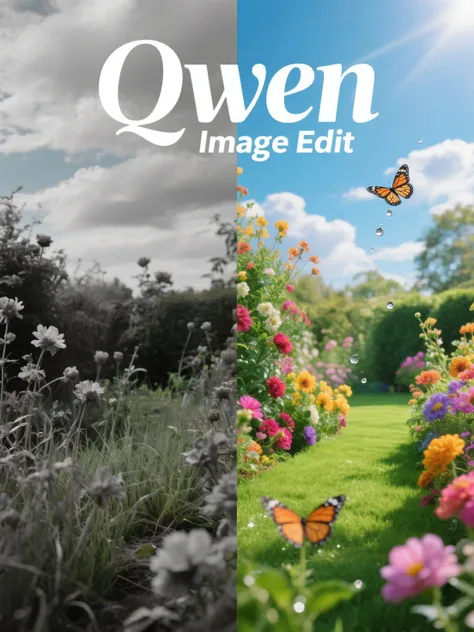
Edit runs on the same checkpoint as generation, which matters once you compare it to the old pattern of "generate in tool A, edit in tool B, fix the seams in tool C." You can paint over a region, swap an object, restyle the background, or extend the canvas without leaving the model. The result is fewer color shifts and fewer lost details between passes.
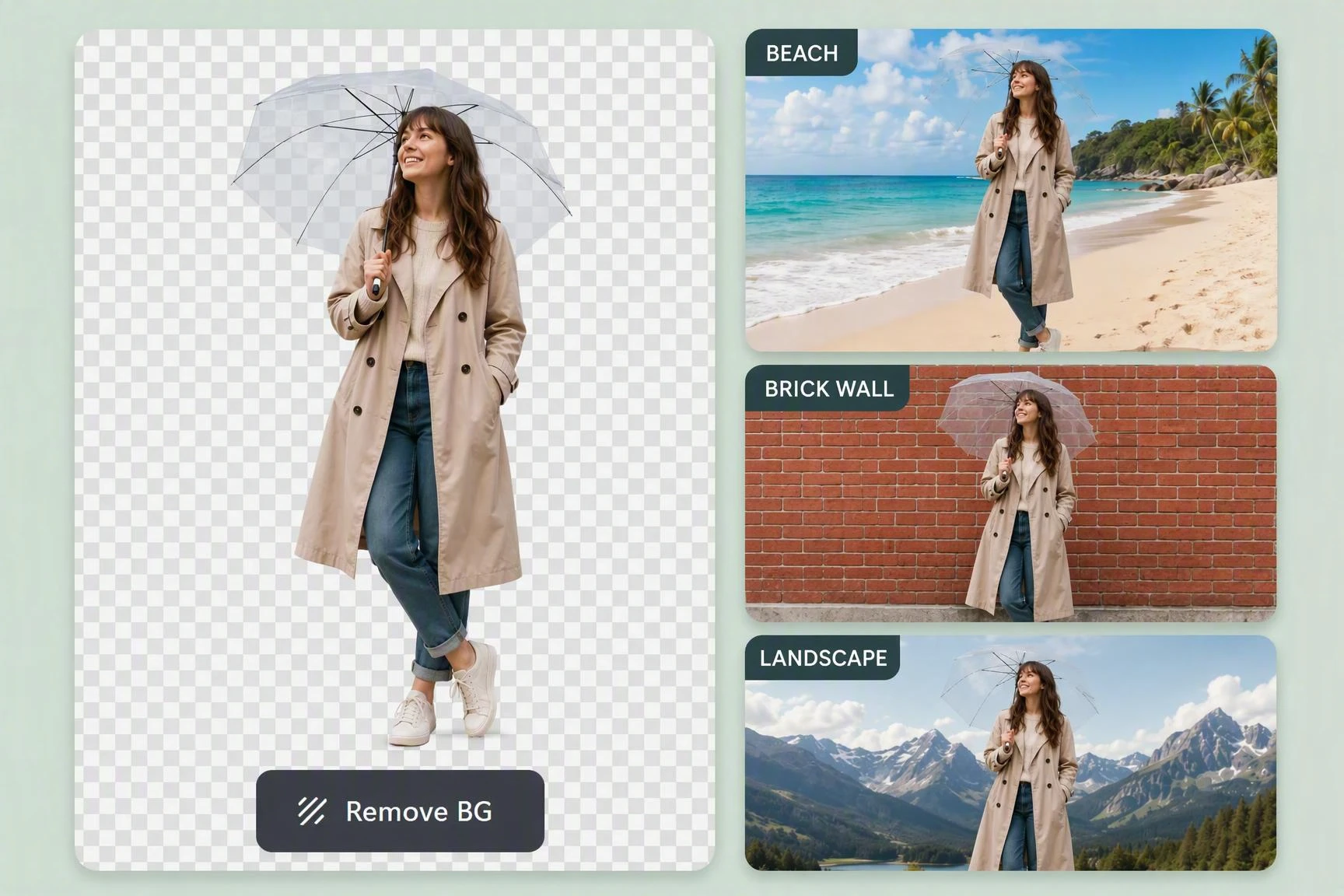
It writes transparent backgrounds straight into the PNG, so generated subjects drop into composites, slides, and product pages without a separate background removal pass. For e-commerce mockups, sticker packs, and motion-graphic overlays, that one export cuts an entire step off the workflow.
Open the Model
Find the new Qwen image model inside SeaArt AI's image workspace and open its page.
Type or Upload
Write a text prompt or drop in a reference image - the same canvas accepts both inputs.
Refine and Export
Tweak settings, regenerate variations, then download as PNG or alpha-channel file.
Open the workspace, type your first prompt, and watch it produce a native 2K render in seconds. No install, no model download, no GPU to babysit - just a browser tab and an idea. New users can pair it with a free AI art generator workflow for daily generations.

What is Qwen Image 2.1?

How does the new version differ from the previous release?
The jump from qwen image 2.0 focuses on prompt adherence, typography legibility, and built-in editing. If you have older prompts tuned for 2.0, they still work, but you will likely want to rewrite them - the newer checkpoint interprets long descriptive prompts more literally and is stricter about composition.
Can I use the new Qwen image model for free?
Yes. Free users get daily Stamina on SeaArt AI to run generations. The free tier covers most prompt-testing and casual projects; SVIP members get higher throughput and priority queue for batch work.
What does "professional typography" actually mean here?
It means the model writes readable text inside the generated image: store signs, infographic labels, captions, packaging copy. Most AI image generators mangle text past a few characters; this one keeps signage legible at 2K, which makes it usable for poster, mockup, and product page work where text matters.
Does it support Chinese and English text in outputs?
Yes, both. Rendering is strongest in English and Simplified Chinese, with workable output in Japanese and Korean. Other languages come out as approximate glyphs and may need a post-edit.
Pick a Qwen model or app for your next image.