50M
+Creator

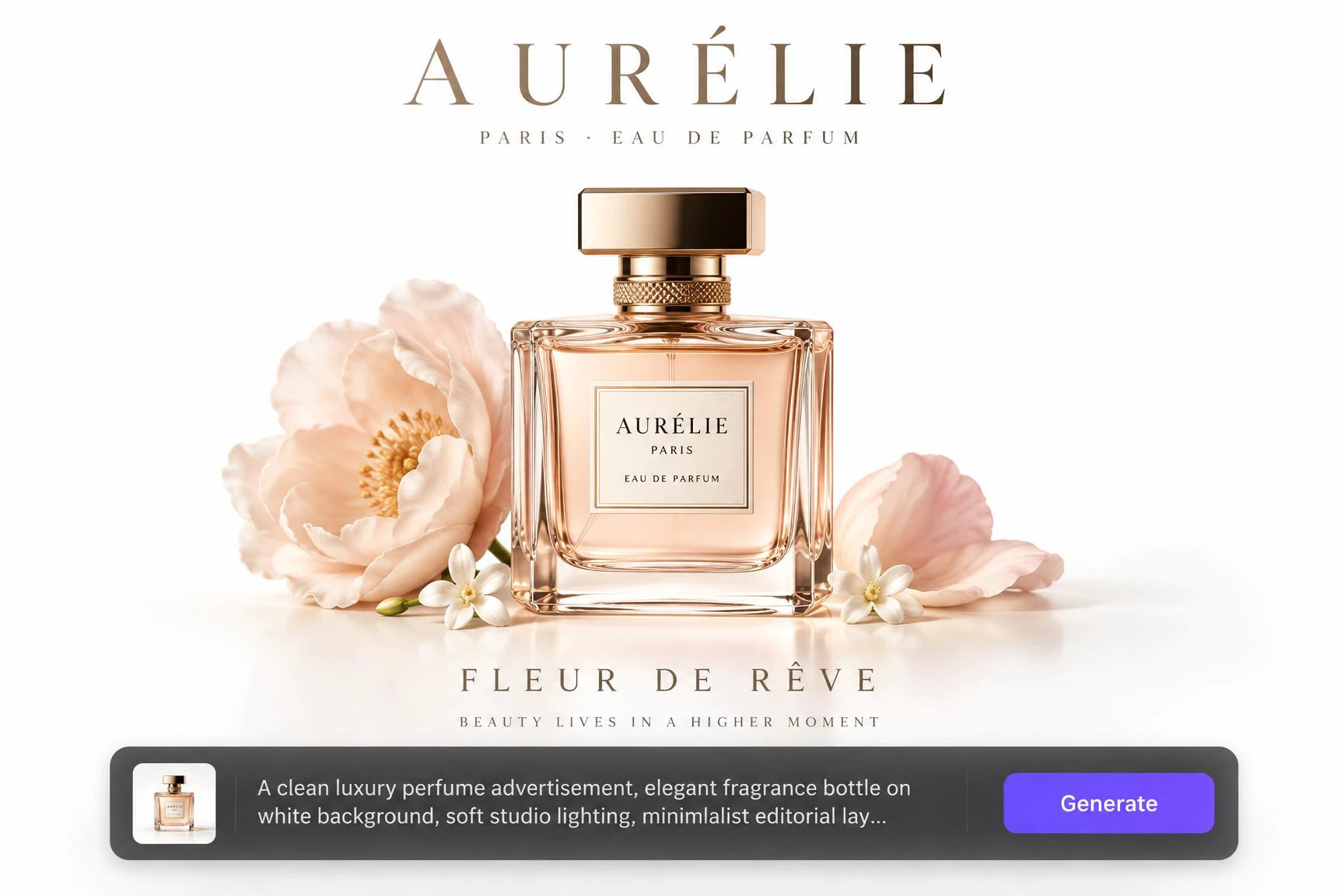
Create custom logos from text, images, or sketches in seconds with SeaArt. Explore different styles, refine your designs, and bring your brand vision to life without any design experience.
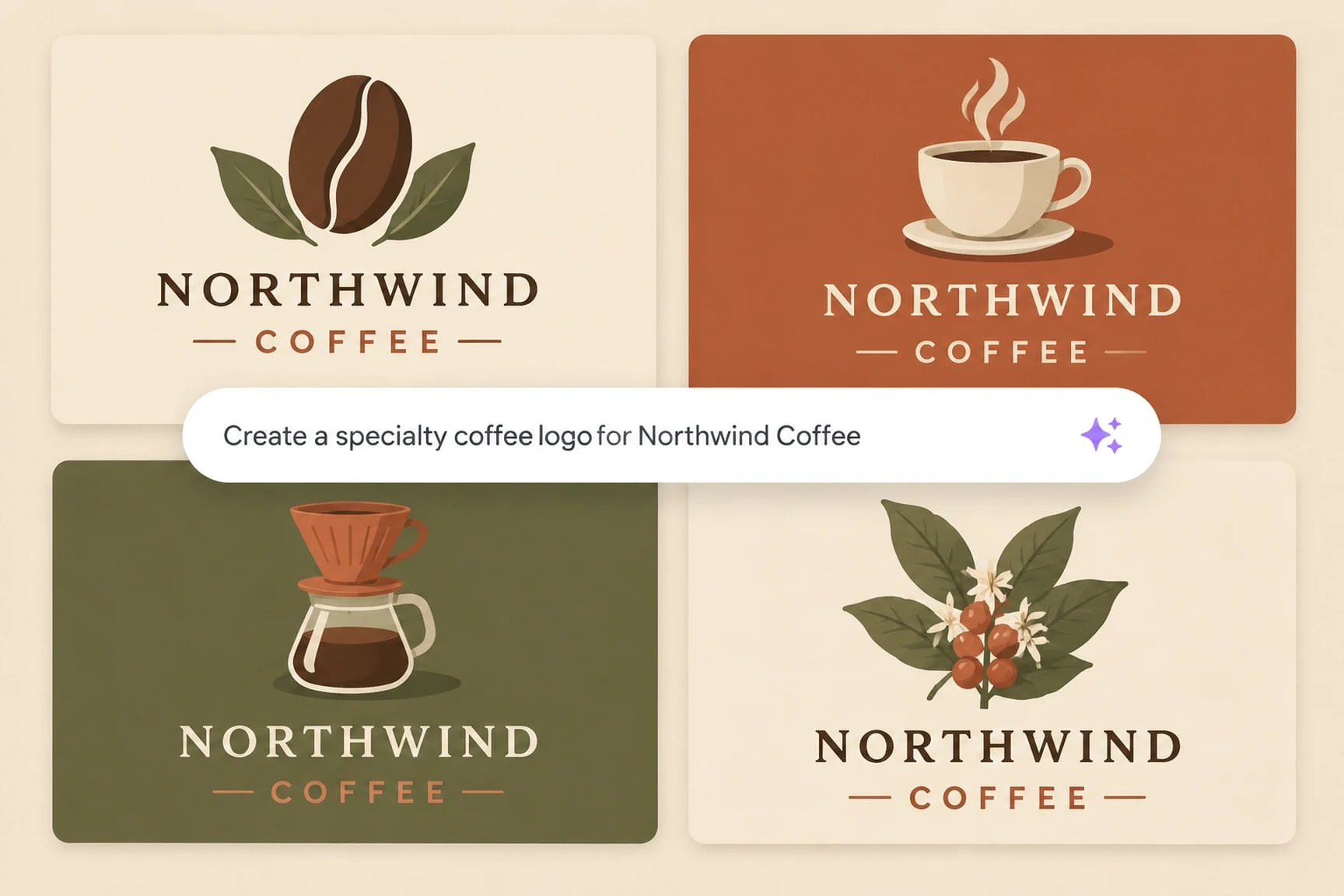
Create a professional logo in seconds, even without design experience. Enter your brand name, industry, desired style, colors, and graphic elements to generate a range of AI logo concepts. Explore everything from minimalist icons and wordmarks to expressive brand symbols, then find the right visual direction for a new business, online store, or personal project.
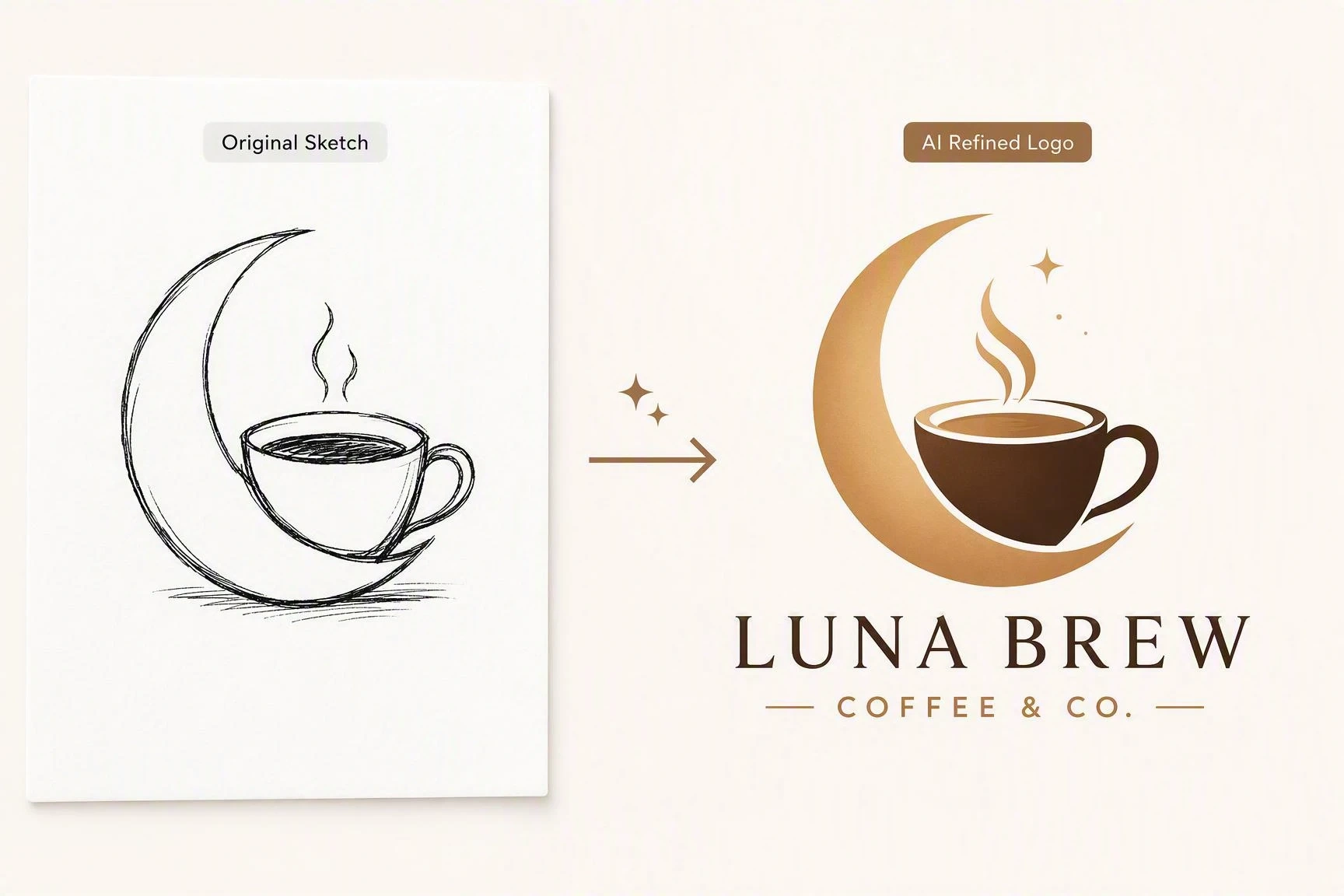
Upload a hand-drawn sketch, reference image, or existing design to SeaArt's AI logo generator and turn it into new logo concepts. Keep the shapes, composition, or creative direction that matter most, then generate fresh variations instead of rebuilding your idea from scratch. Develop an early concept into a more complete logo or explore new directions without losing its essence.
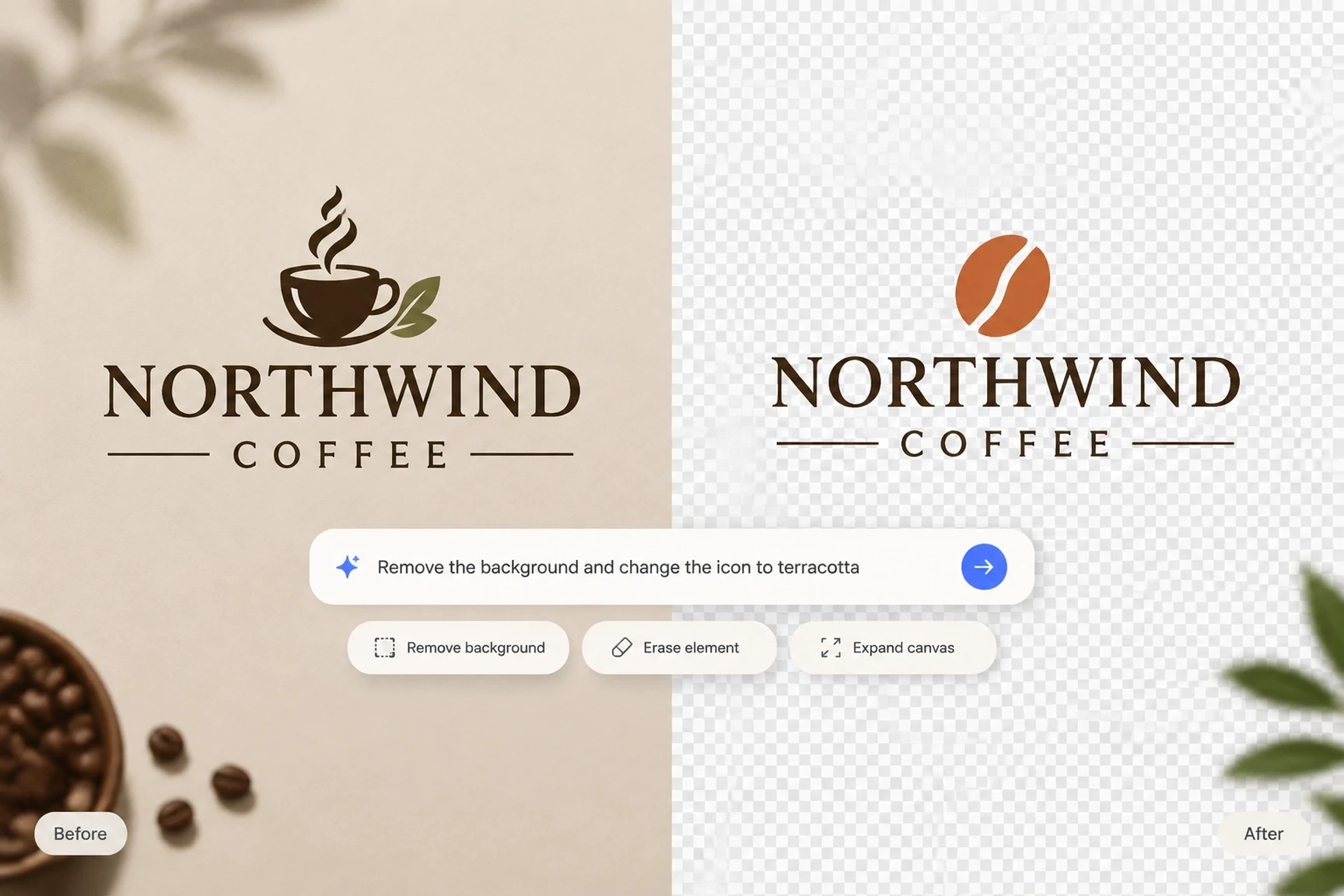
Edit specific parts of your logo with text instructions and AI editing tools without regenerating the entire design. Remove backgrounds, erase unwanted elements, and adjust the composition to fit different sizes and formats. Fine-tune colors, shapes, and finishes to keep your logo consistent across every channel.
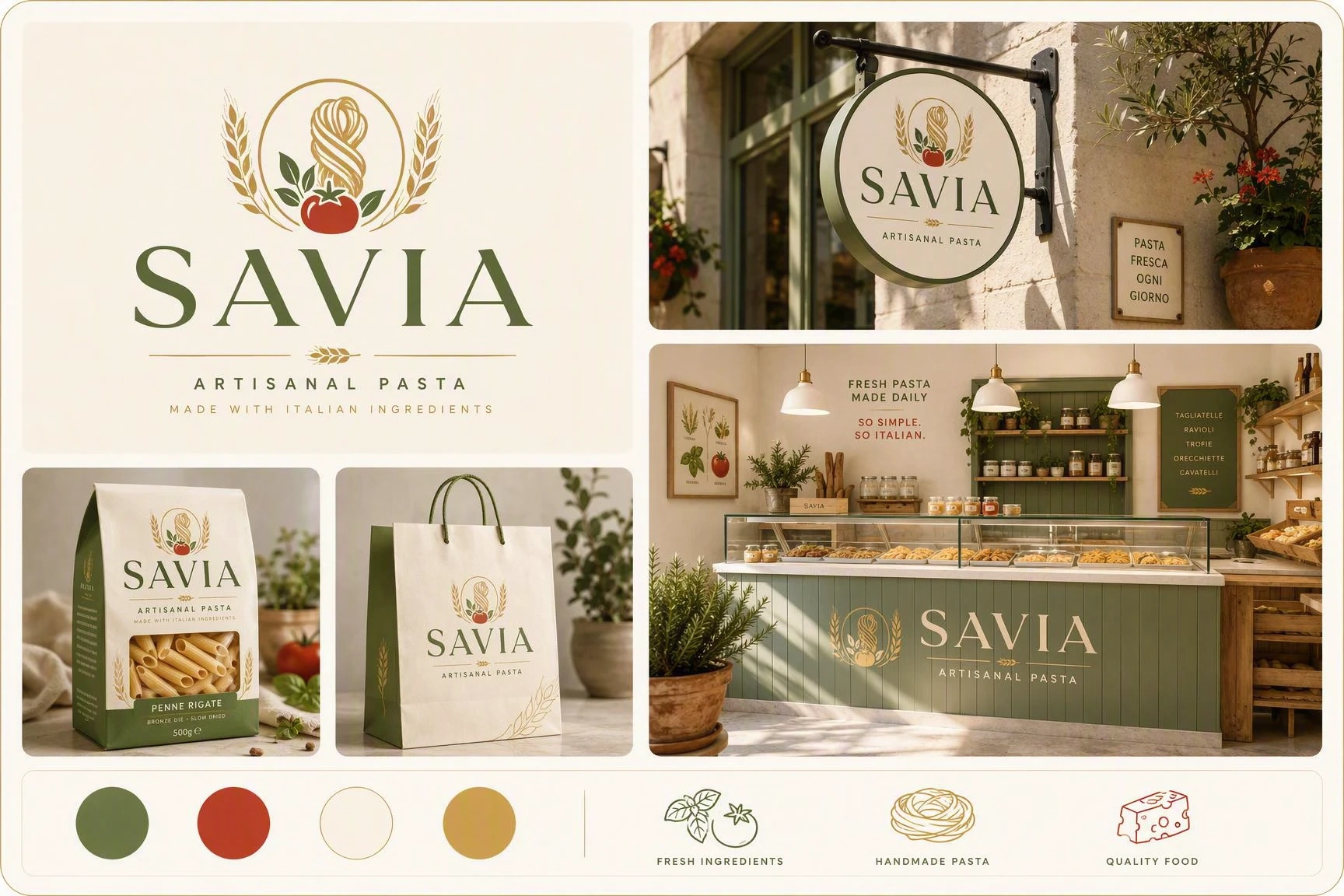
Strengthen brand recognition with a cohesive visual identity across every channel. Use your logo's colors, shapes, and visual language to create social media avatars, posters, marketing materials, and packaging designs. Keep your brand consistent across every piece of content.
Make your brand stand out in video with engaging animations. Use the AI video generator to add motion, transitions, and visual effects, then create brand intros and outros, short social videos, and promotional animations. Extend your brand’s visual identity across images and video to create more publish-ready content.
Step 1. Describe Your Idea and Add a Reference Image
Open SeaArt's AI Logo Generator and start a new creation. Enter your brand name, industry, style, colors, and graphic elements. If you have a sketch or reference image, upload it to guide the result.
Step 2. Choose the Model and Adjust the Composition
Select the AI model that best fits the logo style you want, such as GPT Image 2.0 or Nano Banana 2, and choose your preferred image aspect ratio. Adjust the composition and format based on where you plan to use your logo, then explore different styles and generate new variations.
Step 3. Generate, Refine, and Download Your Logo
Generate several logo concepts and choose the one that best represents your brand. Refine the prompt or create new versions to adjust the design, then download your logo for use in your content and brand materials.
Explore logo prompts for inspiration and discover designs that spark new ideas. Select a design you like and use SeaArt's AI logo generator to create a similar logo, or customize the design based on your brand's needs.
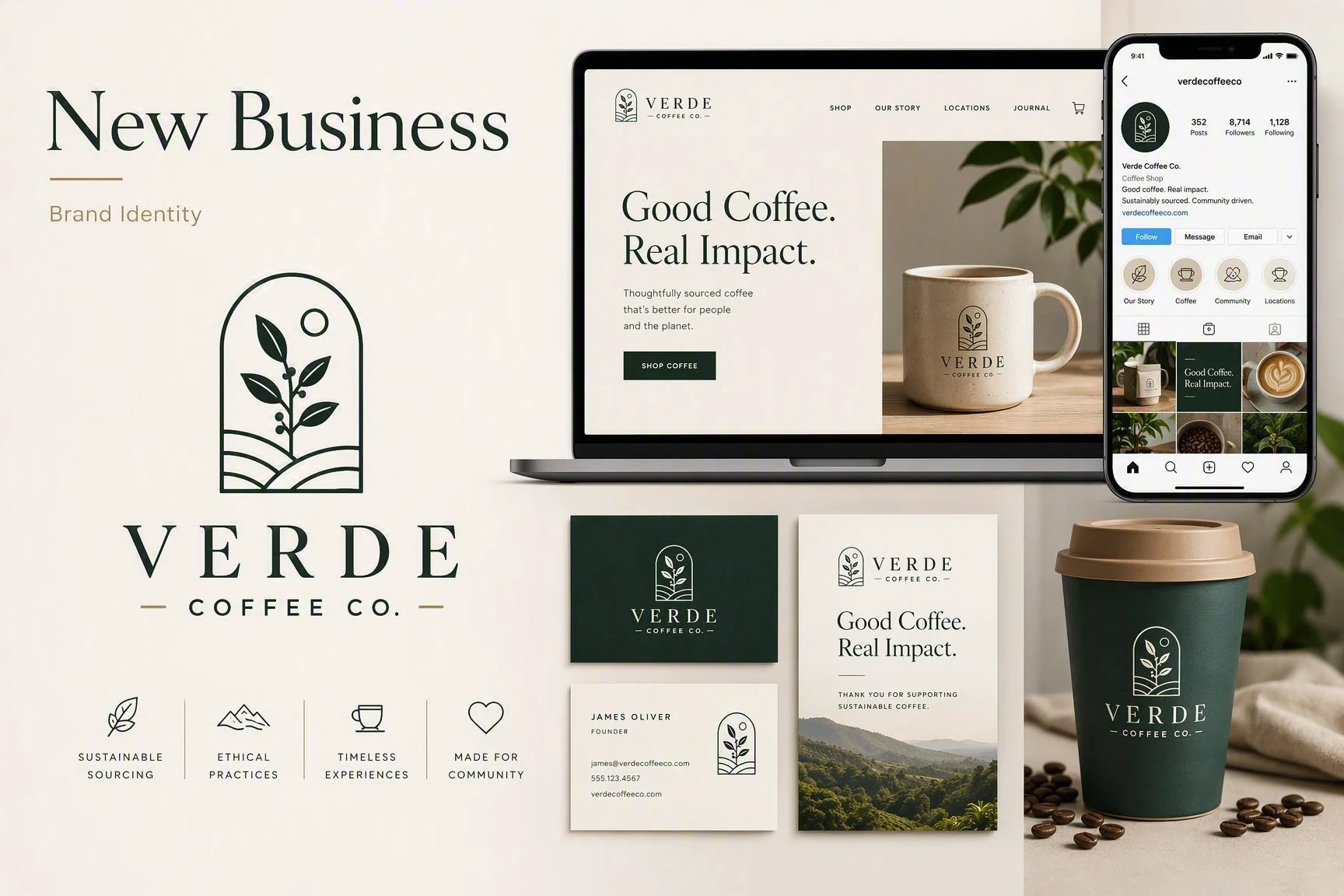
Build a visual identity for your new business without starting from scratch. Enter your brand name, industry, and desired style to explore logo concepts and define an identity that fits your project. Use it across your website, social media, and promotional materials to keep your brand consistent from day one.

Create AI Logos for Free
Start creating AI logos for free. Registered users receive free energy every day to generate designs, explore styles, and find a concept that fits their brand.

Easy to Use
Create a professional logo with no design experience or complex tools. Describe your idea in a prompt and optionally add a reference image to generate and refine your design easily on any device.

Powered by Advanced AI Models
Access more than 1 million AI models on SeaArt. Try advanced models such as GPT Image 2.0 and Nano Banana 2, which interpret your prompts accurately and generate detailed images that turn your ideas into professional logos.

Creative Freedom
Create a logo tailored to your brand without relying on pre-made templates. Describe the style, colors, and elements you want to include, then develop a design that fits your business or project.

Edit and Improve with AI
Refine your logo after it's generated without starting over. Use text instructions to modify colors, shapes, elements, or composition until the design fits your brand.

Download in High Resolution
Generate logos in resolutions up to 4K and download them as high-quality PNG files. Get crisp results for your website, social media, promotional materials, and other digital formats.

Results without Watermark
Download logo files without watermarks for social media, websites, and brand materials. Keep a clean version ready to share or present as part of your visual identity.

Get Inspired by the Community
Explore other creators' work to discover fresh ideas and new ways to express a brand. Find inspiration in the community and bring it into your own logo concepts.

What is an AI logo generator?

Can I create a logo with AI without design experience?
Yes. You don't need design experience or advanced tools like Photoshop or Illustrator. Simply describe your brand name, industry, style, colors, and desired graphic elements. You can also add a reference image to guide the result.
How do I write effective AI logo prompts?
Start with the essential details, then add specifics that shape the result. A useful structure is: brand name + industry + style + colors + symbol or graphic element + composition. For example: "Moonrise Coffee, artisanal coffee shop, minimalist style, brown and cream tones, coffee cup symbol, clean and balanced composition."
How do I create a logo from a sketch?
Upload your sketch to the AI logo generator as a reference image and describe what you want to keep or change. It can use the sketch's shapes, composition, and key elements as a starting point for developing a more complete logo concept.
Can I create a logo with a transparent background?
SeaArt AI image models do not generate transparent-background logos directly. Generate your logo first, then use the AI background remover to create a transparent version.
Can I create a logo for free with SeaArt?
Yes. Registered SeaArt users receive 130 free stamina each day for AI creation. You can also join community activities to earn additional credits and keep creating with AI.
Can I use an AI-generated logo commercially?
Commercial use of an AI-generated logo depends on the applicable terms of use. Before using it as your brand identity, review SeaArt's terms and make sure the design doesn't contain protected content or third-party elements.
Turn your brand idea into a logo with SeaArt. Start with a name, concept, or reference image, then refine the design to match your brand.